
NoteNow: Quick Notes
Capture ideas in the moment
Designed for iPhone, iPad, iPod touch
Free
- Age rating4+
- CategoryProductivity
- DeveloperGenuity Group, LLC
- LanguagesEnglish
- Size6.5 MB
Links to the official App Store page
Download.org hosts no file of NoteNow: Quick Notes. The button opens its official App Store page, published by Genuity Group, LLC. Listing last checked on Nov 23, 2026.
Screenshots
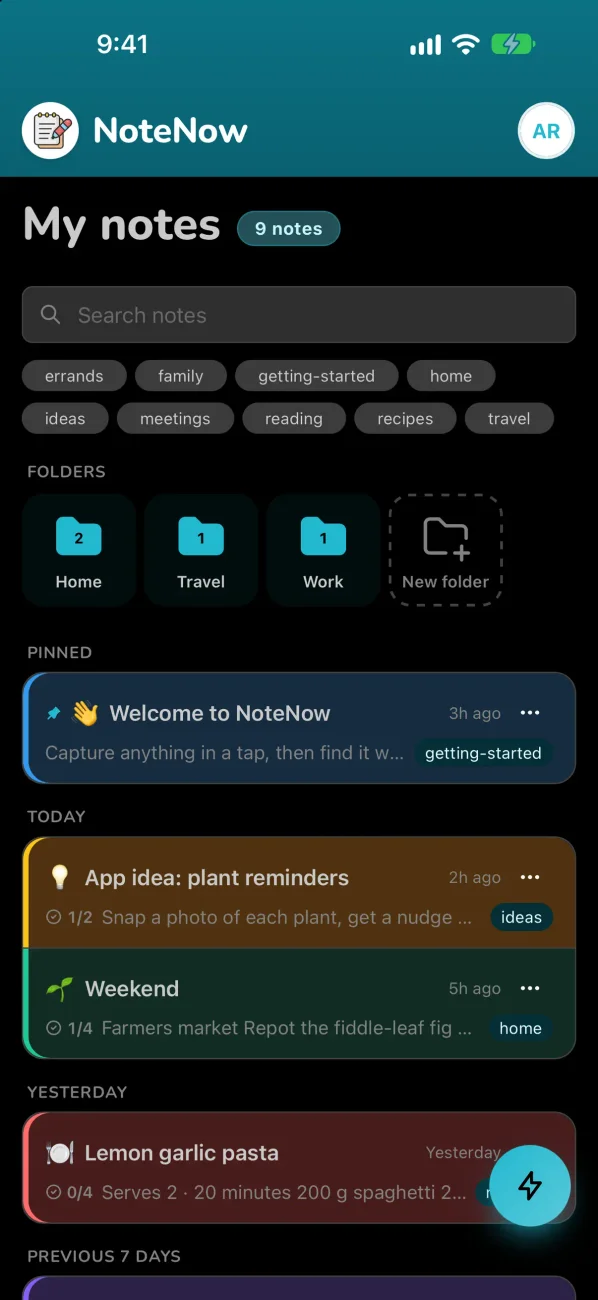
About
NoteNow is a fast, simple place for everything you want to remember. Open it, pull down, and start typing. Your note is saved and synced before you've put your phone away.
CAPTURE IN SECONDS
• Pull down on your notes to start a new one instantly
• Long-press the NoteNow icon, or ask Siri, to start a note
• Add a New Note button to Control Center or your Lock Screen
• Dictate with the microphone on your keyboard
• Share text, links and photos to NoteNow from any app
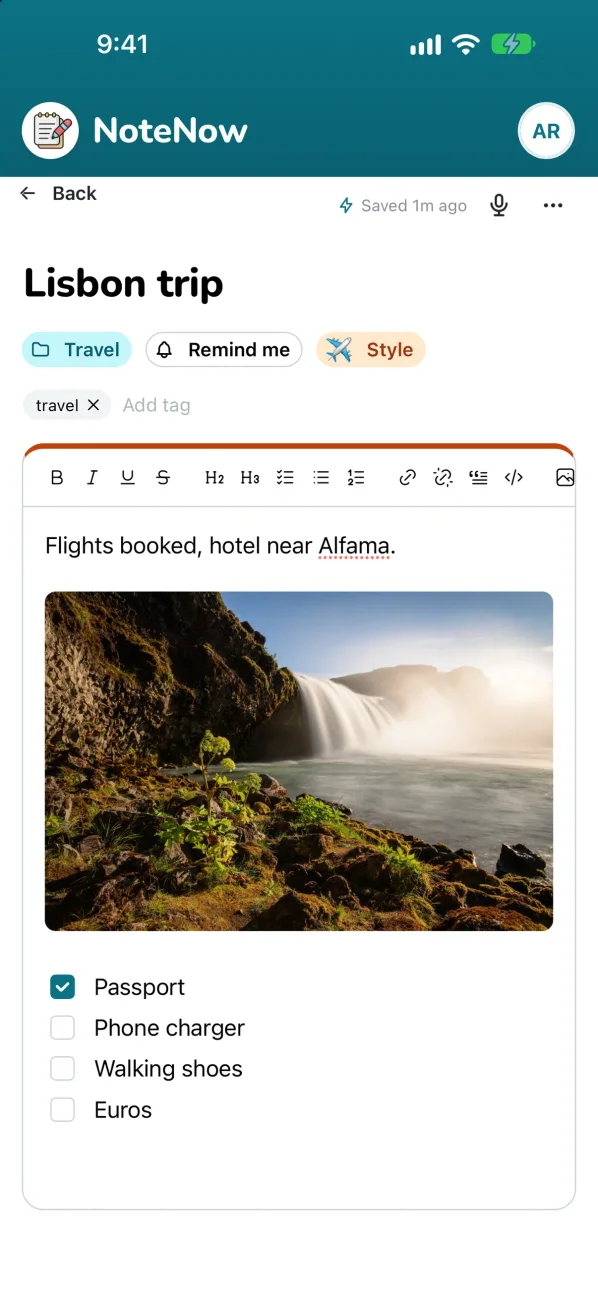
• Snap a photo or add one from your library
MORE THAN PLAIN TEXT
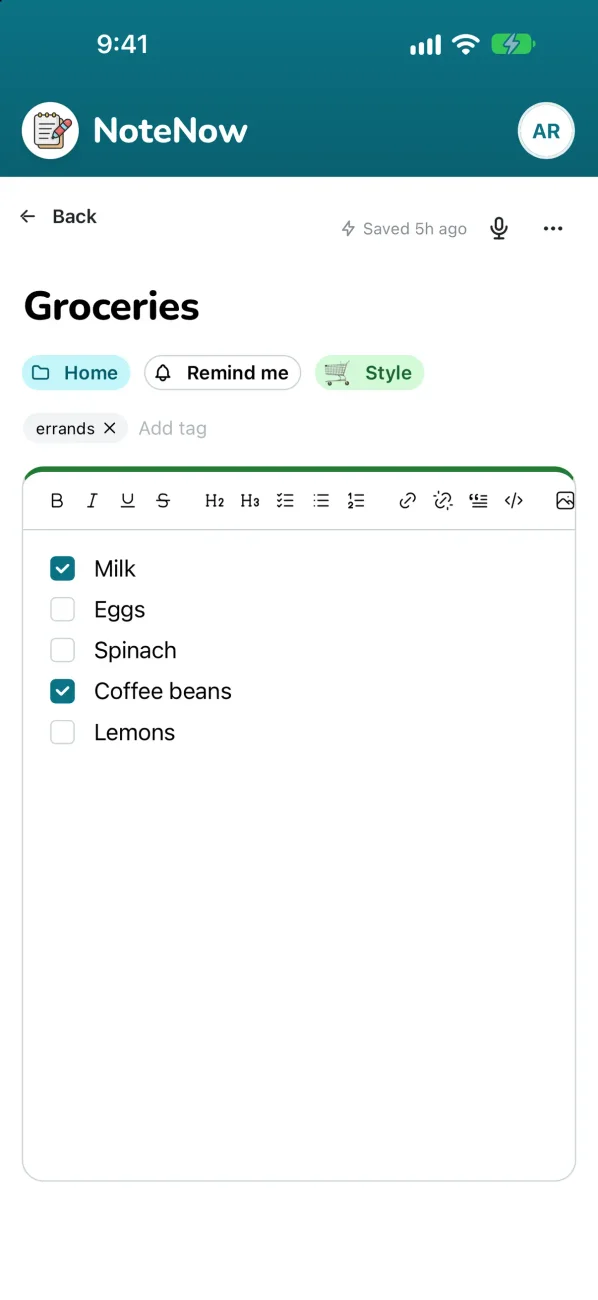
• Checklists you can tick off as you go
• Headings, bold, bullet and numbered lists
• Photos right inside your notes
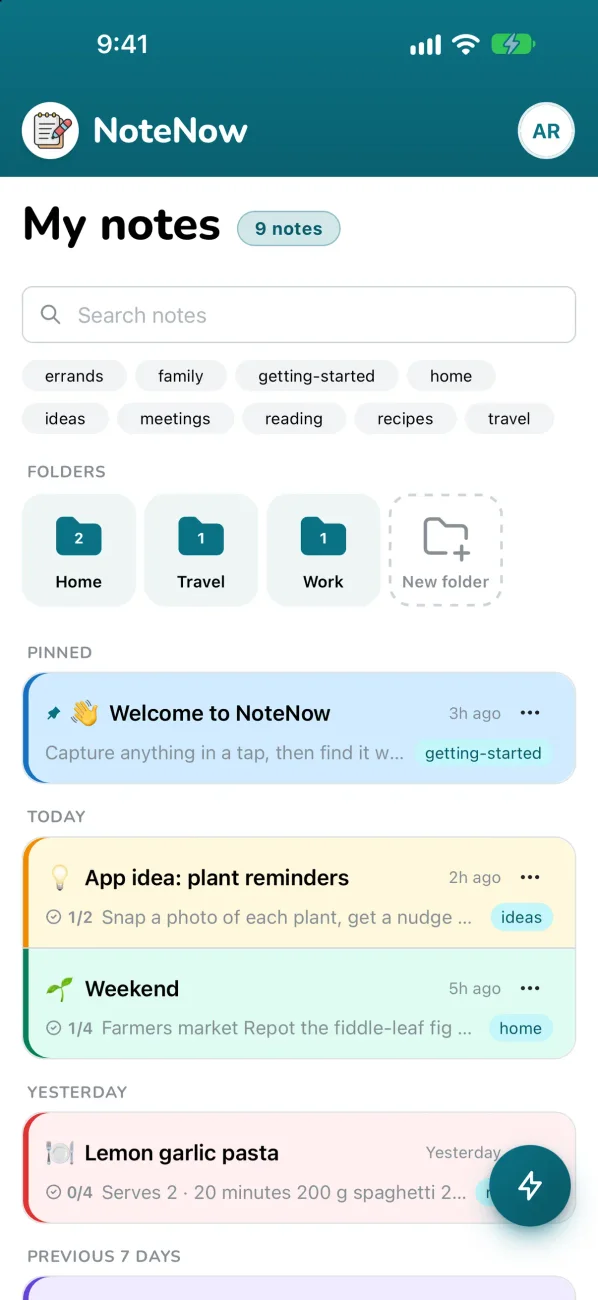
• A color and an emoji for each note, so the important ones stand out
STAY ORGANIZED
• Folders: drag a note onto a folder to file it
• Tags to group notes across folders
• Pin the notes you need most to the top
• Search every note in an instant
NEVER FORGET
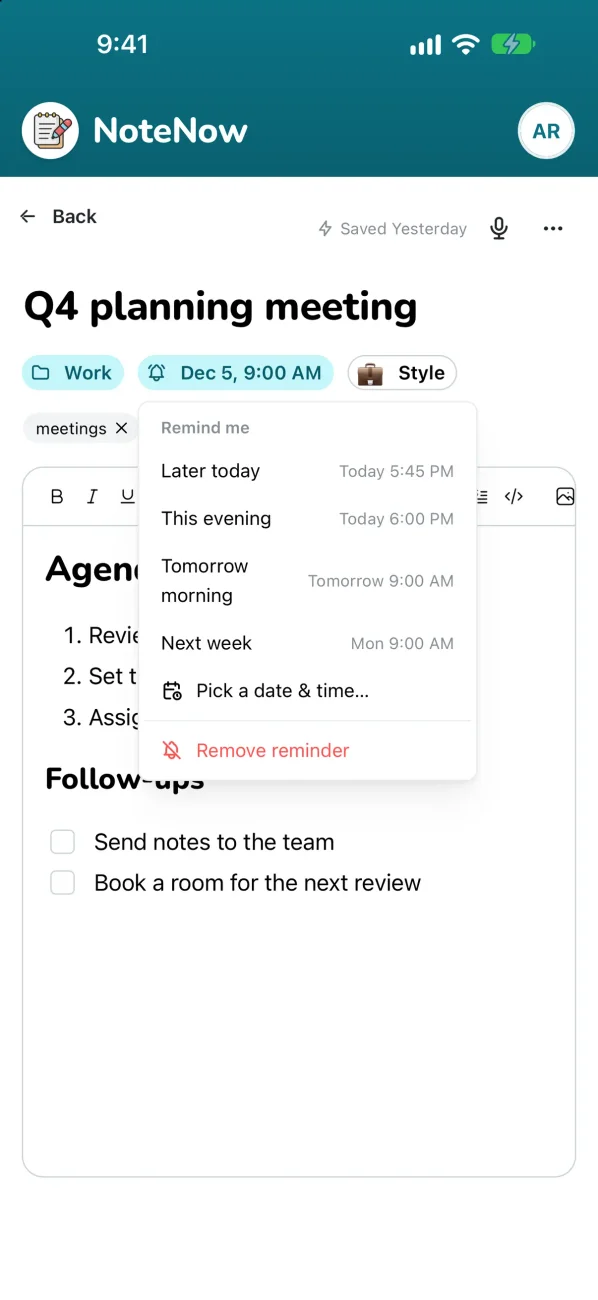
• Set a reminder on any note
• Tap the notification to jump straight to it
EVERYWHERE YOU ARE
• Your notes sync between iPhone, iPad and notenow.vercel.app
• Works offline. Changes sync when you're back online
• Side-by-side list and note on iPad and iPhone Duo
MADE FOR YOU
• Light and dark mode, plus nine accent colors that follow you to every device
• Sign in with Apple, or with your email
PRIVATE BY DESIGN
No ads. No tracking. Your notes are used only to run NoteNow, never sold or shared. Delete your account and everything in it at any time, right from the app.
Questions or ideas? We'd love to hear from you at notenow.vercel.app/support.
What’s new
Version 1.1 · Nov 9, 2026
• Start a note from anywhere: long-press the NoteNow icon, ask Siri ("New NoteNow note"), or add a New Note button to Control Center, your Lock Screen or the Action button.
• Made for iPhone Duo: NoteNow fits both screens, with your list and note side by side when unfolded.
• Your accent color and Light/Dark setting now follow you to all your devices.
• List and note side by side on more screen sizes.
App privacy
What Genuity Group, LLC declares on the App Store about how this app handles data.
-
Data not linked to you
May be collected but is not linked to your identity.
- Contact info
- User content
- Identifiers
Privacy practices may vary, for example with the features you use or your age.
Information
- Seller
- Genuity Group, LLC
- Category
- Productivity
- Version
- 1.1
- Updated
- Nov 9, 2026
- Released
- Nov 6, 2026
- Size
- 6.5 MB
- Requires
- iOS 15.0 or later
- Age rating
- 4+
- Price
- Free
- Languages
- English
- Copyright
- © 2026 Genuity Group
You might also like
-
 Car Notes: Voice MemosVoice Notes for Drivers
-
 Quick Note: Sticky Notes MenuFloating Memo, Todo & Widget
-
 GeoLibreCloud-Native GIS Platform
-
 Orbit: LiDAR 3D ScannerScan as much as you like
-
 SafeRide Driver (NEMT)Productivity
-
 Fast Messaging - Just Tap SendQuick-Fire Message Templates
-
 Drones for DJIGo Fly Assistant for Drones
-
 Inner AIPowered by GPT-5 and top AIs
-
 CAD FastView: DWG ViewerDWG,DXF,DWT Viewer -CAD viewer
-
 Sticky Notes + Widget MemoColor Stickies with iCloud