
NoteOCR - Handwriting to Text
Convert Notes to Word & Excel
Designed for iPhone, iPad, iPod touch
Free · In-app purchases
- Age rating4+
- CategoryProductivity
- DeveloperCHUKWUDALU DANIEL ATU
- LanguagesEnglish
- Size47.2 MB
Links to the official App Store page
Download.org hosts no file of NoteOCR - Handwriting to Text. The button opens its official App Store page, published by CHUKWUDALU DANIEL ATU. Listing last checked on Nov 12, 2026.
Screenshots
About
NoteOCR – Handwriting to Text Converter
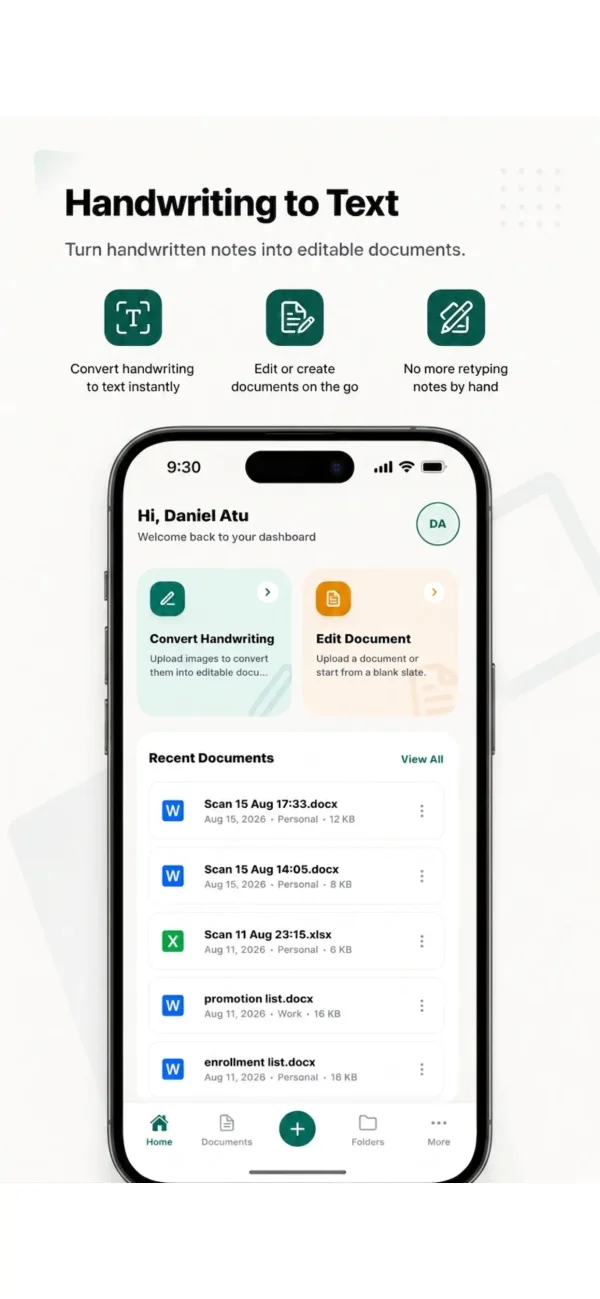
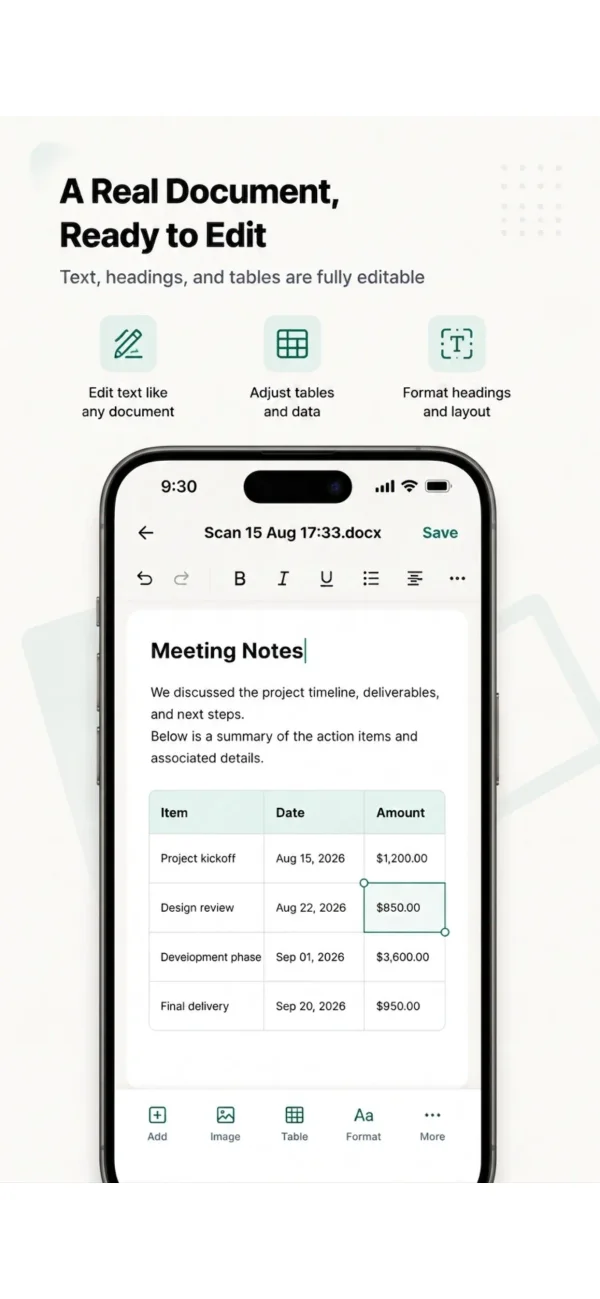
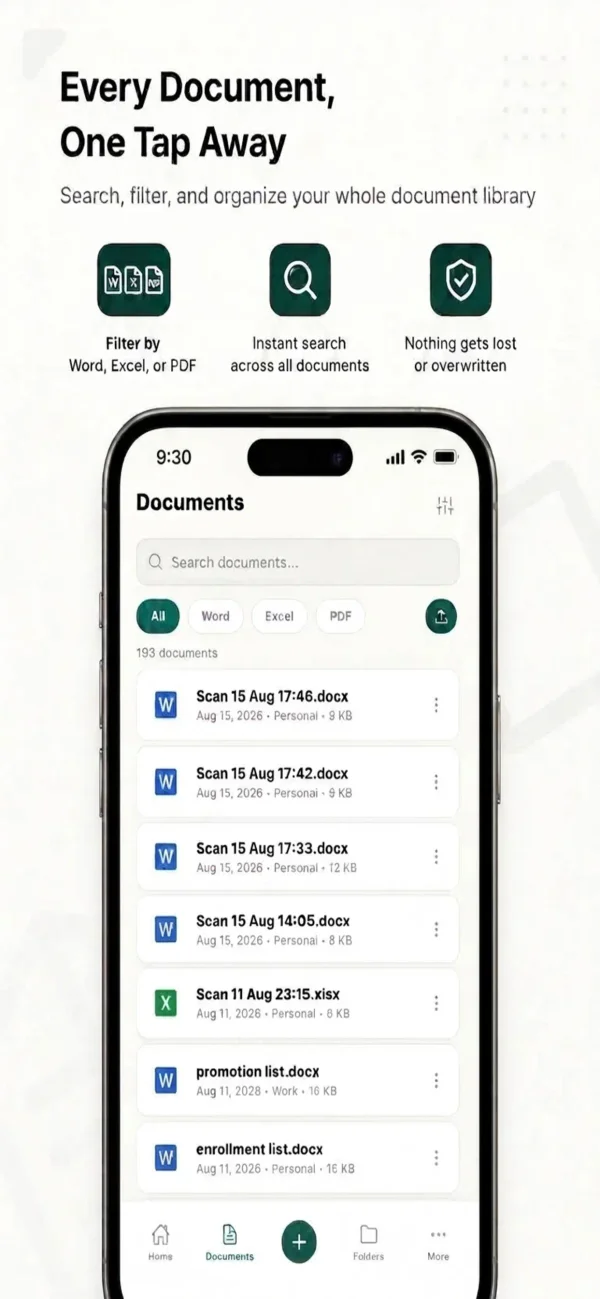
Turn handwritten notes into clean, formatted digital documents in seconds. NoteOCR uses AI-powered ICR (Intelligent Character Recognition) to scan your handwriting and convert it into editable Word and Excel files, not just raw text, but a properly formatted document that looks like the page you wrote.
WHY NOTEOCR
Most OCR scanner apps just dump your handwriting into a messy text box. NoteOCR is different: our Engine reads your handwriting, including cursive, and reconstructs the layout, headings, bullet points, tables, and paragraphs so you get a document ready to edit, not a wall of text to clean up.
KEY FEATURES
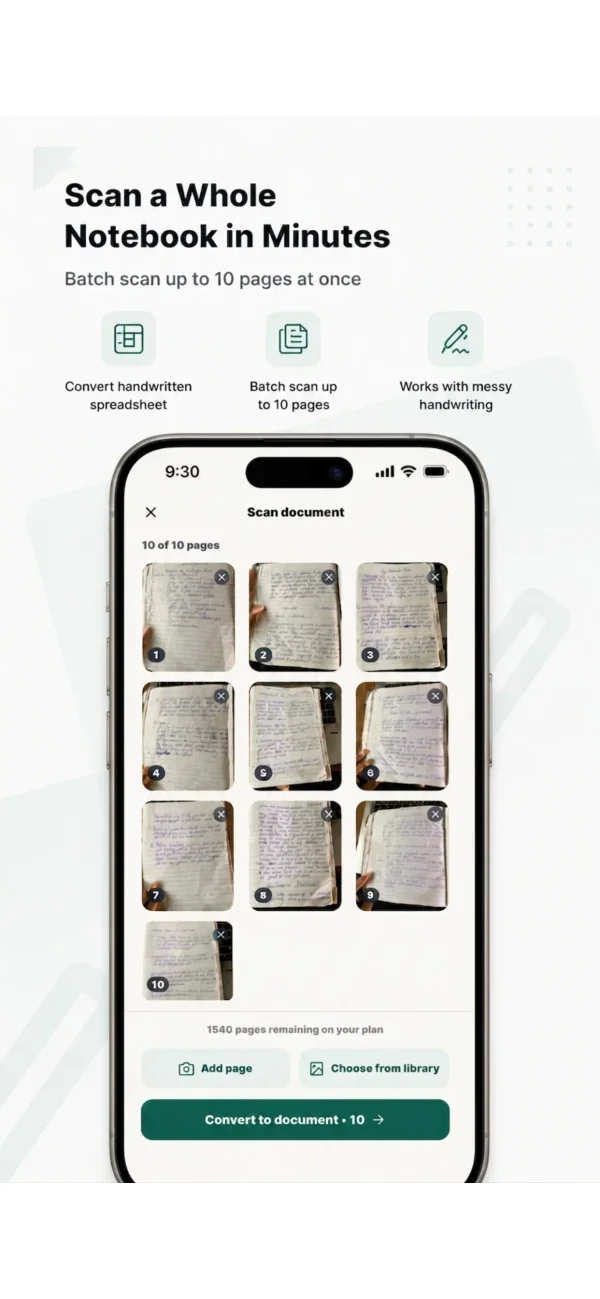
* Handwriting to text conversion — snap a photo of any handwritten page and transcribe it instantly, even messy handwriting or cursive
* Photo scan & image to text — turn any picture, screenshot, or scanned image into editable digital text
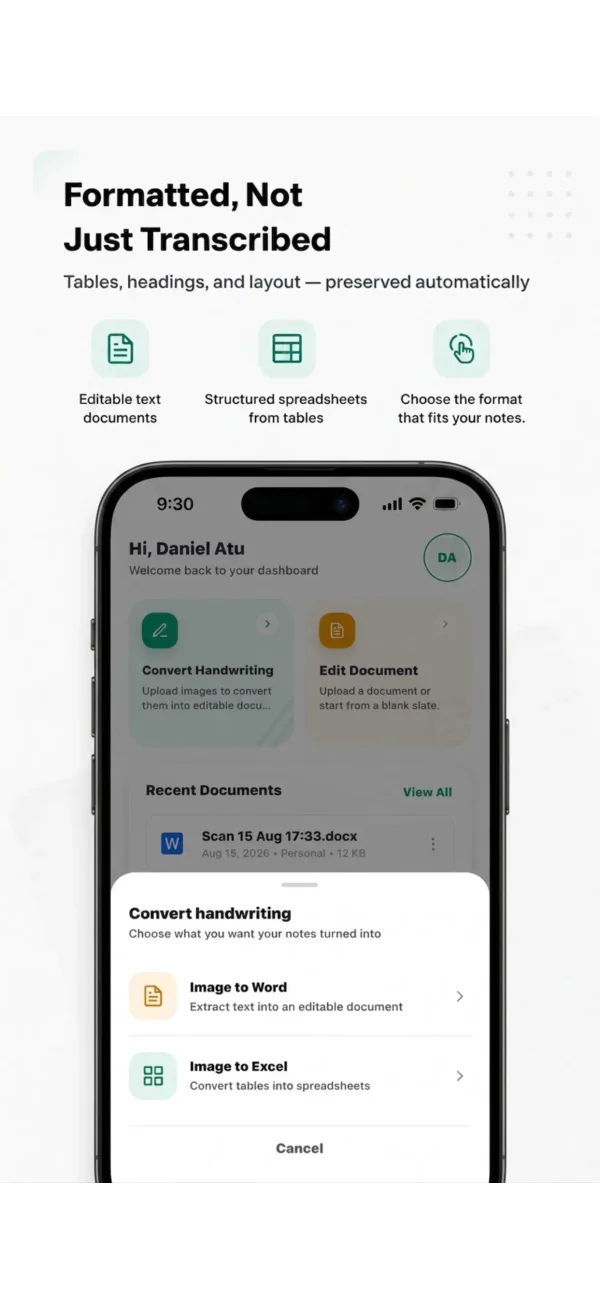
* Export to Word & Excel — download your notes as a formatted .docx or .xlsx file, ready to share or edit
* Smart document digitize — journal entries, class notes, meeting memos, receipts, letters, and old documents all convert cleanly
* Cloud storage — securely save and access your digitized notes and documents from any device
* Table & data recognition — convert handwritten tables, lists, and structured data into properly formatted spreadsheets
* Fast transcribe engine — get results in seconds, not minutes
WHO USES NOTEOCR
Students digitizing lecture notes and study guides. Professionals converting handwritten meeting memos into shareable Word documents. Anyone with a stack of paper notes, old journal entries, or handwritten receipts they want searchable and backed up. Writers transcribing handwritten drafts. Researchers and genealogists digitizing old letters and documents.
HOW IT WORKS
1. Take a photo or upload an image of your handwritten page
2. NoteOCR’s AI scans and transcribes the handwriting
3. Review your formatted document
4. Export as Word, Excel, or PDF, or save it to your NoteOCR cloud account
From a single handwritten note to a full notebook, NoteOCR turns your handwriting into a document you can actually use — search it, edit it, and share it in the format you need.
Download NoteOCR today and stop retyping your handwritten notes by hand.
App privacy
What CHUKWUDALU DANIEL ATU declares on the App Store about how this app handles data.
-
Data linked to you
May be collected and linked to your identity.
- Contact info
- User content
Privacy practices may vary, for example with the features you use or your age.
Information
- Seller
- CHUKWUDALU DANIEL ATU
- Category
- Productivity
- Version
- 1.0
- Updated
- Sep 8, 2026
- Released
- Sep 8, 2026
- Size
- 47.2 MB
- Requires
- iOS 15.1 or later
- Age rating
- 4+
- Price
- Free
- In-app purchases
- Yes
- Languages
- English
- Copyright
- © 2026 NoteOCR
You might also like
-
 TableScan StudioProductivity
-
 HandNote: Handwriting OCRNotes to Text & PDF
-
 Okalto: PDF Scanner & OCRScan Receipts, Sign Documents
-
 Ink2Post: Handwriting to TextSnap Journal, Note, Whiteboard
-
 Handwriting to Text - GlyphNote & Whiteboard Scanner, OCR
-
 ScanReceipts: Receipt to ExcelBudget Planner & Expenses
-
 Textify: Handwriting to TextExtract text from any image
-
 Lumina FloEnergy Planner for ADHD brains
-
 BlueNotess: AI Notes & PDFHandwritten notes & PDF
-
 Unscribble Handwriting to TextCursive OCR, Image & Note Scan