
- Age rating4+
- CategoryProductivity
- DeveloperAlex Geana
- LanguagesEnglish
- Size4.7 MB
Links to the official App Store page
Download.org hosts no file of Noter: Sticky Notes. The button opens its official App Store page, published by Alex Geana. Listing last checked on Nov 18, 2026.
Screenshots

About
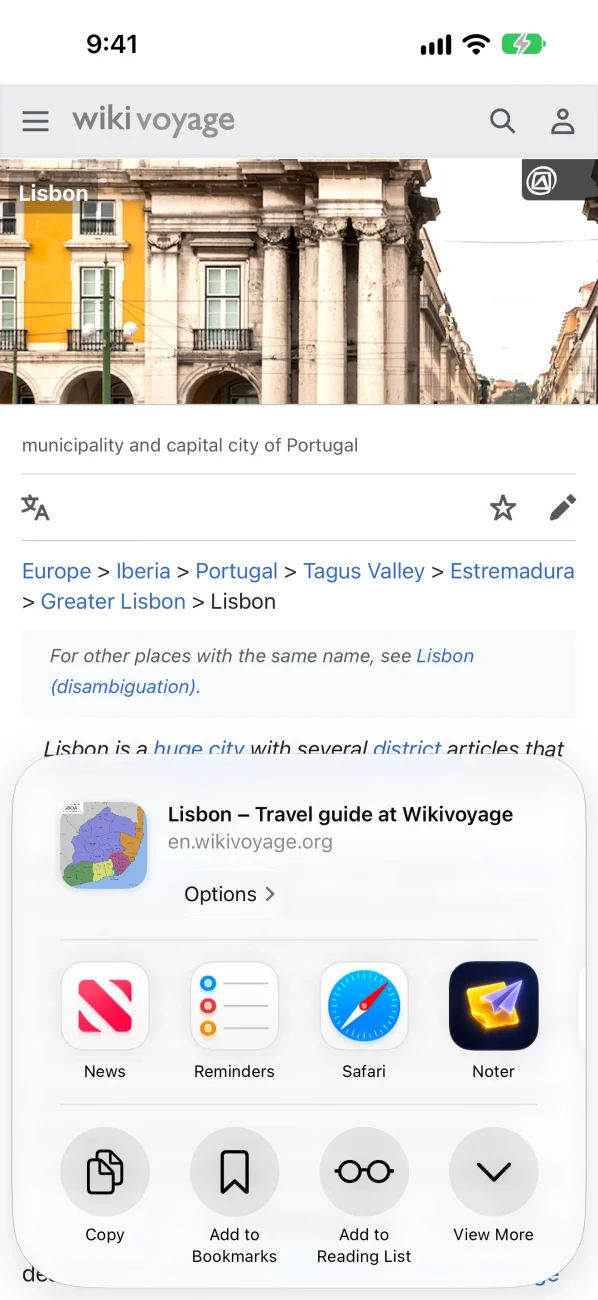
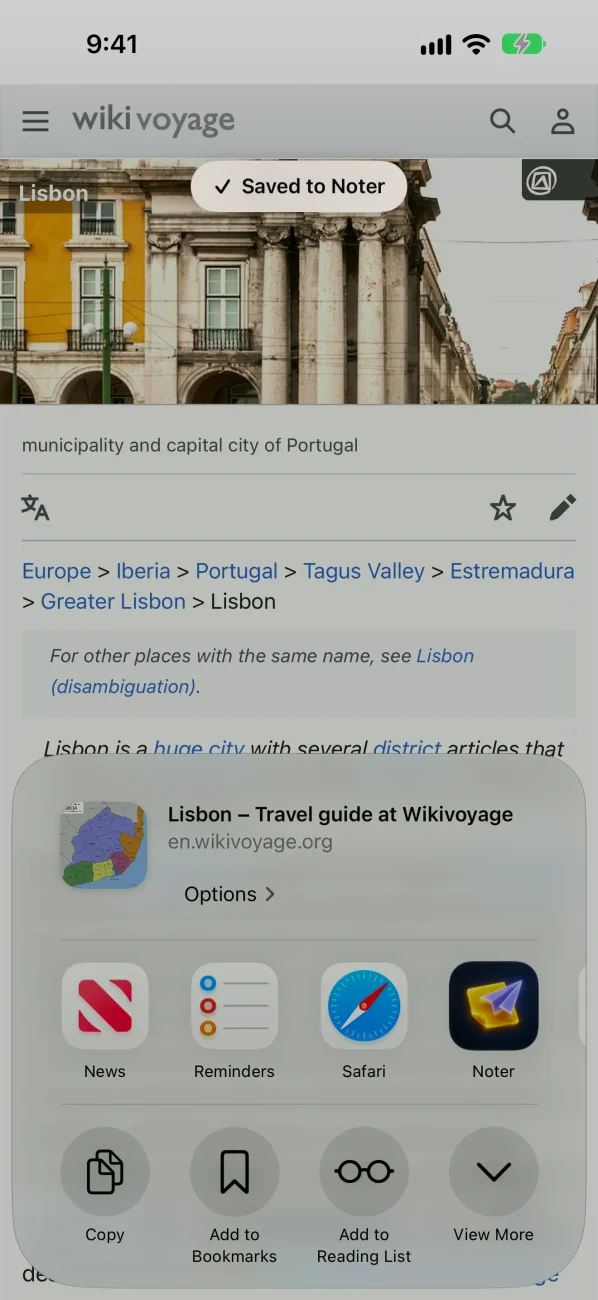
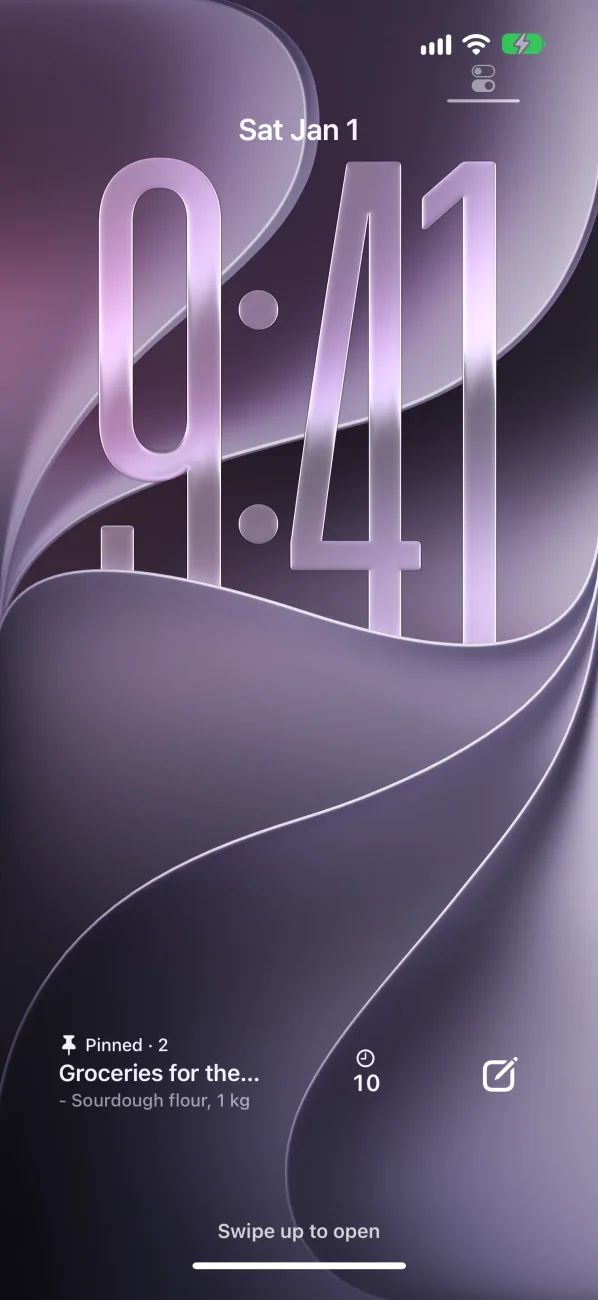
Share a link, some text, a photo or a PDF to Noter and it becomes a note. The share sheet saves it straight away, without opening the app, and the note shows up on your other devices.
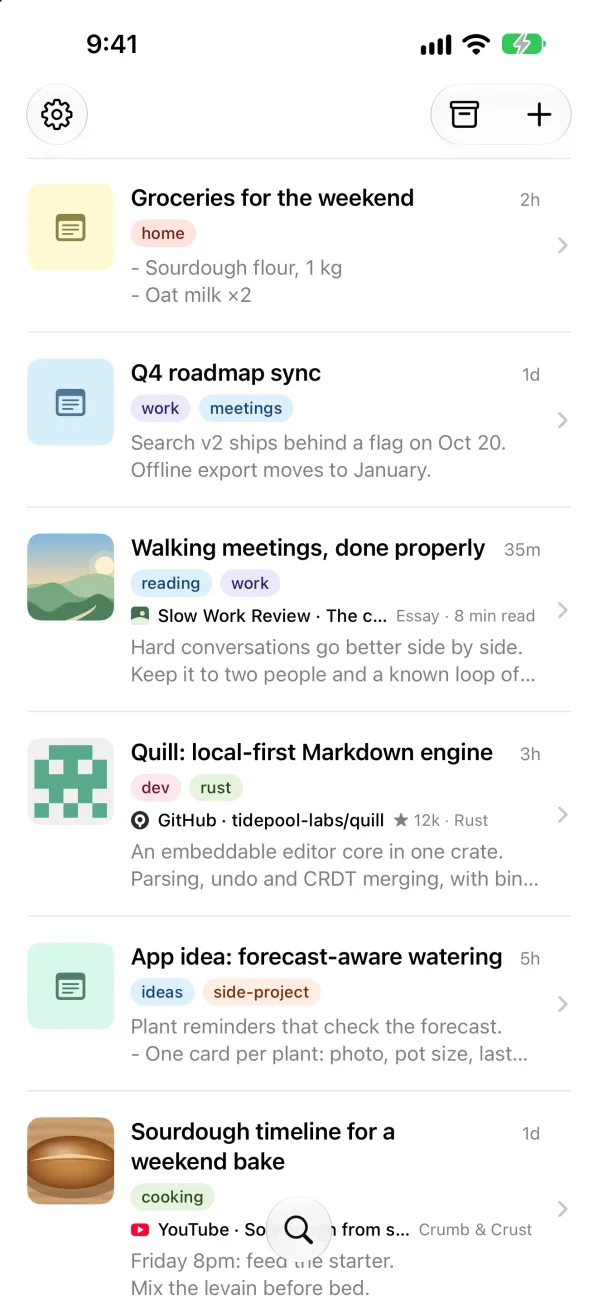
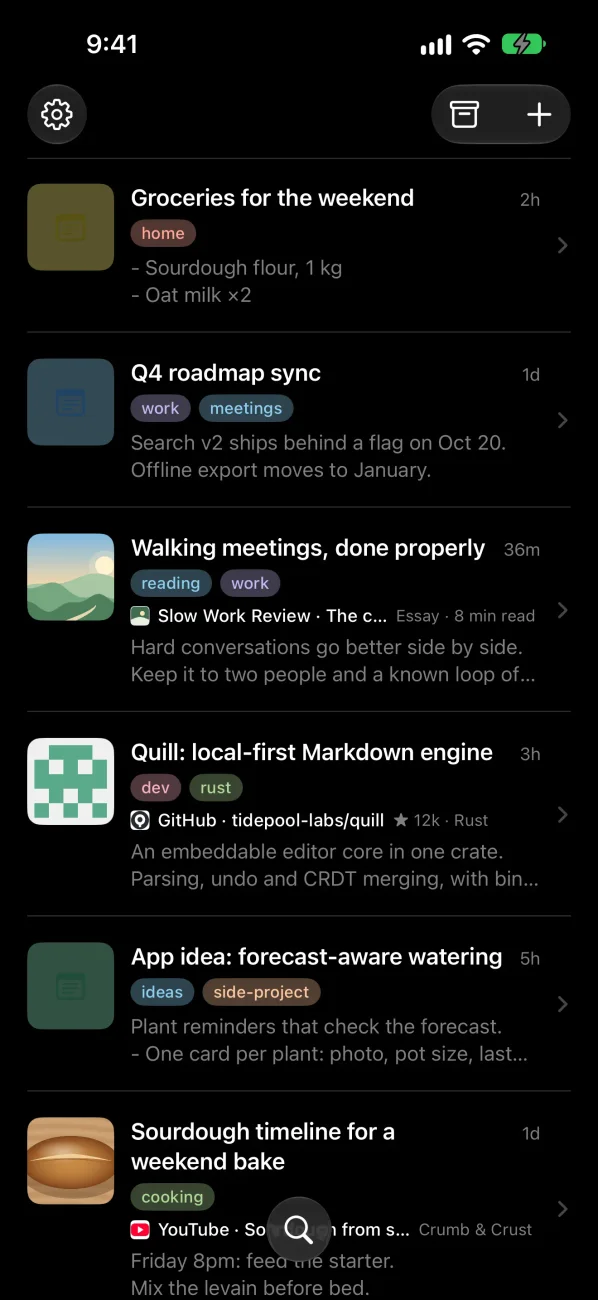
A note with a link gets a preview card with the page's title, image and description. GitHub, Reddit, YouTube, Hacker News and X links also get a detail line, like stars, points, comments or the channel.
If you add an API key from Anthropic, OpenAI or Google Gemini, Noter writes a title, a short summary and tags for each note you share. The key stays in your keychain and the request goes from your phone straight to that provider. Edit the title or body yourself and Noter leaves your text alone.
The rest is a plain notes app:
1. Pinned notes on top, then the most recent.
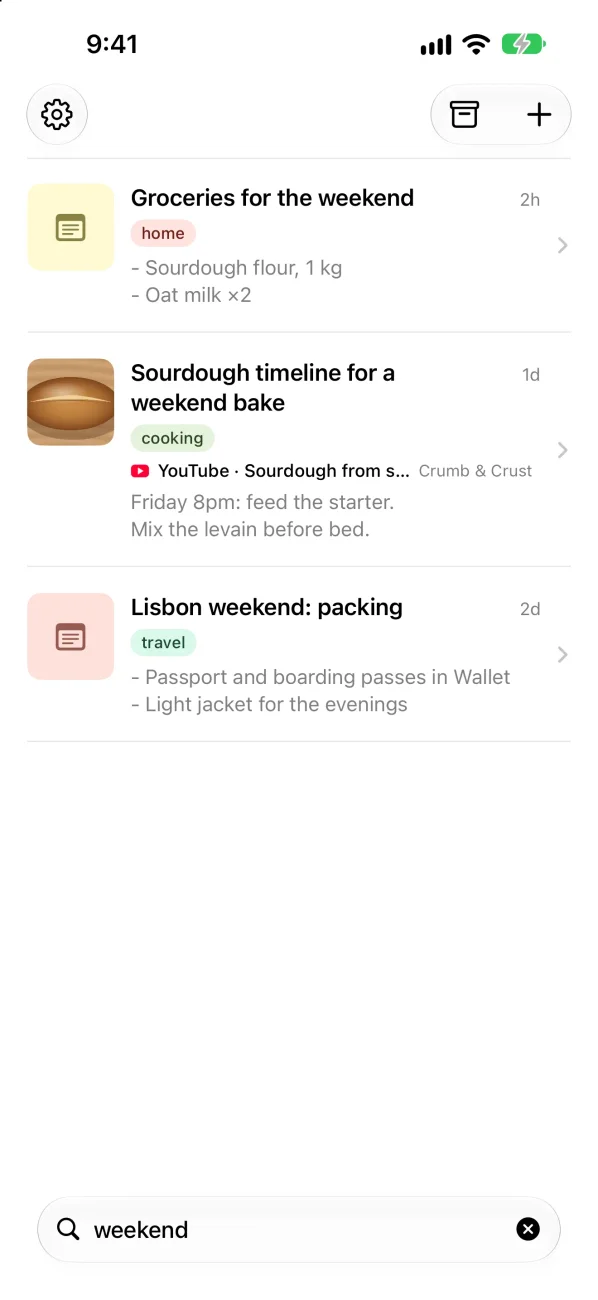
2. Search over titles, bodies, tags and link previews.
3. Tags that suggest the ones you already use, each with its own color.
4. Pin, archive, share or delete from the note's menu. A delete can be undone for six seconds, or by shaking the phone.
5. Home and lock screen widgets for pinned notes, recent notes, or a new note.
Notes sync through your private iCloud database. Noter has no account, no analytics and no server of mine in the middle.
Noter for Mac is free and open source at github.com/hex/Noter. It keeps your notes as a row of dots on the edge of the screen, and has a command line and an MCP server, so coding agents can read and write notes too.
What’s new
Version 2026.10.3 · Oct 23, 2026
If you tap Done while a note is still loading from iCloud, Noter shows a "Not Saved Yet" message and keeps your text.
App privacy
What Alex Geana declares on the App Store about how this app handles data.
-
Data not collected
The developer does not collect any data from this app.
Privacy practices may vary, for example with the features you use or your age.
Information
- Seller
- Alex Geana
- Category
- Productivity
- Version
- 2026.10.3
- Updated
- Oct 23, 2026
- Released
- Oct 16, 2026
- Size
- 4.7 MB
- Requires
- iOS 17.0 or later
- Age rating
- 4+
- Price
- Free
- Languages
- English
- Copyright
- © 2026 Alexandru Geana
You might also like
-
 Thought Meadow - Private NotesWrite offline. Keep it yours.
-
 MacroMarkVoice Capture for Markdown
-
 NexReader: Markdown ReaderRead .md files beautifully
-
 Tuck: Private FeedSave posts, articles & videos
-
 Cue — Read LaterA cozy corner for your links
-
 MinDrop: Notes & RemindersSticky notes that remind you
-
 Winter CalendarYour week, written for you
-
 QuirepadCollect text as you browse
-
 Atelier DazzlePresentations simplified
-
 Atelier LibrettoDocuments simplified