MinDrop: Notes & Reminders
Sticky notes that remind you
Designed for iPhone, iPad
Free
- Age rating12+
- CategoryProductivity
- DeveloperAniel Reyes
- LanguagesEnglish
- Size20.0 MB
Links to the official App Store page
Download.org hosts no file of MinDrop: Notes & Reminders. The button opens its official App Store page, published by Aniel Reyes. Listing last checked on Nov 15, 2026.
Screenshots


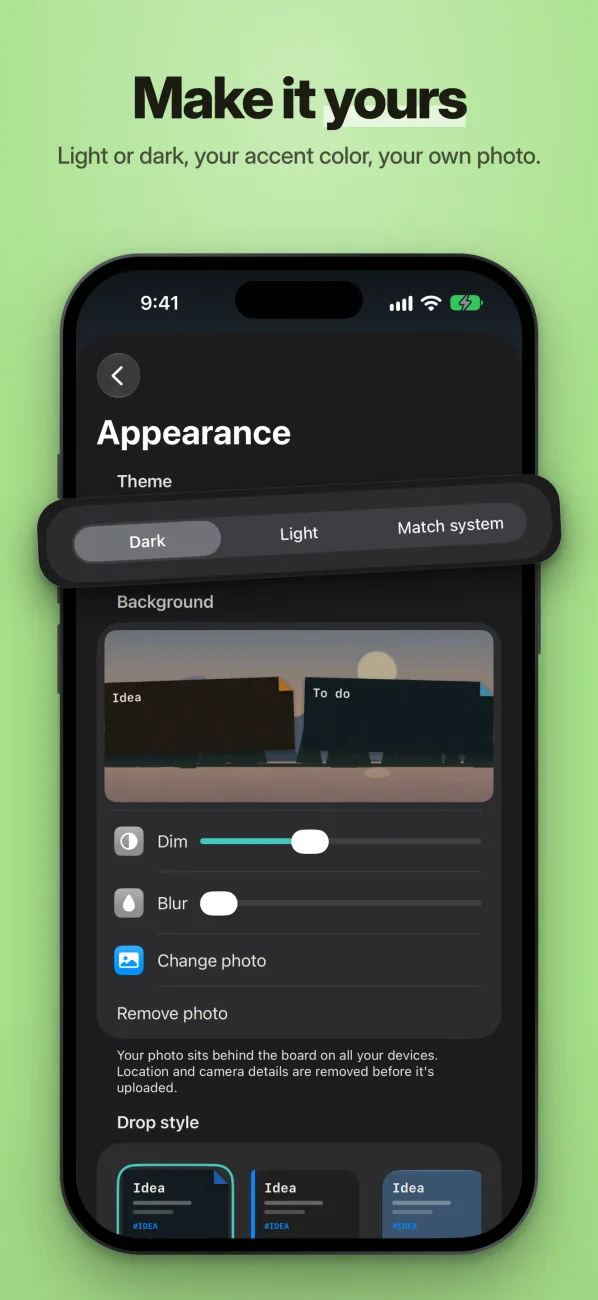
About
MinDrop is a board of sticky notes for everything you need to remember. Write it down in a second, find it later, and get a nudge when it matters. It's free, with no ads.
MinDrop is in early access, so sign-ups are by invite for now. You can request one from the sign-in screen or at mindrop.app.
CAPTURE IT WHEREVER YOU ARE
• Type a drop on the board, or tap a Home Screen widget.
• Forward an email or send a text to MinDrop and it lands on your board.
• Share a link, photo or file from any app through the share sheet.
• Set the Action Button to Tell Mia, hold it, and say what you need.
NOTES, LISTS AND REMINDERS
Every drop is one of three things. A note keeps a thought. A list has checkboxes and is done when every box is ticked. A reminder has a time, can repeat, and notifies you when it's due. Color tags, pins and search keep the board tidy, and reminders sync both ways with Apple Reminders.
TODAY
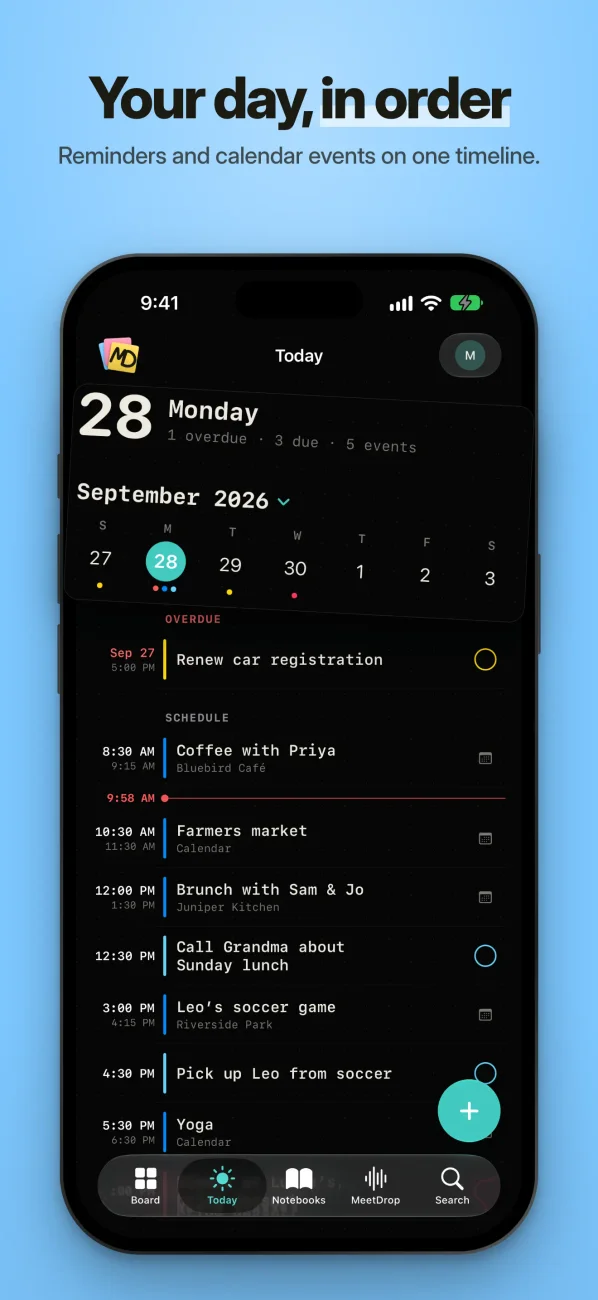
Today puts your reminders and your calendar events on one timeline, so you can see the whole day at a glance.
WIDGETS, LIVE ACTIVITIES AND APPLE WATCH
Widgets keep your next reminders on the Home Screen and Lock Screen. When a reminder is coming up, a Live Activity shows it on the Lock Screen. On Apple Watch you can record a meeting with MeetDrop right from your wrist.
EARLY ACCESS: MIA AND MEETDROP
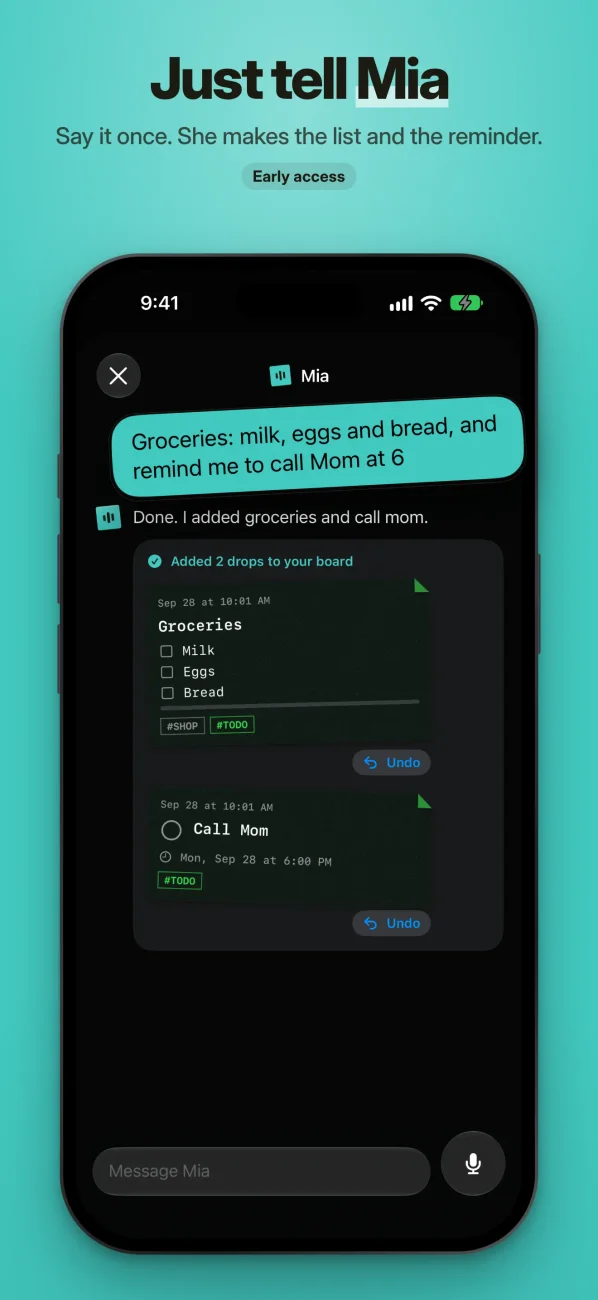
Mia is an assistant for your board. Say or type "milk, eggs and bread, and remind me Friday at 6 to call Mom" and she makes the list and the reminder for you.
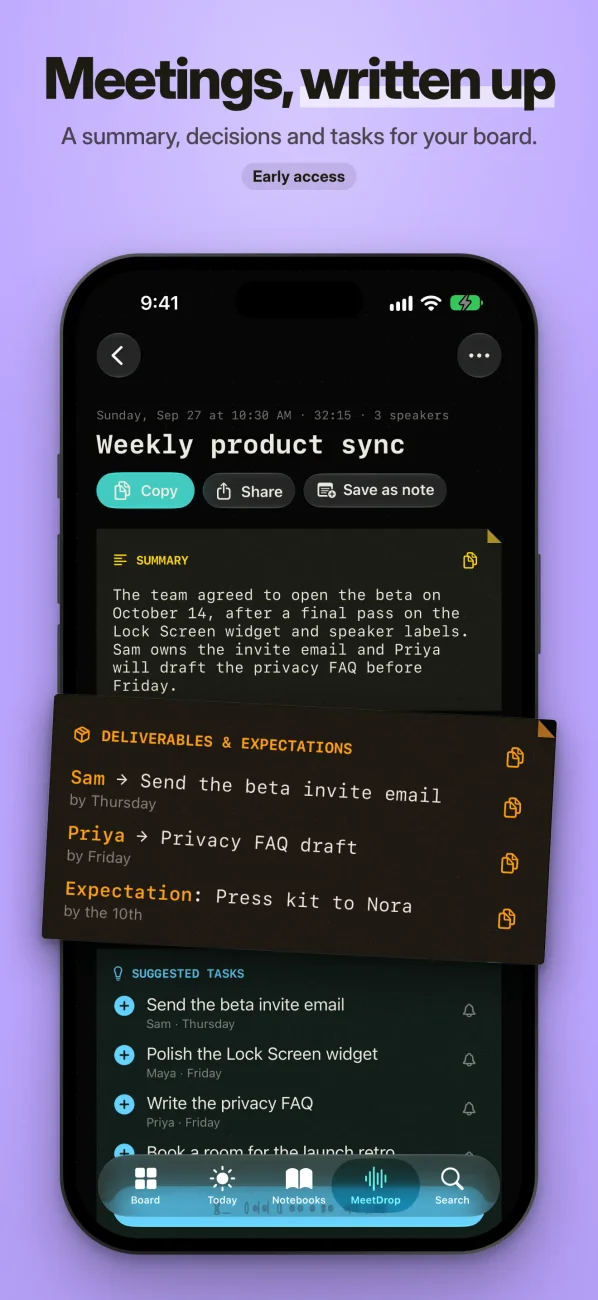
MeetDrop takes notes in your meetings. Record on iPhone or Apple Watch and you get a summary, decisions and suggested tasks you can add to your board. The audio is deleted once the transcript is ready.
During early access we turn these on per account, at no charge.
TWO ACCOUNTS
Keep work and personal apart. Add a second account and switch between them from your profile picture.
PRIVATE BY DEFAULT
Your drops are encrypted for your account. There are no ads and no tracking, and we don't sell your data. You can lock the app with Face ID and delete your account from Settings at any time.
Questions or ideas: support@mindrop.app
What’s new
Version 2.0.4 · Oct 14, 2026
- New first-run setup: a quick welcome, confirm your email and phone with a code, add your first drop and invite a friend.
- A "Finish setting up" note on your board shows what's left. Tap Go on any row, or hide it.
- Asking for an invite now ends on a clear "Check your inbox" card.
- Open a drop and it floats as a paper card in the middle of the screen, with Remind me and more in easy reach.
- Pinned drops get a push-pin.
- Pick what the board shows from the title menu: everything, notes, lists or reminders.
- Sets stack like a pile of notes. Undo sits next to the + button, and deleting asks first.
- Friends: see faces at the top and add someone with a short code.
- Smoother motion, a cleaner share sheet, and better Live Activities and notifications.
- Fixes: typing in a list no longer jumps, and swiping back from a notebook works again.
App privacy
What Aniel Reyes declares on the App Store about how this app handles data.
-
Data linked to you
May be collected and linked to your identity.
- Contact info
- User content
- Identifiers
- Diagnostics
-
Data not linked to you
May be collected but is not linked to your identity.
- Contact info
Privacy practices may vary, for example with the features you use or your age.
Information
- Seller
- Aniel Reyes
- Category
- Productivity
- Version
- 2.0.4
- Updated
- Oct 14, 2026
- Released
- Oct 5, 2026
- Size
- 20.0 MB
- Requires
- iOS 26.0 or later
- Age rating
- 12+
- Price
- Free
- Languages
- English
- Copyright
- © 2026 Aniel Reyes
You might also like
-
 QuirepadCollect text as you browse
-
 Noter: Sticky NotesNotes and links with summaries
-
 Tuck: Private FeedSave posts, articles & videos
-
 Thought Meadow - Private NotesWrite offline. Keep it yours.
-
 Winter CalendarYour week, written for you
-
 Thoughts - Save It for LaterQuick Notes, Links & Reminders
-
 Thinkdown: AI Voice JournalAudio diary & brain dump notes
-
 Task Compass for RemindersPairwise Prioritization
-
 NexReader: Markdown ReaderRead .md files beautifully
-
 ShiftClickBillable Hours & Time Tracker