- Age rating4+
- CategoryProductivity
- DeveloperJustin Xin
- LanguagesEnglish+ 4 more
- Size14.4 MB
Links to the official App Store page
Download.org hosts no file of Atelier Dazzle. The button opens its official App Store page, published by Justin Xin. Listing last checked on Nov 23, 2026.
Screenshots


About
Build and present slideshows on iPhone and iPad, and use your Apple Watch as the remote.
Dazzle opens and saves PowerPoint presentations (.pptx, .pptm, and .ppsx) in place. Build your slides, add animations, and present on a connected display with your notes and the time in front of you.
Slides
- Open and save .pptx, .pptm, and .ppsx presentations
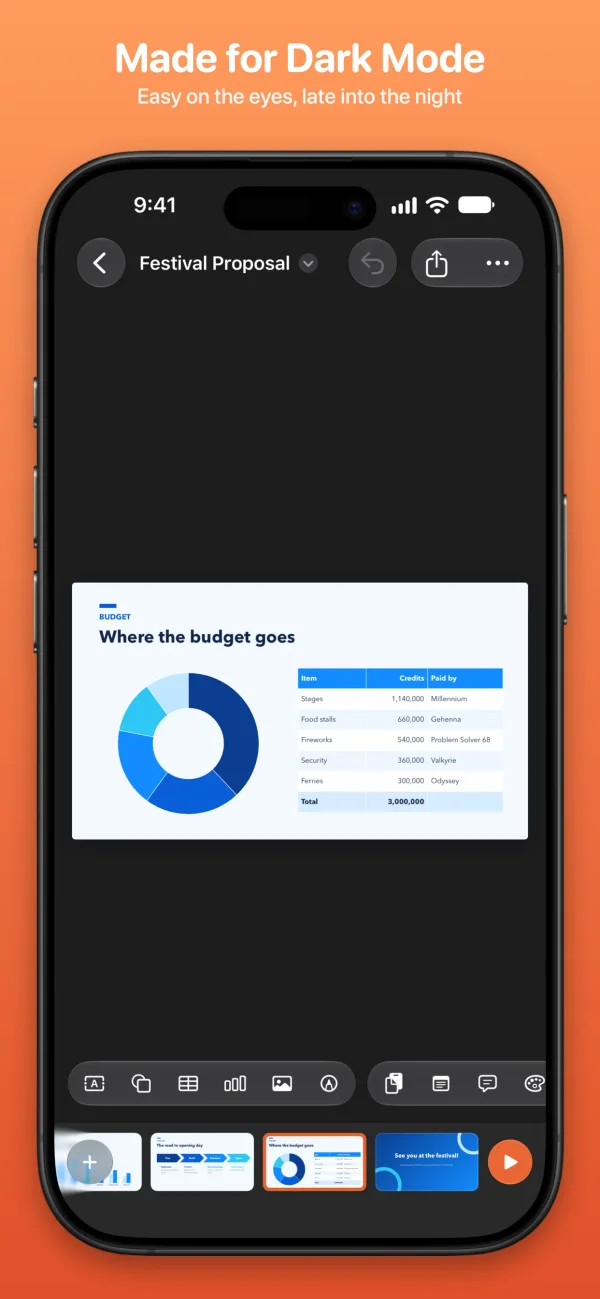
- A thumbnail for every slide: tap to go to it, drag to reorder, press and hold for more
- Find and replace text across the deck
- Insert text boxes, shapes, tables, charts, photos, and videos
- Column, bar, line, area, pie, doughnut, and scatter charts, with stacked and percent-stacked layouts for column, bar, line, and area
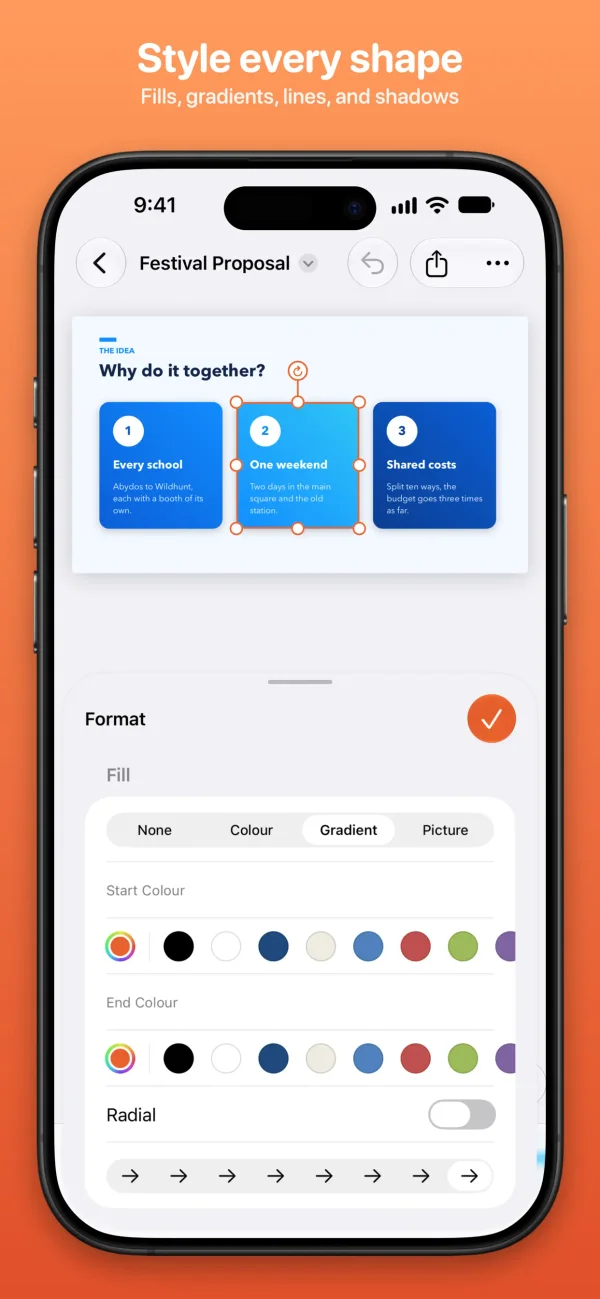
- Fills with colors, gradients, or pictures
- Links to web pages, to other slides, or to the next, previous, first, and last slides
- Comments with replies, and speaker notes
- Embedded fonts in a file are used to display it and stay in the file when you save
Animation and Timing
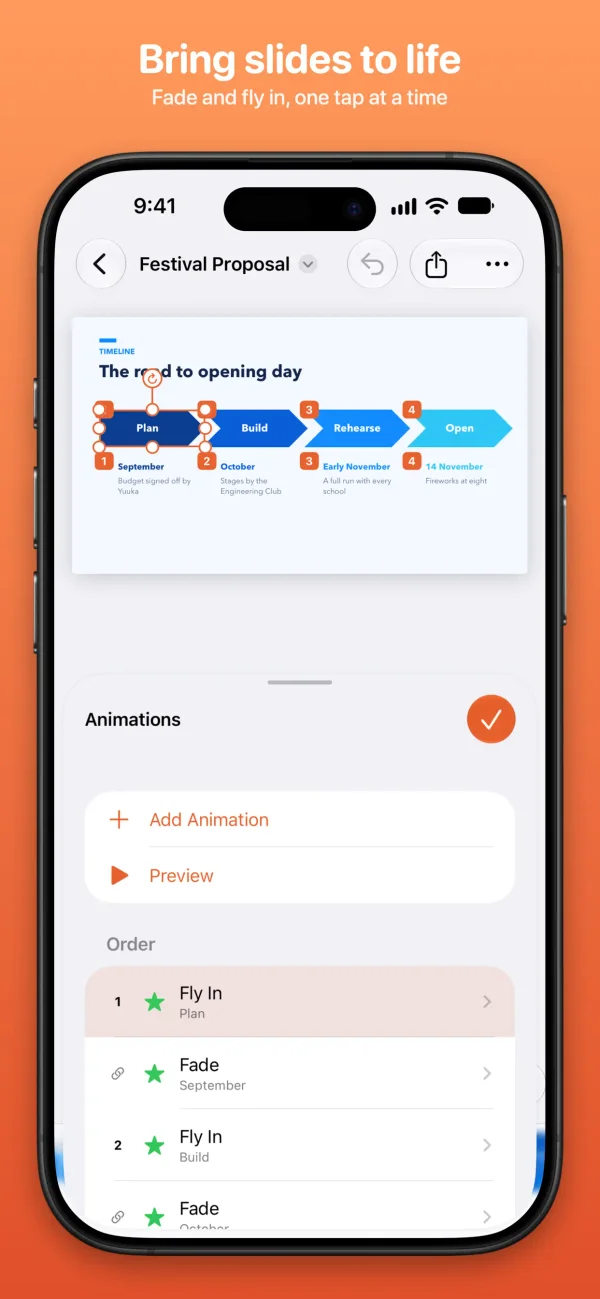
- Entrance, emphasis, exit, and motion path animations, including fade, fly, wipe, zoom, float, and pulse
- Animations play in order as you tap through the slideshow
- Advance on click, or after a set number of seconds, for one slide or all of them
Presenting
- Show the slideshow on a connected display, with the presenter view on your device
- The presenter view shows the current and next slide, your notes, and the time
- Use Apple Watch to go to the next or previous slide, start or end the show, and blank the screen
Export
- Export as PDF, as images (PNG or JPEG), or as a video
- Export the current slide, all slides, or chosen ones, and include hidden slides if you want them
What’s new
Version 1.0.4 · Nov 20, 2026
Bug fixes and performance improvements.
App privacy
What Justin Xin declares on the App Store about how this app handles data.
-
Data not collected
The developer does not collect any data from this app.
Privacy practices may vary, for example with the features you use or your age.
Information
- Seller
- Justin Xin
- Category
- Productivity
- Version
- 1.0.4
- Updated
- Nov 20, 2026
- Released
- Oct 20, 2026
- Size
- 14.4 MB
- Requires
- iOS 26.0 or later
- Age rating
- 4+
- Price
- Free
- Languages
- English, Japanese, Korean, Simplified Chinese, Traditional Chinese
- Copyright
- © 2026 Justin Xin
You might also like
-
 Tuck: Private FeedSave posts, articles & videos
-
 Noter: Sticky NotesNotes and links with summaries
-
 NexReader: Markdown ReaderRead .md files beautifully
-
 Triquid NotesNotes for Trilium, anywhere
-
 Memo — Private Voice JournalOffline diary, Markdown files
-
 ProUser: Command Your DayEdit your calendar like code.
-
 Thinkdown: AI Voice JournalAudio diary & brain dump notes
-
 HabitWing – Life TrackerBuild Habits, Breathe, Reflect
-
 SubnotesNotes that turn into Tasks
-
 Winter CalendarYour week, written for you