Notes: Aesthetic Notes
Notes, To-Dos & Image Widgets
Designed for iPhone, iPad, Mac
Free · In-app purchases
- Age rating4+
- CategoryProductivity
- DeveloperSofia Schuster
- LanguagesEnglish+ 1 more
- Size88.1 MB
Links to the official App Store page
Download.org hosts no file of Notes: Aesthetic Notes. The button opens its official App Store page, published by Sofia Schuster. Listing last checked on Nov 20, 2026.
Screenshots


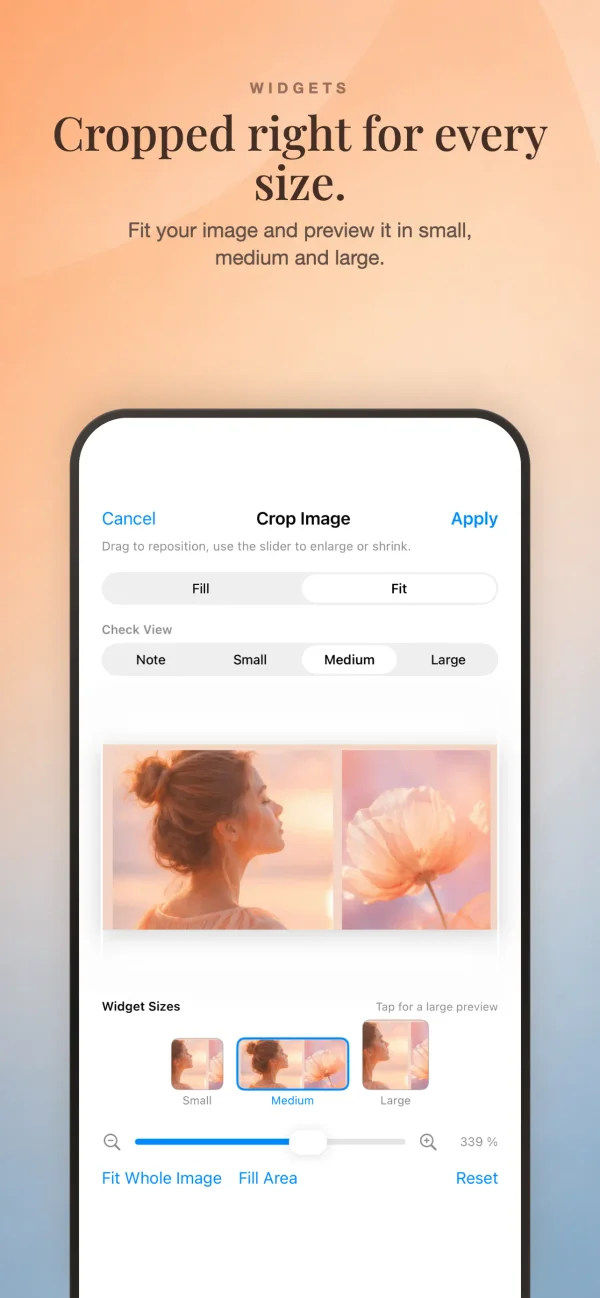

About
Your notes. Your aesthetic.
Aesthetic Notes is not an ordinary notes app. Here every note gets its own paper, its own type and its own colour – and, if you like, a strip of tape, a wax seal or punch holes along the edge. What comes out doesn't look like a form. It looks like something off your desk.
THE SAME NOTES EVERYWHERE – AND THE SAME DESIGN
iCloud keeps your notes on iPhone, iPad and Mac at once. Not just the text: paper, type, colour, trimmings and image crop travel with them. A note you design in the evening looks exactly the same on your other device in the morning. Nothing gets reformatted, nothing goes missing. Everything stays private in your own iCloud.
FOUR KINDS OF NOTES
• Text note with weight, alignment and bullets
• To-do list to tick off, with a reminder for each item
• Table for plans, weeks and overviews
• Picture note with a clean crop
DESIGN IT UNTIL IT FEELS RIGHT
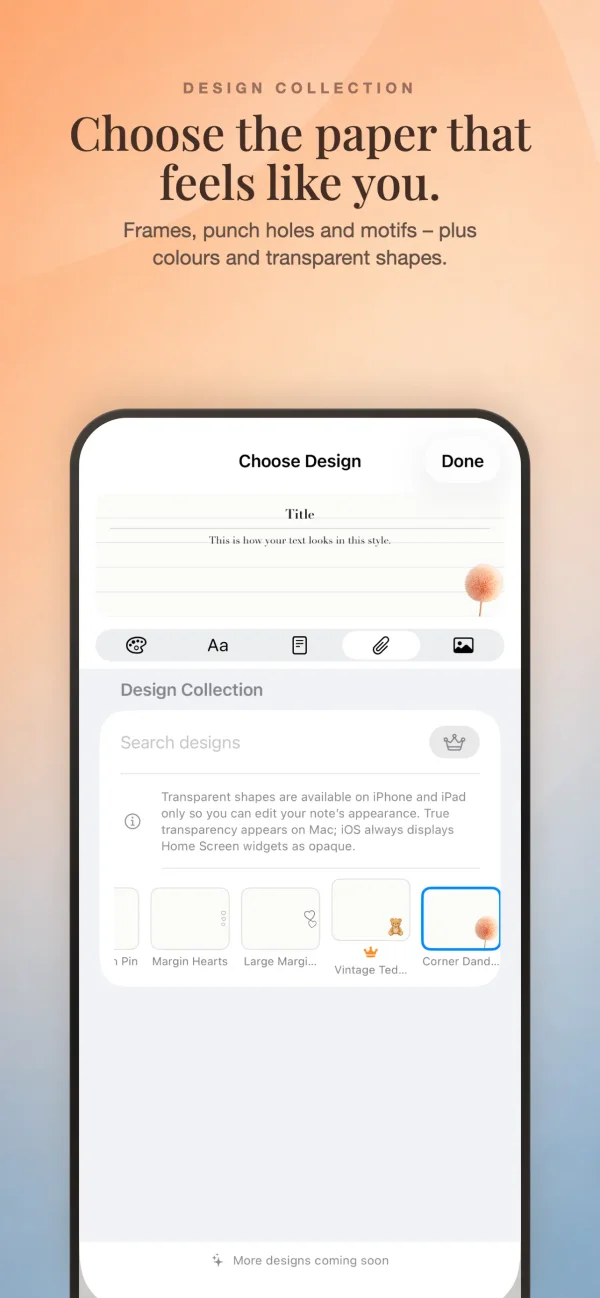
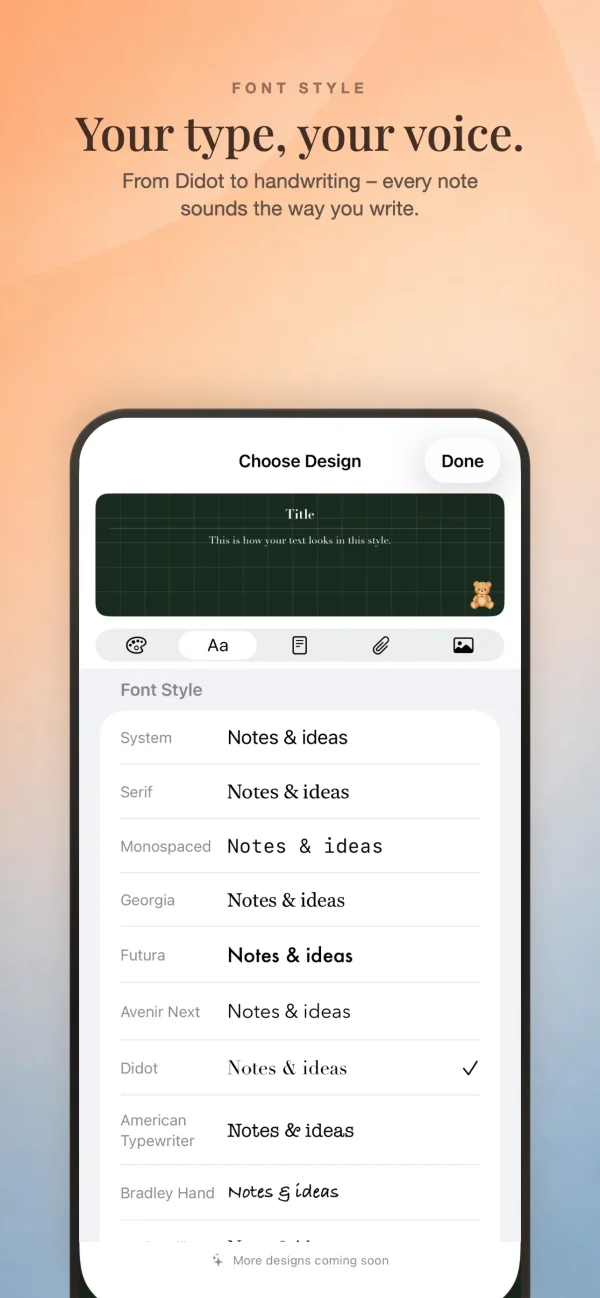
Ten paper colours from cream to sage. Blank, lined or grid. Seventeen typefaces from plain to handwriting. Plus around thirty trimmings: tape, wax seals, pins, paper clips, punch holes, torn edges, decorative frames and bows.
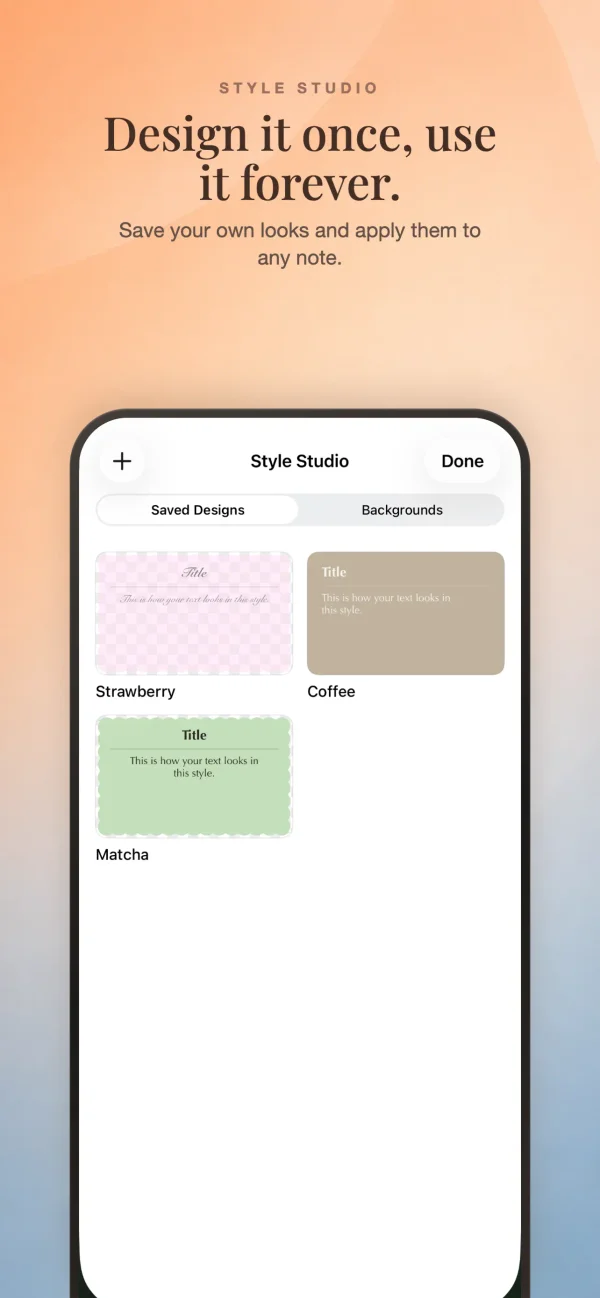
Found a combination you love? Save it in the Style Studio as your own style and apply it to any other note with a single tap.
ON YOUR HOME SCREEN
Any note can go on your Home Screen as a widget – in three sizes and in its own design. Your shopping list ends up where you're already looking.
FOR YOUR EYES ONLY
Individual notes can be locked with Face ID, Touch ID or your passcode. A locked note stays milky – lovely to look at, impossible to read.
DRAWING
Pen, marker, pencil and eraser. On iPad with Apple Pencil too.
ON MAC AS WELL
Aesthetic Notes is also available for macOS. There your notes sit right on the desktop, free to place anywhere, and they can turn transparent.
FREE AND PRO
Aesthetic Notes is free. Pro unlocks custom colours with an eyedropper, your own images as note backgrounds, the Design Collection and more typefaces. Try it free for seven days.
Privacy Policy: https://notes-privacy-museandmethod.sofia-schuster02.chatgpt.site/
Terms of Use: https://www.apple.com/legal/internet-services/itunes/dev/stdeula/
What’s new
Version 1.4 · Nov 14, 2026
Your notes, your order! Touch and hold any note and drag it into place. Your collection now stays exactly as you arrange it, on iPhone, iPad and Mac. A new sort menu also lets you switch between custom order, last edited, date created and title.
Table notes got tidier too: the empty gap is gone, and you can now write free text right on the same note, below the table.
Plus: a clearer image crop screen on iPhone.
These improvements came straight from your reviews. Thank you, and keep them coming!
App privacy
What Sofia Schuster declares on the App Store about how this app handles data.
-
Data not collected
The developer does not collect any data from this app.
Privacy practices may vary, for example with the features you use or your age.
Information
- Seller
- Sofia Schuster
- Category
- Productivity
- Version
- 1.4
- Updated
- Nov 14, 2026
- Released
- Aug 7, 2026
- Size
- 88.1 MB
- Requires
- iOS 17.0 or later
- Age rating
- 4+
- Price
- Free
- In-app purchases
- Yes
- Languages
- English, German
- Copyright
- © 2026 MuseandMethodDesign
You might also like
-
 All Notes AppSticky notes, lists & photos
-
 Quick Note: Sticky Notes MenuFloating Memo, Todo & Widget
-
 Glass Notes: Private NotepadTo-Do, Widgets & Reminders
-
 Desktop Note - Notes & PhotosAlways-on-desktop sticky note
-
 NoeHub NotesProductivity
-
 Serious NotebookPrivate digital notebook
-
 Color Notes - Journals, To DosPastel Color Coded Notepad
-
 OpenNotes: Notes & PDF MarkupHandwriting, PDFs, no account
-
 Notes: Color Notepad, NotebookNotes for Daily Tasks
-
 Sync Sticky NotesDesktop Notes with Cloud Sync