Notes for iPad - Pencil Notes
Quick Note Taking & Notepad
Designed for iPad
Free · In-app purchases
- Age rating4+
- CategoryProductivity
- DeveloperBrite Technologies
- LanguagesEnglish
- Size14.3 MB
Links to the official App Store page
Download.org hosts no file of Notes for iPad - Pencil Notes. The button opens its official App Store page, published by Brite Technologies. Listing last checked on Nov 22, 2026.
Screenshots
About
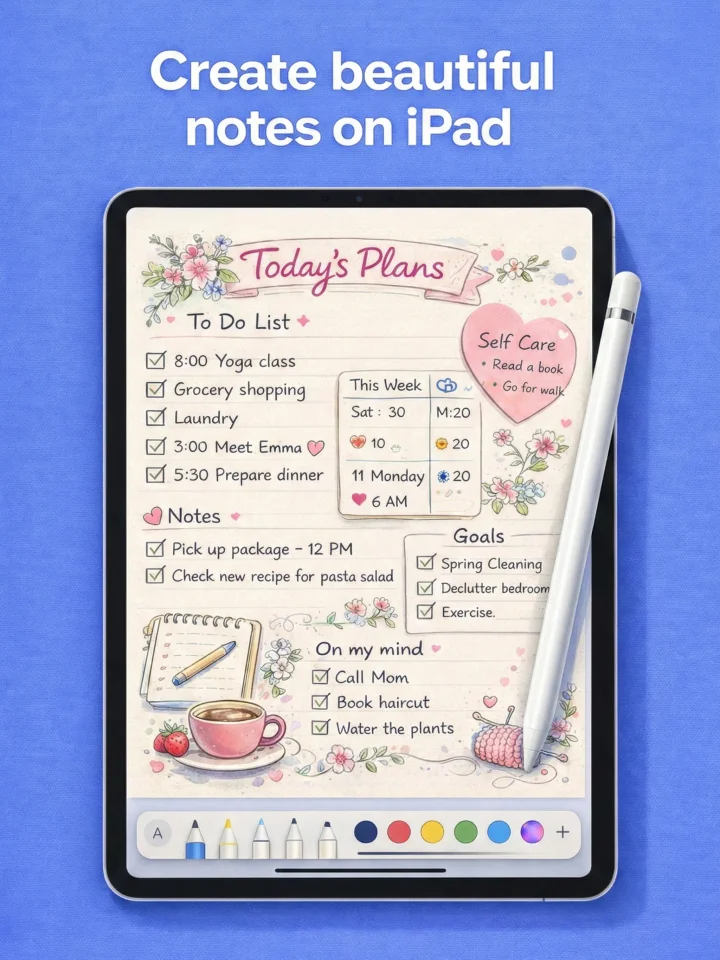
Your perfect digital notebook. Notes for iPad Pencil Planner is a beautifully designed note-taking app that transforms your iPad into an endless paper canvas. Write naturally with Apple Pencil, plan your life with stunning templates, and organize everything in one place.
Whether you're a student capturing lectures, a professional planning projects, or a creative sketching ideas — Notes for iPad is the essential tool to capture, organize, and bring your thoughts to life.
YOUR ALL-IN-ONE DIGITAL NOTEBOOK
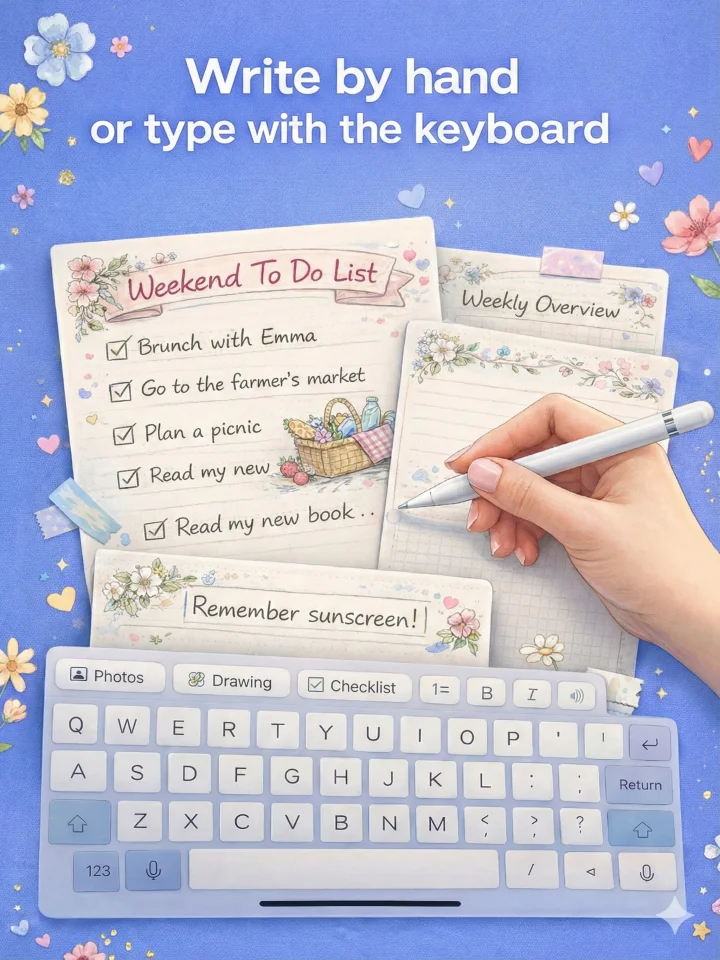
• Write, sketch, and draw with realistic Apple Pencil support
• Choose from multiple pen styles, colors, and thicknesses
• Add typed text with customizable fonts and formatting
• Mix handwriting with images and stickers seamlessly
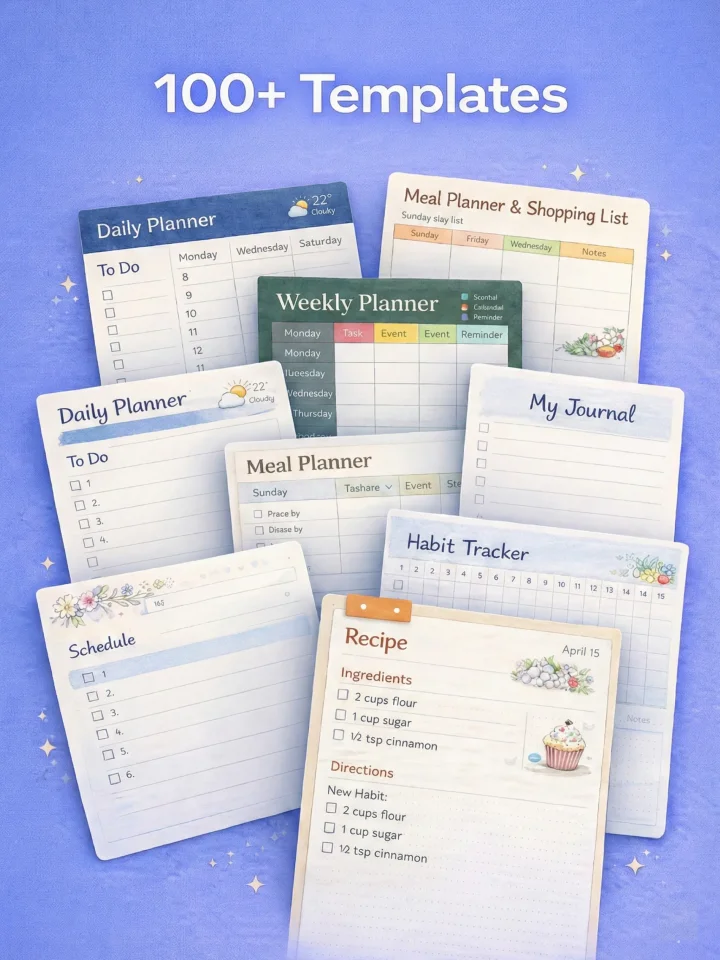
60+ PROFESSIONALLY DESIGNED TEMPLATES
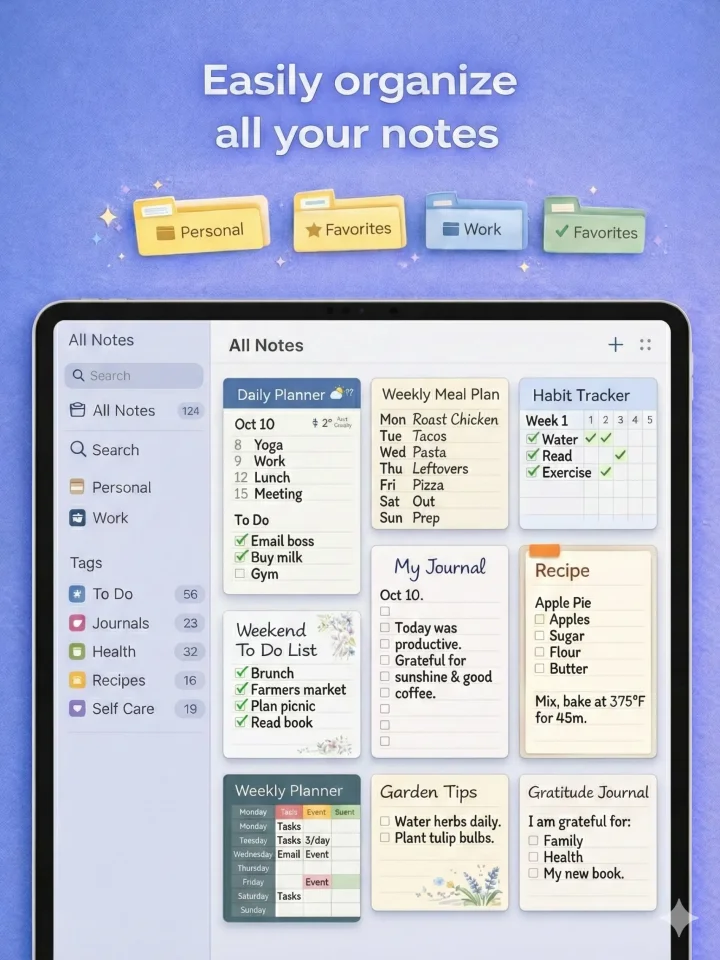
• Daily planners and to-do lists to organize your day
• Weekly and monthly calendars for long-term planning
• Habit trackers to build better routines
• Meal planners and grocery lists for healthy eating
• Workout logs and fitness trackers to reach your goals
• Budget sheets and expense trackers for financial control
• Meeting notes and project planning templates
• And many more — new templates added regularly
STICKERS & PERSONALIZATION
• 1000+ beautiful stickers to decorate your notes
• Categories: productivity, wellness, celebrations, seasons
• Import your own photos and custom stickers
• Resize, rotate, and layer elements freely
STAY ORGANIZED YOUR WAY
• Create unlimited notebooks for different areas of life
• Convenient sidebar for quick page navigation
• Custom covers and colors for each notebook
• Archive completed notebooks to keep things tidy
SYNC & SHARE
• iCloud sync keeps your notes updated across devices
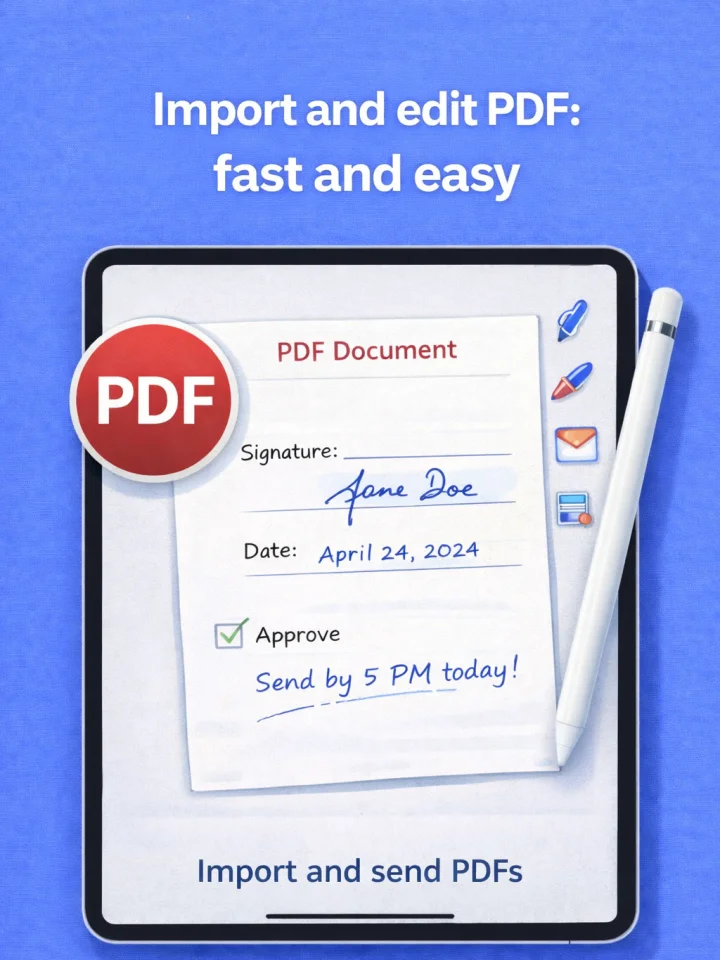
• Export any page or entire notebook as PDF
• Share your notes via email, AirDrop, or any app
DESIGNED FOR COMFORT
• Beautiful dark mode for nighttime note-taking
• Clean, distraction-free interface
• Optimized specifically for iPad's large display
• Smooth, lag-free performance
Your ideas deserve a beautiful home. Notes for iPad combines the freedom of paper with the power of digital — giving you the perfect space to plan, create, and organize your life.
Support: hello@britetodo.com
Terms:
https://www.apple.com/legal/internet-services/itunes/dev/stdeula/
A subscription or one-time purchase is required to access premium templates and features. Weekly, Yearly, and Lifetime Access options are available.
What’s new
Version 1.8 · May 7, 2026
New templates: Daily Schedule, Lesson Planner, Curriculum Tracker, Reading Log, Progress Report, Deep Work Session, Life Dashboard, Guided Reflection, Habit Architect, Brainstorm Canvas.
App privacy
What Brite Technologies declares on the App Store about how this app handles data.
-
Data not linked to you
May be collected but is not linked to your identity.
- Identifiers
- Diagnostics
Privacy practices may vary, for example with the features you use or your age.
Information
- Seller
- Brite Technologies LLC
- Category
- Productivity
- Version
- 1.8
- Updated
- May 7, 2026
- Released
- Jan 9, 2026
- Size
- 14.3 MB
- Requires
- iOS 16.0 or later
- Age rating
- 4+
- Price
- Free
- In-app purchases
- Yes
- Languages
- English
- Copyright
- © Brite Technologies 2026
You might also like
-
 Notes: Note taking & writingGood quick notes & planner
-
 OrigNotesNotes, PDF Markup & Mind Maps
-
 StarNote: Notes & PDF MarkupAI Note-Taking & Handwriting
-
 Element Note: Digital NotebookHandwritten Notes & PDF Markup
-
 UltraNotes - Note Taking & PDFType, Write & Annotate PDF
-
 Feenote - Notes and listsNote-taking & handwriting
-
 Noteshelf: AI Notes & PDFHandwriting, Planner & Journal
-
 Noteful: Notes & PDF MarkupHighlight. Write. Learn.
-
 Notewise - AI Notes, PDF, DocsWrite. Record. Draw. Remember.
-
 Digital Notebook - Note TakingFreeform PDF annotation w/ Pen