
Notte AI Workspace
Private notes powered by AI
Designed for iPhone, iPad, Mac
In-app purchases
- Age rating4+
- CategoryProductivity
- LanguagesEnglish
- Size68.3 MB
Links to the official App Store page
Download.org hosts no file of Notte AI Workspace. The button opens its official App Store page, published by . Listing last checked on Nov 12, 2026.
Screenshots
About
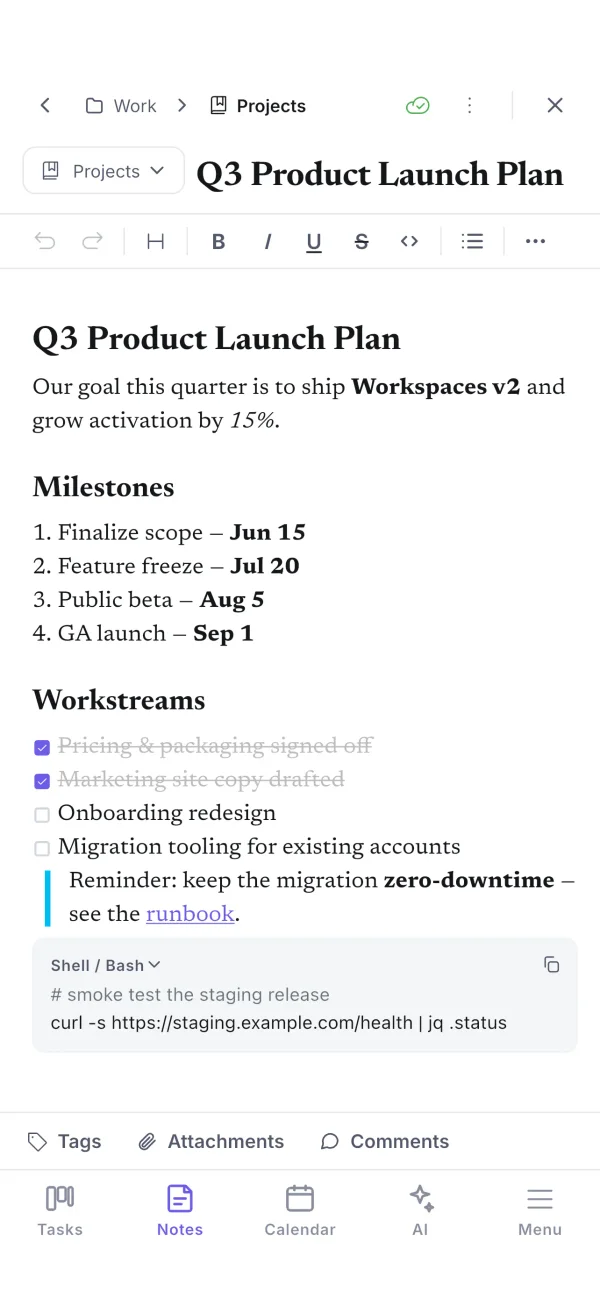
Notte is a private productivity workspace that brings your notes, tasks, and calendar together in one app — so your thinking stays connected and your mind stays clear.
Most tools scatter your work across separate apps. Notte keeps everything in one place, with end-to-end encryption so your data stays yours.
— ONE WORKSPACE —
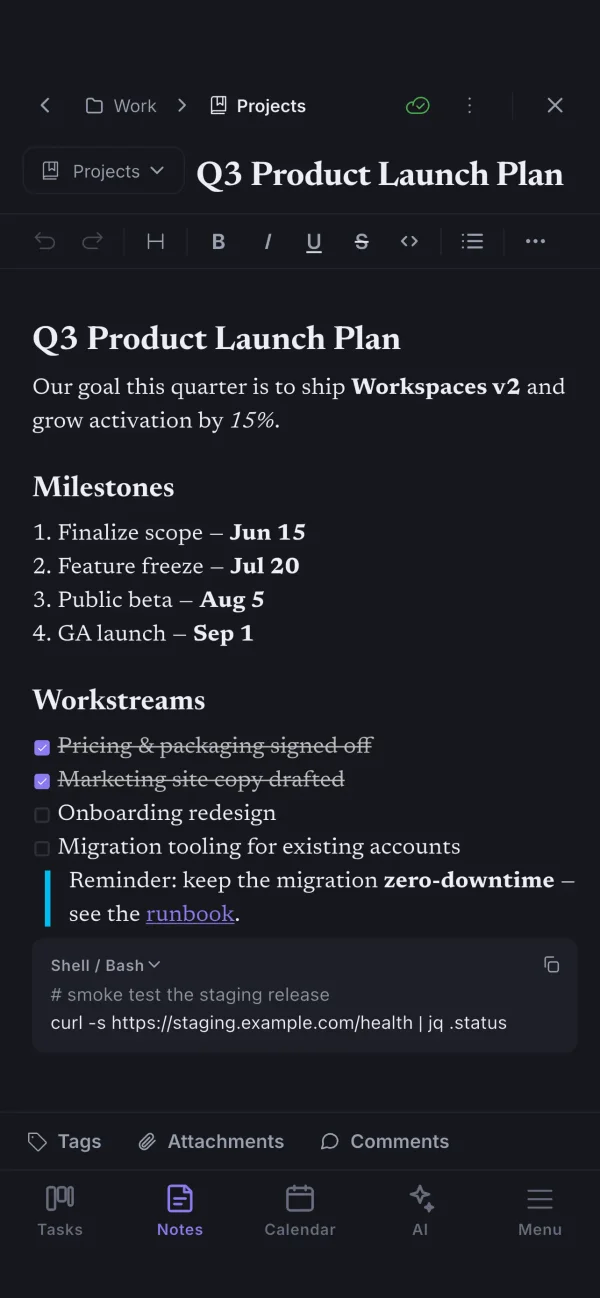
• Notes — a rich block editor with headings, lists, checklists, code blocks, tables, and slash commands. Organize with notebooks and tabs.
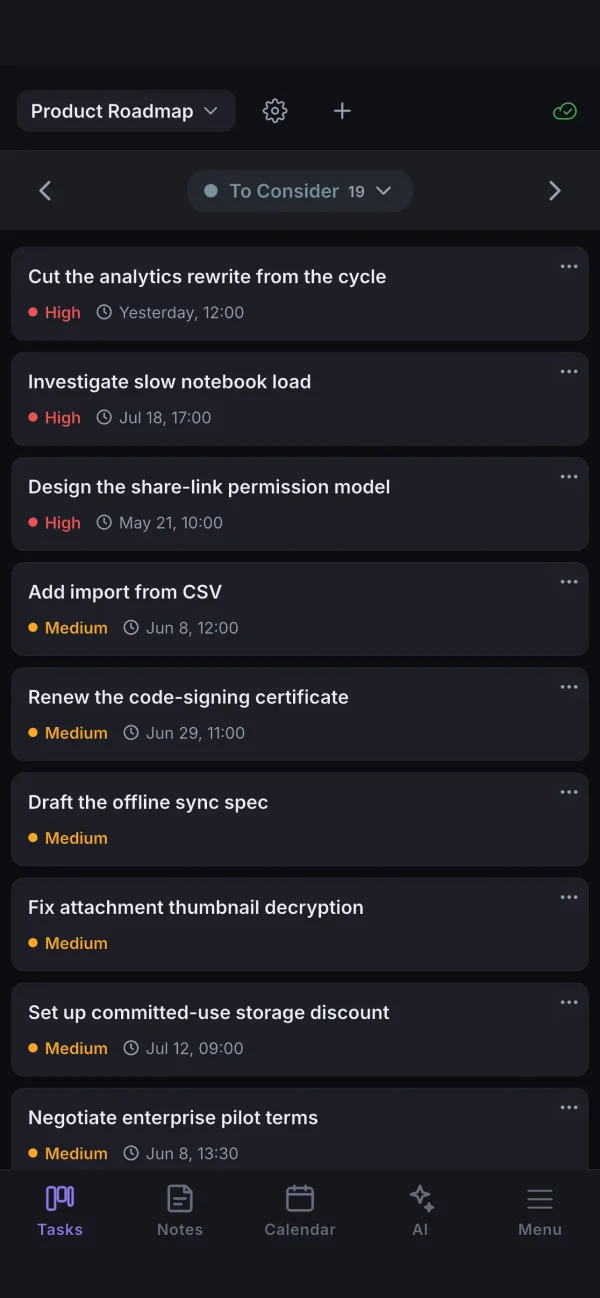
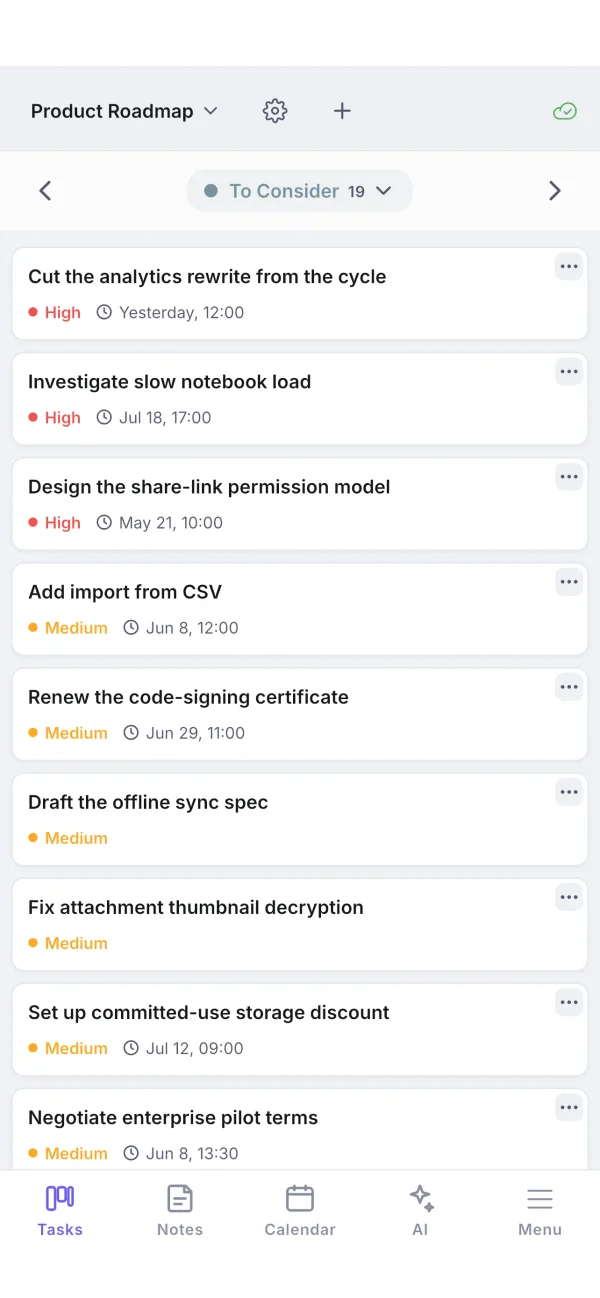
• Tasks — Kanban boards with custom statuses and priorities, drag-and-drop ordering, and aggregated board groups.
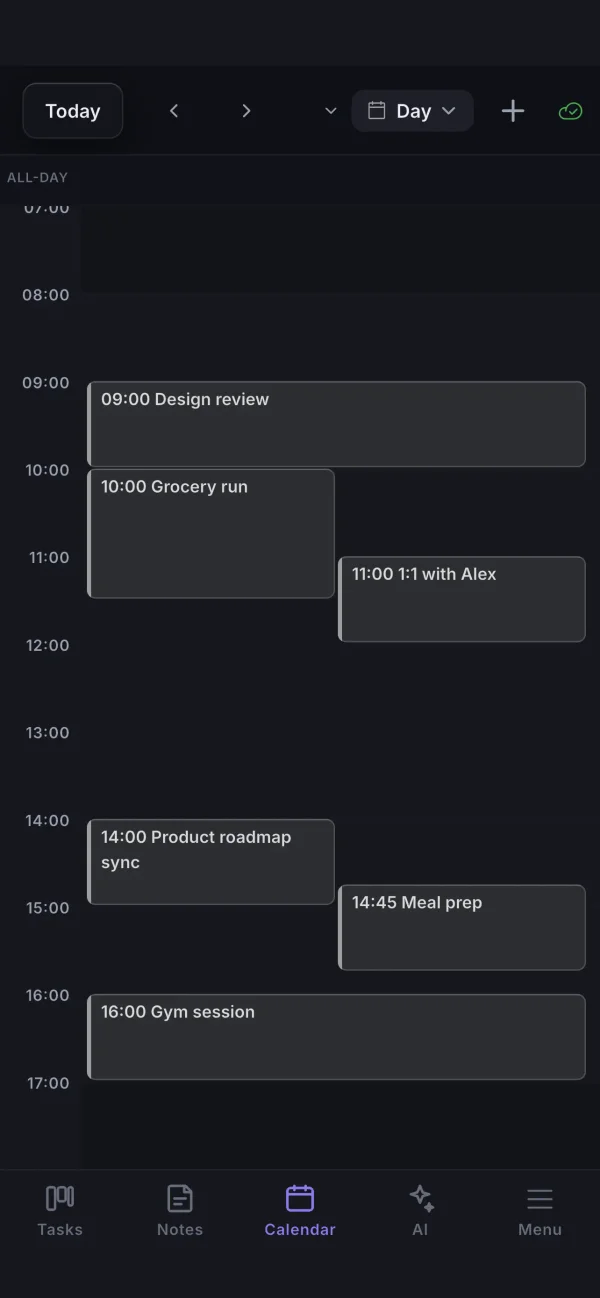
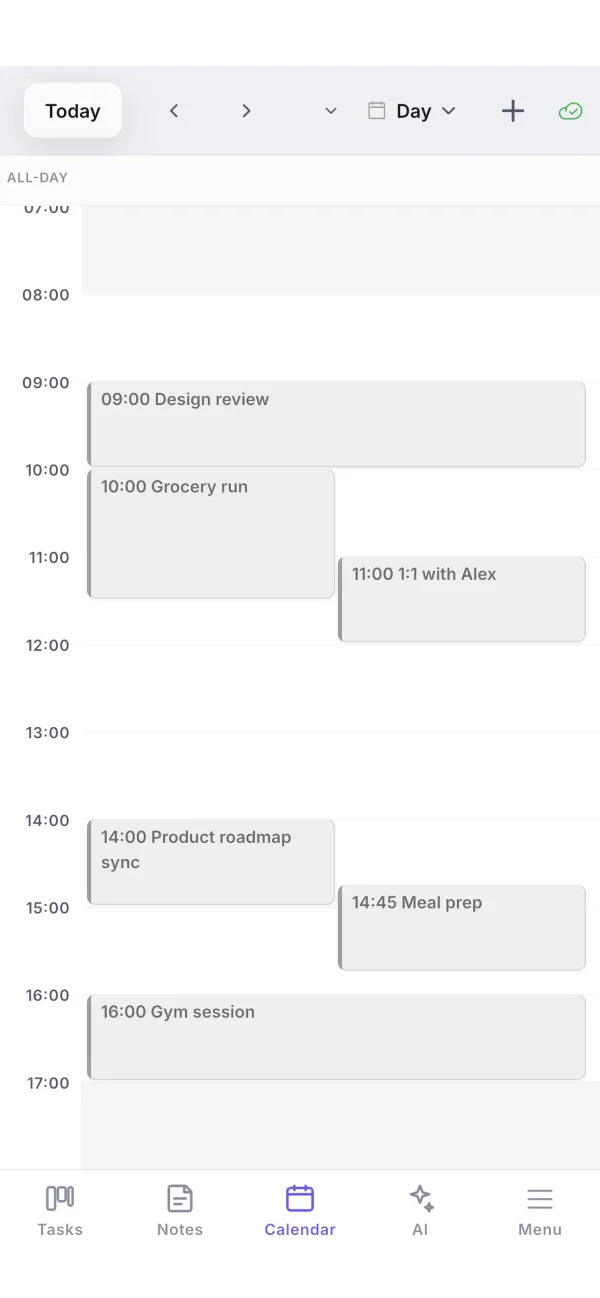
• Calendar — day, week, and month views with recurring events, reminders, and event notifications.
• Contacts — keep the people you work with alongside your notes and events.
— PRIVATE BY DESIGN —
• End-to-end encryption by default. Your notes, tasks, and events are encrypted on your device. We never read them — we can't.
• You own your keys. Zero-knowledge sync means the server only ever stores an encrypted blob.
• Two-factor authentication to protect your account.
• No behavioral tracking, no data mining, no third-party analytics.
— BUILT FOR iOS —
• Native iOS app with a clean, minimal interface that fits right in.
• Light and dark themes that follow your system appearance.
• Follows recommended UX patterns.
• Sign in with Apple supported.
— WORKS EVERYWHERE, EVEN OFFLINE —
• Full offline mode. Create and edit anything with no connection — changes sync automatically when you reconnect.
• Truly cross-platform: works on majority of modern desktop and mobile devices.
• Multi-device sync that just works.
— CONNECT YOUR CALENDARS —
• Two-way sync with Google Calendar and Microsoft Outlook Calendar.
• Create meetings with video links built in.
• Recurring events sync in both directions.
— BRING YOUR EXISTING NOTES —
• Import from Notion, Evernote, and Obsidian — pages, notebooks, and folder structure are preserved.
• Export your data anytime. No lock-in.
— AI ASSISTANT (limited) —
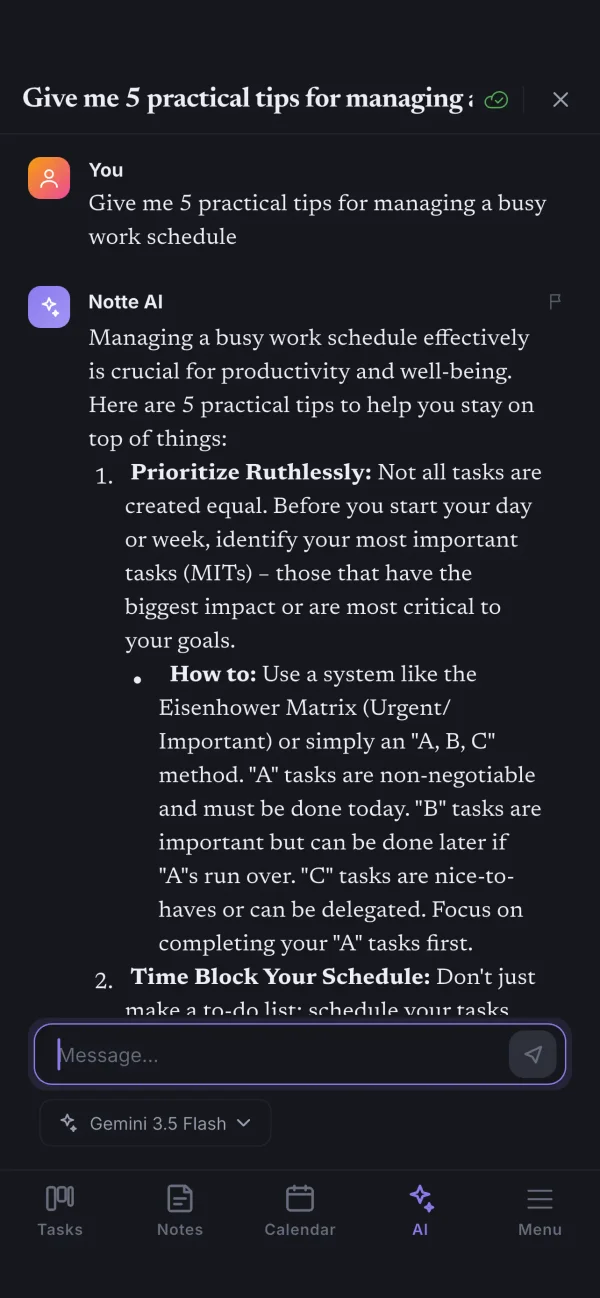
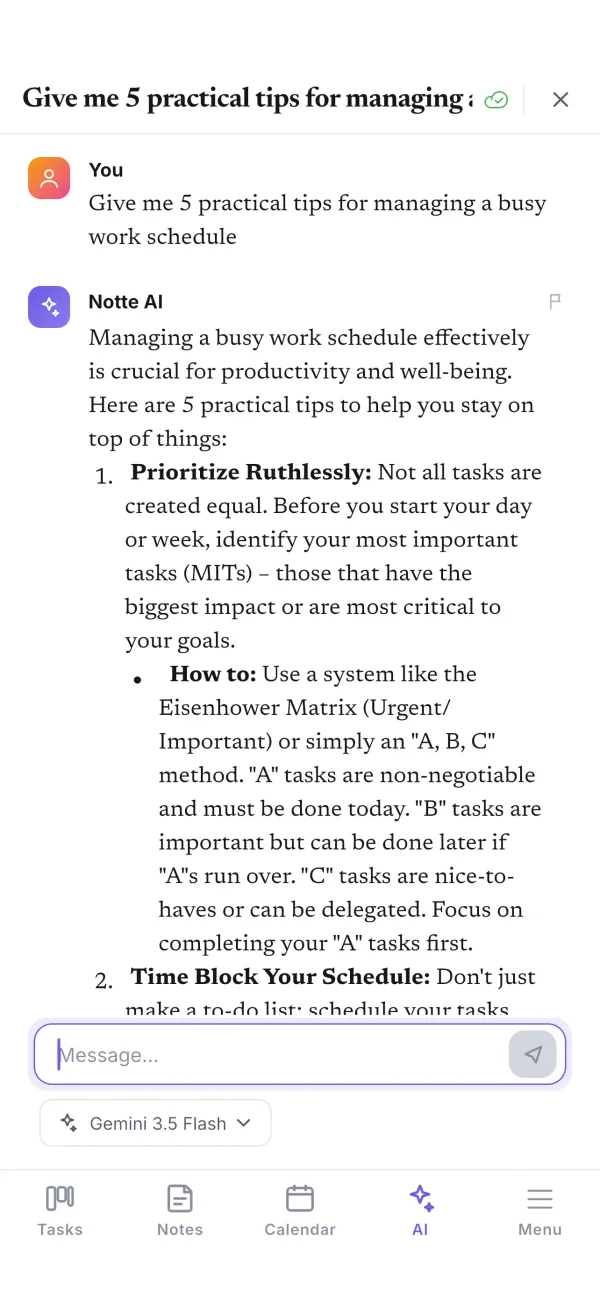
• Chat with an AI assistant that understands your workspace.
• Summarize notes, rephrase messy thoughts, and turn ideas into tasks.
— NEVER LOSE WORK —
• Version history on your notes and tasks.
• Recycle bin — deleted items are recoverable.
• Data safety is a core principle: nothing is removed unless you explicitly ask.
— FAST AND CALM —
• A minimal, beautiful interface built to disappear while you work.
• Keyboard-first for speed, mouse-friendly for comfort.
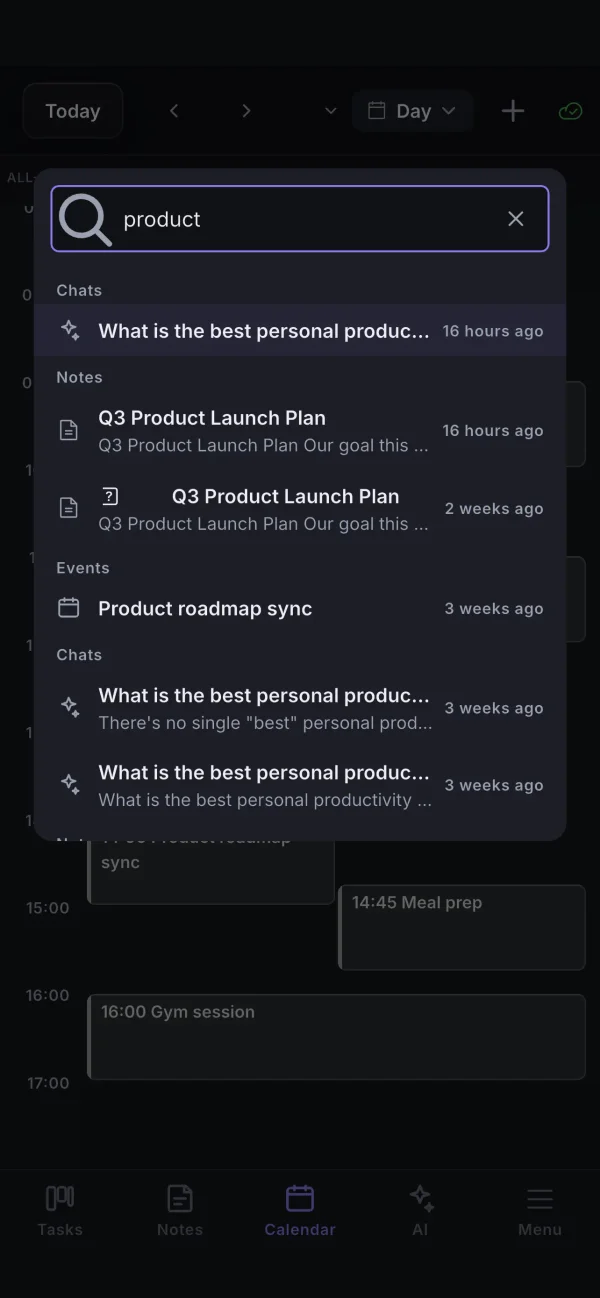
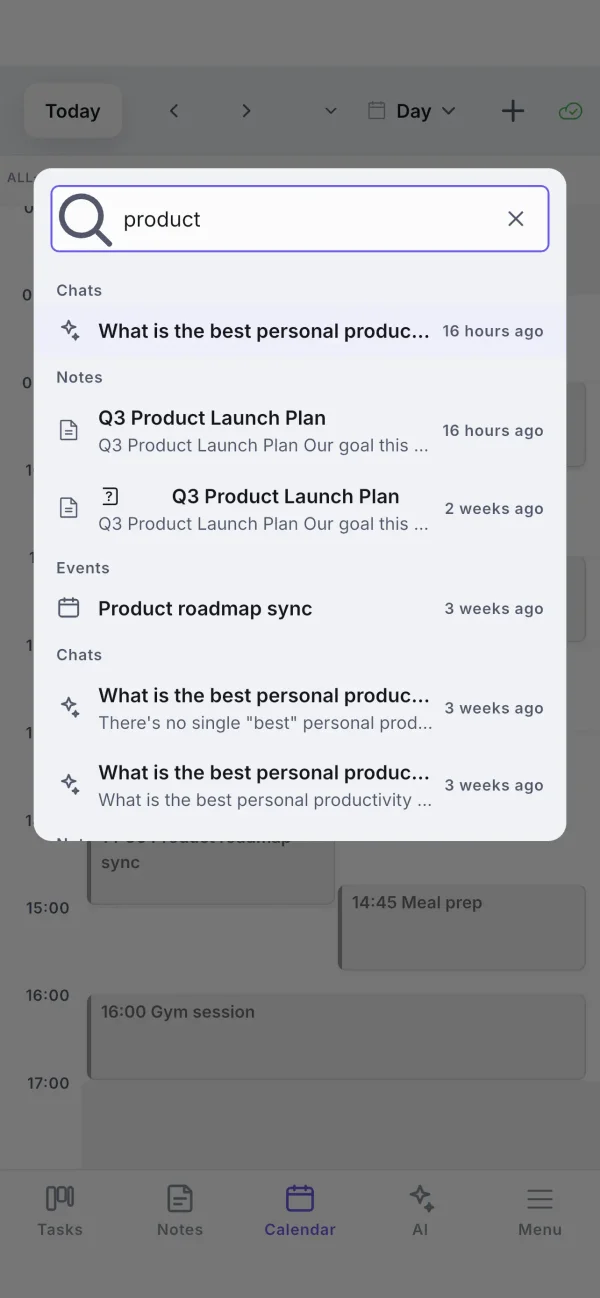
• Global search across everything you've written.
Start now — and never go back to fragmented work again.
Terms of Use (EULA): https://notte.com/terms
Privacy Policy: https://notte.com/privacy
What’s new
Version 1.3.1 · Sep 24, 2026
Maintenance release: multiple minor fixes.
App privacy
What declares on the App Store about how this app handles data.
-
Data linked to you
May be collected and linked to your identity.
- Contact info
- Identifiers
- Usage data
-
Data not linked to you
May be collected but is not linked to your identity.
- Diagnostics
Privacy practices may vary, for example with the features you use or your age.
Information
- Seller
- MIFIKO Labs LTD
- Category
- Productivity
- Version
- 1.3.1
- Updated
- Sep 24, 2026
- Released
- Jun 20, 2026
- Size
- 68.3 MB
- Requires
- iOS 16.0 or later
- Age rating
- 4+
- In-app purchases
- Yes
- Languages
- English
- Copyright
- © 2025-2026 Mifiko Labs LTD
You might also like
-
 Pellet - Notes, Tasks, PKMLocal notes, tasks and more.
-
 Note-Due: Tasks & NotesTasks & Notes together at last
-
 IdeaBox — Capture & Grow IdeasAI-powered idea management
-
 Flyout: Notes, Markdown, CodeReminders, checklists, tags
-
 Routine: Daily Habit TrackerDiscipline, Streaks & Progress
-
 PomodoistTasks, planning and focus
-
 Mejl: Email, OrganizedA calmer inbox
-
 Shlau — Save It LaterSecond Brain For Everything
-
 Consten: To-Do List & PlannerGuilt-free Custom Task Manager
-
 Deedsworn: RPG Task ManagerGamify your life