Ocean View: Multiviewer
Two videos or sites at once
Designed for iPhone, iPad
Free
- Age rating17+
- CategoryUtilities
- DeveloperJeanne Nunoo
- LanguagesEnglish
- Size33.0 MB
Links to the official App Store page
Download.org hosts no file of Ocean View: Multiviewer. The button opens its official App Store page, published by Jeanne Nunoo. Listing last checked on Nov 27, 2026.
Screenshots


About
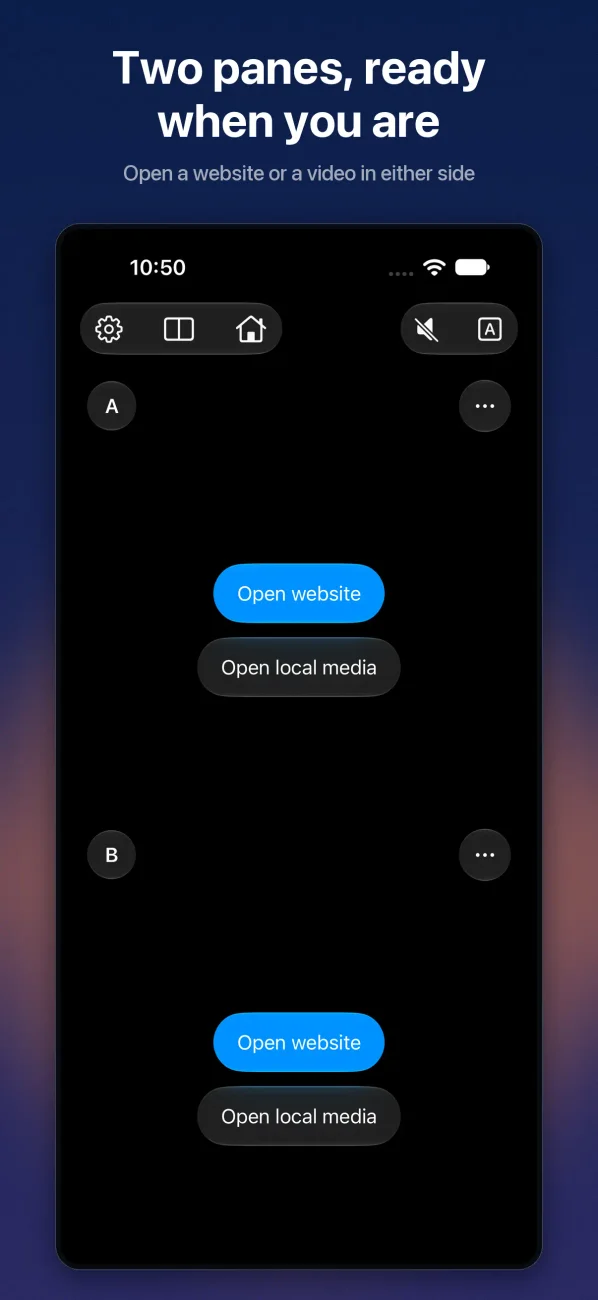
Watch two videos, browse two websites, or do both at once, each in its own pane. Ocean View is a native two-pane browser for iPhone, iPad, and iPhone Duo that keeps both panes live while you swap, enlarge, or fill either one.
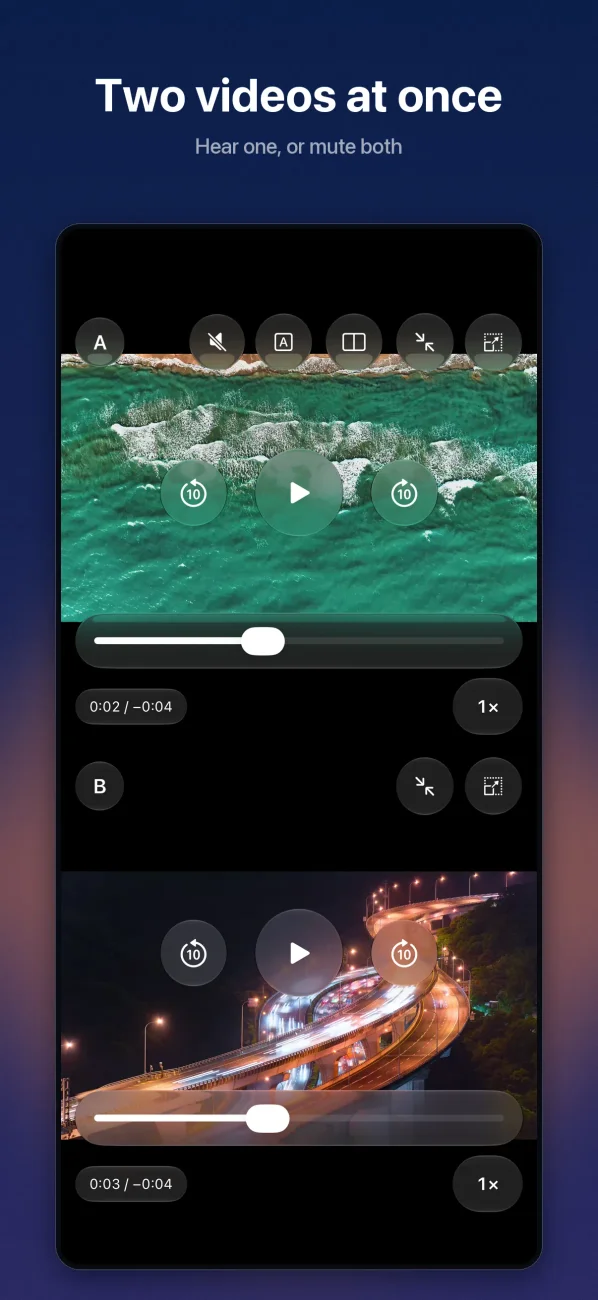
Two videos at once
Play a video in each pane, from a website or from Files or Photos on this device. Stack or place panes side by side, including on iPhone Duo. Both players stay available so you can follow two streams, compare angles, or keep a second clip ready.
Two websites, one screen
Browse two sites at the same time. Change layouts from the workspace menu. Enlarge one pane when you need more room; both web views stay available.
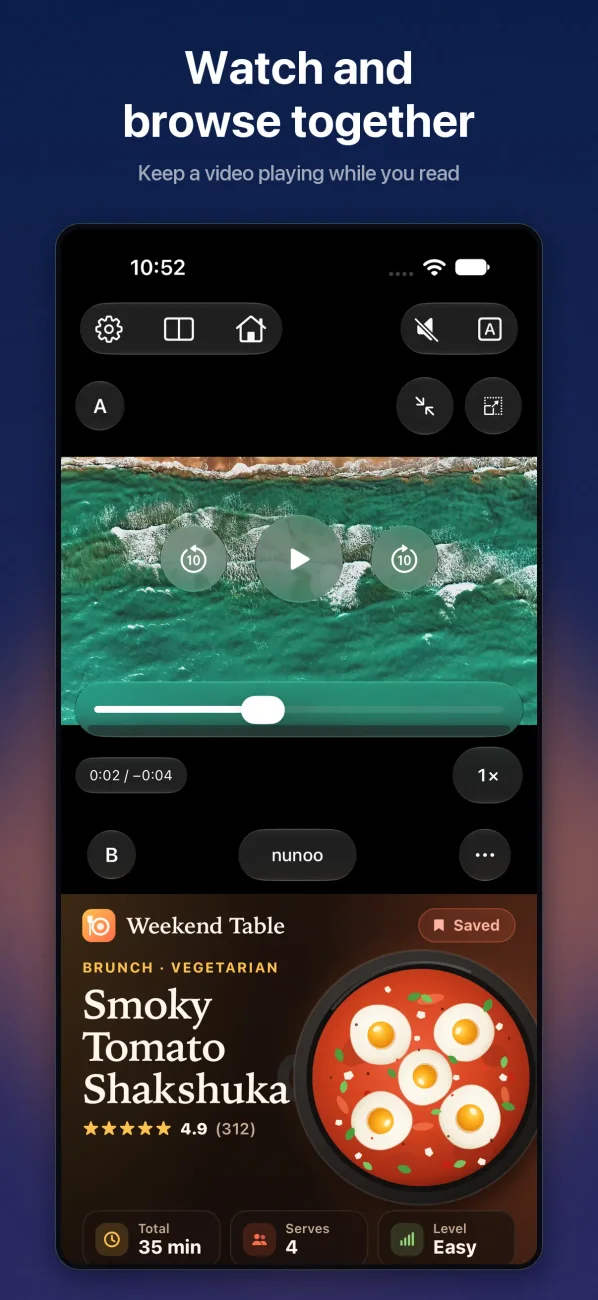
Watch and browse together
Put a video in one pane and a website in the other. Follow a stream while you read or search, without switching apps.
Hear one pane, or neither
Request sound from either pane, or mute both. Only one pane, or neither, can be heard. Mute and the audible pane are separate: switching the source while muted only changes which pane will play when you unmute.
Fill a video to its pane
Use Fill pane to expand the current video or player to that pane's viewport. Website controls, captions, branding, and ads keep their own behavior. Bare videos without their own controls receive standard play, skip, scrub, speed, and caption controls when the player exposes them.
Local videos
Open a video from Files or Photos in either pane. Files stay on your device for the session and are removed when you replace the video or return that pane Home. Selected videos are never uploaded.
Favorites
Save websites for quick access in either pane. Favorites are stored on this device.
Picture in Picture
Keep a playing video in a floating window on supported websites. Picture in Picture appears while a video is playing and uses that page's own video.
Optional ad blocking
Enable uBlock Origin Lite from Settings to reduce ads and trackers in both panes. It stays off until you review and approve its access. Some ads may still appear. Ocean View is not affiliated with the authors of uBlock Origin Lite.
Privacy
Ocean View does not collect or send your personal data or browsing activity. There is no app account, analytics, or tracking. Favorites, appearance, cookies, and sign-ins stay on your device until you clear them. Websites you visit and extensions you enable follow their own privacy policies.
Requires iOS or iPadOS 26 or later.
What’s new
Version 1.0.1 · Nov 6, 2026
• A refreshed look with UI updates throughout the app
• Faster and smoother performance
• General improvements and bug fixes
Thanks for using Ocean View!
App privacy
What Jeanne Nunoo declares on the App Store about how this app handles data.
-
Data not collected
The developer does not collect any data from this app.
Privacy practices may vary, for example with the features you use or your age.
Information
- Seller
- Jeanne Nunoo
- Category
- Utilities
- Version
- 1.0.1
- Updated
- Nov 6, 2026
- Released
- Nov 5, 2026
- Size
- 33.0 MB
- Requires
- iOS 26.0 or later
- Age rating
- 17+
- Price
- Free
- Languages
- English
- Copyright
- © 2026 Nunoo LLC
You might also like
-
 MSV – Multi Stream ViewerWatch 4 streams. Hear one.
-
 SlanviBrowse and ask, side by side
-
 WikBrowserFast, private, local-first
-
 PixPlayerUtilities
-
 ZJGetZJGet
-
 Balance BrowserA browser for how you work
-
 One Browser: Private SpacesShare across nearby devices
-
 ClickletShortcuts from Camera Control
-
 Unit converter - Convert UnitConvert Metric
-
 Side Browser: Content HubAd blocker for clean reading