Off Hours: App Blocker & Focus
Less screen time every day
Designed for iPhone
In-app purchases
- Age rating4+
- CategoryProductivity
- DevelopernxtChange Consulting FlexCo
- LanguagesEnglish+ 1 more
- Size2.2 MB
Links to the official App Store page
Download.org hosts no file of Off Hours: App Blocker & Focus. The button opens its official App Store page, published by nxtChange Consulting FlexCo. Listing last checked on Nov 12, 2026.
Screenshots


About
Put the phone down in the evening, without a fight with your willpower.
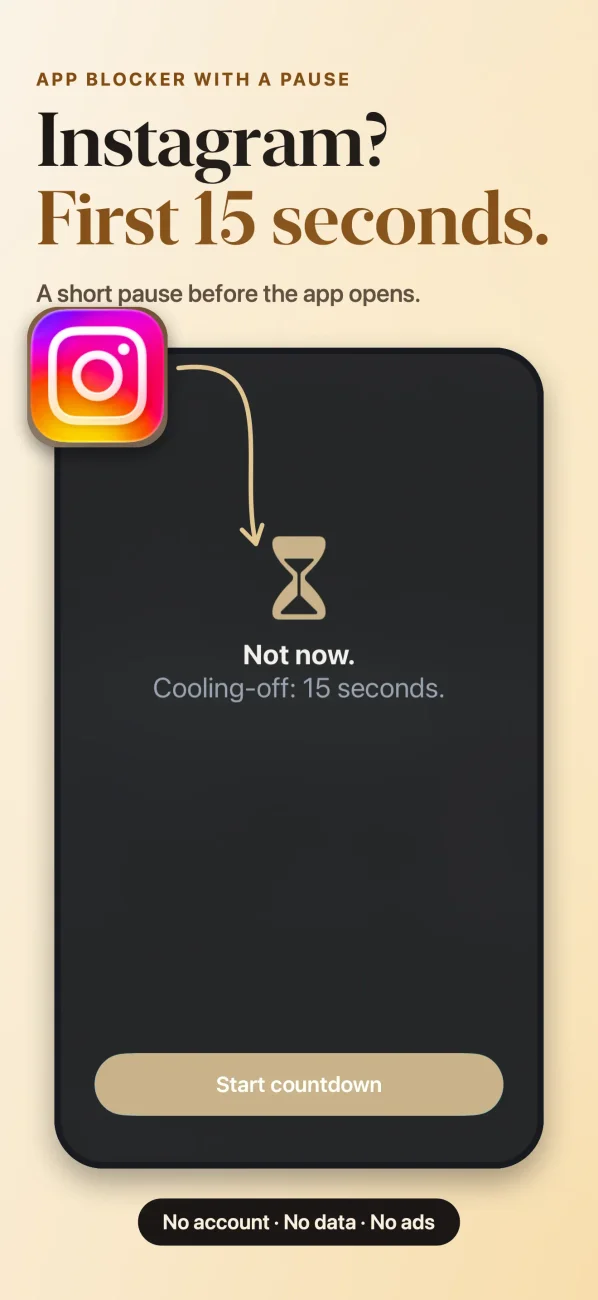
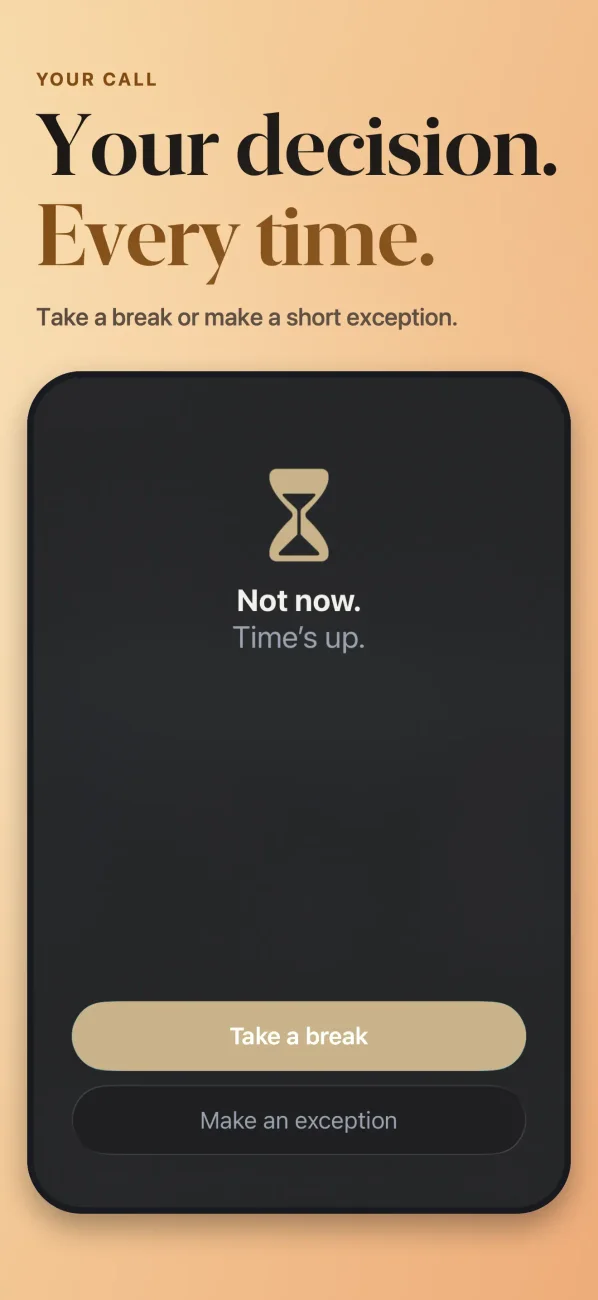
Off Hours holds the apps that keep you up at night during the hours you set. When you open one of them, your iPhone first shows a short cooling-off. Then you decide on purpose: take a break, or make an exception. No ban, no tricks, just a moment to think.
HOW IT WORKS
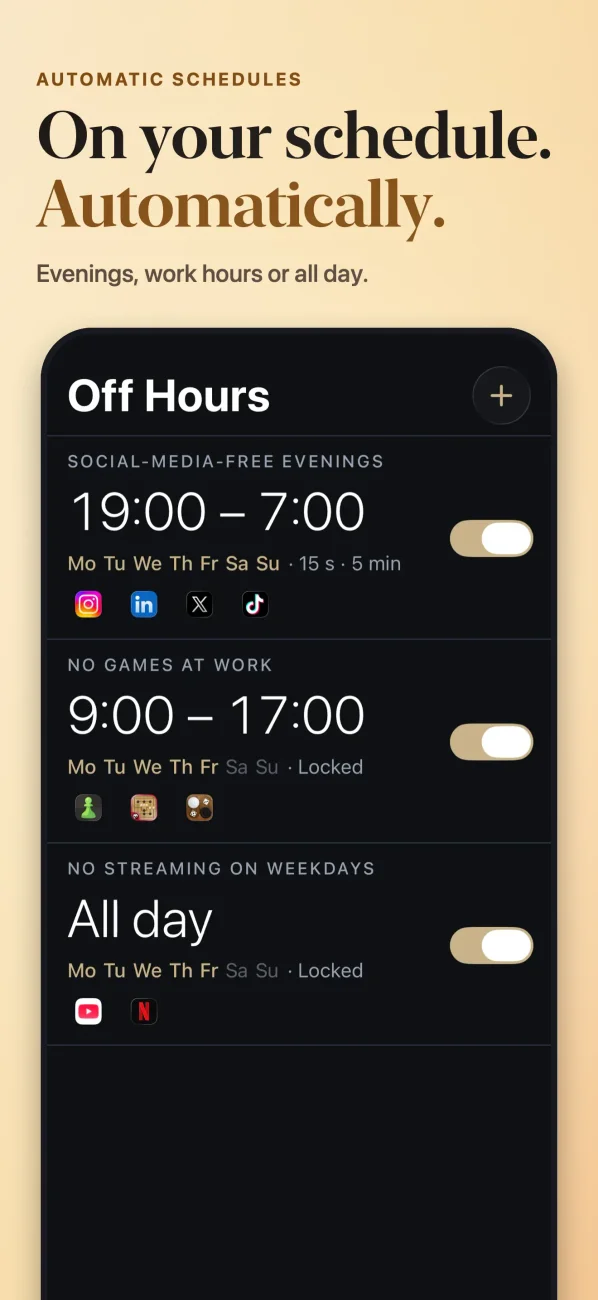
• Set a time window, for example 21:00 to 07:00, on the days you choose
• Pick the apps. Off Hours uses your iPhone's Screen Time for this
• From then on iOS takes over: the cooling-off starts on time, even when Off Hours is closed
• After an exception the app stays open for a few minutes, then the cooling-off applies again
• Home Screen widget with the current status
FREE
One schedule with up to two apps, a 15-second cooling-off and a 5-minute exception.
OFF HOURS PLUS
• More schedules, for example for weekends
• More than two apps per schedule, including whole categories (up to 50 apps per schedule)
• Cooling-off of 30 or 90 seconds, or lock the apps until the schedule ends
• Exception of 1, 5 or 15 minutes
• "Start now": begin a schedule immediately, also from the widget
Plus is available as a yearly or monthly subscription. Prices are shown in the app.
PRIVACY
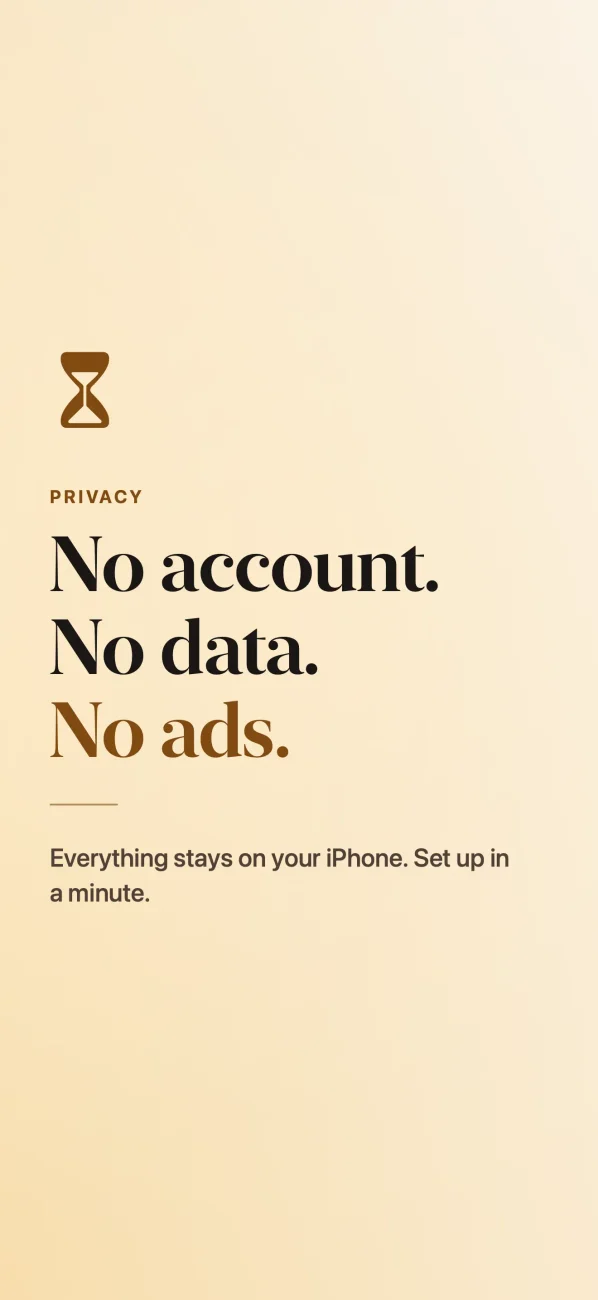
No account, no server, no analytics. Everything stays on your iPhone. Off Hours stores the apps you choose only as encrypted identifiers from iOS. Only the shield receives an app's name, to display it. Off Hours does not see how long you use apps, and it records nothing.
HONESTLY
Off Hours is an aid, not a safeguard against yourself. Any schedule can be switched off at any time. Off Hours pauses apps, not websites.
The subscription renews automatically until you cancel it in iPhone Settings under Apple Account › Subscriptions.
Terms of Use: https://auszeit.nxtchange.app/terms/
Privacy Policy: https://auszeit.nxtchange.app/privacy/
What’s new
Version 1.0.4 · Oct 28, 2026
On iOS 27 the iPhone draws the cooling-off buttons narrower. Their labels now fit on one line again: “Start”, “Check” and finally “Take a break” or “Open briefly”.
App privacy
What nxtChange Consulting FlexCo declares on the App Store about how this app handles data.
-
Data not collected
The developer does not collect any data from this app.
Privacy practices may vary, for example with the features you use or your age.
Information
- Seller
- nxtChange Consulting FlexCo
- Category
- Productivity
- Version
- 1.0.4
- Updated
- Oct 28, 2026
- Released
- Oct 7, 2026
- Size
- 2.2 MB
- Requires
- iOS 17.0 or later
- Age rating
- 4+
- In-app purchases
- Yes
- Languages
- English, German
- Copyright
- © 2026 nxtChange Consulting FlexCo
You might also like
-
 Stop Scrolling: AlpacaApp Blocker & Earn Screen Time
-
 Unsway: Strict App BlockerBlock Apps & Limit Screen Time
-
 Venta ServiceProductivity
-
 Detox: Screen Time App BlockerBlock apps, take timed breaks
-
 finit: Screen Time & LifeEvery day, kept for good
-
 Screen Time Control - PausedApp Blocker: Focus Work Study
-
 Focus: App Blocker & LockdownBlock Apps & Stop Scrolling
-
 Screenless: Screen Time, FocusMinimalistic App Blocker
-
 Offtime: Physical App BlockerScreen Time, Focus, QR/NFC
-
 Screen Time - Break CheckHabit Timers, No App Blocking