- Age rating4+
- CategoryUtilities
- DeveloperScriptstash Limited
- LanguagesEnglish+ 10 more
- Size11.4 MB
Links to the official App Store page
Download.org hosts no file of Offline PDF Merge. The button opens its official App Store page, published by Scriptstash Limited. Listing last checked on Nov 22, 2026.
Screenshots



About
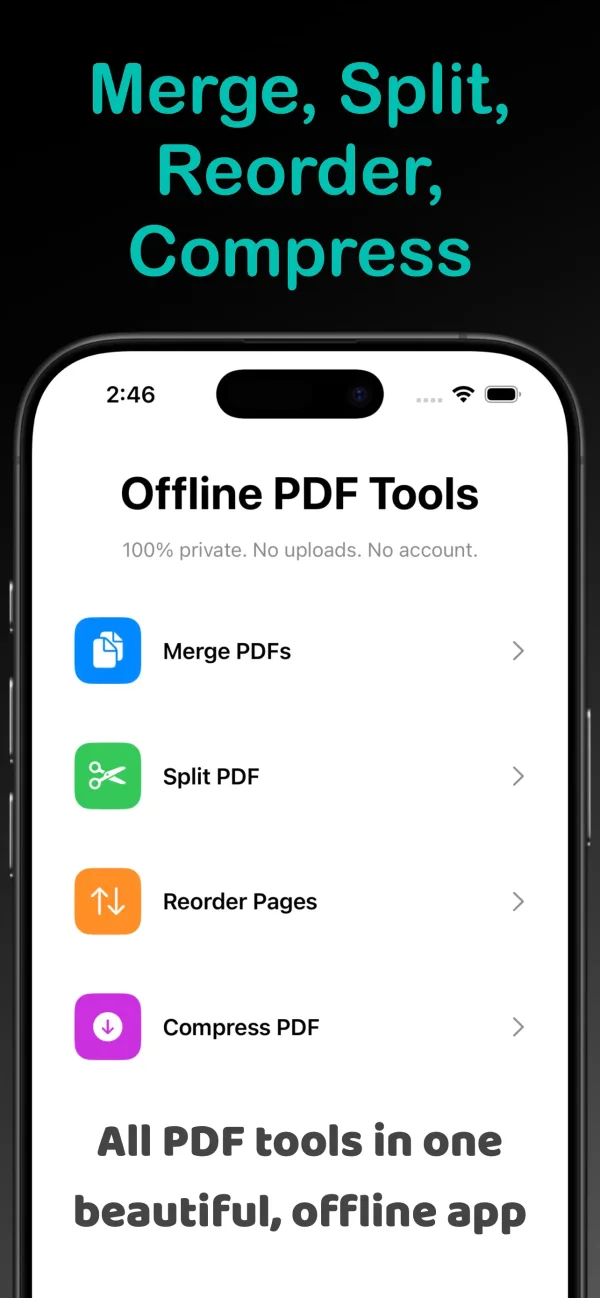
Offline PDF Merge lets you merge, split, reorder, and compress PDFs entirely on your iPhone—with complete privacy.
No internet required. No uploads. No account.
All PDF processing happens locally on your device, so your documents never leave your phone. Fast, simple, and built with native iOS technologies.
WHY CHOOSE OFFLINE PDF MERGE?
- 100% Offline & Private
- All processing is done on-device.
- No cloud uploads, no servers, no tracking.
- Your files remain completely private.
- Works without an internet connection.
FAST & POWERFUL
- Merge multiple PDF files in seconds.
- Split PDFs using page ranges like “1-3,5,7-9”.
- Reorder pages with intuitive drag-and-drop.
- Compress large PDFs for easy email sharing.
DEEP iOS INTEGRATION
- Import PDFs directly from the Files app.
- Use Share Sheet support to merge PDFs from any app.
- Home screen widget for quick actions.
- Native iOS design that feels built-in and familiar.
PERFECT FOR
- Students compiling assignments
- Professionals handling contracts and reports
- Anyone working with sensitive documents
- Users who value privacy, speed, and simplicity
FEATURES
- Merge PDFs
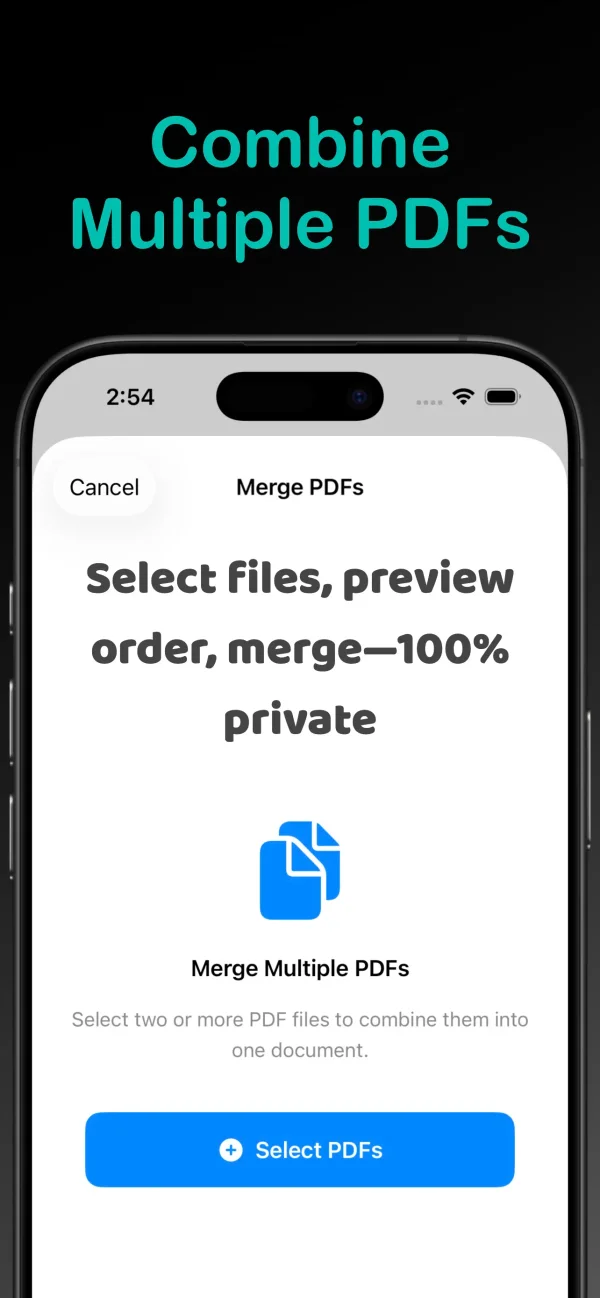
Combine multiple PDF files into a single document. Select files from your iPhone or iCloud Drive, preview the order, and merge instantly.
- Split PDFs
Extract specific pages using simple ranges such as “1-3,5,7-9” and create new PDFs from large documents.
- Reorder Pages
Drag and drop page thumbnails to rearrange pages. Ideal for fixing page order or creating custom documents.
- Compress PDFs
Reduce file size for email sharing. Choose from three presets: Email, Balanced, or High Quality.
- Recent Files
Quick access to recently used PDFs using security-scoped bookmarks—no need to search through folders again.
- Home Screen Widget
One-tap access to Merge and Split tools right from your home screen.
PRIVACY FIRST
Unlike many PDF apps, Offline PDF Merge:
- Never uploads your files
- Does not require accounts or logins
- Contains no analytics or tracking
- Works entirely offline
- Uses Apple’s PDFKit for on-device processing
- Open source and transparent. View the code on GitHub.
TECHNICAL DETAILS
- Supports all standard PDF files
- Processes files up to 100 MB (device-dependent)
- Built using Apple’s native PDFKit framework
- Uses security-scoped bookmarks for safe file access
- Temporary files are automatically cleaned up
NO SUBSCRIPTIONS. NO ADS. NO UPSELLS.
Free. Simple, honest.
What’s new
Version 1.9 · Oct 28, 2026
PDF merge now shows the correct labels.
App privacy
What Scriptstash Limited declares on the App Store about how this app handles data.
-
Data used to track you
May be used to track you across apps and websites owned by other companies.
- Location
- Identifiers
-
Data not linked to you
May be collected but is not linked to your identity.
- Location
- Identifiers
- Usage data
- Diagnostics
Privacy practices may vary, for example with the features you use or your age.
Information
- Seller
- Scriptstash Limited
- Category
- Utilities
- Version
- 1.9
- Updated
- Oct 28, 2026
- Released
- Dec 28, 2025
- Size
- 11.4 MB
- Requires
- iOS 26.0 or later
- Age rating
- 4+
- Price
- Free
- Languages
- English, Arabic, French, German, Hindi, Japanese, Korean, Portuguese, Russian, Simplified Chinese, Spanish
- Copyright
- © 2026 Scriptstash Limited
You might also like
-
 Merge PDF – Combine FilesJoin, reorder & share docs
-
 Photo to PDF: Merge, CompressScan, split, organise, offline
-
 Video Compress HelperUtilities
-
 RetroDotTimerCountdown, Pomodoro, stopwatch
-
 PdfToolBoxUtilities
-
 SoundPull: Extract AudioMerge Files, Video to MP3
-
 ZapPDF: Merge, Split & Edit100% Offline Document Utility
-
 AEI Keyboard Note SpanishOriginal Keyboard
-
 Image To PDF - ImDiConvert JPG, PNG to Documents
-
 RecoBooth — Studio RecorderRemove room echo and noise