- Age rating4+
- CategoryUtilities
- DeveloperAnayya LLC
- LanguagesEnglish
- Size9.2 MB
Links to the official App Store page
Download.org hosts no file of OmniKeys. The button opens its official App Store page, published by Anayya LLC. Listing last checked on Nov 23, 2026.
Screenshots


About
OmniKeys turns the iPhone keyboard into a mechanical one — and lets a business request a payment from any conversation. iOS 27 and iPadOS 27.
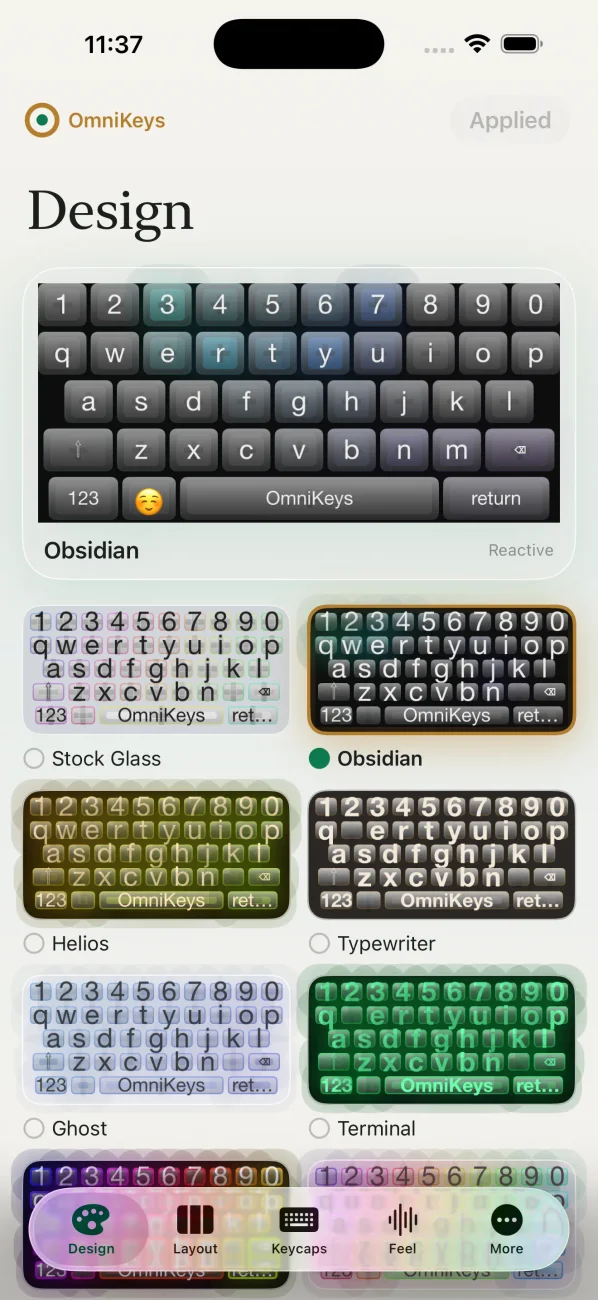
At rest it looks like the keyboard you already know: plain glass keys sitting on a plate. Press one and the switch underneath lights up, the color rises through the cap, and a ripple runs out to the keys around it. Lift, and it fades back.
TYPES LIKE STOCK
- Apple's key sizes and spacing
- Glide typing — swipe across letters and lift
- Predictions and autocorrect that learn your words and never repeat a correction you undo
- Auto-capitalise, caps lock, press-and-hold delete
- One globe key, where iOS puts it
FEELS LIKE HARDWARE
- Glass keycaps over lit switches with visible stems — choose Crystal, Frosted or Milky
- Keys travel down as you press; harder press, deeper travel
- Depth and tilt: the board shifts its highlights as you move the phone
- Per-key RGB — every key its own color, or one color across the board
SOUNDS AND FEEL
- Five switch sound kits, from a dry click to marimba
- Every key plays a note in a musical scale, so typing never sounds wrong
- Haptic styles from soft to sharp, stronger on delete
REQUEST A PAYMENT WITH OMNIPAY
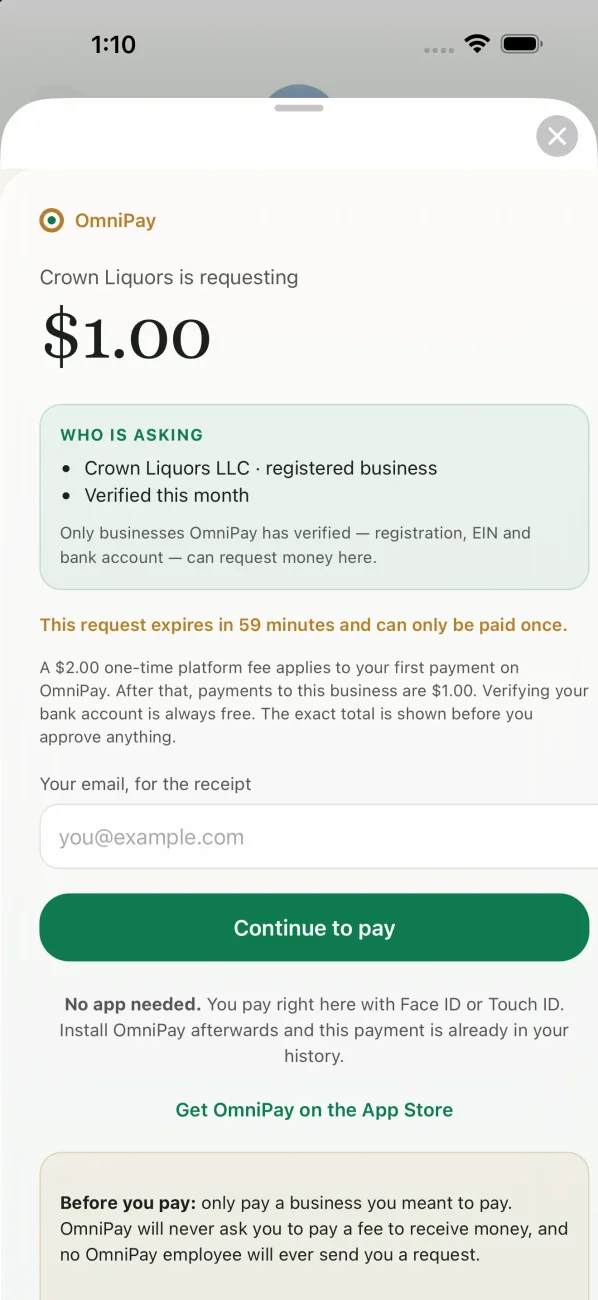
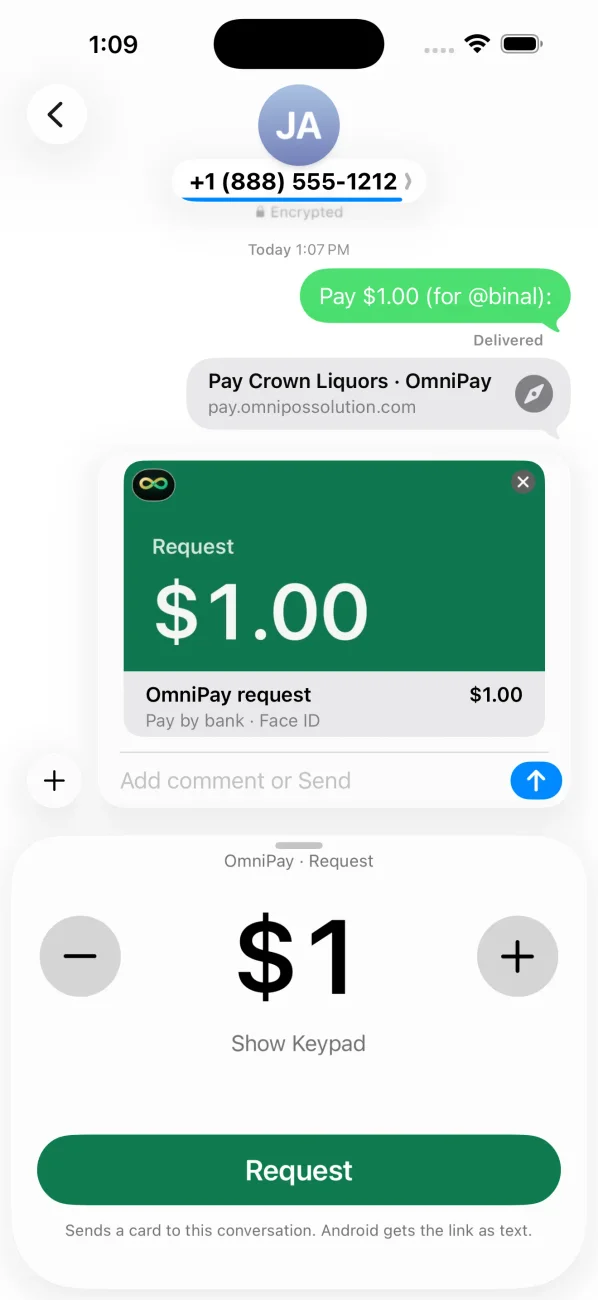
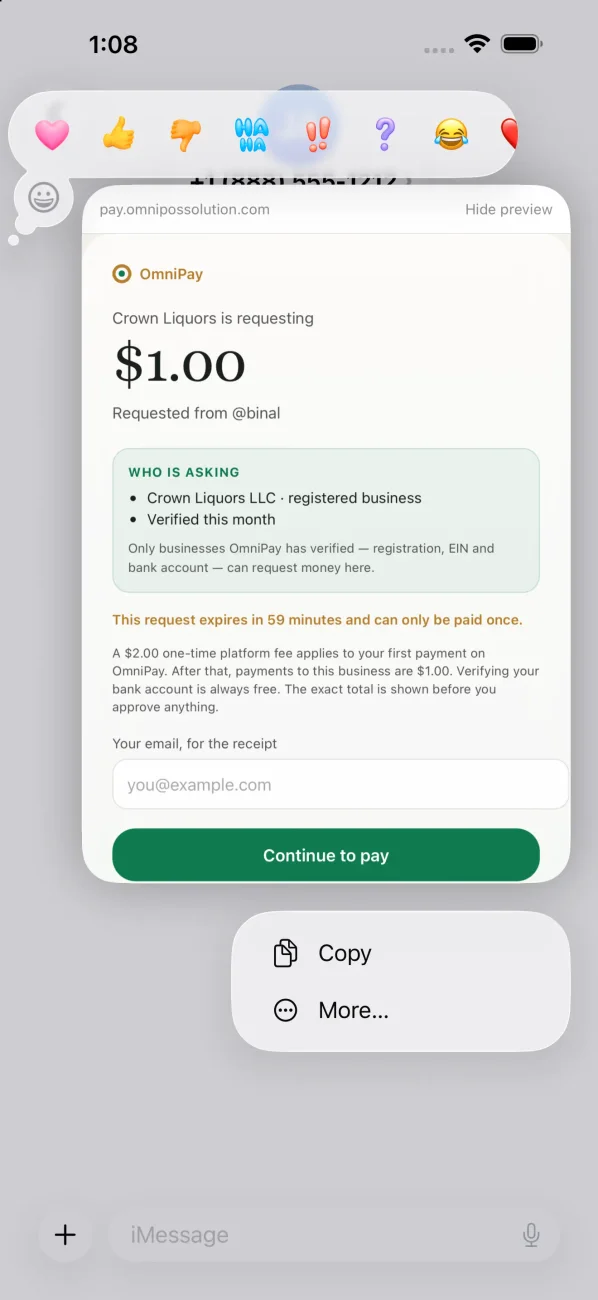
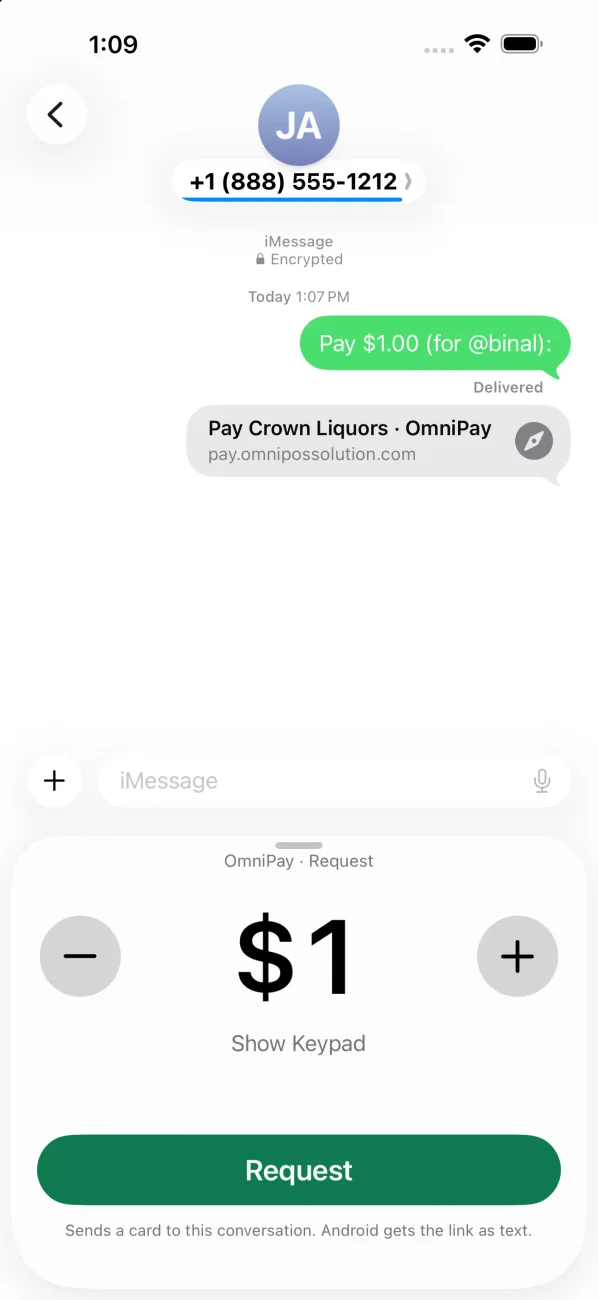
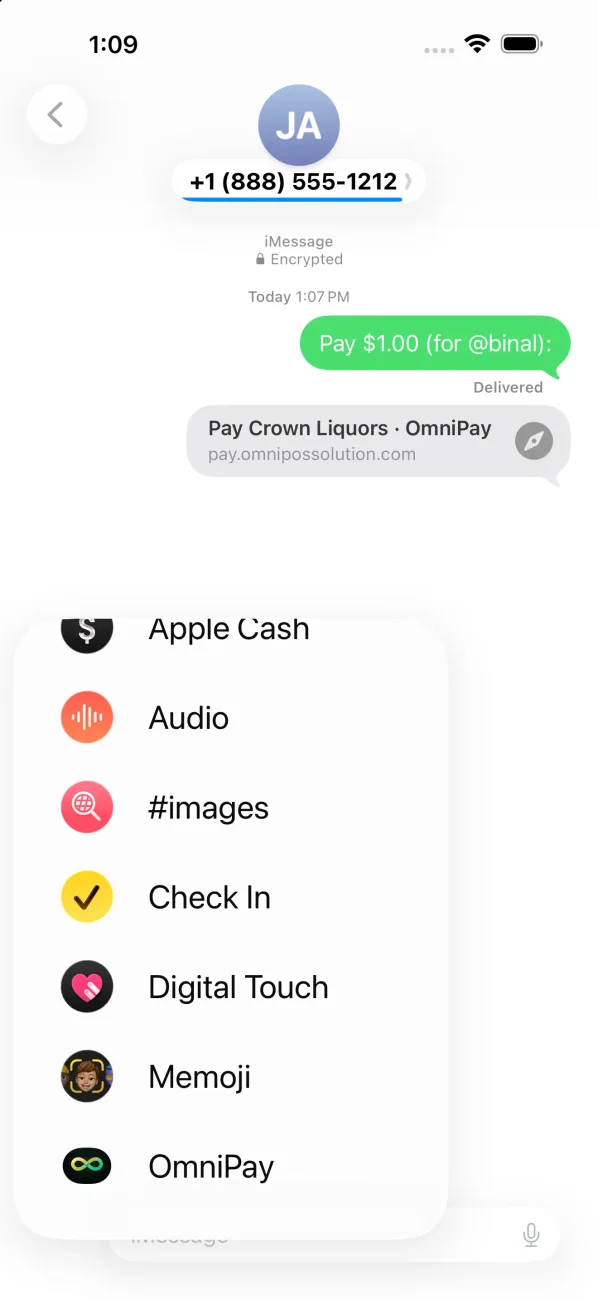
For businesses with an OmniPay merchant account. Press and hold the $ key to open the Request panel, set an amount, and OmniKeys puts a signed OmniPay payment link into whatever you're typing — Messages, WhatsApp, email, anywhere. The person you send it to pays on OmniPay's secure web page by bank transfer with Face ID or Touch ID; no app is required to pay. OmniKeys also includes an iMessage app that sends the same request as a card in Messages. Requests are signed on your phone with your merchant key; OmniKeys itself never moves money. Requires Full Access and an OmniPay merchant account. Payments are processed by OmniPay Solutions (omnipossolution.com).
WRITE WITH OMNIKEYS
On iPhones with Apple Intelligence, proofread, rewrite or summarise what you've written using the on-device model. Nothing leaves the phone.
YOURS TO SET
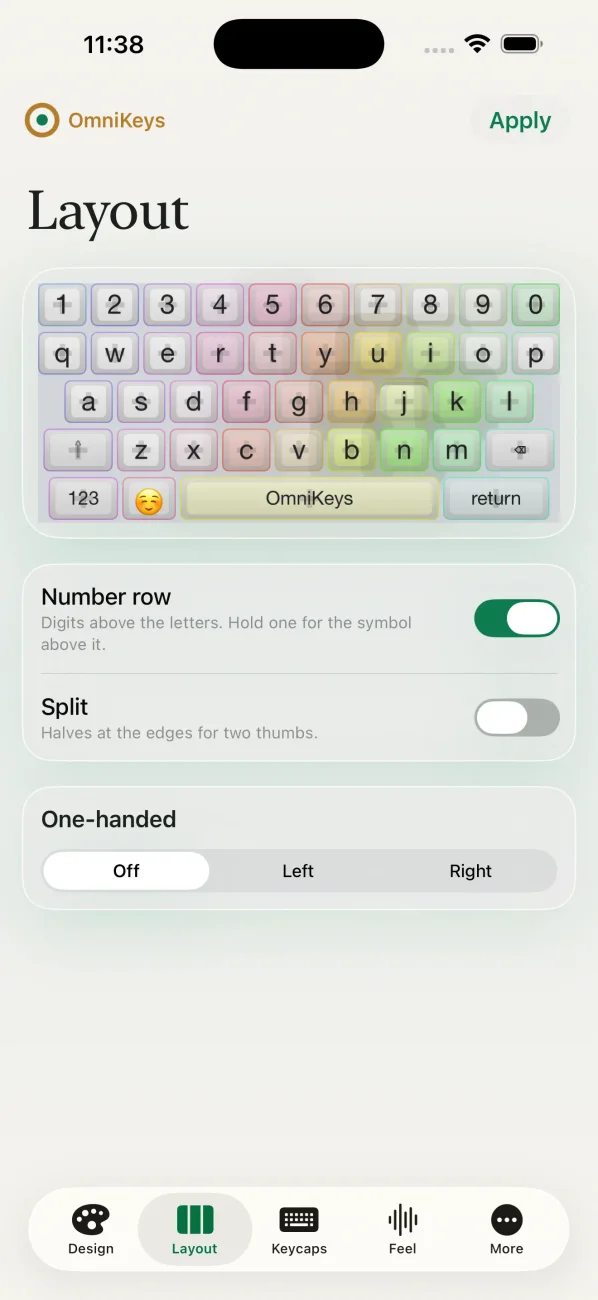
Pick a lighting mode — Reactive, Wave, Pulse or Static — and a colour, then set your key height, spacing, glass level and travel in the app. The keyboard follows.
PRIVATE
Nothing you type is collected, stored or sent anywhere by OmniKeys. Predictions and autocorrect run on your phone. Full Access is used for key sounds and to read your OmniPay merchant settings; typing works without it. A payment request link is only created when you press and hold $ and tap Request.
From OmniPay Solutions.
What’s new
Version 3.2 · Nov 22, 2026
Self-tuning typing: the keyboard reviews its own corrections nightly and adjusts, on device only. Fixes a doubled character in PIN and code fields, the period key showing twice in address bars, and memory use on large screens.
App privacy
What Anayya LLC declares on the App Store about how this app handles data.
-
Data not collected
The developer does not collect any data from this app.
Privacy practices may vary, for example with the features you use or your age.
Information
- Seller
- Anayya LLC
- Category
- Utilities
- Version
- 3.2
- Updated
- Nov 22, 2026
- Released
- Oct 14, 2026
- Size
- 9.2 MB
- Requires
- iOS 17.0 or later
- Age rating
- 4+
- Price
- Free
- Languages
- English
- Copyright
- © 2026 Anayya LLC
You might also like
-
 Keyfeel: Mechanical KeyboardClicky Sounds, RGB & Clipboard
-
 RemoteOrbitADB & VNC Remote Control
-
 TheRGB64RGB keyboard for Commodore 64
-
 Eluna Media: Video ConverterCompress offline, no ads
-
 StyleKeys Keyboard & ThemesFonts, Stickers & Clipboard
-
 MergeKeyDynamic Keyboard
-
 Skeyboard - Custom KeyboardFully customizable keyboard
-
 tadak: Custom KeyboardThemes, Sounds & Keyboard Pets
-
 GIF Keyboard: Custom ThemesPhoto, Animated, Swipe, Sounds
-
 Quick Kibo: Custom KeyboardFast Typing, Clipboard, Themes