OneLimit: Parental Controls
iPhone, PS5, Switch, Xbox, PC
Designed for iPhone, iPad
Free · In-app purchases
- Age rating4+
- CategoryLifestyle
- DeveloperRene Winkelmeyer
- LanguagesEnglish+ 9 more
- Size15.6 MB
Links to the official App Store page
Download.org hosts no file of OneLimit: Parental Controls. The button opens its official App Store page, published by Rene Winkelmeyer. Listing last checked on Nov 23, 2026.
Screenshots



About
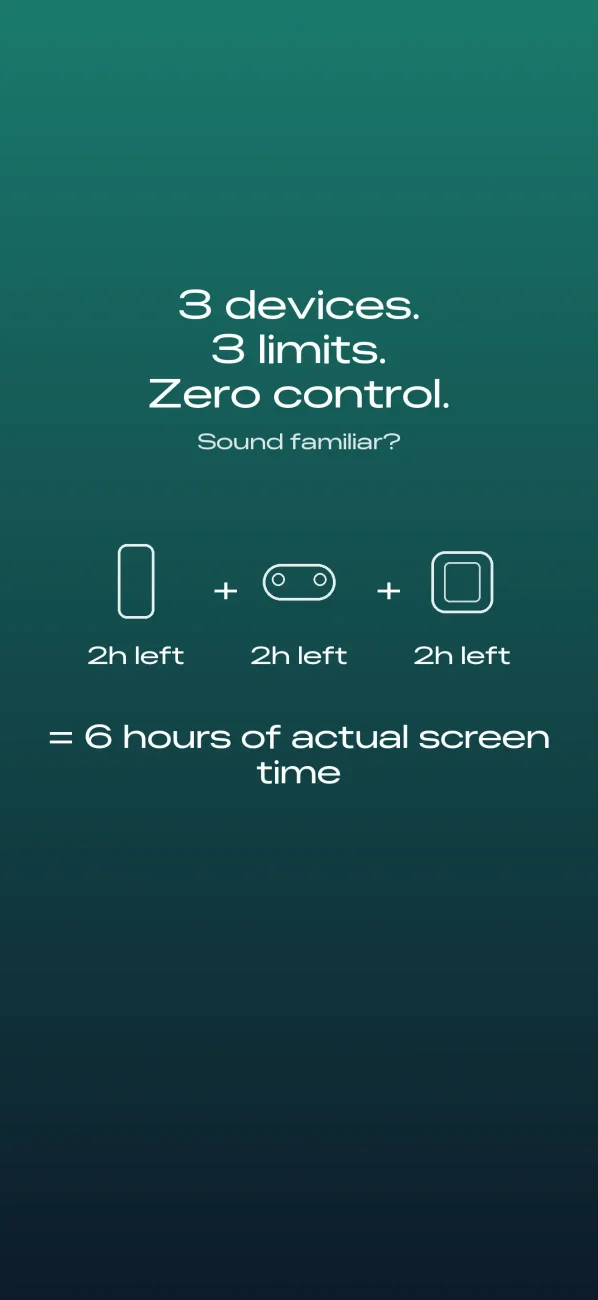
Your kid finishes their iPhone time, walks to the PS5, and starts a fresh clock. You set limits on three devices but manage none of them together. Sound familiar?
OneLimit gives your family one daily screen time budget that counts down across every device - iPhone, PlayStation 5, Nintendo Switch, Xbox, and Windows PC. When time runs out on one, it runs out on all of them. No loopholes.
HOW IT WORKS
Set a daily budget for each child (say, 2 hours on weekdays, 3 on weekends). OneLimit tracks usage across all linked devices in near-real-time. On iOS your child sees a budget ring that fills up as they play and browse. When the budget is spent, every device locks. Simple.
KEY FEATURES
- Unified budget: One pool of time shared across iPhone, PS5, Switch, Xbox, and Windows. No more device-hopping.
- Budget ring: A clear, color-coded gauge shows exactly how much time is left. Green, amber, red - your child always knows where they stand.
- Streaks: Kids earn streaks for staying within their daily budget. Positive reinforcement, not just restriction.
- Ask for more time: Your child can request extra minutes directly from their app. You approve or deny with one tap.
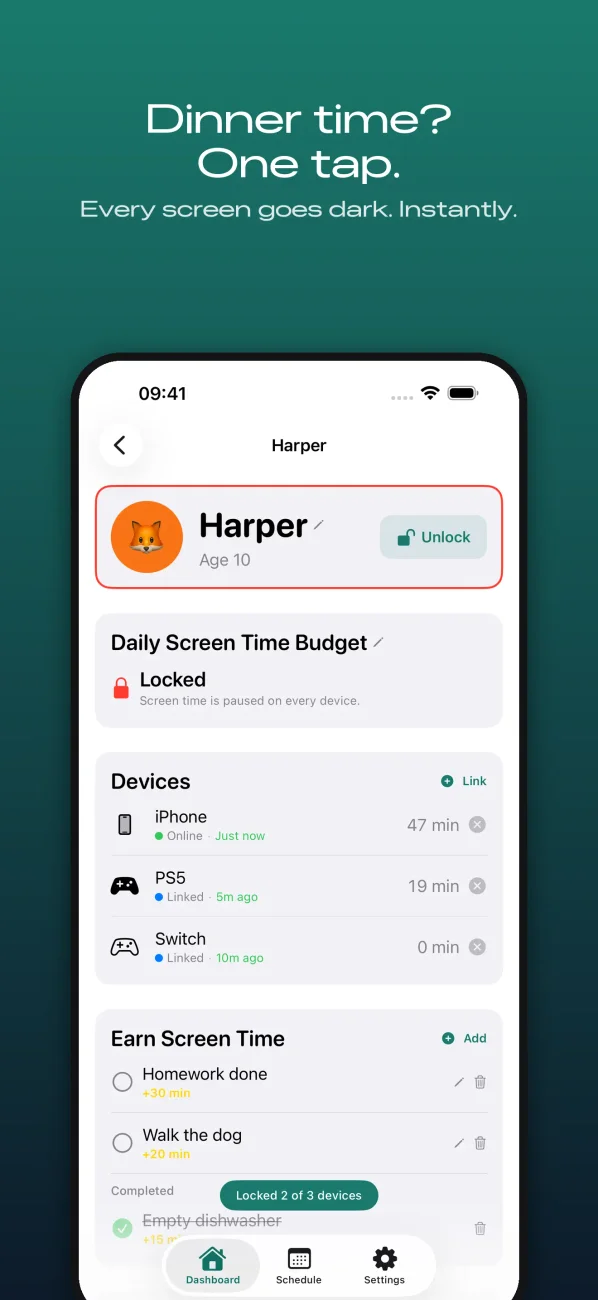
- Emergency lock: Lock all devices instantly from the dashboard. One tap, no confirmation needed. Unlock when you are ready.
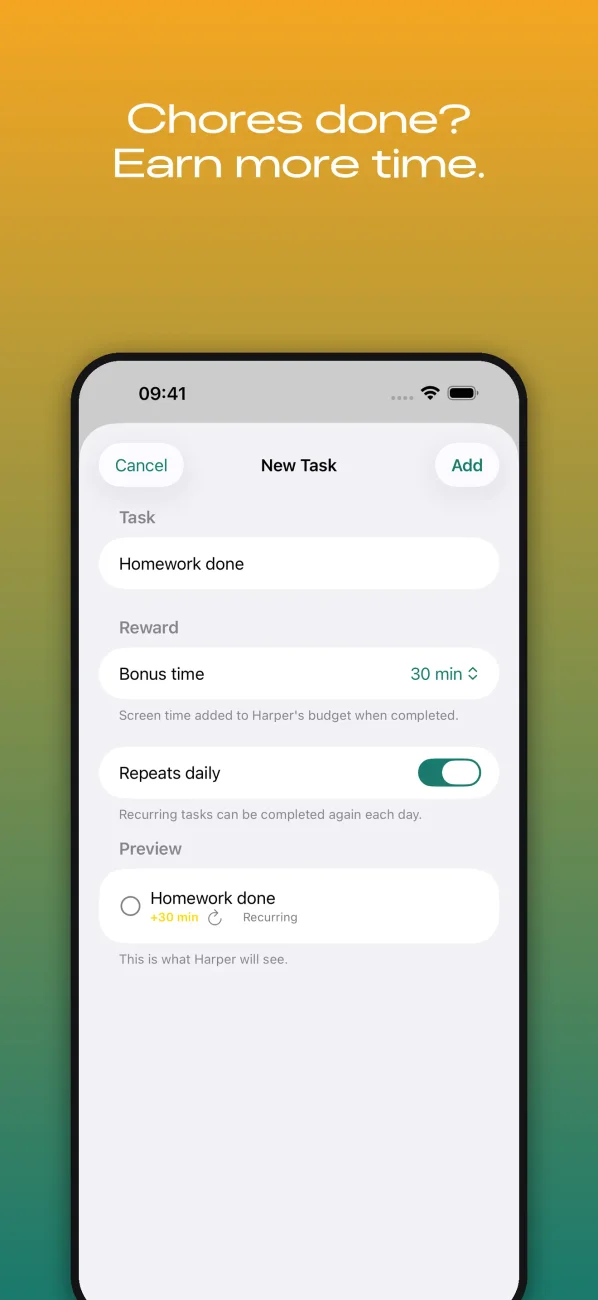
- Bonus time: Grant +30 minutes with a single tap when plans change.
- Activity log: See which devices were used, for how long, and when. No guesswork.
- Schedules: Set weekday and weekend budgets, bedtime lockout windows, and per-device overrides.
- Vacation mode: Relax the limits without deleting your settings. Toggle it on, toggle it off.
- Bedtime countdown: Automatic lockout windows keep devices off at night.
- Co-parenting ready: Designed for households where both parents need visibility.
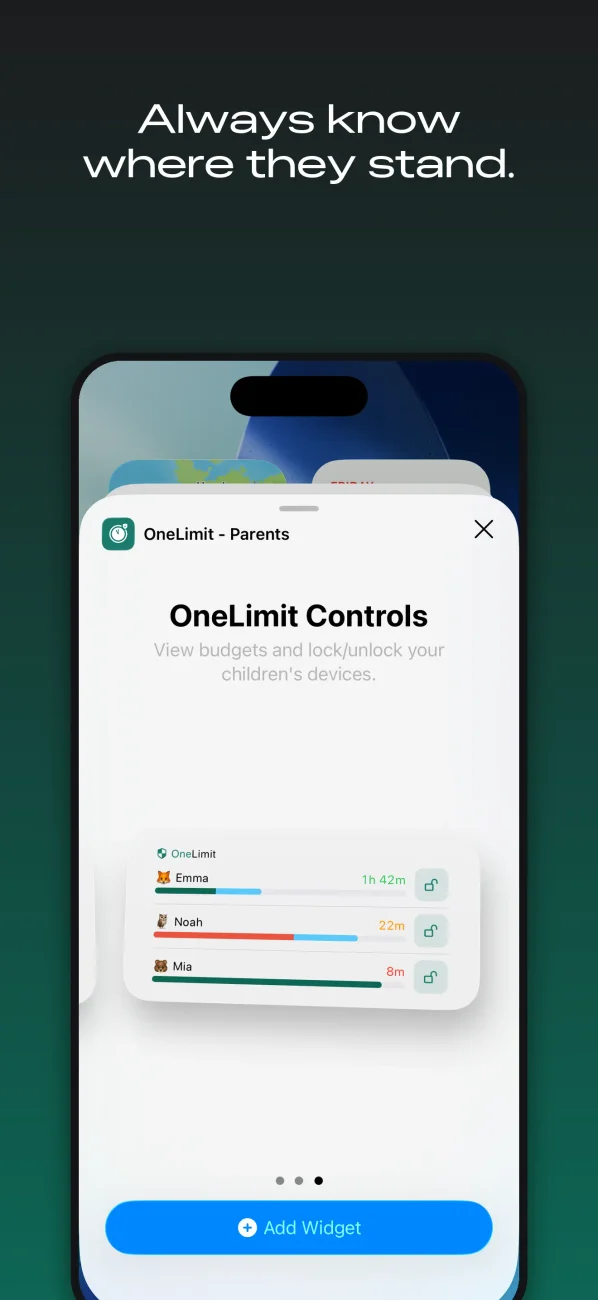
- Widget: Check each child's remaining budget from your iPhone home screen without opening the app.
- Daily summary: A warm "good night" notification recaps the day. "Today was a 2h 14m day. Busiest: PS5."
- Weekly email: A concise weekly report delivered to your inbox (optional).
SUPPORTED PLATFORMS
- iPhone / iPad
- PlayStation 5
- Nintendo Switch
- Xbox (Series X|S, One)
- Windows PC
PRIVACY FIRST
OneLimit collects only what is necessary to track screen time budgets. We do not monitor content, read messages, track location, or store photos. All data is encrypted in transit and at rest.
Terms of Use (EULA): https://www.apple.com/legal/internet-services/itunes/dev/stdeula/
What’s new
Version 1.3.0 · Nov 22, 2026
OneLimit now uses the whole screen on iPhone Duo and iPad.
- Unfolded on iPhone Duo, or on iPad in full screen, the Dashboard shows your children on the left and the one you picked on the right. Fold the phone and you stay where you were.
- The photo you crop for a child is now saved exactly as you framed it, instead of drifting slightly off.
- Closing the subscription screen without buying no longer shows an error message.
App privacy
What Rene Winkelmeyer declares on the App Store about how this app handles data.
-
Data linked to you
May be collected and linked to your identity.
- Contact info
- Identifiers
- Usage data
-
Data not linked to you
May be collected but is not linked to your identity.
- Diagnostics
Privacy practices may vary, for example with the features you use or your age.
Information
- Seller
- Rene Winkelmeyer
- Category
- Lifestyle
- Version
- 1.3.0
- Updated
- Nov 22, 2026
- Released
- Jun 3, 2026
- Size
- 15.6 MB
- Requires
- iOS 17.6 or later
- Age rating
- 4+
- Price
- Free
- In-app purchases
- Yes
- Languages
- English, Dutch, French, German, Italian, Polish, Portuguese, Russian, Spanish, Turkish
- Copyright
- © 2026 René Winkelmeyer
You might also like
-
 FawnGuard: Parental ControlScreen Time & App Blocker
-
 Parental Controls: TapGuardianScreen Time, App Blocker, Web
-
 PearGuardScreen time rules, no account
-
 Monitor Kids Phone-Screen TimeParental Control App & Blocker
-
 Parental Control App NannyHereKeep Kids Safe Online
-
 Device App KiddenLifestyle
-
 Kupola: Parental ControlFamily Locator & Screen Time
-
 Parental Control: SmartDaddyKids Screen Time & App Blocker
-
 Junior: Powered by KidopalRemote Family Device Manager
-
 Kidopal: Parental Control AppParental screen-time habits