
OneScreenTimer
Focus timer for your vibe era
Designed for iPhone, iPad
Free · In-app purchases
- Age rating4+
- CategoryProductivity
- DeveloperJUMING LAI
- LanguagesEnglish+ 1 more
- Size1.6 MB
Links to the official App Store page
Download.org hosts no file of OneScreenTimer. The button opens its official App Store page, published by JUMING LAI. Listing last checked on Nov 20, 2026.
Screenshots

About
Stop doomscrolling. Start focusing.
One Screen Timer is the aesthetic focus timer that actually makes you want to lock in.
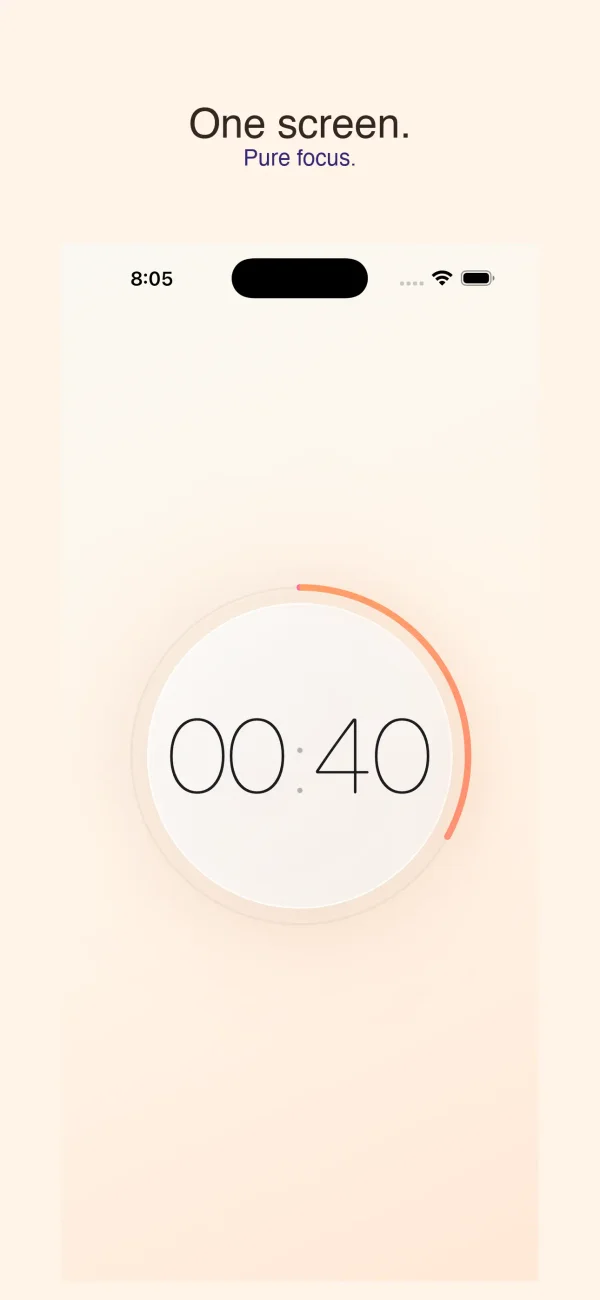
Pick your vibe. Set your time. Watch the ring fill up. That's it -no bloated features, no accounts, no data tracking. Just a beautifully designed timer that helps you stay present.
SET YOUR TIME YOUR WAY
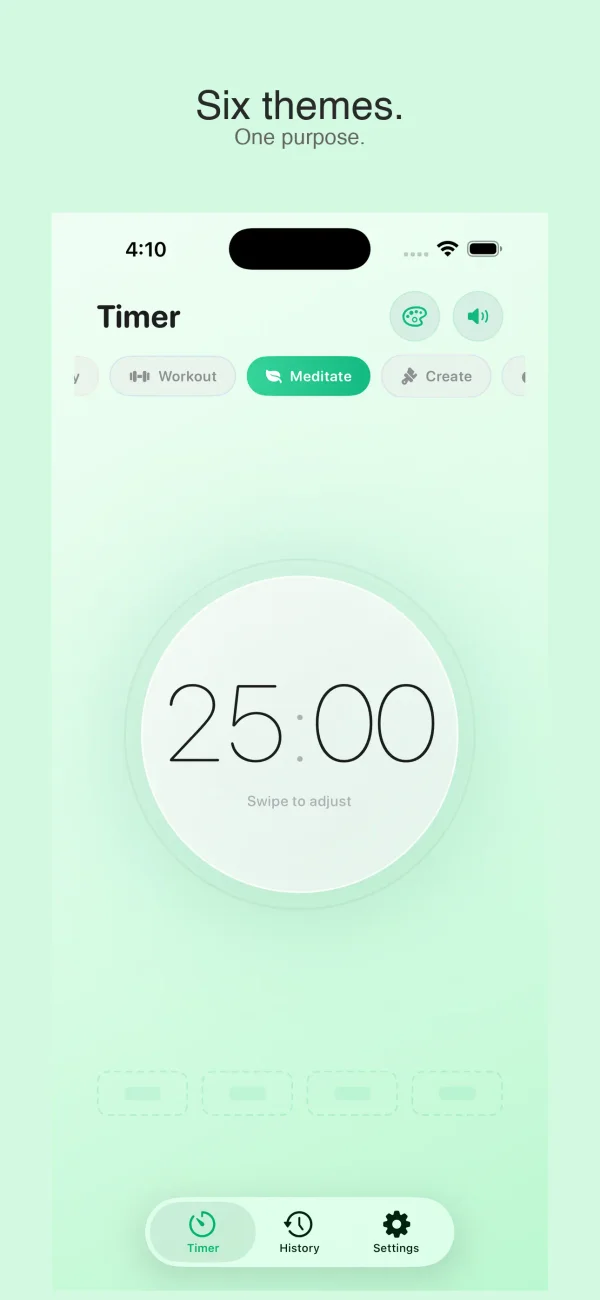
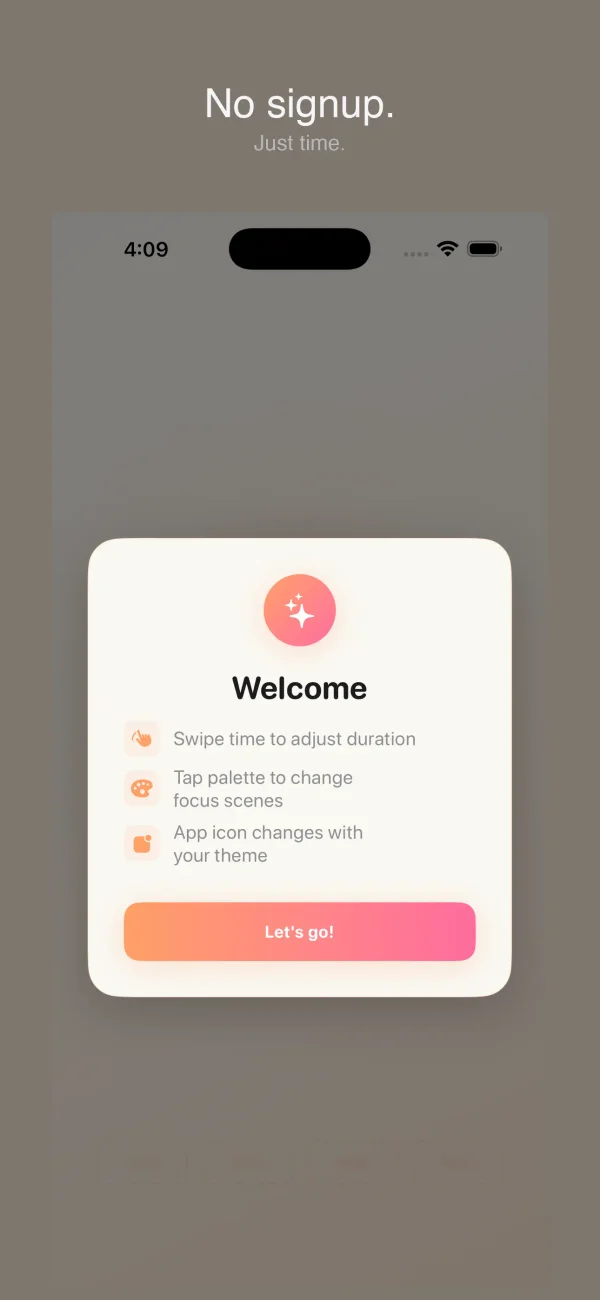
Swipe minutes and seconds independently -set anything from 5 seconds to 2 hours.
Smart presets remember your favorite durations. Tap one to instantly start.
PICK YOUR VIBE
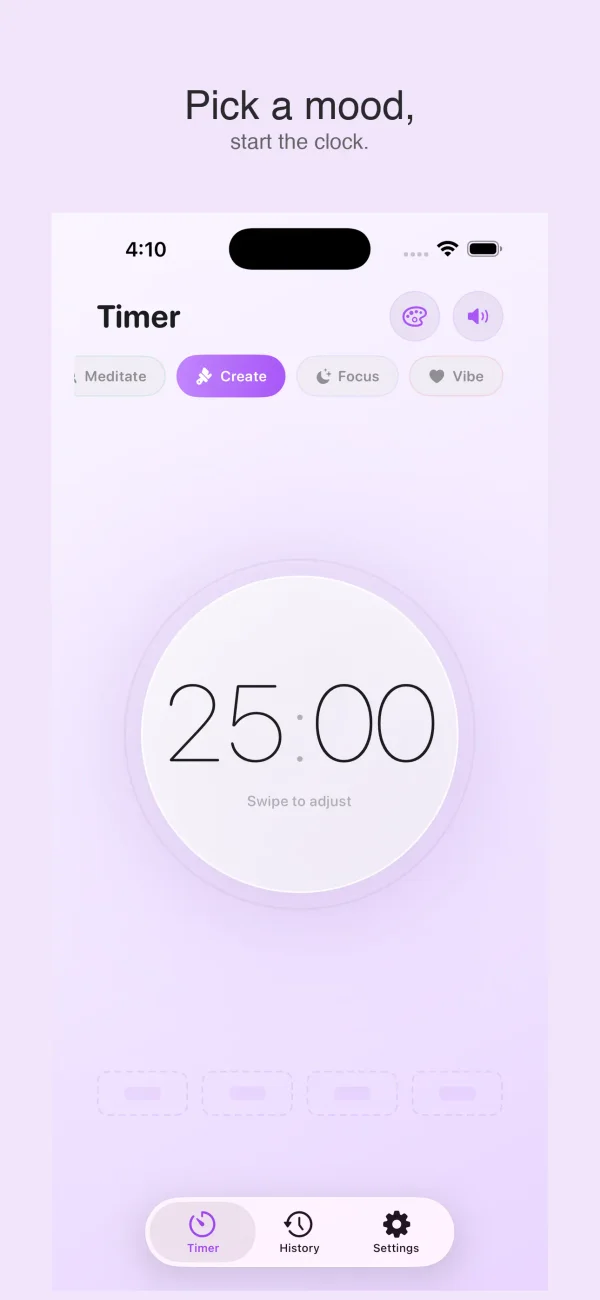
6 curated themes -Study, Workout, Meditate, Create, Focus, and Vibe -each with its own color palette, icon, and mood. Switch themes and your app icon changes automatically to match.
Your home screen icon updates to reflect your current vibe -the only timer that lets you personalize your icon.
STAY ON TRACK
Streak tracking keeps you accountable day after day. Streak freezes have your back when life gets in the way.
NEVER LEAVE YOUR FLOW
Live Activities and Dynamic Island show your timer right on the lock screen and at the top of your display -no need to open the app.
Home screen widgets display your daily focus minutes and streak at a glance.
ZEN MODE
Ultra-minimal interface -just you and the timer. Tap to start, tap to pause. Pure focus, zero distractions.
Screen stays awake during your session -no interruptions, no unlocking.
DESIGNED WITH INTENTION
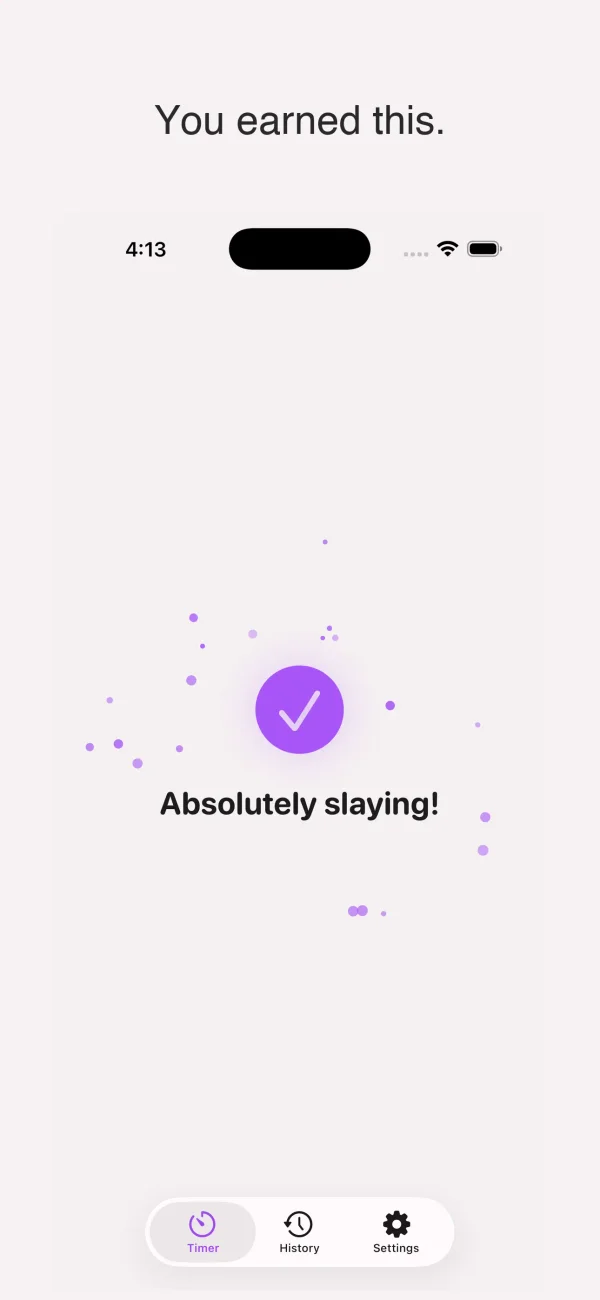
Celebration animations when you complete a session -because small wins deserve hype.
Gentle sound and haptic cues keep you grounded without being jarring.
Beautiful dark mode support that's easy on the eyes for late-night study sessions.
YOUR PRIVACY IS NON-NEGOTIABLE
Fully offline. No accounts. No data collection. No ads. Ever.
BILINGUAL
Full English and Chinese (简体中文) support built in.
Built by an indie studio that believes a timer should do one thing and do it well. No clutter. No distractions. Just focus.
Download One Screen Timer and start your streak today.
What’s new
Version 1.1.3 · Apr 6, 2026
- Fixed: Lock screen countdown no longer freezes after a few seconds
- Fixed: Timer no longer jumps when switching from app to Live Activity
- Improved: In-app timer display stays perfectly synced with lock screen and Dynamic Island
App privacy
What JUMING LAI declares on the App Store about how this app handles data.
-
Data not collected
The developer does not collect any data from this app.
Privacy practices may vary, for example with the features you use or your age.
Information
- Seller
- JUMING LAI
- Category
- Productivity
- Version
- 1.1.3
- Updated
- Apr 6, 2026
- Released
- Apr 1, 2026
- Size
- 1.6 MB
- Requires
- iOS 17.0 or later
- Age rating
- 4+
- Price
- Free
- In-app purchases
- Yes
- Languages
- English, Simplified Chinese
- Copyright
- © 2026 QuietByte
You might also like
-
 ProgressTimer - Bar TimerTime, shown as a single bar.
-
 Dr.Timer - Simple Preset TimerQuick Start Timer Presets
-
 Amortize AnythingCost Per Use Tracking
-
 Write First: App BlockerBlock apps until you check in
-
 Tally Board CounterTap to count anything
-
 Wait — Focus Timer & PlannerDeep Work and Personal OS
-
 Focal: Visual Timer & RoutineSee time. One thing at a time.
-
 TableTimer: Design Your TimeCustom Focus Timer & Stopwatch
-
 Focus it: Pomodoro Study TimerTasks, Widgets & Live Activity
-
 Fomodo: Focus Timer & StudyPomodoro, App Blocker, ADHD