- Age rating4+
- CategoryUtilities
- DeveloperWalter Hofstetter
- LanguagesEnglish
- Size29.6 MB
Links to the official App Store page
Download.org hosts no file of PacketCircle. The button opens its official App Store page, published by Walter Hofstetter. Listing last checked on Nov 16, 2026.
Screenshots

About
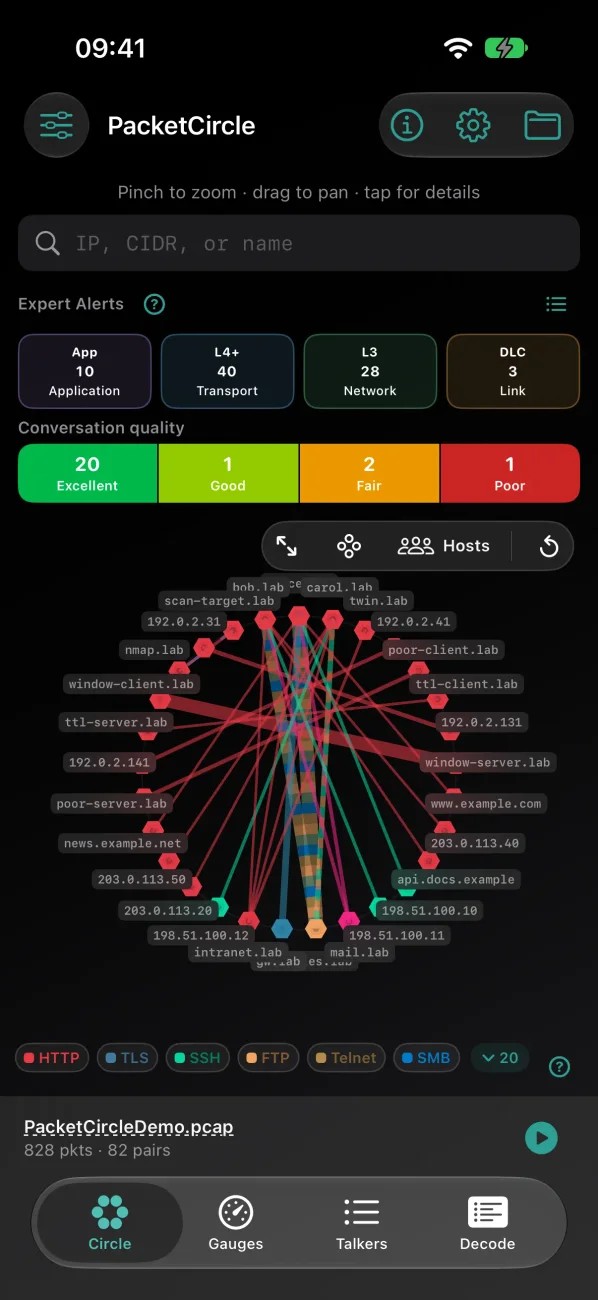
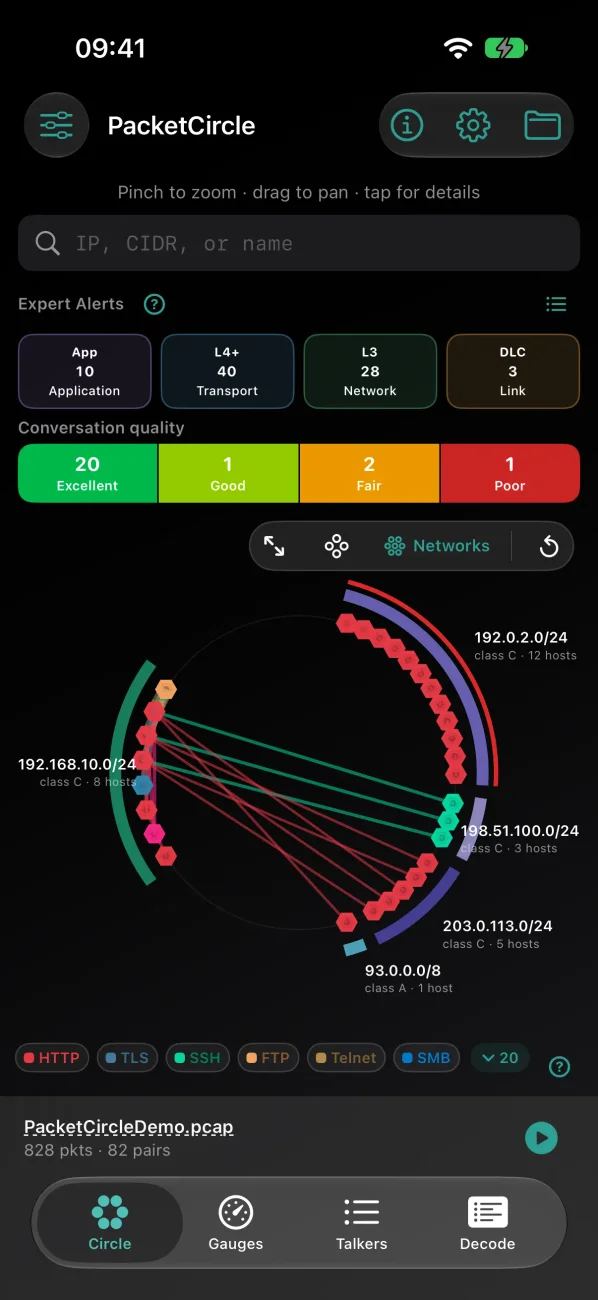
PacketCircle turns packet captures into a clear picture of who is talking to whom.
Instead of scrolling endless packet lists, you see communication pairs as an interactive circle: endpoints on the rim, conversations as edges, colors by protocol or session quality. Ideal when you need to understand a capture quickly — on site, in a meeting, or reviewing a file someone sent you.
What you can do
• Open PCAP and PCAPNG captures
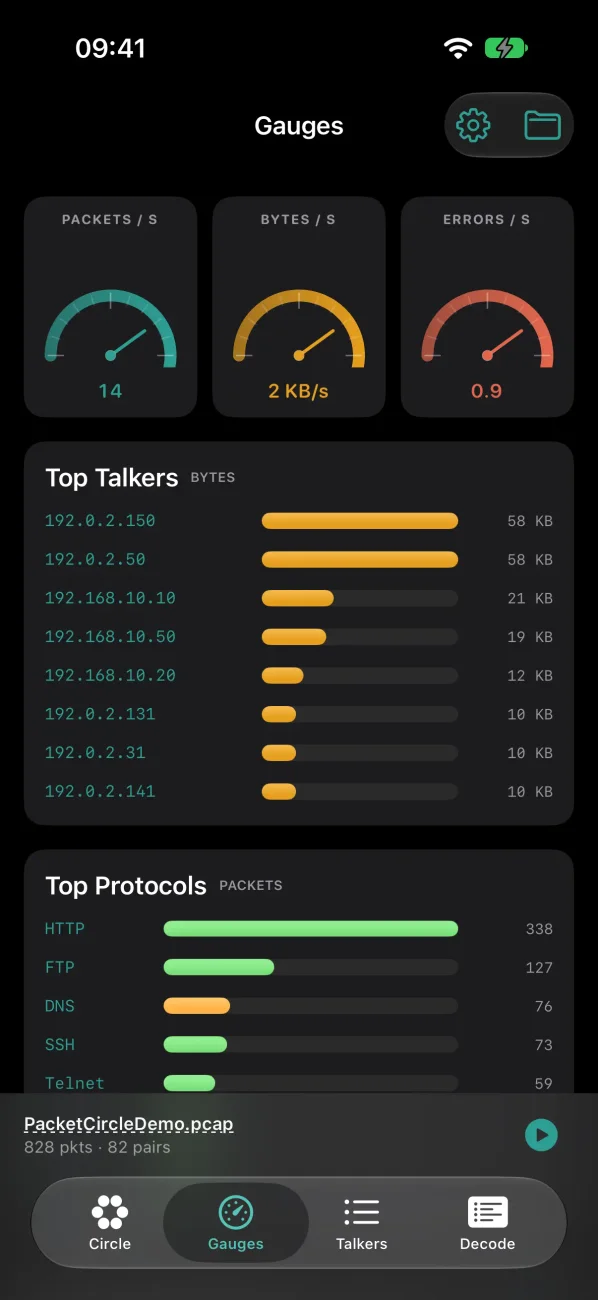
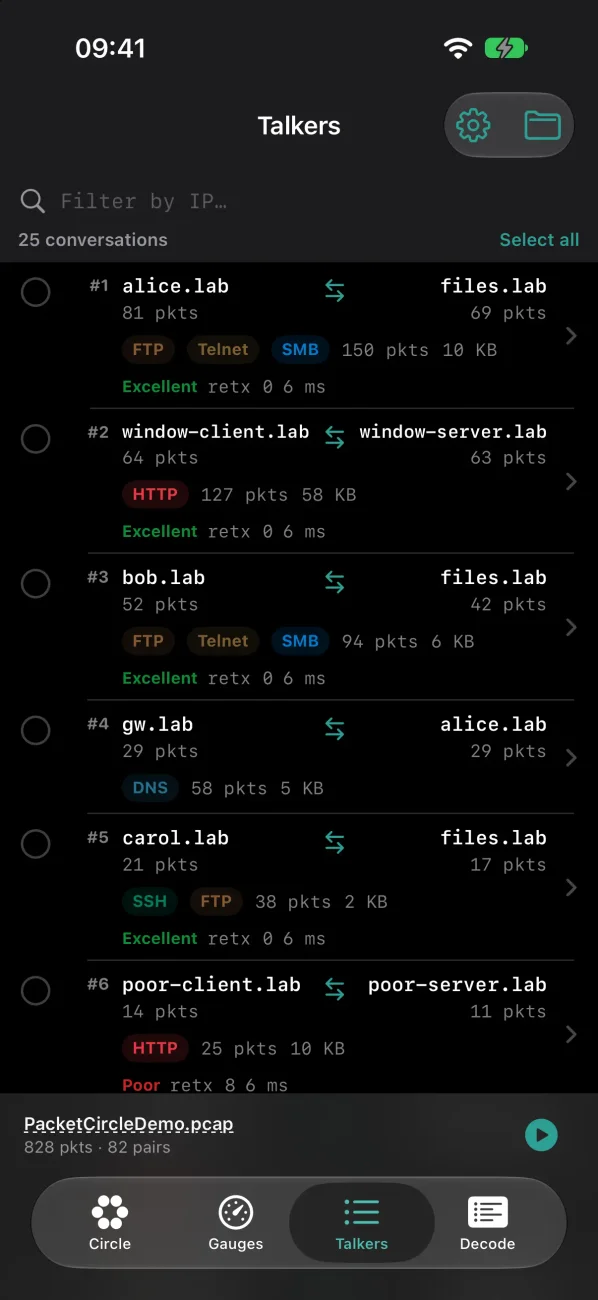
• Explore Top talkers on a circle, table, or gauges view
• Filter by protocol and focus on the conversations that matter
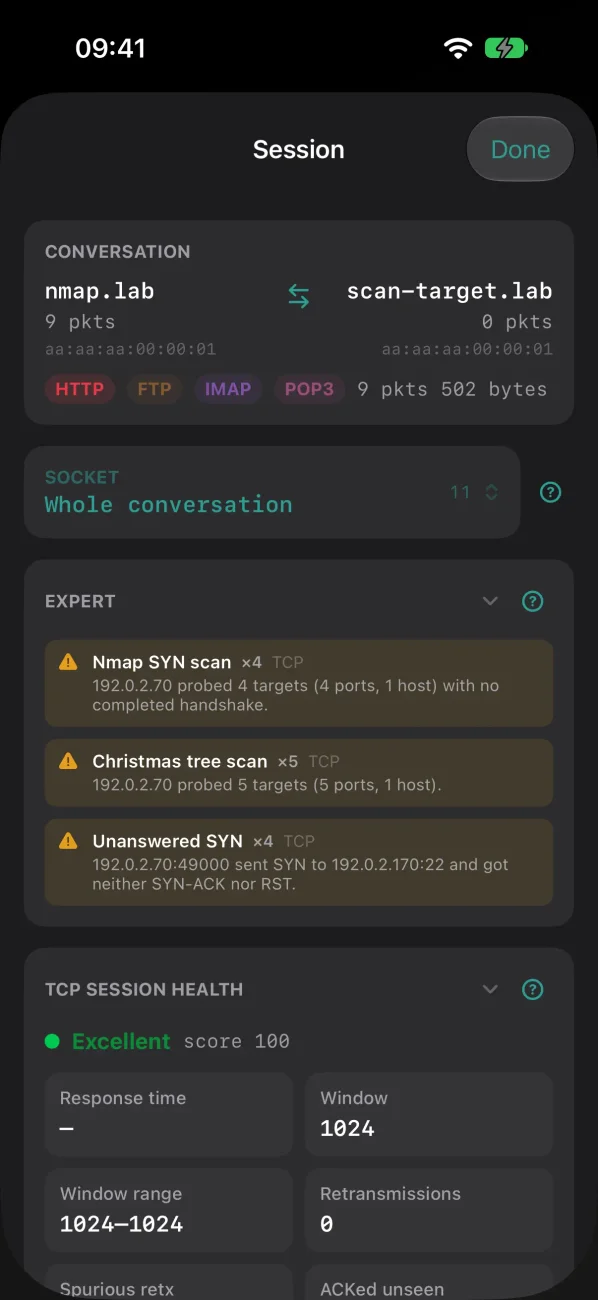
• Inspect session health, ports/services, and application hints
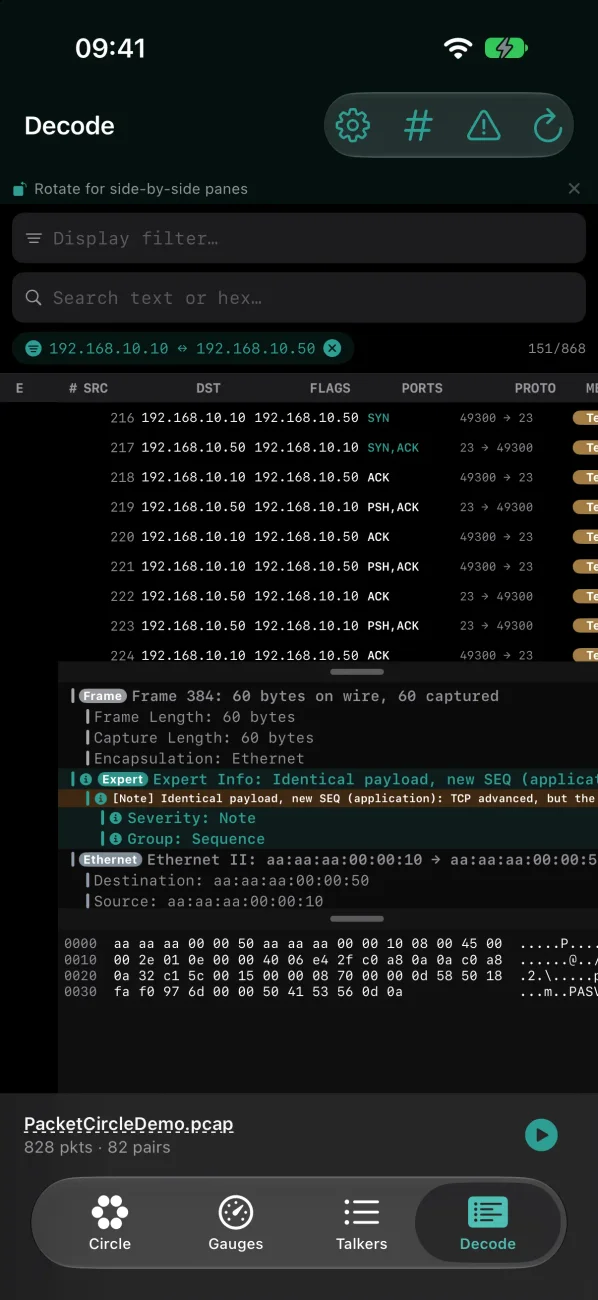
• Jump into a Wireshark-style decode (packet list, protocol tree, hex)
• Follow TCP streams and export a conversation as PCAP
Built for analysis, not noise
PacketCircle is a native iOS app with a shared engine designed for conversation-centric troubleshooting — DNS, HTTP, TLS, SMB, and more when the payload is visible — without requiring Wireshark on your phone.
Open a capture. See the circle. Understand the network.
Made with love for the packet community.
What’s new
Version 1.3.9 · Nov 14, 2026
Animate Circle:
Packets now travel along the Circle's lines, in the direction they really went, during Demo Mode, a replay or a PCAP-over-IP capture. Turn it on under Options → Circle → Animate Circle. It follows Reduce Motion.
Search the Circle by port:
Type "port 5005", "port 8000-8100" or "port 80,443" in the search field to highlight every conversation that uses that port. Network blocks such as 10.0.0.0/24 work too.
Name a port after its service:
Touch and hold a port in a conversation's Ports list and choose "Assign service to port…". Handy for services on non-standard ports. You can also manage these in Options → Port mappings.
App privacy
What Walter Hofstetter declares on the App Store about how this app handles data.
-
Data not collected
The developer does not collect any data from this app.
Privacy practices may vary, for example with the features you use or your age.
Information
- Seller
- Walter Hofstetter
- Category
- Utilities
- Version
- 1.3.9
- Updated
- Nov 14, 2026
- Released
- Aug 12, 2026
- Size
- 29.6 MB
- Requires
- iOS 17.0 or later
- Age rating
- 4+
- Price
- Free
- Languages
- English
- Copyright
- © 2026 Walter Hofstetter
You might also like
-
 PCAP AnalyzerAnalyze Packets Anywhere
-
 PacketTrendsPing, TCP & web monitoring
-
 Tongs - http(s) stream catcherNetwork Debugging Toolkit
-
 Network TunnelUtilities
-
 Speedtest.azInternet Speed Test Azerbaijan
-
 Druware DMARC Report ReaderUtilities
-
 RedcarbonUtilities
-
 LowPingReal ICMP Ping & Latency Test
-
 Kestrel LITEPCAP Intelligence
-
 IT ToolKitNetwork Tools for Admins