PacketCircle
Look at packets from the sofa
iPhone için tasarlandı
Ücretsiz
- Yaş sınırı4+
- KategoriYardımcılar
- GeliştiriciWalter Hofstetter
- Dillerİngilizce
- Boyut29,6 MB
Resmi App Store sayfasına bağlanır
Download.org, PacketCircle için hiçbir dosya barındırmaz. Düğme, uygulamanın App Store üzerindeki sayfasını açar; uygulamayı orada Walter Hofstetter yayınlar. Sayfanın son kontrolü: 16.11.2026.
Ekran görüntüleri

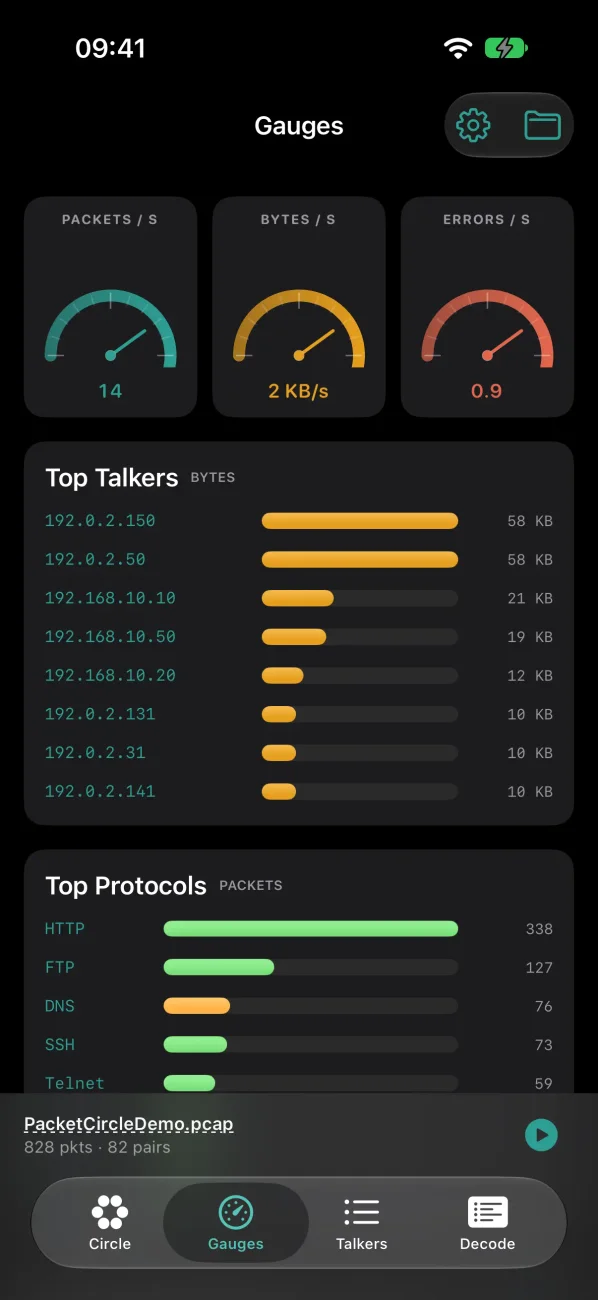
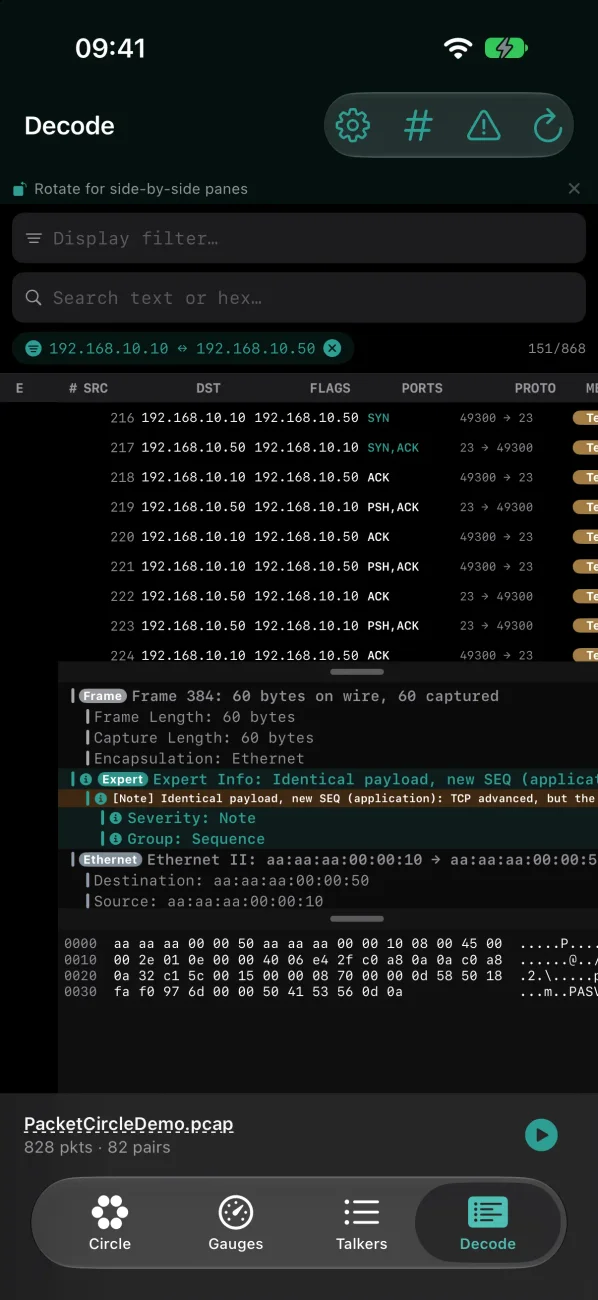
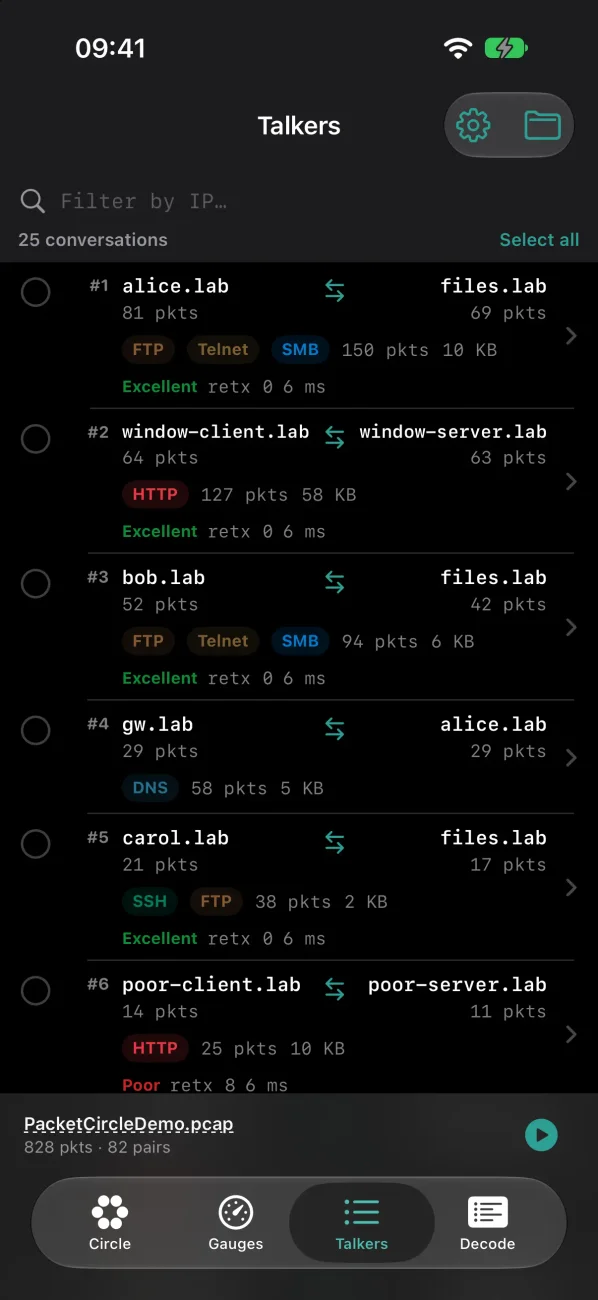
Hakkında
Geliştirici bu metni dilinizde sunmamış.
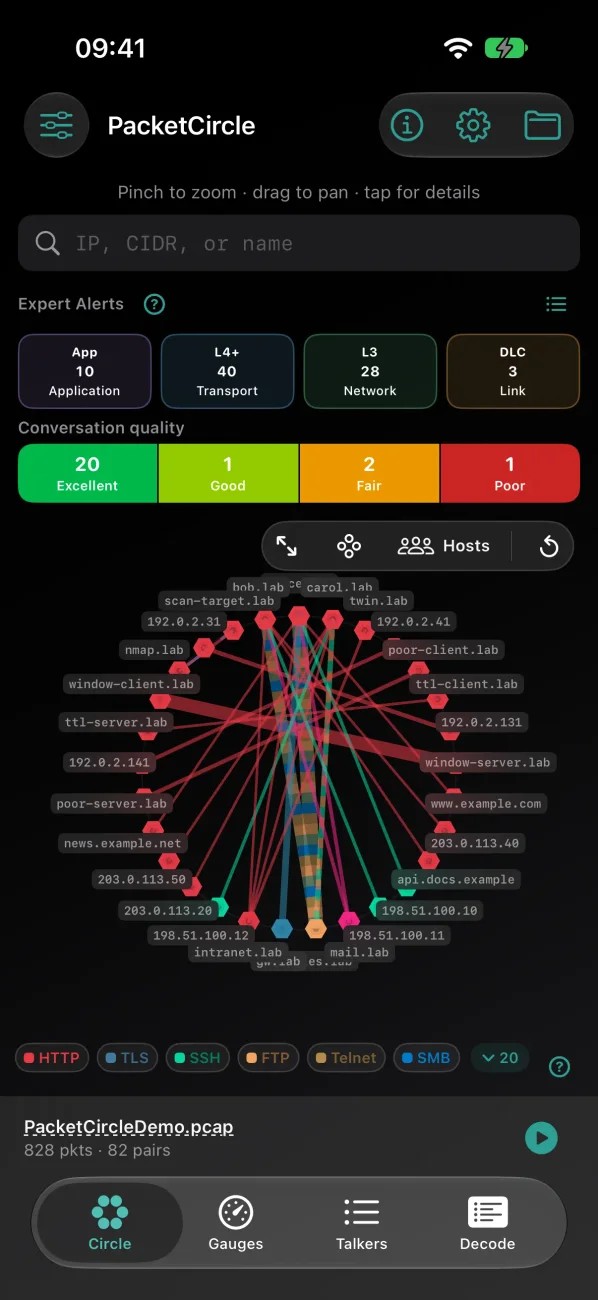
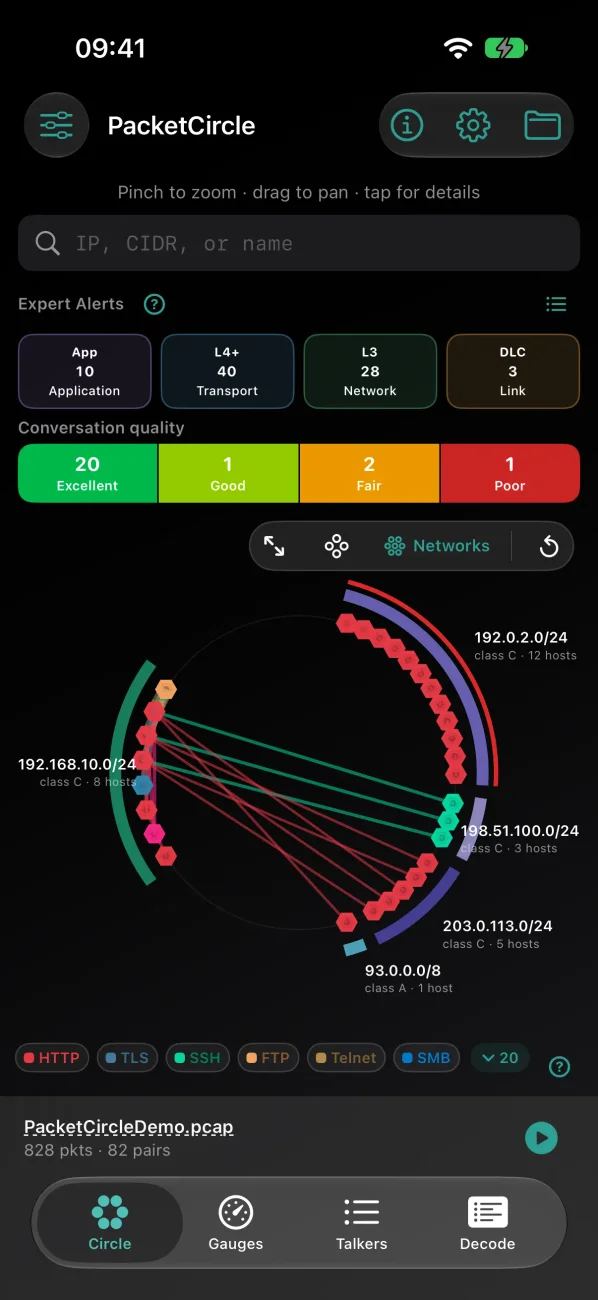
PacketCircle turns packet captures into a clear picture of who is talking to whom.
Instead of scrolling endless packet lists, you see communication pairs as an interactive circle: endpoints on the rim, conversations as edges, colors by protocol or session quality. Ideal when you need to understand a capture quickly — on site, in a meeting, or reviewing a file someone sent you.
What you can do
• Open PCAP and PCAPNG captures
• Explore Top talkers on a circle, table, or gauges view
• Filter by protocol and focus on the conversations that matter
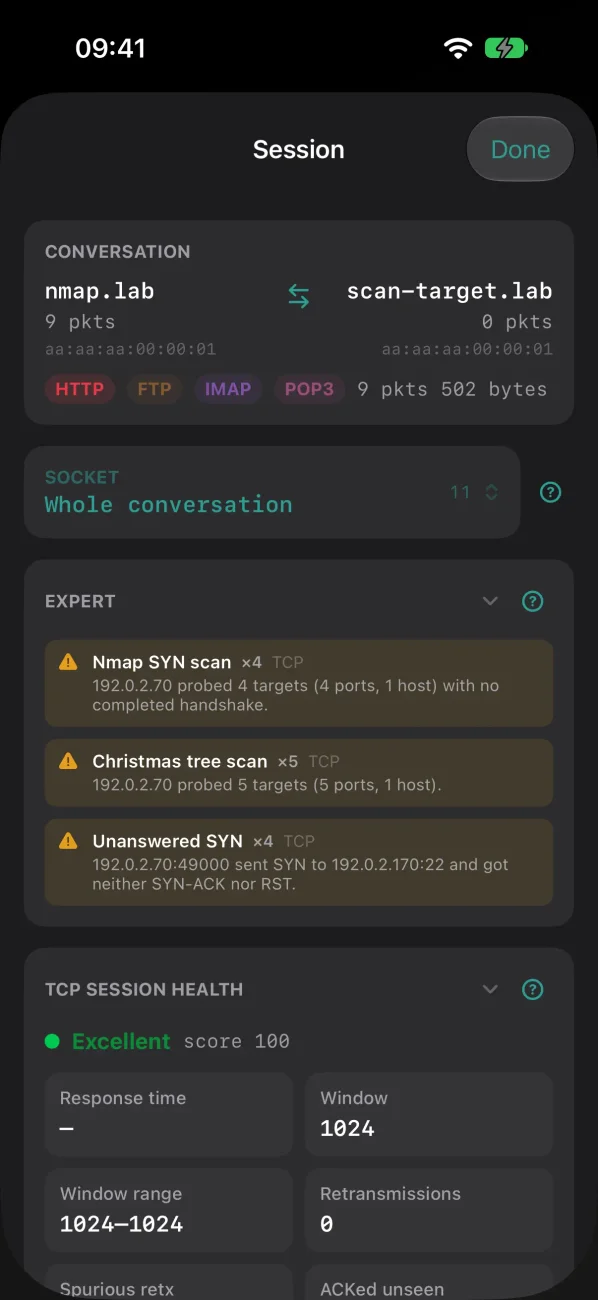
• Inspect session health, ports/services, and application hints
• Jump into a Wireshark-style decode (packet list, protocol tree, hex)
• Follow TCP streams and export a conversation as PCAP
Built for analysis, not noise
PacketCircle is a native iOS app with a shared engine designed for conversation-centric troubleshooting — DNS, HTTP, TLS, SMB, and more when the payload is visible — without requiring Wireshark on your phone.
Open a capture. See the circle. Understand the network.
Made with love for the packet community.
Yenilikler
Sürüm 1.3.9 · 14.11.2026
Animate Circle:
Packets now travel along the Circle's lines, in the direction they really went, during Demo Mode, a replay or a PCAP-over-IP capture. Turn it on under Options → Circle → Animate Circle. It follows Reduce Motion.
Search the Circle by port:
Type "port 5005", "port 8000-8100" or "port 80,443" in the search field to highlight every conversation that uses that port. Network blocks such as 10.0.0.0/24 work too.
Name a port after its service:
Touch and hold a port in a conversation's Ports list and choose "Assign service to port…". Handy for services on non-standard ports. You can also manage these in Options → Port mappings.
Uygulama gizliliği
Bu uygulamanın verileri nasıl işlediği hakkında Walter Hofstetter tarafından App Store üzerinde yapılan beyan.
-
Veri toplanmıyor
Geliştirici bu uygulamadan hiçbir veri toplamıyor.
Gizlilik uygulamaları, örneğin kullandığınız özelliklere veya yaşınıza göre değişiklik gösterebilir.
Bilgiler
- Satıcı
- Walter Hofstetter
- Kategori
- Yardımcılar
- Sürüm
- 1.3.9
- Güncellendi
- 14.11.2026
- Yayın tarihi
- 12.08.2026
- Boyut
- 29,6 MB
- Gereksinim
- iOS 17.0 veya sonrası
- Yaş sınırı
- 4+
- Fiyat
- Ücretsiz
- Diller
- İngilizce
- Telif hakkı
- © 2026 Walter Hofstetter