
PadPad: Drawing Tablet
Pen tablet for your computer
Designed for iPhone, iPad
Free
- Age rating4+
- CategoryGraphics & Design
- DeveloperBlueGuru LLC
- LanguagesEnglish+ 5 more
- Size7.9 MB
Links to the official App Store page
Download.org hosts no file of PadPad: Drawing Tablet. The button opens its official App Store page, published by BlueGuru LLC. Listing last checked on Nov 13, 2026.
Screenshots
About
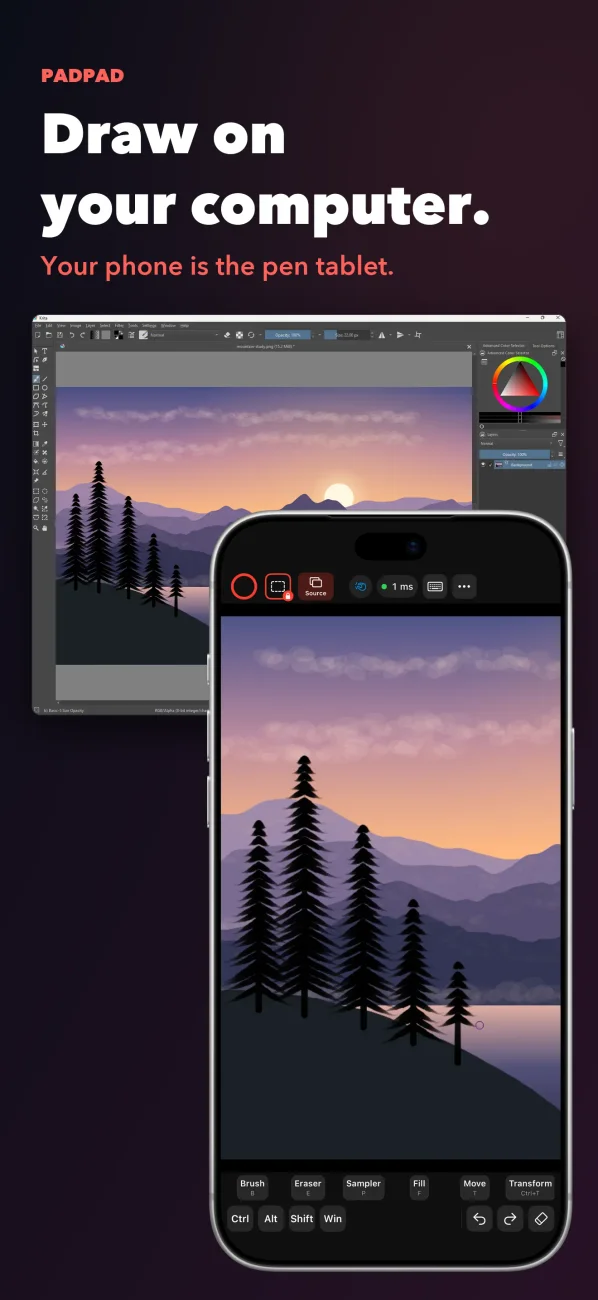
Turn your iPad and Apple Pencil into a pen tablet for your Mac or Windows PC.
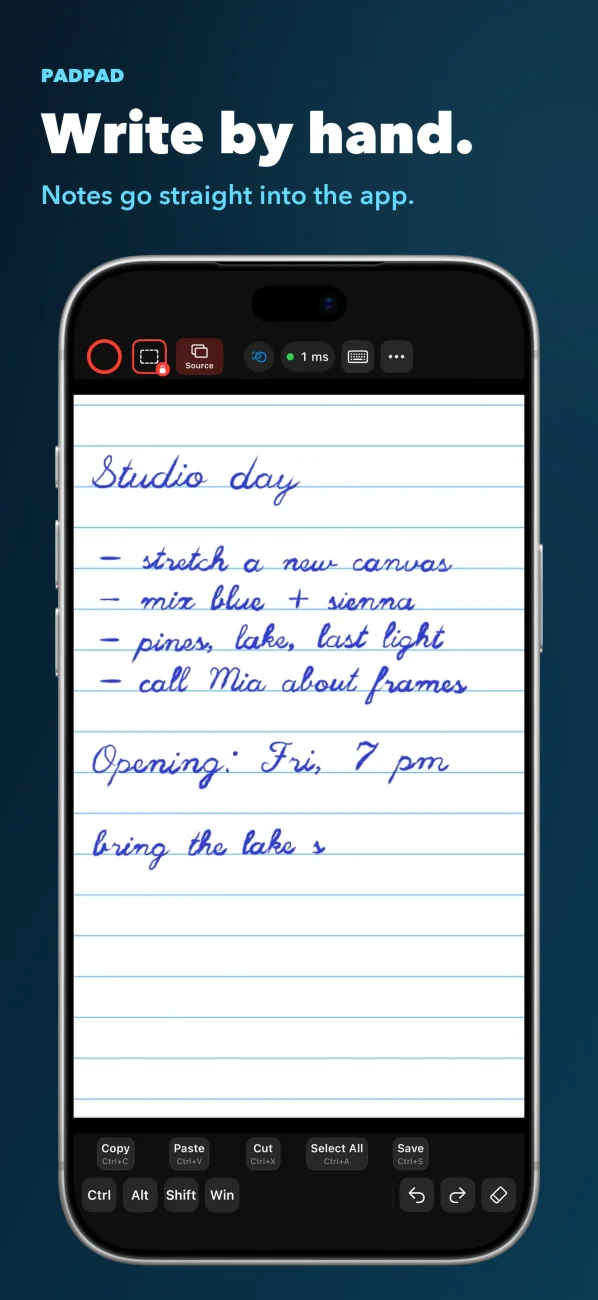
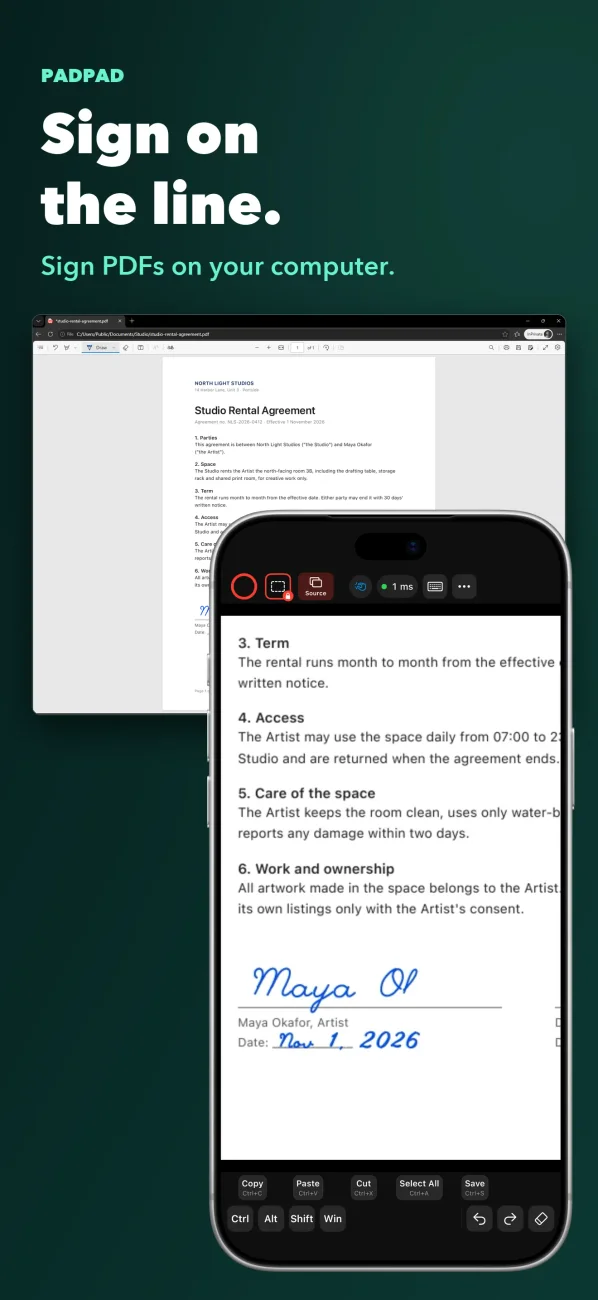
PadPad shows your computer's screen on your iPad and sends every Pencil stroke back as real pen input — pressure, tilt and a true eraser — so desktop apps like Krita, Photoshop and Clip Studio Paint respond just as they do to a pen tablet. Handwrite notes, mark up slides, or sign a PDF that never leaves your computer.
DRAW
• Apple Pencil pressure, tilt and eraser in tablet-aware desktop apps
• Hover and barrel roll on supported iPads and Pencils
• Shape your pressure curve and smoothing
• Stream a whole display, one app, one window or an area — fitted to your iPad
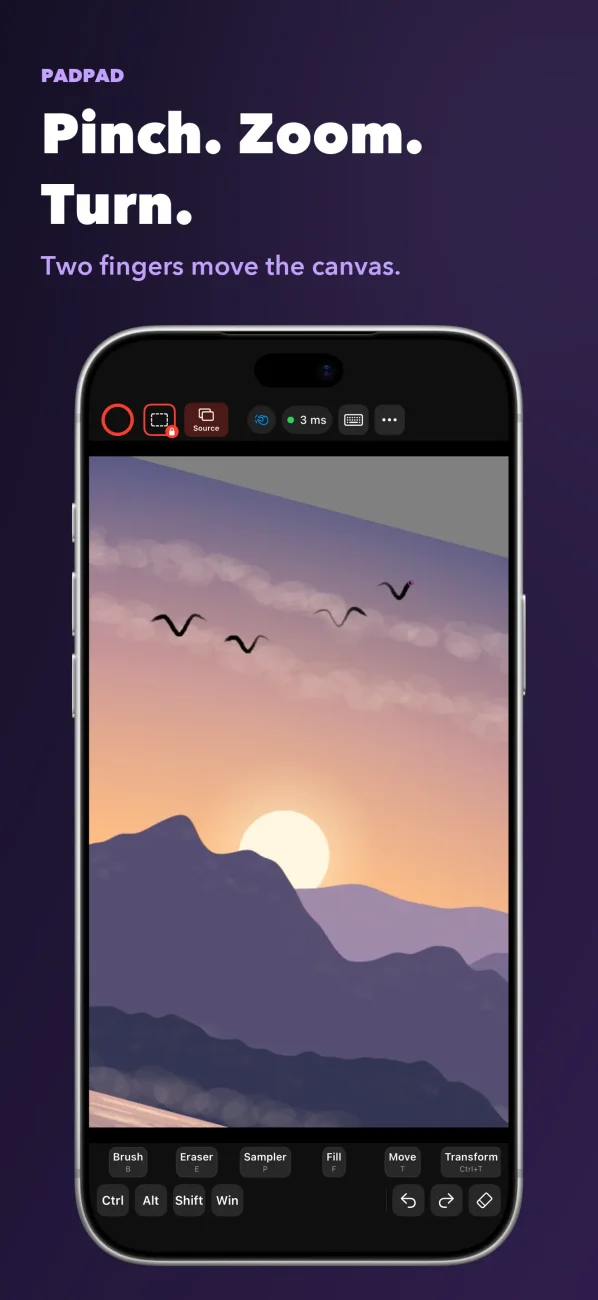
• Pinch, pan and rotate with two fingers, sent to your drawing app
MAC AND WINDOWS
• The PadMac (macOS 15+) and PadWin (Windows 10 or 11, beta) apps run on your computer
• PadPad shows the right keys for each: ⌘ ⌥ ⇧ ⌃ on a Mac, Ctrl, Alt, Shift and Win on a PC
• Quick Keys and gestures for each desktop app
WRITE AND SIGN
Handwrite equations and class notes, annotate a document or add a signature without moving the file to your iPad. On iPhone, draw with your finger for quick signatures.
CONNECTS DIRECTLY
PadPad connects straight to your computer over Wi-Fi or a USB-C cable. No account, and your work is not uploaded to a PadPad cloud service.
WHAT YOU NEED
• An iPad or iPhone on iOS 18 or later
• A Mac with PadMac, or a Windows PC with PadWin — from codonic.dev/apps/pad
Capabilities depend on your iPad, Pencil and desktop app.
What’s new
Version 1.3.2 · Nov 2, 2026
• Your computer now shows your iPad or iPhone by the name you gave it in Settings, so you can see at a glance which device is connected. The name is sent only to your own computer.
App privacy
What BlueGuru LLC declares on the App Store about how this app handles data.
-
Data not collected
The developer does not collect any data from this app.
Privacy practices may vary, for example with the features you use or your age.
Information
- Seller
- BlueGuru LLC
- Category
- Graphics & Design
- Version
- 1.3.2
- Updated
- Nov 2, 2026
- Released
- Aug 20, 2026
- Size
- 7.9 MB
- Requires
- iOS 18.0 or later
- Age rating
- 4+
- Price
- Free
- Languages
- English, French, German, Japanese, Portuguese, Spanish
- Copyright
- © 2026 Codonic Dev, LLC
You might also like
-
 VirtualTabletPen Tablet & Mouse for your PC
-
 VirtualTablet: BluetoothPen Tablet & Mouse for your PC
-
 Affinity by CanvaPro design, photo & layout
-
 ZBrush - 3D Model MakerDesign, sculpt, blend & create
-
 ToonSquidCreate beautiful animations
-
 Pixquare - Pixel Art Studio#1 pixel art editor
-
 Nomad SculptSculpt, paint and create in 3D
-
 MediBang Paint – Drawing & ArtGraphics & Design
-
 Shapr 3D CAD modelingDesign models, draft drawings
-
 3D Modeling: Blender ShapeyardSketch, sculpt, 3d print, art