
VirtualTablet
Pen Tablet & Mouse for your PC
Designed for iPhone, iPad, iPod touch
Free · In-app purchases
- Age rating4+
- CategoryGraphics & Design
- DeveloperEunjin Joo
- LanguagesEnglish+ 15 more
- Size69.2 MB
Links to the official App Store page
Download.org hosts no file of VirtualTablet. The button opens its official App Store page, published by Eunjin Joo. Listing last checked on Nov 24, 2026.
Screenshots

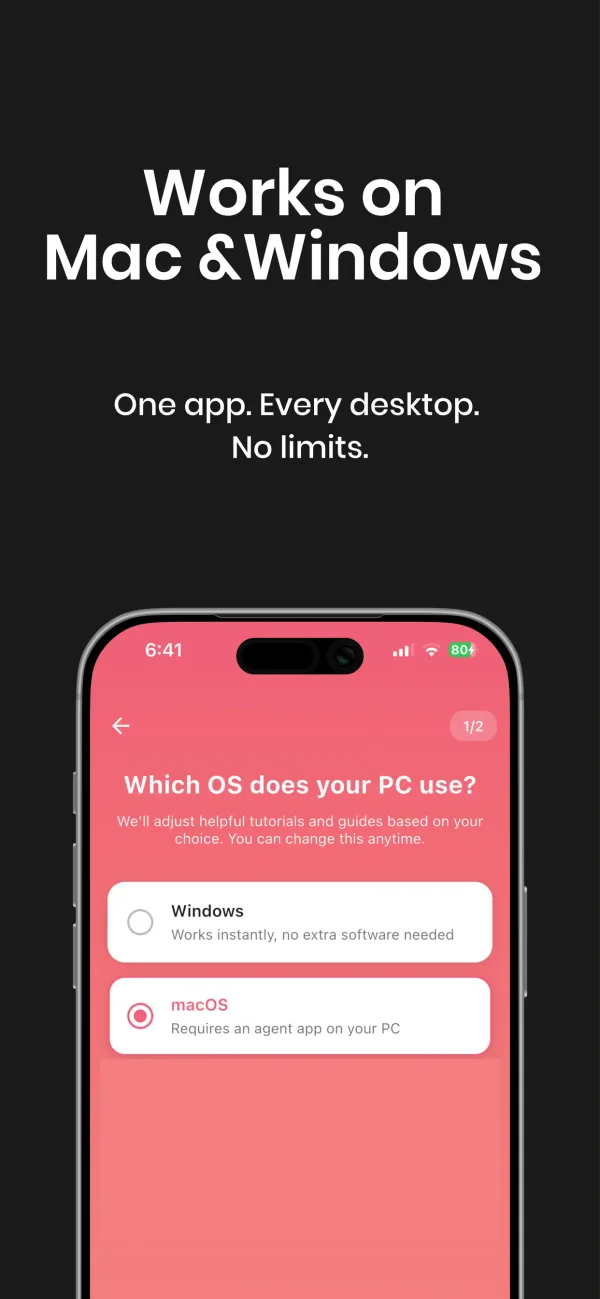
About
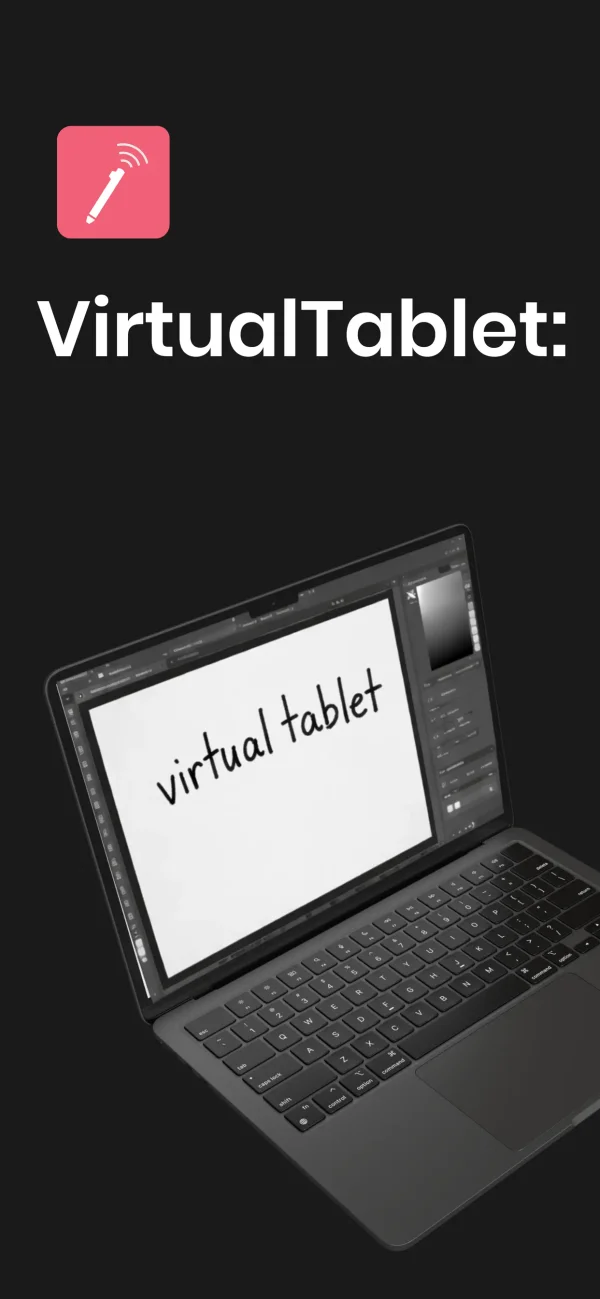
Turn your iPad or iPhone into a wireless pen tablet for your computer!
Draw, write, and control your PC or Mac with Apple Pencil—just like a professional graphic tablet.
VirtualTablet turns your iOS device into a high-precision input tablet for desktop apps. It connects over Wi-Fi or USB, giving you accurate, low-latency cursor control without buying expensive hardware.
WHAT YOU CAN DO
• Draw directly into desktop creative apps
• Control your computer cursor with Apple Pencil or touch
• Annotate PDFs, slides, and documents for teaching or presentations
• Play rhythm games like osu with precise, low-latency input
-------
CONNECT OVER WI-FI OR USB
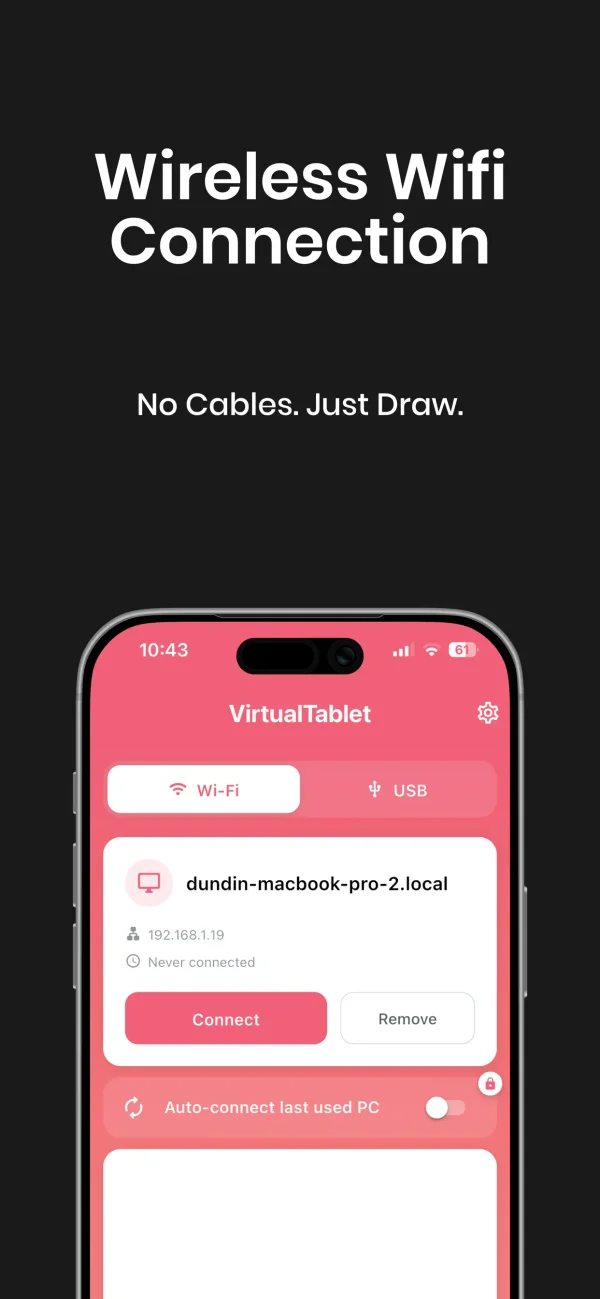
• Wi-Fi: connect wirelessly when your computer and iOS device are on the same router/network
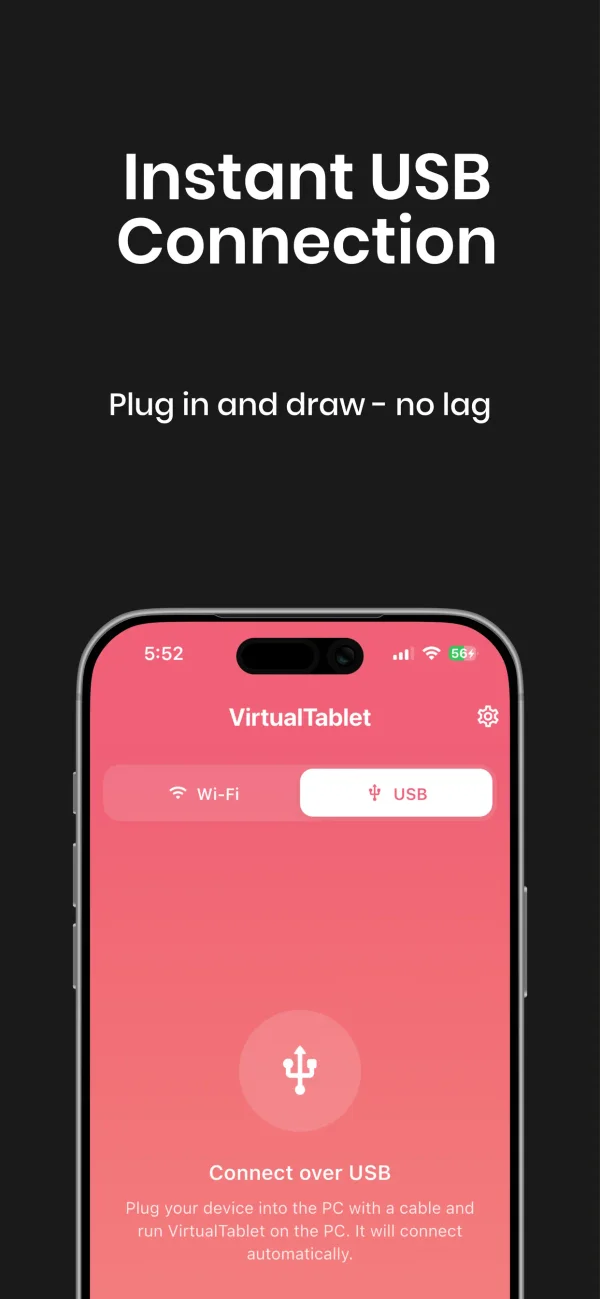
• USB: plug in for a rock-solid, low-latency wired connection
• No complicated network setup—just scan a QR code or type a short connection code
• Every input event is fully encrypted end-to-end for safe, private transmission
-------
CHOOSE YOUR SETUP: SCREEN MAPPING OR MOUSE MODE
VirtualTablet lets you decide how your cursor moves on your device.
• Screen Mapping (Absolute Positioning)
Your iPad maps directly to your computer display, similar to a traditional pen tablet. Ideal for artists and osu players.
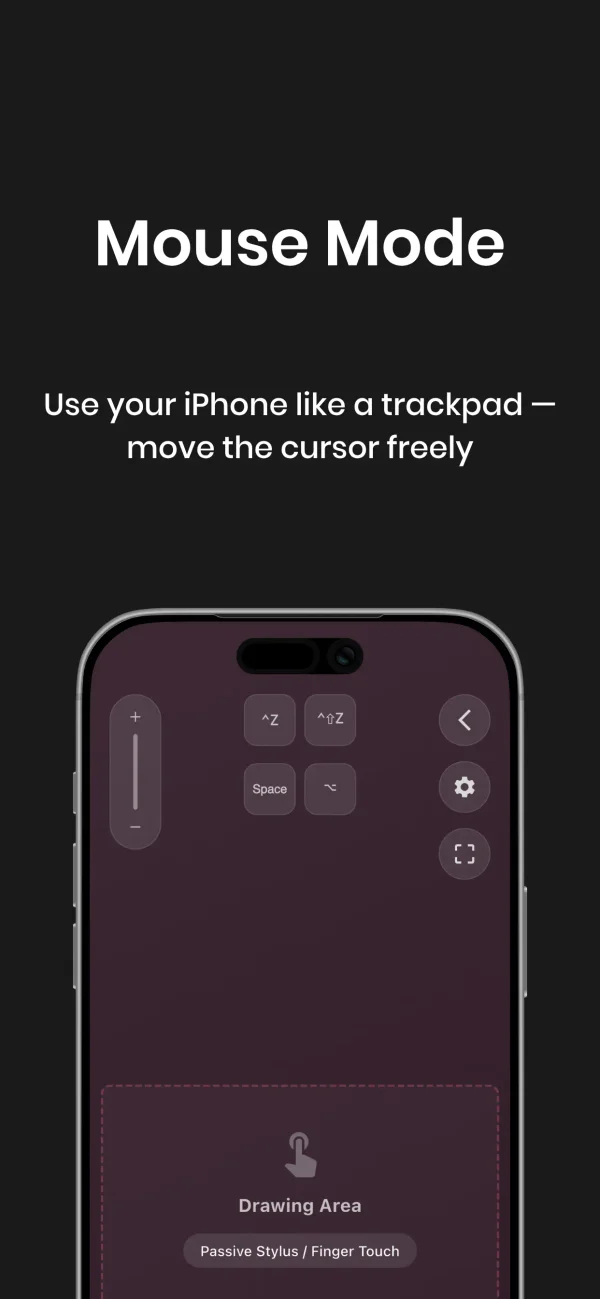
• Mouse Mode (Relative Positioning)
Use your iPad like a large trackpad. Cursor movement follows your hand regardless of position.
-------
APPLE PENCIL SUPPORT
• Pressure and tilt sensitivity
• Double-tap gesture support
• Hover cursor control on supported Apple Pencil models
Finger or passive stylus input is supported with basic functionality.
-------
WORKS WITH YOUR FAVORITE APPS
Compatible with popular desktop software such as Photoshop, Affinity, Krita, Clip Studio, Illustrator, and more.
-------
REQUIREMENTS
• A Windows or macOS computer (Linux is not supported yet)
• The free VirtualTablet Server installed on your computer: https://www.sunnysidesoft.com/virtualtablet/download
• Wi-Fi (same network) or a USB cable to connect your iOS device and computer
-------
GETTING STARTED WITH VIRTUALTABLET
• Download VirtualTablet on your iPhone or iPad
• Install VirtualTablet Server on your Windows or macOS computer
• Launch both, then connect by scanning the QR code or entering the connection code
• Use Apple Pencil or touch to control your computer
Need help? Visit our website or contact support from the app.
https://www.sunnysidesoft.com/support/
-------
Stop paying for expensive drawing tablets.
Use the device you already own—download VirtualTablet and start creating.
HELP
• Support page: https://www.sunnysidesoft.com/support/
• Email us: support@sunnysidesoft.com
• Terms of Use (EULA): https://www.apple.com/legal/internet-services/itunes/dev/stdeula/
What’s new
Version 4.6.3 · Nov 22, 2026
Bug fixes and performance improvement
App privacy
What Eunjin Joo declares on the App Store about how this app handles data.
-
Data used to track you
May be used to track you across apps and websites owned by other companies.
- Identifiers
- Usage data
-
Data linked to you
May be collected and linked to your identity.
- User content
- Identifiers
- Usage data
-
Data not linked to you
May be collected but is not linked to your identity.
- Diagnostics
Privacy practices may vary, for example with the features you use or your age.
Information
- Seller
- Eunjin Joo
- Category
- Graphics & Design
- Version
- 4.6.3
- Updated
- Nov 22, 2026
- Released
- Jul 14, 2026
- Size
- 69.2 MB
- Requires
- iOS 15.6 or later
- Age rating
- 4+
- Price
- Free
- In-app purchases
- Yes
- Languages
- English, French, German, Indonesian, Italian, Japanese, Korean, Polish, Portuguese, Russian, Simplified Chinese, Spanish + 4 more
- Copyright
- © 2026 Sunnysidesoft
You might also like
-
 PadPad: Drawing TabletPen tablet for your computer
-
 Holo.Pen Lite: Virtual TabletDraw PC Art from Tablet
-
 InkBridge - Trackpad & TabletPencil and touch for Mac & PC
-
 3D Modeling: Design & Sculpt3D Model Maker, Sketch, Print
-
 iLMiNA - Drawing & PaintAd-Free Art & Live Streaming
-
 Affinity by CanvaPro design, photo & layout
-
 Doodraw: Animated DrawingWiggle art & doodle GIF maker
-
 ZBrush - 3D Model MakerDesign, sculpt, blend & create
-
 HEAVYPAINTRaw Digital Painting
-
 AniToon: Draw Art & AnimateStop-motion, cartoon graphics