- Age rating4+
- CategoryNews
- DeveloperMatt Birchler
- LanguagesEnglish
- Size19.1 MB
Links to the official App Store page
Download.org hosts no file of Quick Reads: Read it Later. The button opens its official App Store page, published by Matt Birchler. Listing last checked on Nov 16, 2026.
Screenshots
About
*Requires an active Quick Reads account.*
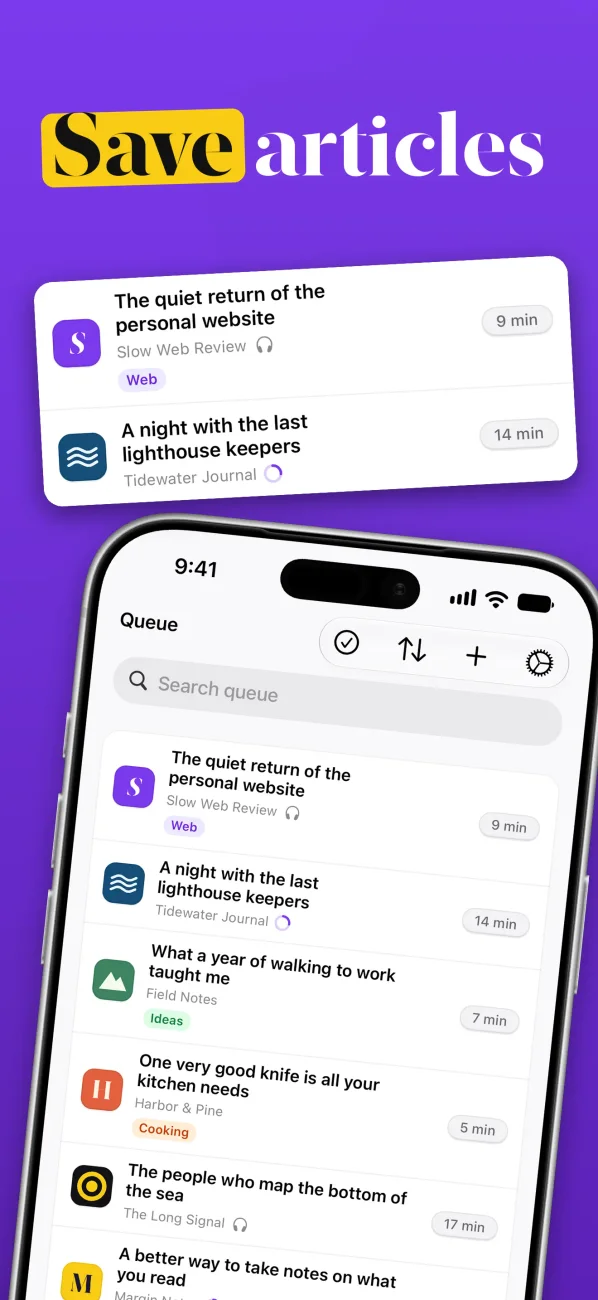
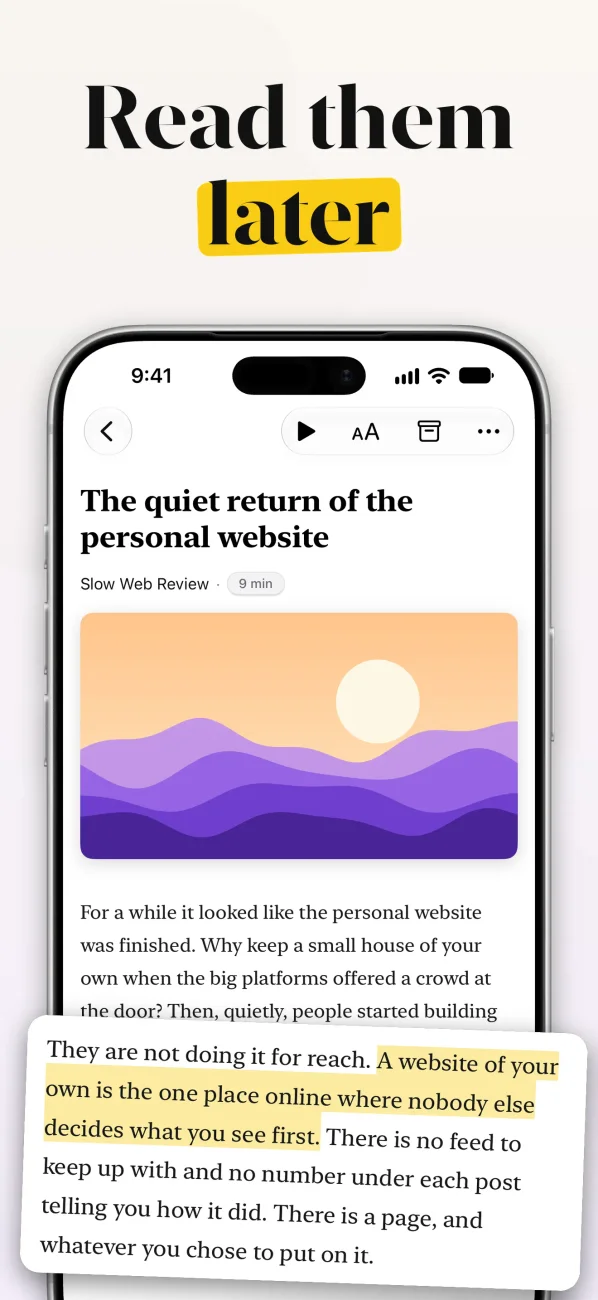
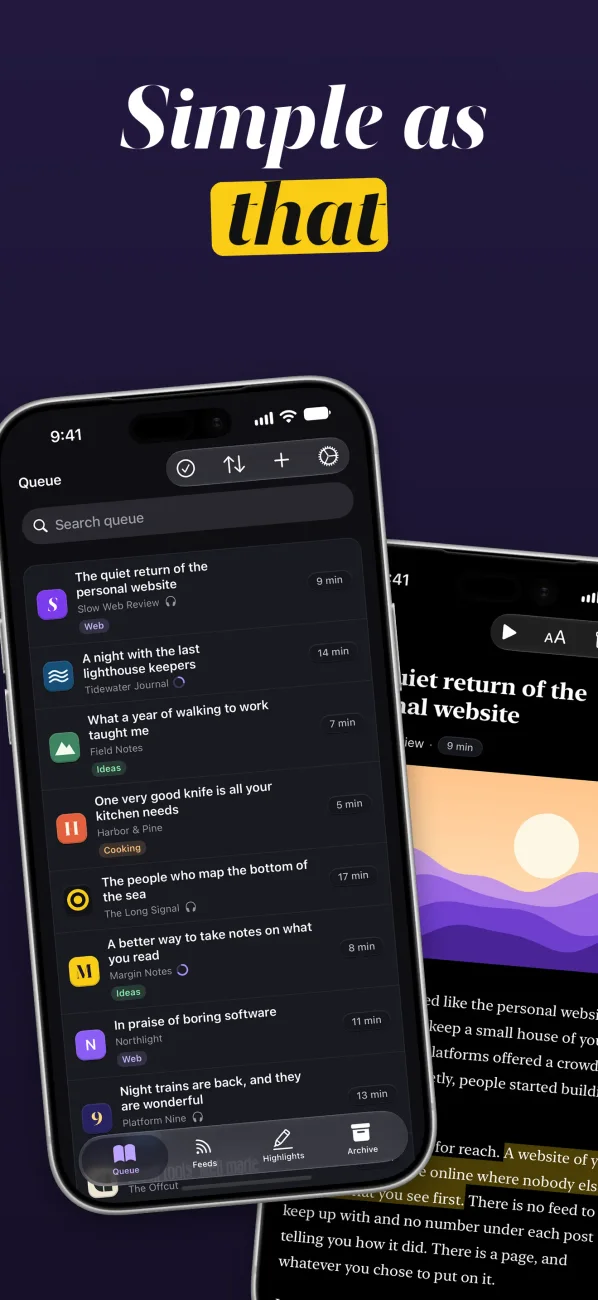
Save articles. Read them later. Simple as that.
A beautiful, distraction-free home for the articles that matter. Save from anywhere, highlight what resonates, and build your personal reading library.
Beautiful reading experience
Articles are stripped down to just the words and images. No ads, no pop-ups, no clutter. Choose from carefully tuned themes including Sepia, Cream, and Midnight, and read comfortably day or night.
Highlight what matters
Mark the passages worth remembering. All your highlights live in one place, easy to revisit later, and you can share a beautifully formatted highlight card to anywhere you'd like.
Built natively for iOS
Quick Reads is written in the latest Apple frameworks. That means it feels fast, looks at home on your device, and takes full advantage of features like the system share sheet, dark mode, Dynamic Type, and offline reading. Save articles from any app with the Share Extension, even when you're offline.
Organize your way
Tag articles to group them by topic, project, or mood. Archive what you've finished. Search across everything you've ever saved.
Indie software, honest pricing
Quick Reads is built by one person with exactly zero VC funding. No engagement metrics, no dark patterns, no selling your data. Just a focused tool made for people who want to read more of the good stuff on the internet.
What’s new
Version 2.0.1 · Nov 11, 2026
• Undo after archiving or deleting an article. Tap Undo, press Command-Z on a Mac or iPad keyboard, or shake your iPhone
• The reader shows when an article was published, next to the site and reading time
• Share is now its own button in the reader, and in every article's menu in your lists
• Triage your feeds from the keyboard on Mac and iPad: J and K to move, E to mark read, S to save, Return to open
• Pick your accent color in Settings. It syncs to your account, so the web and your other devices match
• Opening a PDF you uploaded no longer crashes the app
• YouTube videos in the reader play again
• On iPad in portrait, the sidebar no longer gets stuck over the article after you leave the app and come back
App privacy
What Matt Birchler declares on the App Store about how this app handles data.
-
Data not linked to you
May be collected but is not linked to your identity.
- Diagnostics
Privacy practices may vary, for example with the features you use or your age.
Information
- Seller
- Matt Birchler
- Category
- News
- Version
- 2.0.1
- Updated
- Nov 11, 2026
- Released
- Jul 8, 2026
- Size
- 19.1 MB
- Requires
- iOS 26.0 or later
- Age rating
- 4+
- Price
- Free
- Languages
- English
- Copyright
- © 2026 Birchtree Productions LLC
You might also like
-
 PageFeedRead the news in pages
-
 Heaps ReaderSwipe through your RSS feeds!
-
 Inkwell for Micro.blogNews
-
 HyperTextingEscape the algorithm.
-
 Current - RSS Feed ReaderCalm, minimal news reading
-
 lire: RSS ReaderFull-text RSS
-
 Brink: Podcast PlayerThe Ultimate Podcast Player.
-
 ReadKit - Reading HubRSS news and read later
-
 Kagi NewsBe informed, save time
-
 Flyleaf: Read LaterSave articles to read offline