PainterAR: AR Trace Drawing
Sketch, Paint & Learn on Paper
Designed for iPhone, iPad, iPod touch
Free · In-app purchases
- Age rating4+
- CategoryGraphics & Design
- DeveloperPainter AR Ltd.
- LanguagesEnglish+ 6 more
- Size208.8 MB
Links to the official App Store page
Download.org hosts no file of PainterAR: AR Trace Drawing. The button opens its official App Store page, published by Painter AR Ltd. Listing last checked on Nov 25, 2026.
Screenshots
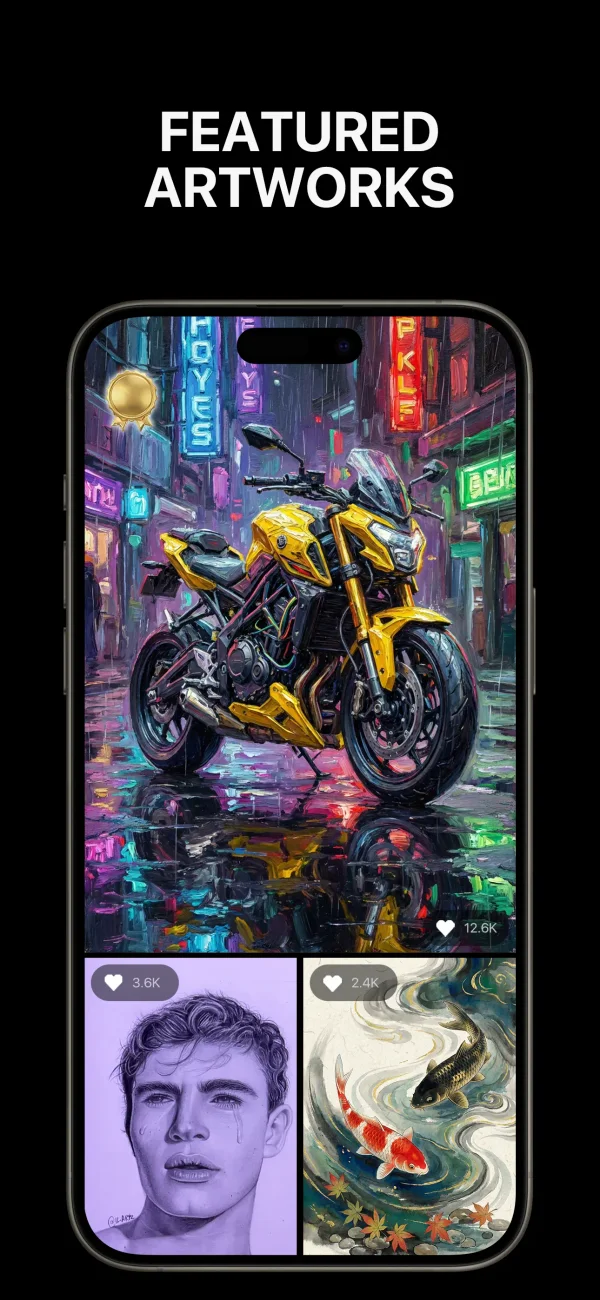
About
Experience the ultimate "Paper-to-Digital" creative companion.
Unlike simple tracing apps, PainterAR creates a complete loop from "Paper Sketch" to "Digital Art". Whether you are a beginner building confidence or a comic enthusiast pursuing professional results, you will find the perfect solution here.
【KEY FEATURES】
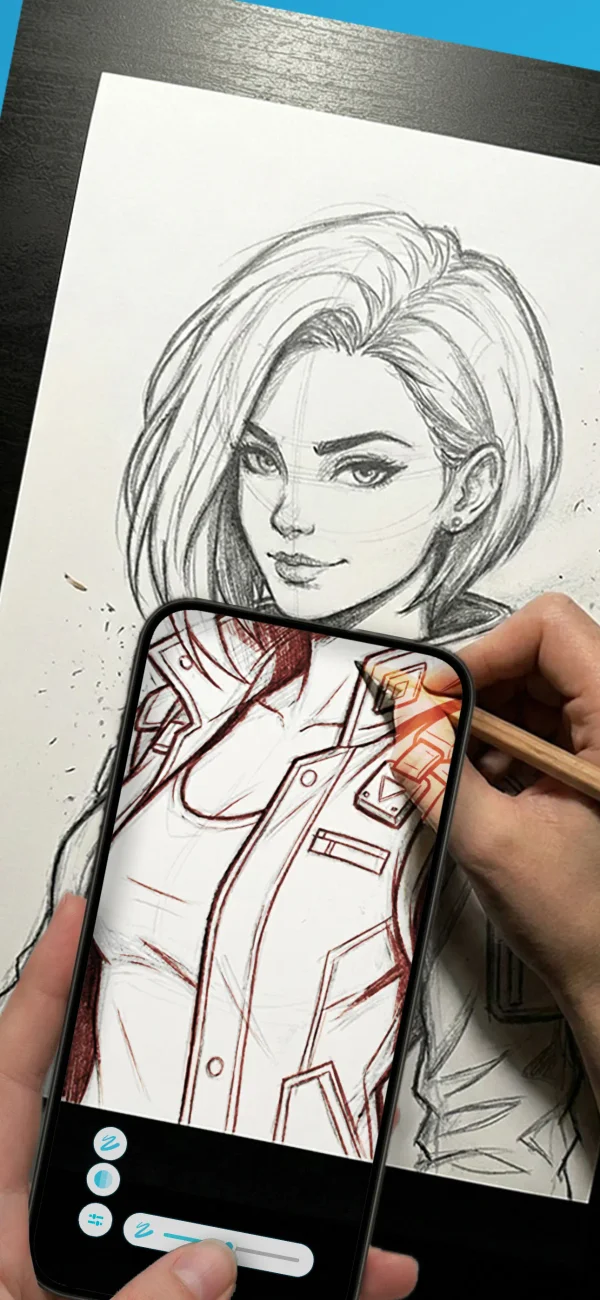
1. AR Drawing: Perfect Proportions
Technology makes observation intuitive.
• Stand Mode:
Stable projection with zero latency. The ideal way for beginners to master hand-eye coordination.
• Advanced AR Anchor Mode:
Lock your virtual art to the paper by snapping a custom anchor (e.g., a doodle or card). Move your phone freely to check details without drift—ideal for easels or detailed desk work.
• Smart Plane Detection:
Instantly detects surfaces without markers. Start creating anywhere, anytime.
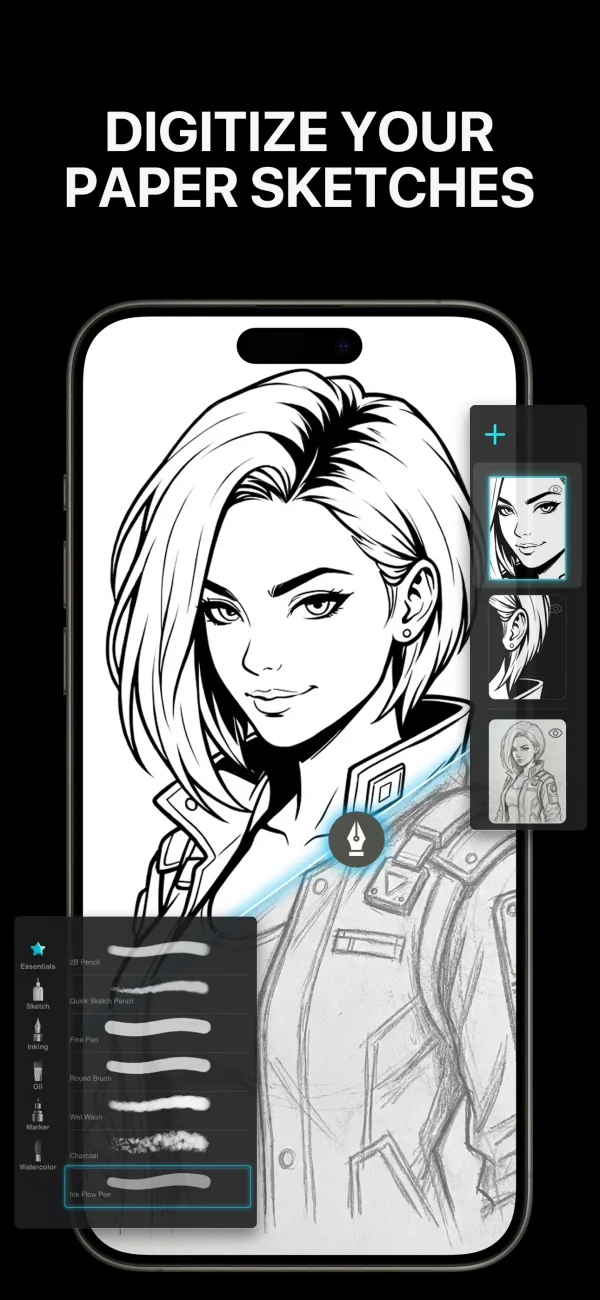
2. Digital Inking & Coloring
Classic digital art workflow made easy.
• Import & Inking:
One-tap import of pencil sketches as a reference layer.
• Pro Brush Library:
30+ selected brushes (pencils, ink pens, markers, etc.) for any style.
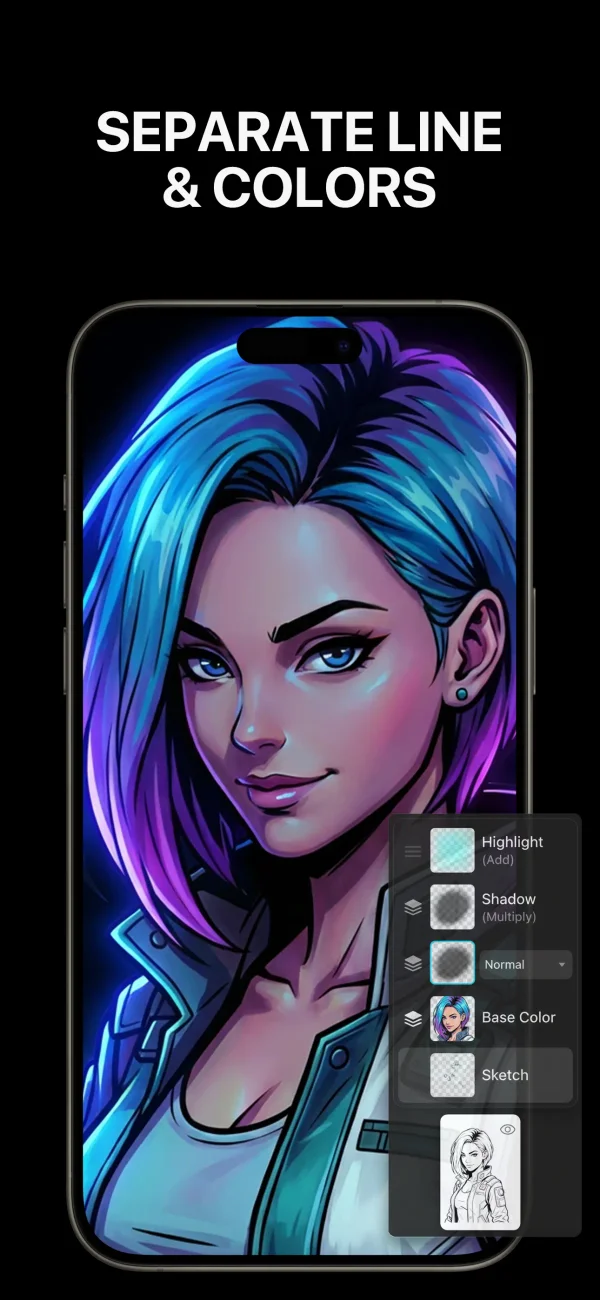
3. Infinite Layers System
Modify without fear.
• Professional Layering:
Manage line art, base colors, and shadows on separate layers to keep even complex works organized.
• Non-Destructive Workflow:
Change color schemes anytime without ruining your original line art.
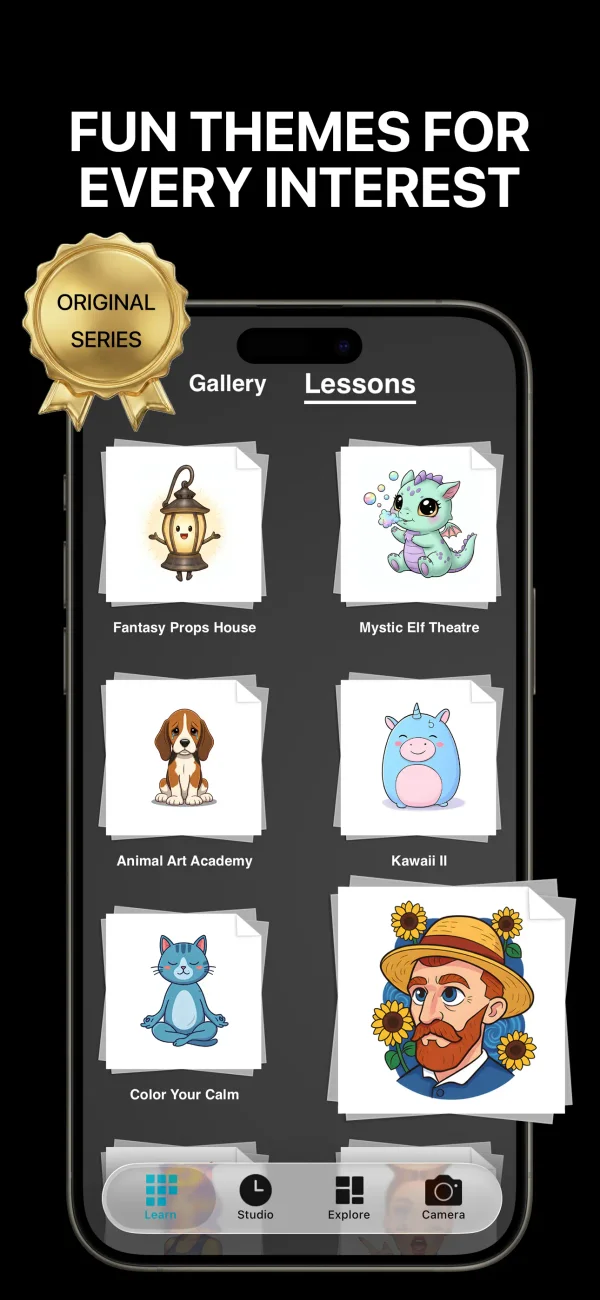
4. Curated Inspiration Library
Quality over quantity.
• Exclusive Originals:
Explore themes from "Fantasy Props" to "Cat Girl" and "Mystic Elf Theatre".
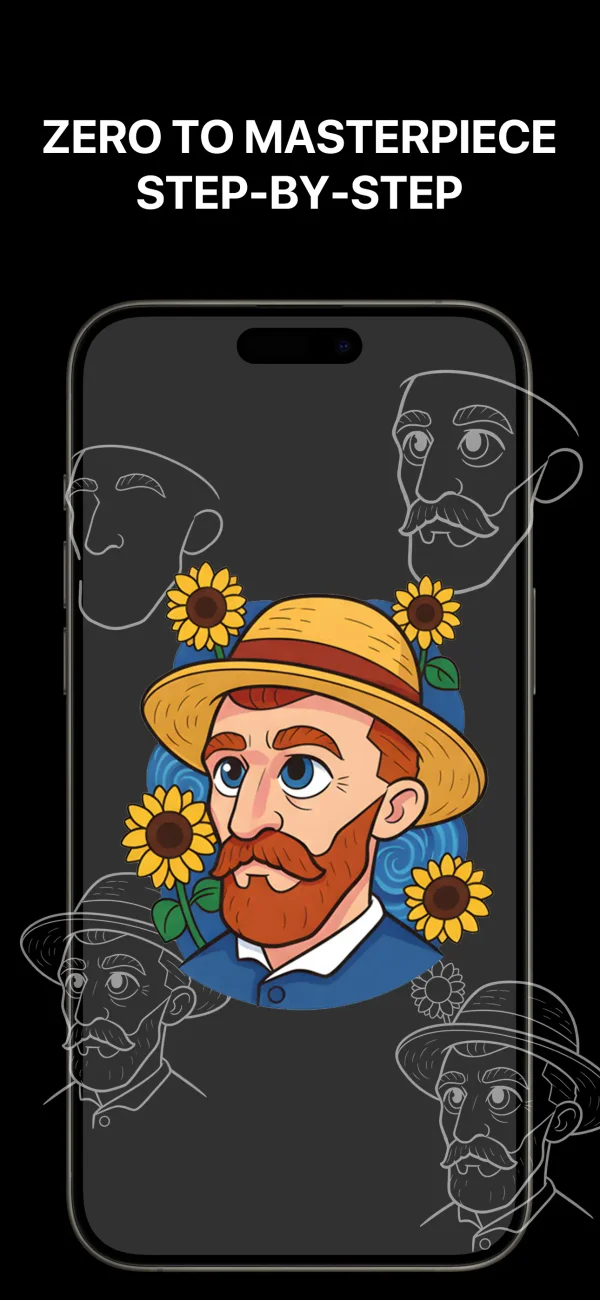
• Progressive Courses:
From beginner "Playful Shape Friends" to advanced "Fan Art". Every lesson blends storytelling with skills, helping you create stylish art immediately.
【WHO IS IT FOR?】
• Comic Fans: Master the "Sketch -> Import -> Color" workflow.
• Beginners: Use AR to fix proportions and build confidence.
• Pros: Visual aid for anatomy and perspective.
【AWARDS】
▶ Microsoft “Imagine Cup” – Top 3
▶ 13th “Challenge Cup” – 1st Place
▶ 2nd “Internet+” Innovation Competition – 1st Place
▶ 4th College Innovation Competition – 1st Place
Privacy Policy: https://painterar.com/Privacy.aspx
Terms of Use: https://painterar.com/Terms.aspx
Download PainterAR now. Turn your sketchbook into a digital studio!
Contact: support@painterar.com
What’s new
Version 9.5 · Nov 23, 2026
Draw in AR! Turn photos into 6 AI art styles. Get clean line art or step-by-step guides. Now optimized for iPhone Duo. Create, draw, and share your masterpiece!
Hi, friends!
This update brings an even better drawing experience to PainterAR:
• **iPhone Duo Optimization** — Optimized layouts for the dual-screen experience and different device positions, making digital and AR drawing more natural and seamless.
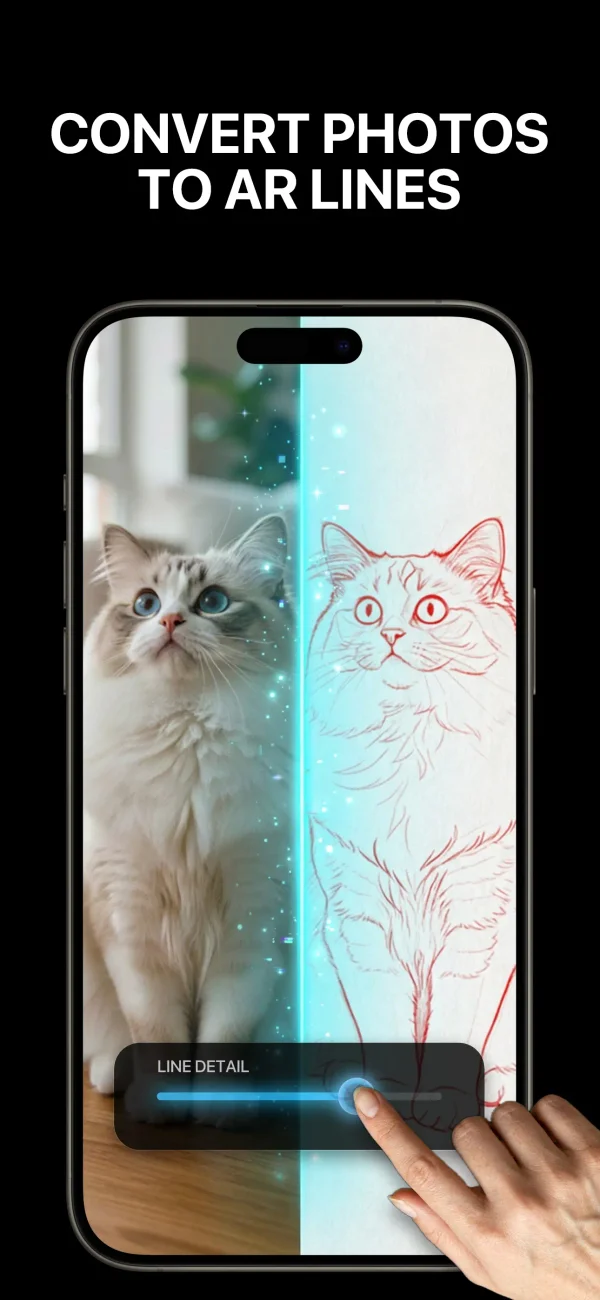
• **AI Art Creation** — Upload your favorite photo and choose from six AI art styles to create your own artwork.
• **Step-by-Step Drawing Guides** — Generate a finished AI artwork or get an easy-to-follow, step-by-step drawing guide.
• **Time-Lapse Recording & Sharing** — Record your drawing process and turn it into a time-lapse video to share your creative journey with friends.
• **Digital & AR Drawing** — Enjoy drawing freely on your screen or bring your artwork into the real world with augmented reality.
Have an idea or need a hand?
Email us at support@painterar.com. We read every message!
App privacy
What Painter AR Ltd. declares on the App Store about how this app handles data.
-
Data linked to you
May be collected and linked to your identity.
- Purchases
- User content
- Identifiers
- Usage data
Privacy practices may vary, for example with the features you use or your age.
Information
- Seller
- Painter AR Ltd.
- Category
- Graphics & Design
- Version
- 9.5
- Updated
- Nov 23, 2026
- Released
- Dec 27, 2019
- Size
- 208.8 MB
- Requires
- iOS 15.6 or later
- Age rating
- 4+
- Price
- Free
- In-app purchases
- Yes
- Languages
- English, French, German, Russian, Simplified Chinese, Spanish, Traditional Chinese
- Copyright
- © 2017-2026 PainterAR,Inc.
You might also like
-
 AR Trace Projector & SketchTrace Drawing - How To Draw
-
 TraceArtEasy Trace Photos and Images.
-
 Camera Lucida - Tracing AppTracing Projector
-
 Painter Eye: AR Drawing AppProjector, Sketch & Trace
-
 Ricalko: Camera Lucida ArtworkArt Projector AR Learn Drawing
-
 Tracing Projector Draw EasySketch Easily with Your Camera
-
 AR Sketch - Trace AnythingDraw AR - Trace to Photo
-
 AR Drawing: Draw Human BodyFigure Drawing,Anatomy & Anime
-
 Trace & Sketch - Easy DrawingDigital Tracing Draw on Screen
-
 Sketchar: AR Drawing AppTrace, sketch & learn to draw