PainterLab:Paint Mixing
Color Study, Value & Notan
Designed for iPhone, iPad, iPod touch
Free · In-app purchases
- Age rating4+
- CategoryGraphics & Design
- Developer建波 胡
- LanguagesEnglish+ 7 more
- Size24.1 MB
Links to the official App Store page
Download.org hosts no file of PainterLab:Paint Mixing. The button opens its official App Store page, published by 建波 胡. Listing last checked on Nov 16, 2026.
Screenshots

About
PainterLab turns any photo into a practical painting study you can observe, simplify, and mix from.
It is not a coloring game, and it does not paint for you. PainterLab helps painters and art students understand color shapes, value structure, and temperature relationships, then translate selected screen colors into real-paint mixing ideas.
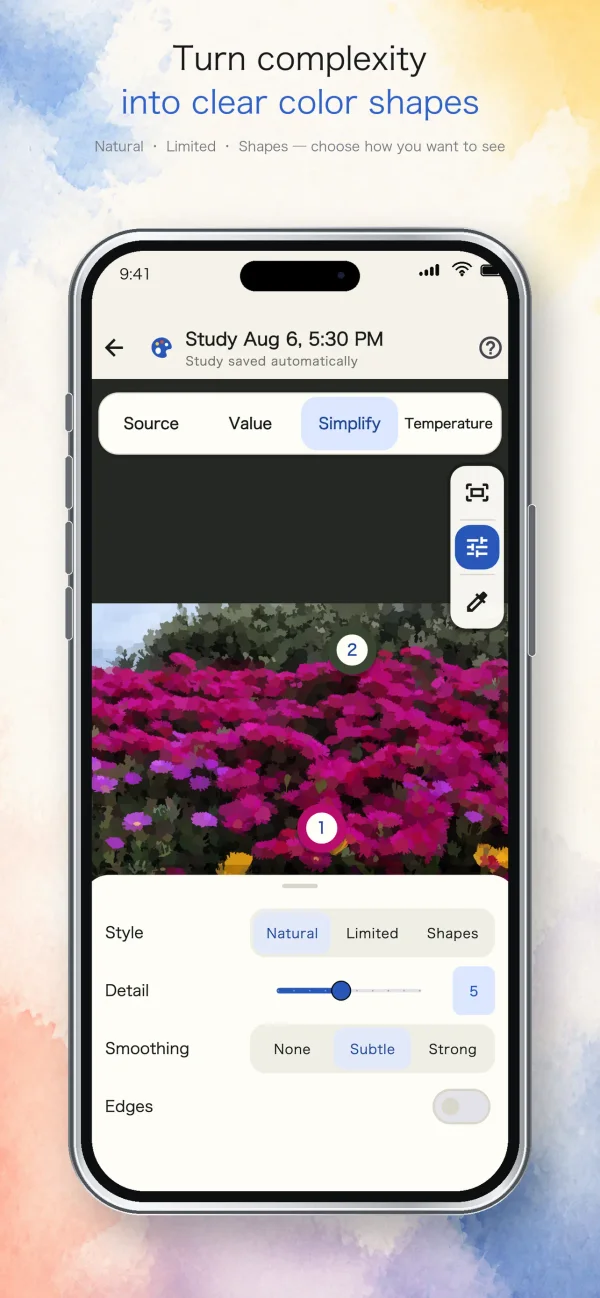
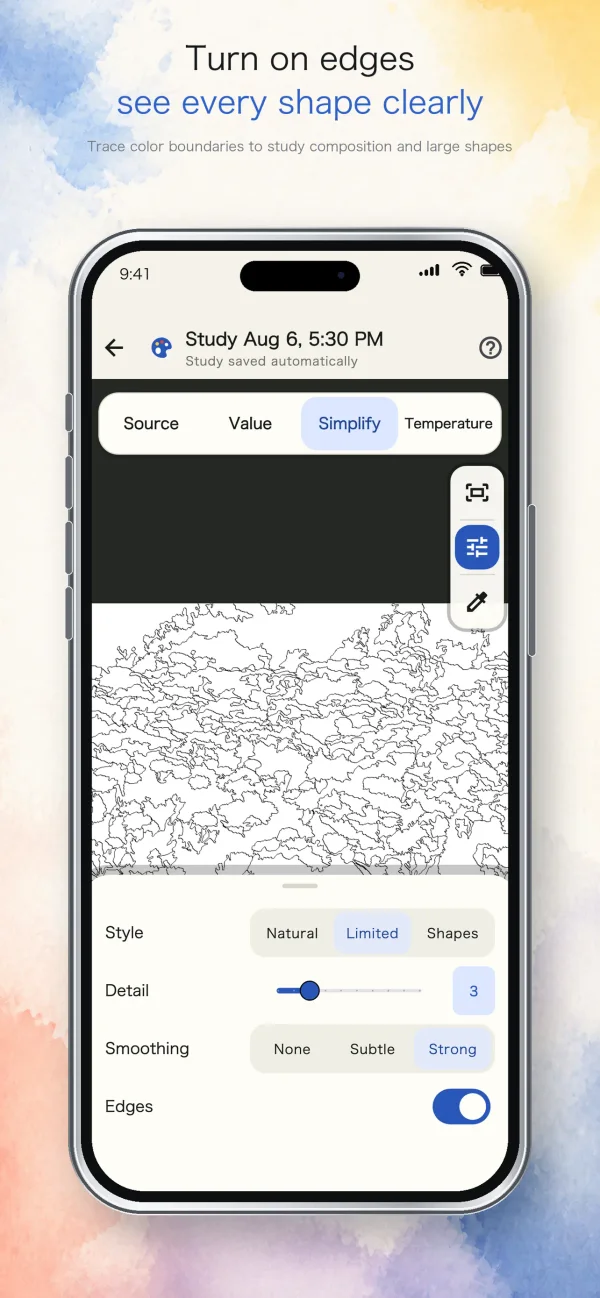
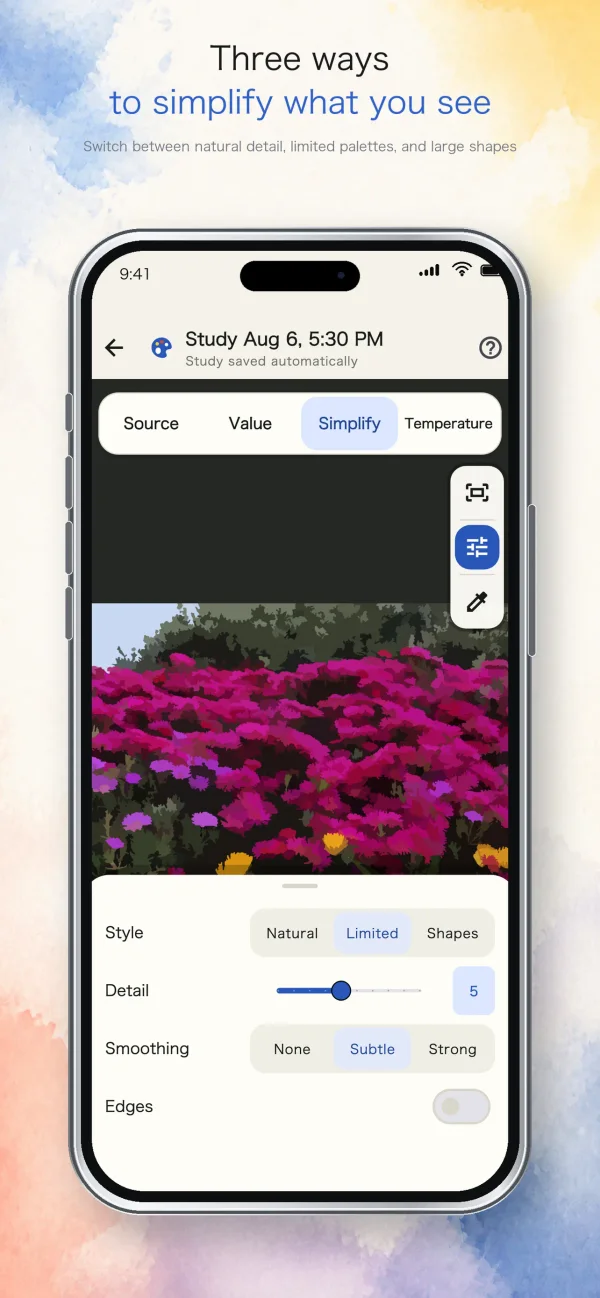
SIMPLIFY COMPLEX SCENES
Organize a busy photo into clear, paintable color shapes. Explore natural color blocks, limited palettes, and region-based forms, then adjust detail and smoothing for your study.
SEE THE VALUE STRUCTURE
Compress an image into 2–10 value levels to study large light-and-dark relationships, grayscale organization, and Notan. Use the adjustable histogram to control each value boundary.
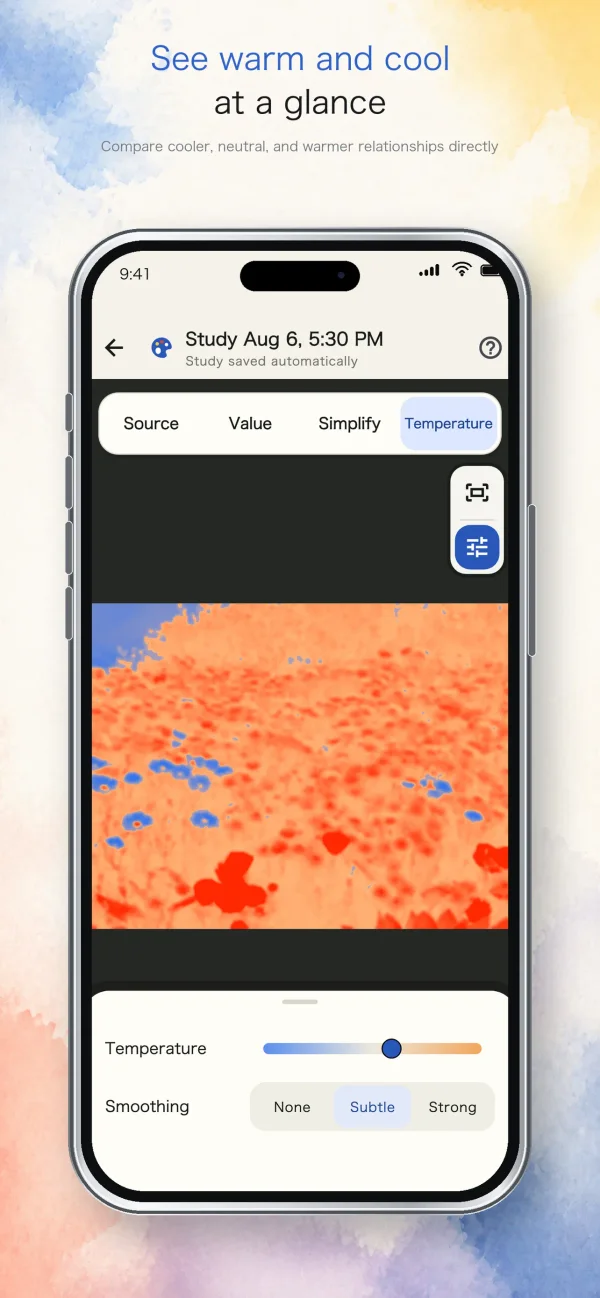
UNDERSTAND COLOR TEMPERATURE
Compare cool, neutral, and warm relationships across the image. Adjust balance and smoothing to reveal the overall temperature structure more clearly.
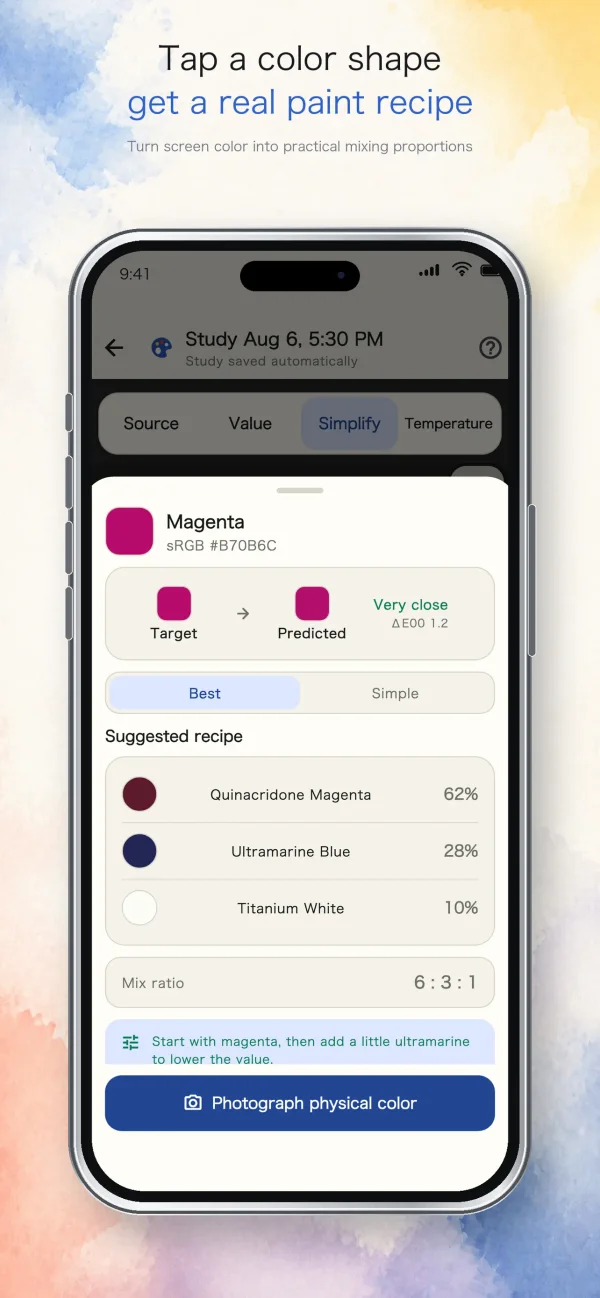
TURN SCREEN COLORS INTO REAL PAINT
Select a color from the original photo or a simplified color shape. PainterLab uses your chosen paint palette to suggest practical paint combinations and mixing proportions. You can also photograph your mixed paint and compare it with the target color.
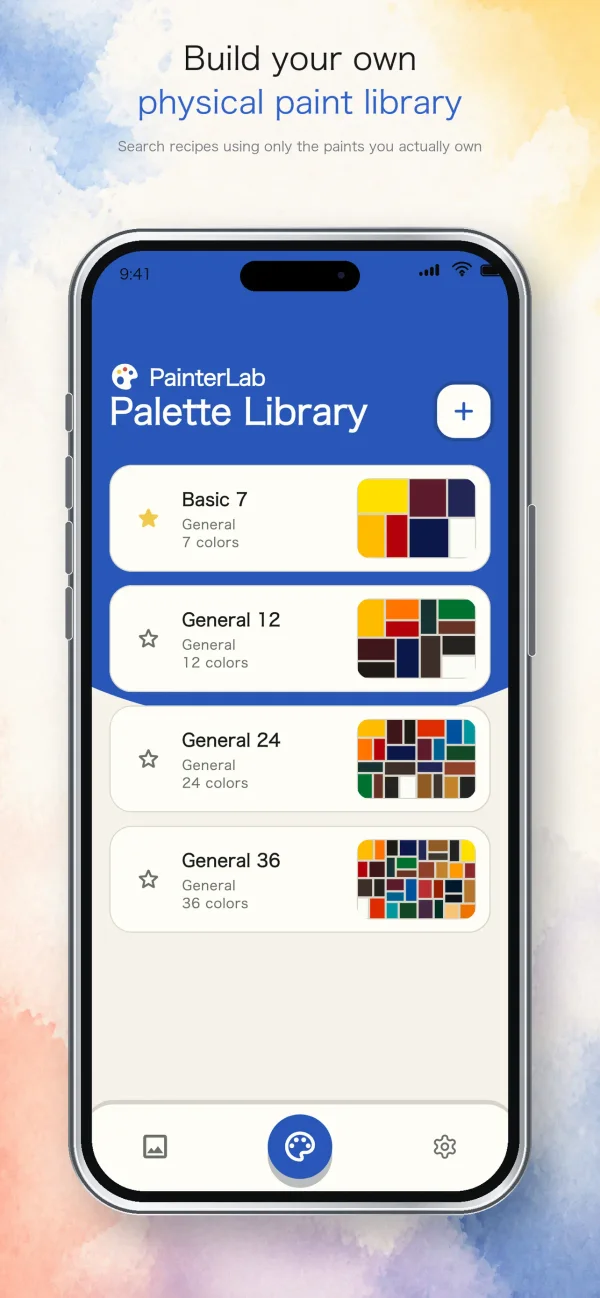
BUILD YOUR OWN PAINT PALETTES
Choose the physical paints you already own and organize them into custom palettes. Mixing recipes are calculated using the palette selected for each study.
SAVE EVERY STUDY
Your source photo, observation modes, adjustments, and sampled colors are saved in the Study Library, so you can return and continue practicing at any time.
KEY FEATURES
• Photo-to-color-shape simplification
• Value studies and Notan analysis
• Warm and cool color-temperature analysis
• Color sampling and real-paint mixing recipes
• Custom physical-paint palettes
• Study Library with automatic saving
• On-device photo processing
PainterLab includes free basic features. PainterLab Pro unlocks unlimited studies, additional simplification styles, fine detail controls, and other advanced features. Subscription options and local pricing are shown by the App Store before purchase and can be managed or canceled through your App Store account.
Privacy Policy:
https://wavecave-studio.uk/painterlab/privacy-policy
Terms of Use:
https://wavecave-studio.uk/painterlab/terms-of-service
App privacy
What 建波 胡 declares on the App Store about how this app handles data.
-
Data not collected
The developer does not collect any data from this app.
Privacy practices may vary, for example with the features you use or your age.
Information
- Seller
- 建波 胡
- Category
- Graphics & Design
- Version
- 1.0
- Updated
- Aug 18, 2026
- Released
- Aug 18, 2026
- Size
- 24.1 MB
- Requires
- iOS 15.6 or later
- Age rating
- 4+
- Price
- Free
- In-app purchases
- Yes
- Languages
- English, French, German, Japanese, Korean, Portuguese, Simplified Chinese, Spanish
- Copyright
- © 2026 Jianbo Hu
You might also like
-
 PaintStepsYour photos to painting tutos!
-
 Specula: Shades & Shadows LabExtract Colors from Photos
-
 AtelierKitTools for Traditional Artist
-
 Tinto Color PalettePull palettes from any photo
-
 PaintLikeProTurn Photos into Paintings
-
 PaintMix — Paint Mixing StudioColor mixer, palette & recipes
-
 Tattoo Stencil Maker: PrintPhoto to Line Art & True Size
-
 Painter's Tools: Value & ColorPaint mixing & drawing grids
-
 Painted Mini StoriesGraphics & Design
-
 Paintwell: Real Paint MixingAcrylic & Oil Color Matcher