PaintSteps
Your photos to painting tutos!
Designed for iPhone, iPad
Free · In-app purchases
- Age rating4+
- CategoryGraphics & Design
- DeveloperPULSAR LLC
- LanguagesEnglish+ 5 more
- Size10.1 MB
Links to the official App Store page
Download.org hosts no file of PaintSteps. The button opens its official App Store page, published by PULSAR LLC. Listing last checked on Nov 17, 2026.
Screenshots
About
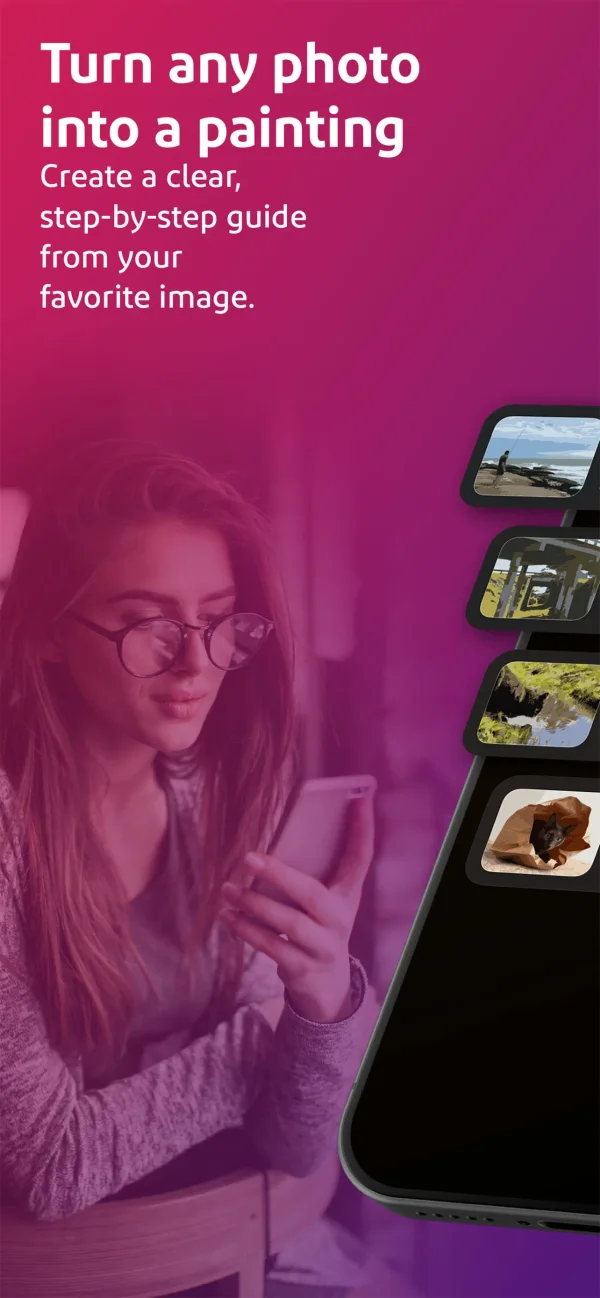
Turn any photo into a practical, step-by-step painting guide.
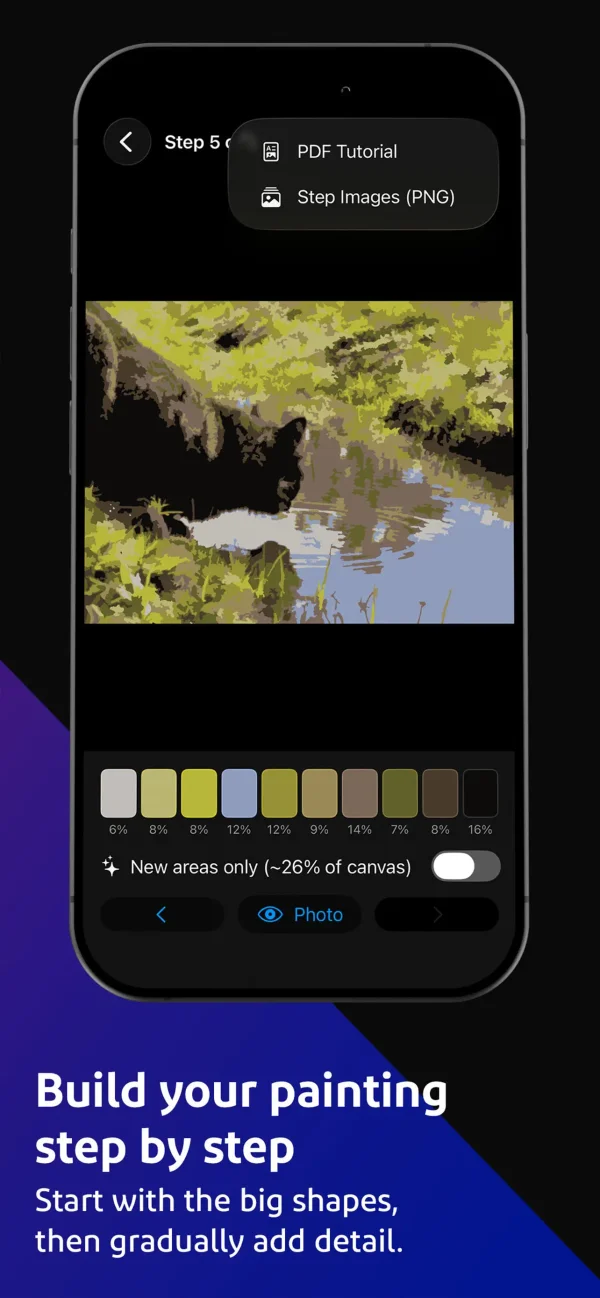
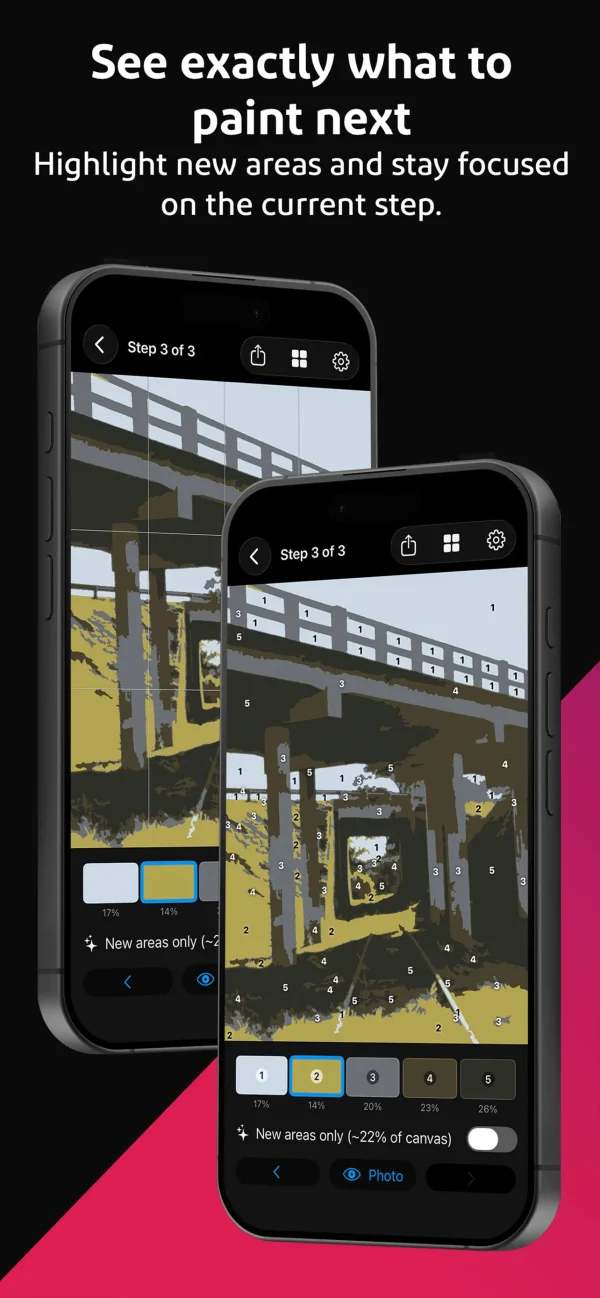
PaintSteps simplifies your reference into progressive color stages, helping you see what to paint first and what to add next. Choose your medium and painting order, then work through the image, palette, and mixing guidance at your own pace.
CREATE FROM ANY PHOTO
- Choose an image from your photo library
- Crop and position it for your canvas
- Adjust colors, steps, smoothing, and canvas ratio
- Build dark-to-light, light-to-dark, or balanced
PAINT WITH CLEAR GUIDANCE
- Follow progressive painting steps
- Use color numbers and an adjustable drawing grid
- Pinch to zoom while guides stay aligned
- Press and hold to compare with the original photo
TRACE WITH LINE ART
- Turn your painting into an outline drawing to transfer onto the canvas
- Choose the level of detail, or let Auto pick a step that's easy to trace
- Add a drawing grid and color numbers, then print it or share it as a PDF or PNG
- With Pro, choose thin, medium, or bold lines
MIX COLORS
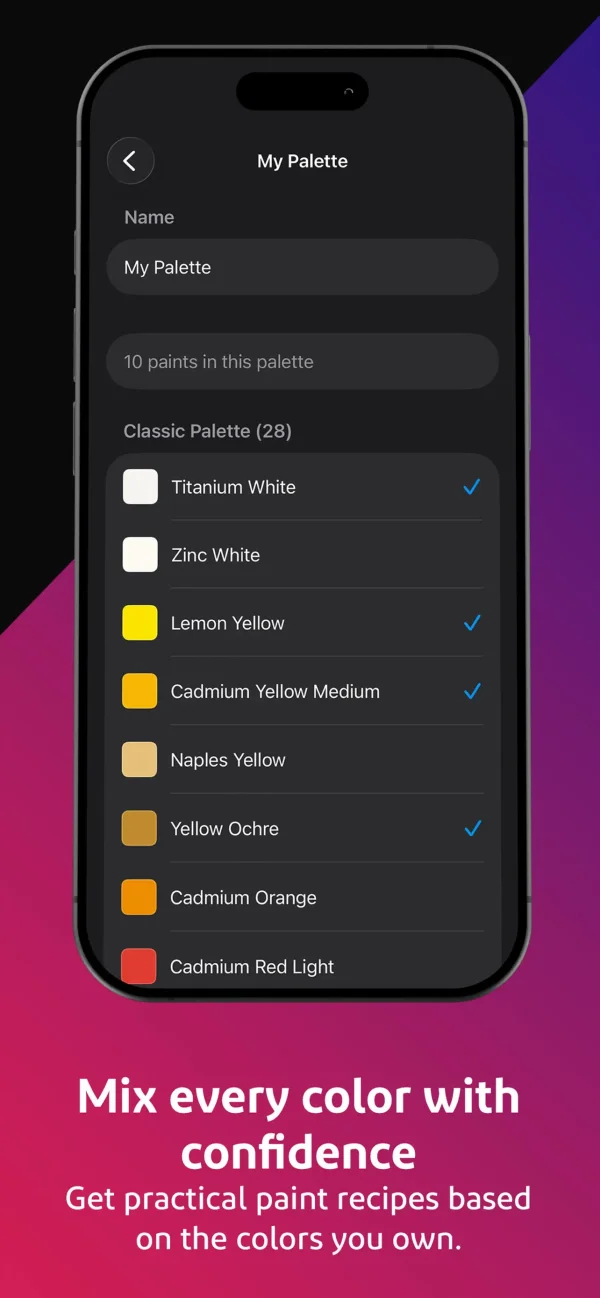
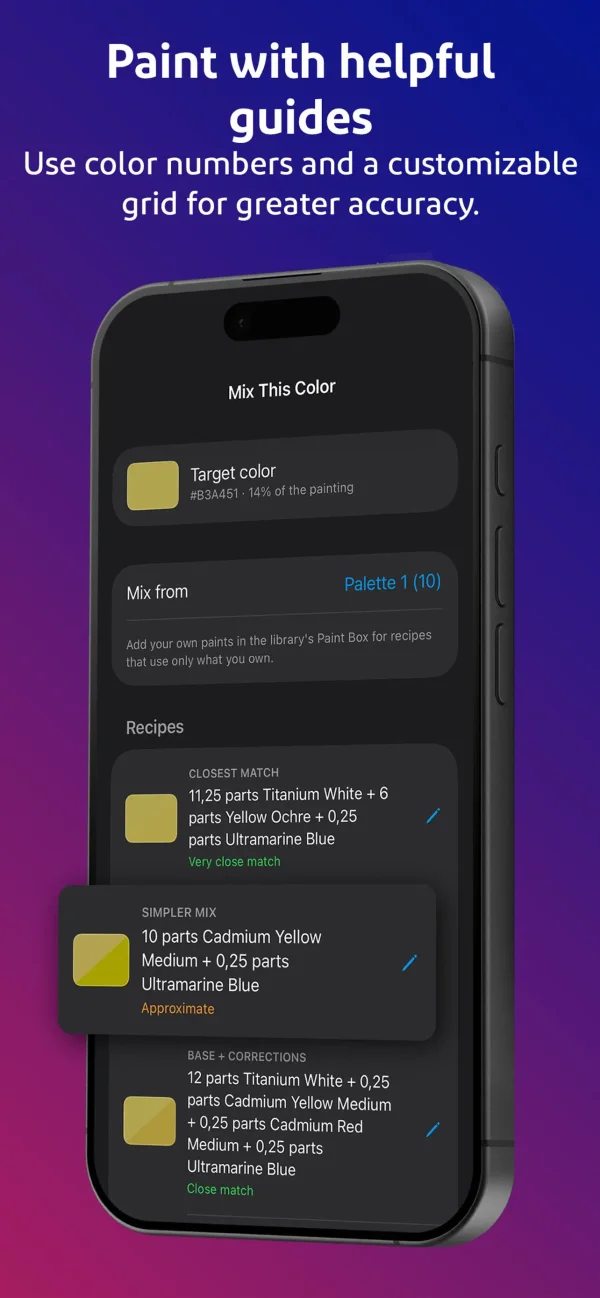
- View practical paint-mixing suggestions for every palette color
- Choose from built-in paint sets
- With Pro, use your own paints and palettes, calibrate tinting strength, and edit recipes
SAVE AND EXPORT
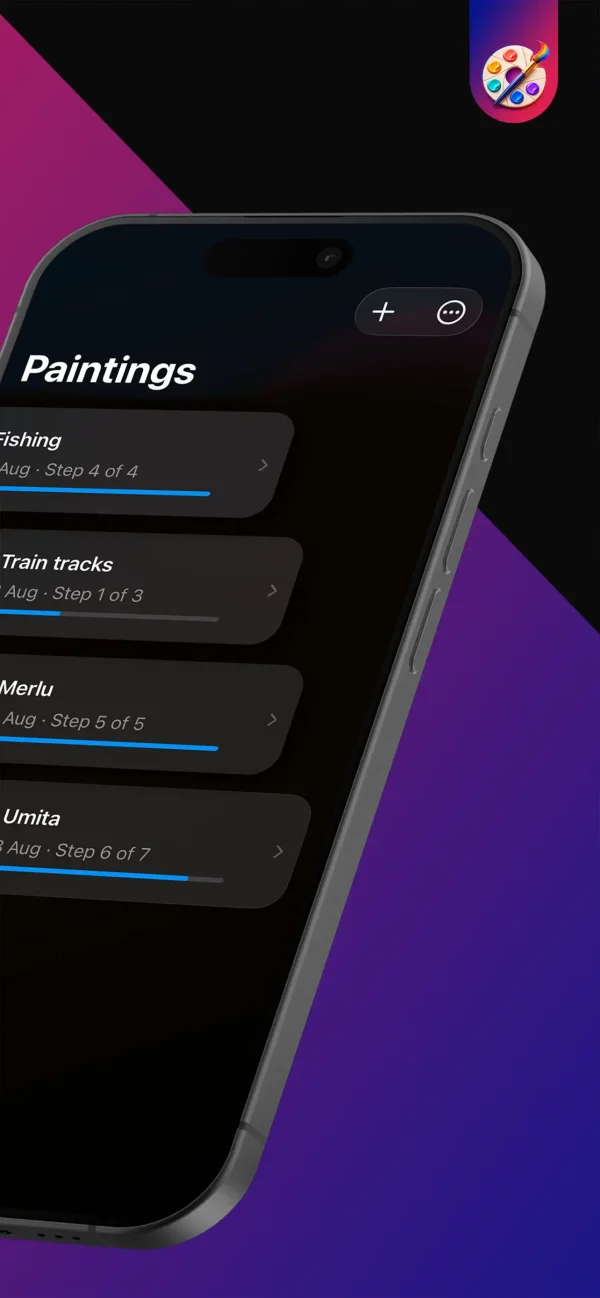
- Keep your painting projects in one library
- Export complete PDF tutorials, including the line art page, or individual PNG step images with Pro
The free version includes up to two saved paintings, tutorials with up to four steps, and line art. PaintSteps Pro unlocks unlimited paintings, up to eight steps, custom paints and palettes, recipe editing, export, and line art thickness.
PaintSteps Pro is a one-time purchase. No subscription.
Mixing results are estimates. Always test a small mix before painting.
What’s new
Version 1.3 · Nov 14, 2026
New in 1.3:
• Value view: see your painting in grays or as a 2- or 3-value notan
• Tick off colors as you paint and track your progress
• Light box for tracing, and show your painting on a TV or projector (Pro)
• Final details step with highlights and accents (Pro)
• Simplify the background or brush in detail where it matters (Pro)
• Recipes for watercolor, gouache, oil and acrylic, a shopping list and a minimal palette
• Real canvas size with a grid in cm or inches
• Photograph your canvas: painting diary and timelapse, compare with the reference, check a mix (Pro)
App privacy
What PULSAR LLC declares on the App Store about how this app handles data.
-
Data not collected
The developer does not collect any data from this app.
Privacy practices may vary, for example with the features you use or your age.
Information
- Seller
- PULSAR LLC
- Category
- Graphics & Design
- Version
- 1.3
- Updated
- Nov 14, 2026
- Released
- Sep 1, 2026
- Size
- 10.1 MB
- Requires
- iOS 17.0 or later
- Age rating
- 4+
- Price
- Free
- In-app purchases
- Yes
- Languages
- English, French, German, Japanese, Portuguese, Spanish
- Copyright
- © 2026 Juan Tarallo
You might also like
-
 PainterLab:Paint MixingColor Study, Value & Notan
-
 PaintLikeProTurn Photos into Paintings
-
 Pochade – Reference Photo PrepGrid, crop & value study tool
-
 Viridian: Paint MixingColor matcher & mix recipes
-
 PhotoPaint — Paint by NumbersTurn your own photos into art
-
 ArtBuddy: Learn to paintStart painting from photos
-
 Pincela: Paint by NumbersGraphics & Design
-
 Mix PaintPerfect color, every time.
-
 Mixable - Paint Mixing GuideWatercolor, Acrylic & Oil
-
 Color Study: Simplify PaintingSimplify color, value & shape