- Age rating4+
- CategoryGraphics & Design
- DeveloperJunaid Khan
- LanguagesEnglish
- Size11.8 MB
Links to the official App Store page
Download.org hosts no file of PaintLikePro. The button opens its official App Store page, published by Junaid Khan. Listing last checked on Nov 15, 2026.
Screenshots

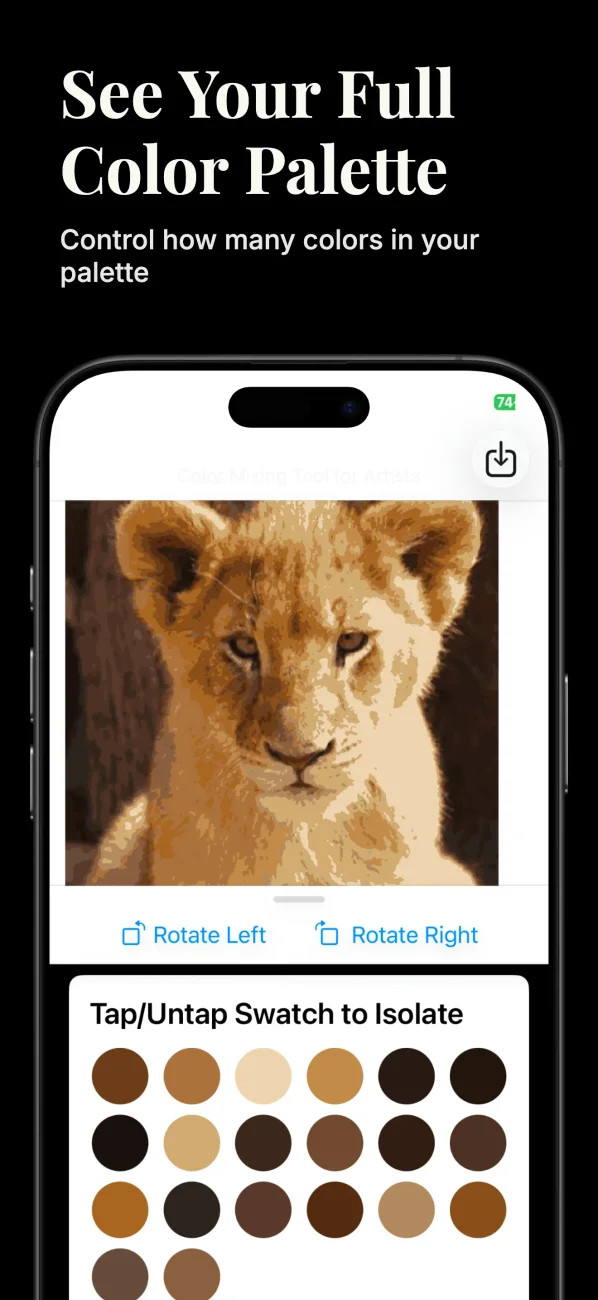

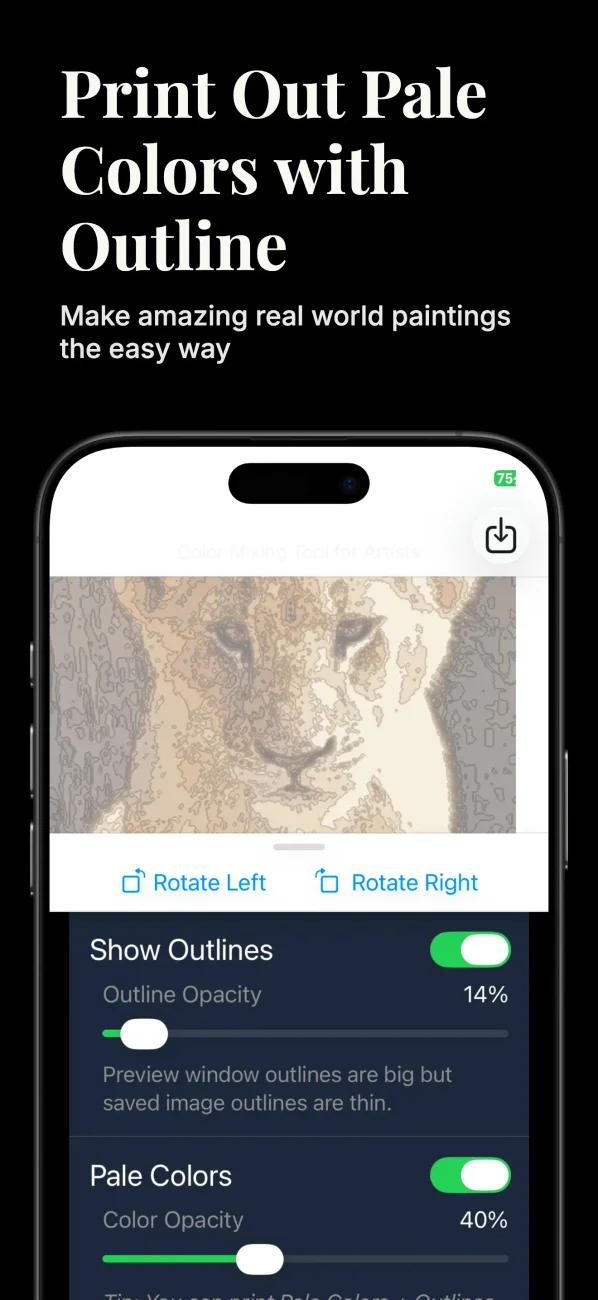
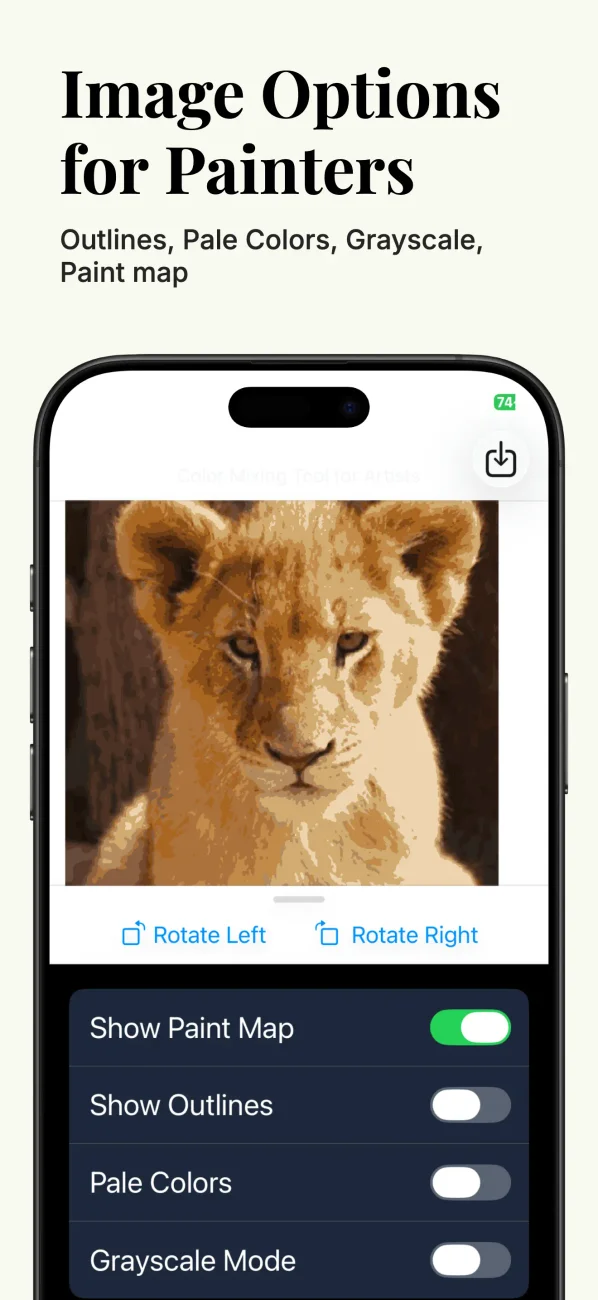
About
Have you ever looked at a photograph and wished you could paint it on canvas, but felt overwhelmed by color mixing?
Welcome to PaintLikePro, the first app designed to bridge the gap between your digital photos and real-world paints. This isn't just a photo filter—it is a professional studio assistant that deconstructs your images and teaches you exactly how to paint them.
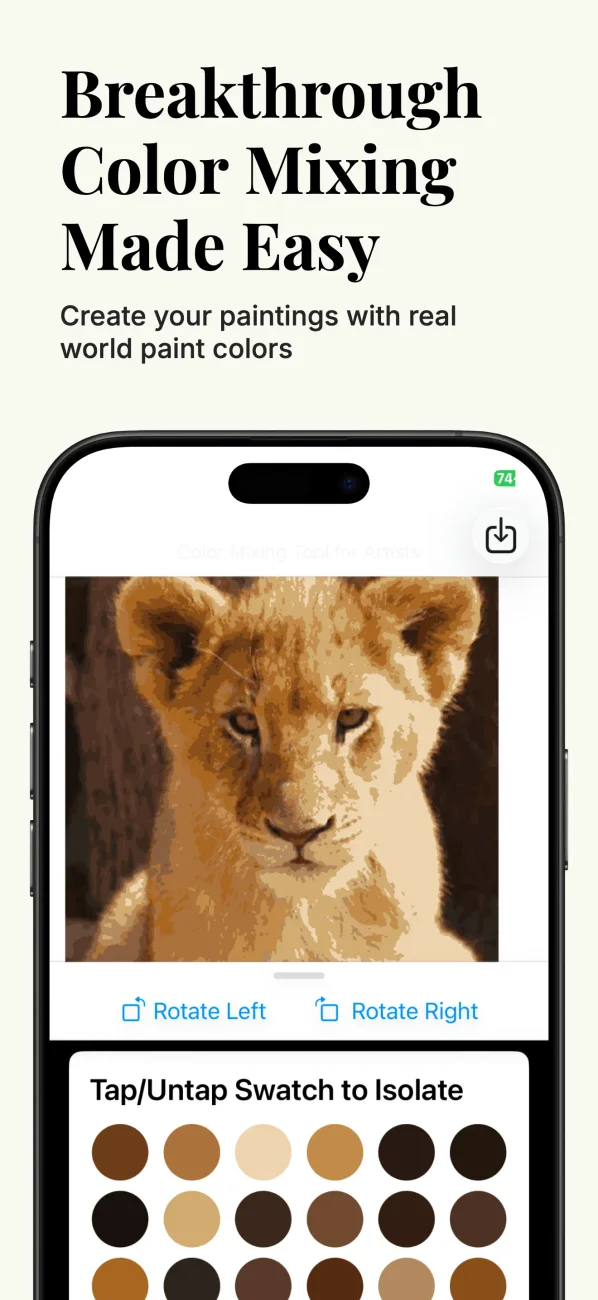
Whether you are a complete beginner or a seasoned artist, PaintLikePro removes the guesswork from color theory. Simply import a photo, and watch as the app transforms it into a paint by color style guide, complete with exact mixing recipes using standard artist pigments.
WHY YOU NEED THIS
For the first time, there is an easy way to bring digital images into the real world. Other apps keep you on the screen; PaintLikePro gets you to the easel. We don't just show you the colors; we tell you how to mix them.
THE INNOVATIVE "PAINT KIT"
Our standout feature is the printable Paint Kit. With a single tap, generate a high-resolution, 8.5" x 11" studio sheet that contains everything you need to start painting immediately:
A pale underpainting guide with outlines.
A precise shopping list of pigments required for your specific image.
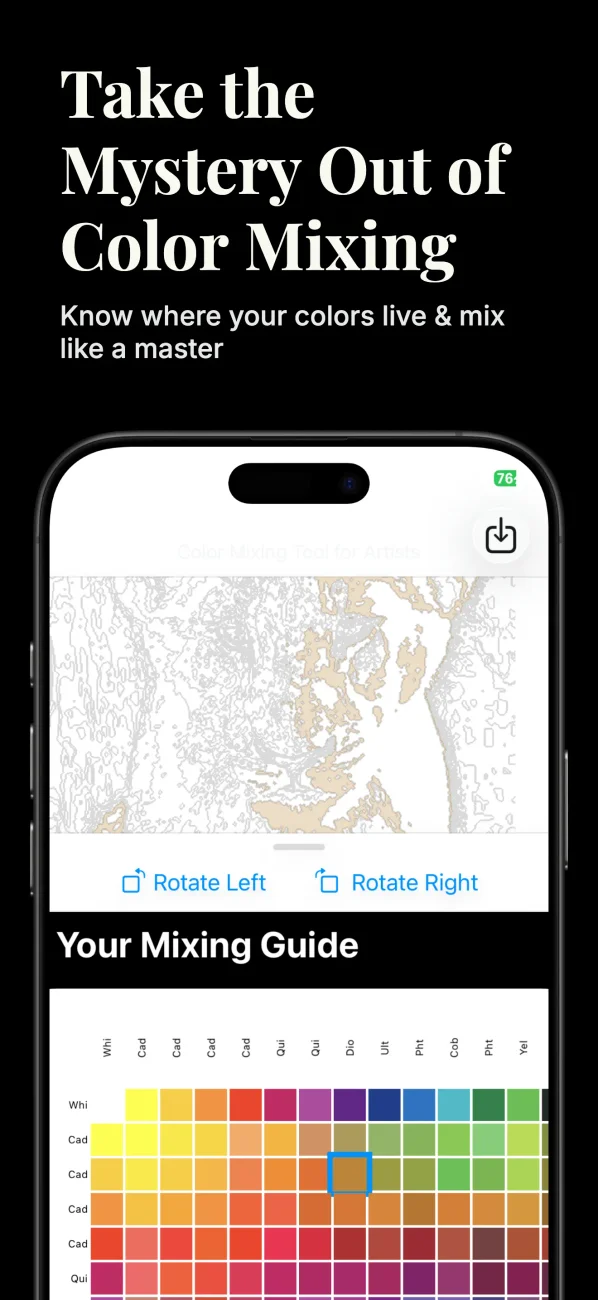
A visual mixing grid.
Step-by-step mixing recipes (e.g., "Mix 80% White + 20% Cadmium Red").
FEATURES
Smart Color Reduction: Simplify complex photos into manageable palettes ranging from 4 to 32 colors.
Real-World Pigments: The engine is built on a 14-color artist palette, including standards like Cadmium Yellow, Ultramarine Blue, and Alizarin Crimson.
Precision Mixing Engine: Click on any color in your image to see the exact recipe. We calculate tints (adding White) and shades (adding Black) automatically.
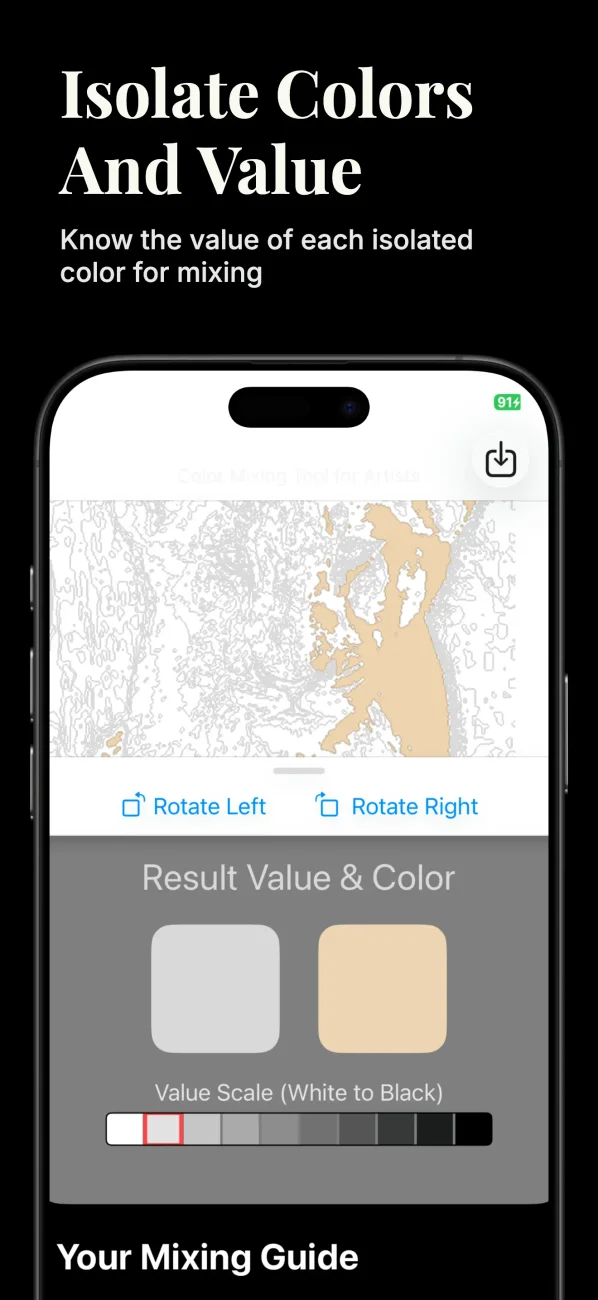
Dynamic Visualization: Toggle between the Original image, Outlines, Pale Mode (for underpainting), and Grayscale to understand values.
Isolate Colors: Tap a swatch to darken everything else, showing you exactly where that specific color belongs on the canvas.
Universal Export: Save your work as a digital reference or print the Paint Kit to take to your art studio.
WHO IS THIS FOR?
Students learning color theory who want practical application.
Hobbyists who want to paint their pets, landscapes, or loved ones with accuracy.
Professional artists looking to speed up their color study and underpainting process.
Stop guessing and start painting. Download PaintLikePro today and turn your memories into masterpieces.
What’s new
Version 2.18.22 · Dec 20, 2025
- Added a new Artist Mix Palette printout, makes it super easy to layout and see all your base colors, color mix recipes, detected colors on one paper. This Printout also includes color mix areas.
App privacy
What Junaid Khan declares on the App Store about how this app handles data.
-
Data not collected
The developer does not collect any data from this app.
Privacy practices may vary, for example with the features you use or your age.
Information
- Seller
- Junaid Khan
- Category
- Graphics & Design
- Version
- 2.18.22
- Updated
- Dec 20, 2025
- Released
- Dec 16, 2025
- Size
- 11.8 MB
- Requires
- iOS 26.1 or later
- Age rating
- 4+
- Price
- Free
- Languages
- English
- Copyright
- © AlienThink, Inc
You might also like
-
 PaintStepsYour photos to painting tutos!
-
 Viridian: Paint MixingColor matcher & mix recipes
-
 PaintMix — Paint Mixing StudioColor mixer, palette & recipes
-
 Painter's Toolkit: Color MatchValue Study, Grid & Pigments
-
 PhotoPaint — Paint by NumbersTurn your own photos into art
-
 MalwerkGraphics & Design
-
 Vinarto: Vintage Photo EditorRetro film looks & collages
-
 Dropal: Color Picker & PaletteColor Name & HEX from Photo
-
 ArtBuddy: Learn to paintStart painting from photos
-
 PainterLab:Paint MixingColor Study, Value & Notan