
- Age rating4+
- CategoryGraphics & Design
- DeveloperSergei Komarov
- LanguagesEnglish
- Size103.8 MB
Links to the official App Store page
Download.org hosts no file of Paintstorm Studio. The button opens its official App Store page, published by Sergei Komarov. Listing last checked on Nov 23, 2026.
Screenshots
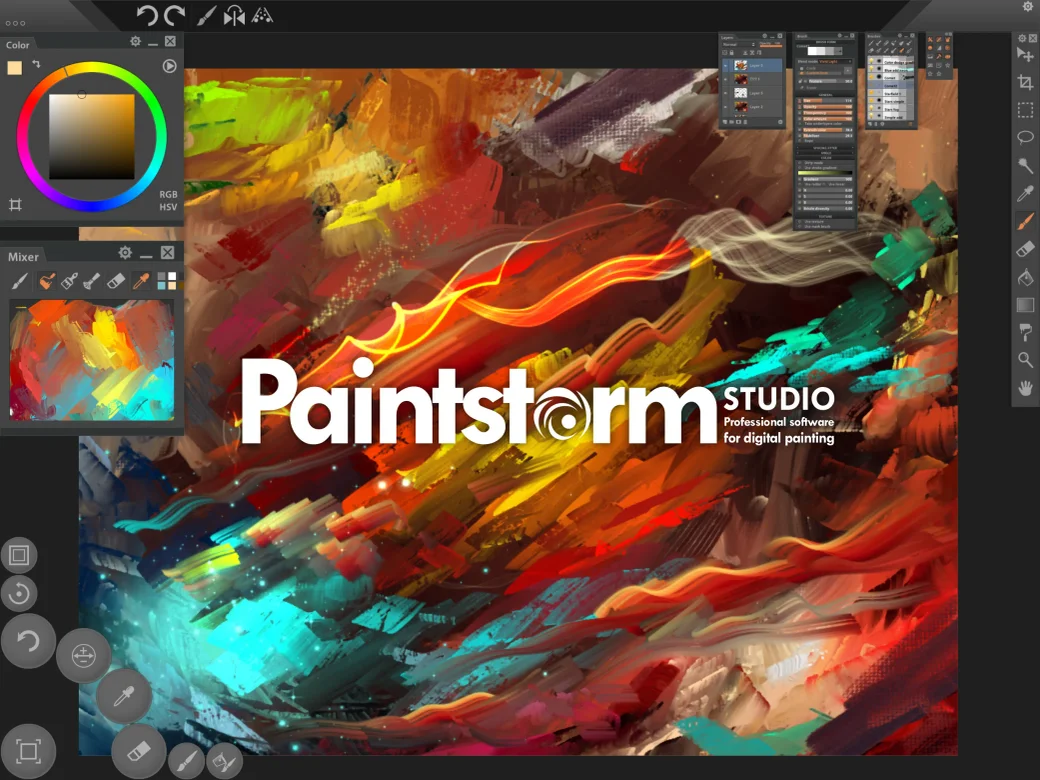

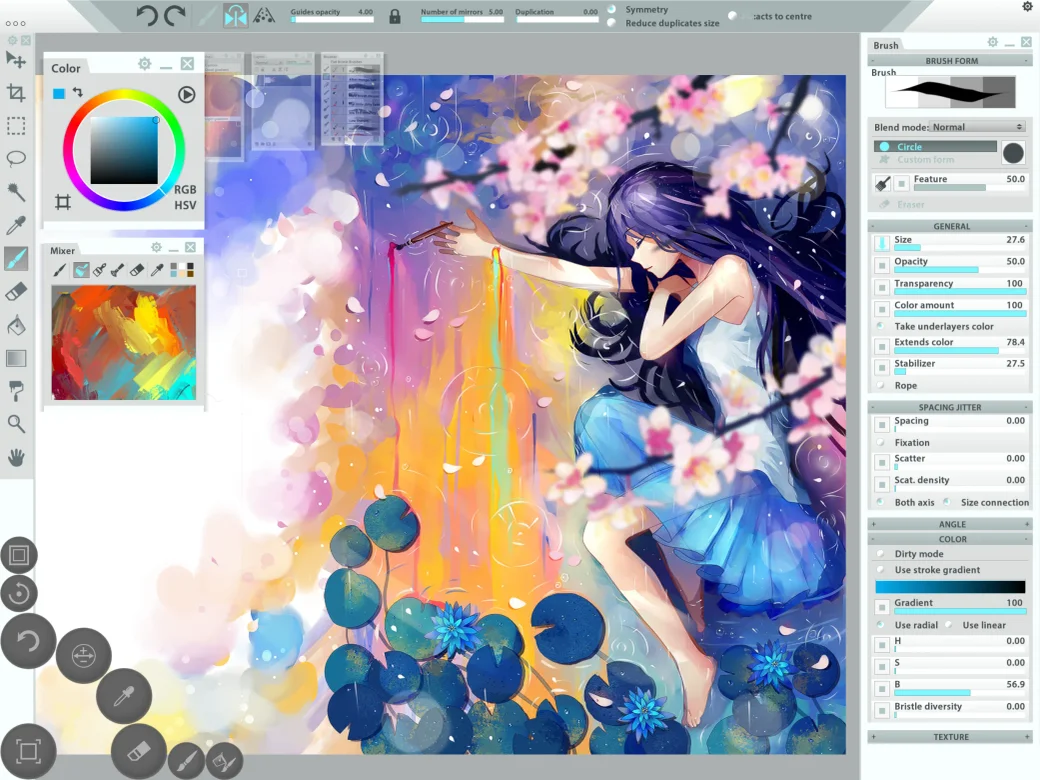

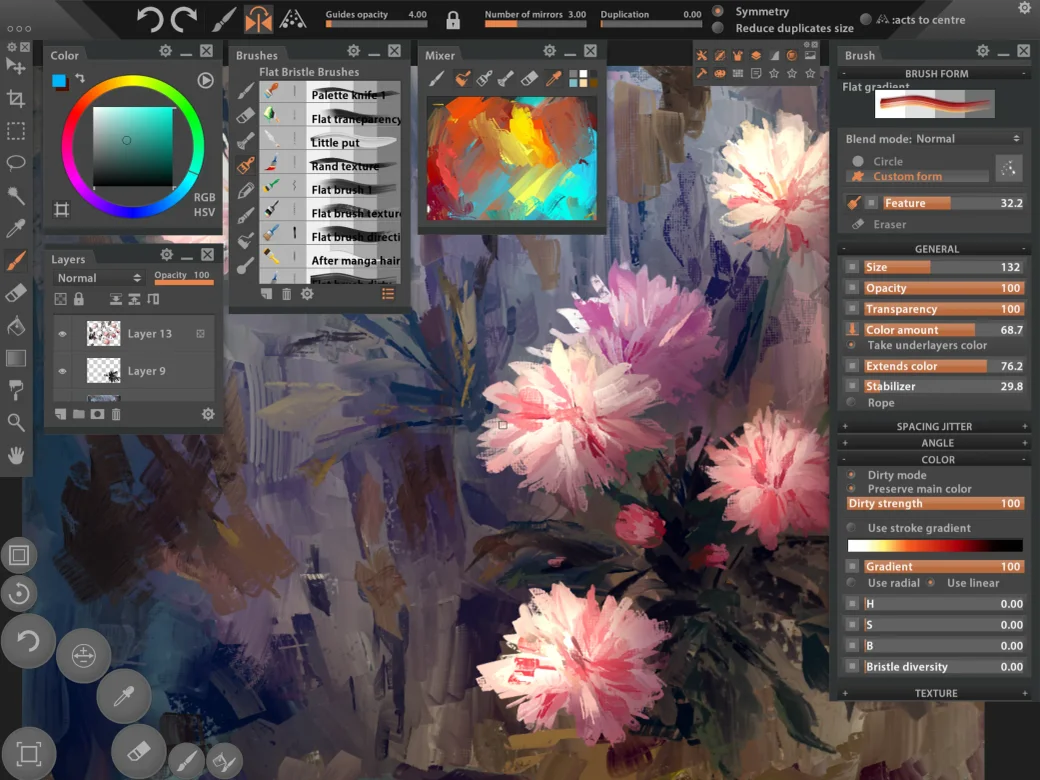
About
Paintstorm Studio is the first iOS App designed not only for simple sketches, but professional digital painting of any level, genre and technique. Paintstorm helps you to discover the magnificence and unleash the full potential of Apple Pencil and brings you to a whole new level of drawing. Creating an art masterpiece has never been so mobile.
A major feature of Paintstorm Studio is the array of brushes to choose from. We did our best so that you can easily and quickly adjust the brushes suitable to your painting style.
Anyone who has ever painted knows it's hard to overestimate the painting tool and the importance of all the seemingly insignificant details. We tried not to miss any of them. Our goal was to create an intuitive, simple-to-use but at the same time functionally powerful tool that brings the process of digital painting to a new level, making it as comfortable as possible.
- Full control of all brush options (Incredible possibilities for brush settings)
- Bristle brushes of any form and kind
- Stroke post correction (You can take an action on any option. Not only on the stroke thickness)
- Parameters binding to the perspective
- Dynamic interface (Global interface scale, panels scale, opacity, color)
- Custom panels
- Full controlled mask-brush (Each brush can work as mask for other brush)
- Takes underlayer's color while blending
- "Close gaps" function when you fill or select
- Dirty brush mode
- Stroke stabilizer
- Usable color mixer
- Different gradient strokes
- Mirror drawing
- Standart tools pack (Lasso, Magic wand, Crop, Fill, Gradient and etc)
- Control of the random amounts
- Photoshop PSD and ABR supported
- Apple Pencil support (Pressure, Tilt, Direction)
What’s new
Version 3.00 · Nov 20, 2026
- Improved PSS saving reliability. The previous file is replaced only after the new version has been written successfully. Auto-recovery copies are saved losslessly, even when JPEG compression is selected for normal saves.
- Added "Selection → Create Colors From Selection...". Select the area of your image you want to use for the palette. In the dialog, choose "Current layer" or "Merged visible layers" as the source, set the number of colors with the "Colors" slider, and enter a folder name. The preview updates as you adjust the settings. Click "Create" to add the palette to a new folder in the "Color Library" panel, which opens automatically.
- Added the "View → Brush Size Presets" panel for switching between saved brush sizes. Click a preset to apply its size to the current brush. Shift-click a preset to store the current brush size in it. Double tap the panel to add or delete presets. Drag presets to reorder them. The panel can be resized to a single row.
- Added "Layer → Create Sprite Sheet...", also available by right-clicking in the Layers panel. Select the raster layers to use as frames, then open the command and set "Rows", "Columns", "Cell size" or "Canvas size", and "Padding". You can enable "All visible layers" and use "Reverse order" to change the frame order. The dialog includes a grid preview. The sprite sheet is created in a new document with a transparent background.
- Added HEX color display and editing to the "Color wheel" panel. Click the gear icon in the panel header and enable "Show HEX". To enter a color, double-click the code next to the wheel, enter a value in #RRGGBB format.
- Added "Filters → Motion Blur". Use "Strength" to set the blur length and "Angle" to set its direction. Enable "Preview" to see the result before applying the filter.
- Added "Remove White Fringe" to the Filters menu to remove light halos along the edges of objects with transparency. Fixed a crash when applying the filter to a selected area. Feathered selection edges are now respected.
- Added HSL mode and a preview to "Selection → Color range". A preview has also been added to "Filters → Luma To Alpha".
- The width and height of a rectangular selection are now displayed in pixels next to the cursor while you create it.
- When using "Crop", press the assigned hotkey for "Select rect tool" to turn the current crop frame into a selection.
- Increased the maximum number of open documents to 20.
- The scroll position in the Layers panel is now remembered separately for each open document.
- Added "File → Options → Performance → Maximum layers". This setting lets you increase the limit from 300 to 1000 layers per document. Restart Paintstorm to apply the change.
- Merging a folder into a single layer now preserves the folder name.
- Changes made with the text color button in the top panel are now previewed immediately on the canvas.
- Added a button to link width and height in "Image → Canvas resize" so you can resize the canvas while preserving its proportions.
- Added support for opening and saving WebP and TIFF files. Choose the format in "File → Save As". WebP is saved losslessly and supports transparency.
- PNG and JPEG exports now include image dimensions and resolution in DPI in the file metadata.
- Updated the interface translations
App privacy
What Sergei Komarov declares on the App Store about how this app handles data.
-
Data not collected
The developer does not collect any data from this app.
Privacy practices may vary, for example with the features you use or your age.
Information
- Seller
- Sergei Komarov
- Category
- Graphics & Design
- Version
- 3.00
- Updated
- Nov 20, 2026
- Released
- Jan 29, 2016
- Size
- 103.8 MB
- Requires
- iOS 13.1 or later
- Age rating
- 4+
- Price
- $12.99
- Languages
- English
- Copyright
- © 2026 Paintstorm Studio Developers team
You might also like
-
 Realistic Paint StudioDrawing, Watercolor, Oil paint
-
 Uniform - 3D EditorModeling, texturing and render
-
 SketchClub: Draw & PaintDaily drawing challenges
-
 Zen Brush 3Freely draw beautiful zen art.
-
 iOrnament Pro – art, fun, calmCreate geometry art & mandalas
-
 BrushesPaint, Sketch, Draw
-
 HuePaintArt painter:canvas,oil,brushes
-
 FocalPaintmark-making machine
-
 WowPaintDraw,design seamless patterns
-
 Vesica Studio: Sacred GeometryMandala & Tattoo Stencil Maker