Papelyx: Document Scanner PDF
Scan, merge & compress offline
Designed for iPhone, iPad
Free · In-app purchases
- Age rating4+
- CategoryProductivity
- DeveloperGiuseppe Pignataro
- LanguagesEnglish+ 1 more
- Size7.8 MB
Links to the official App Store page
Download.org hosts no file of Papelyx: Document Scanner PDF. The button opens its official App Store page, published by Giuseppe Pignataro. Listing last checked on Nov 16, 2026.
Screenshots

About
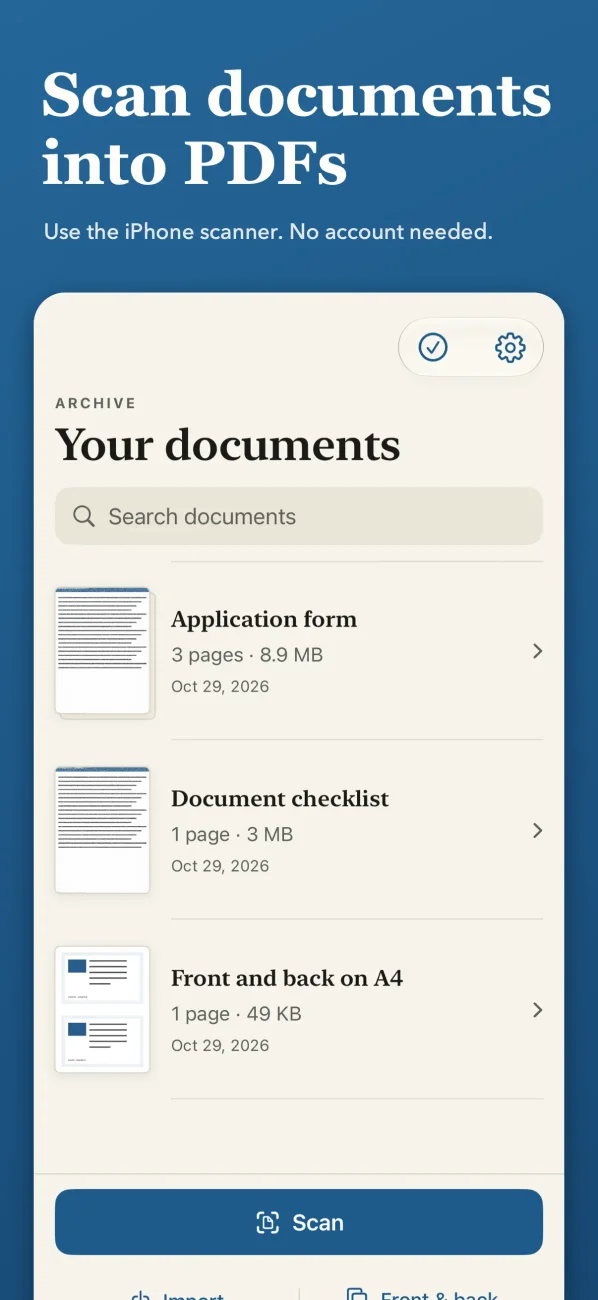
Papelyx is the simple, private document scanner: turn paper, forms and receipts into multipage PDFs ready to send. No account. No sign-up.
WHY PAPELYX
• Scan with the built-in iPhone and iPad scanner, with automatic edge detection.
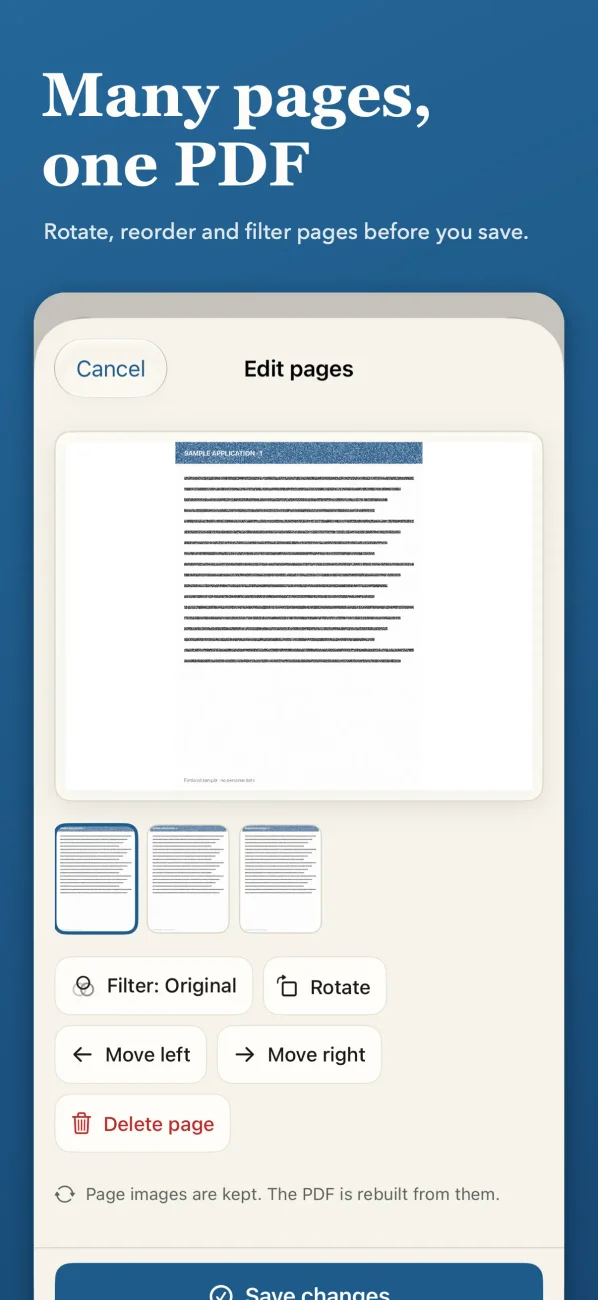
• Combine many pages into one PDF and put them in the order you want.
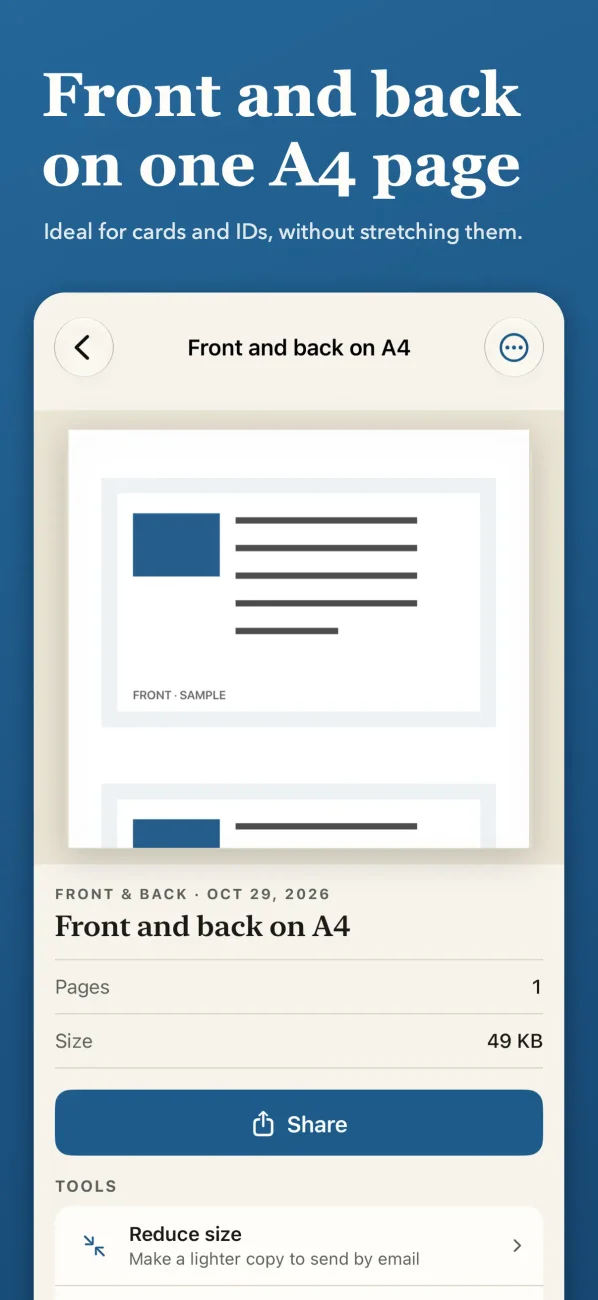
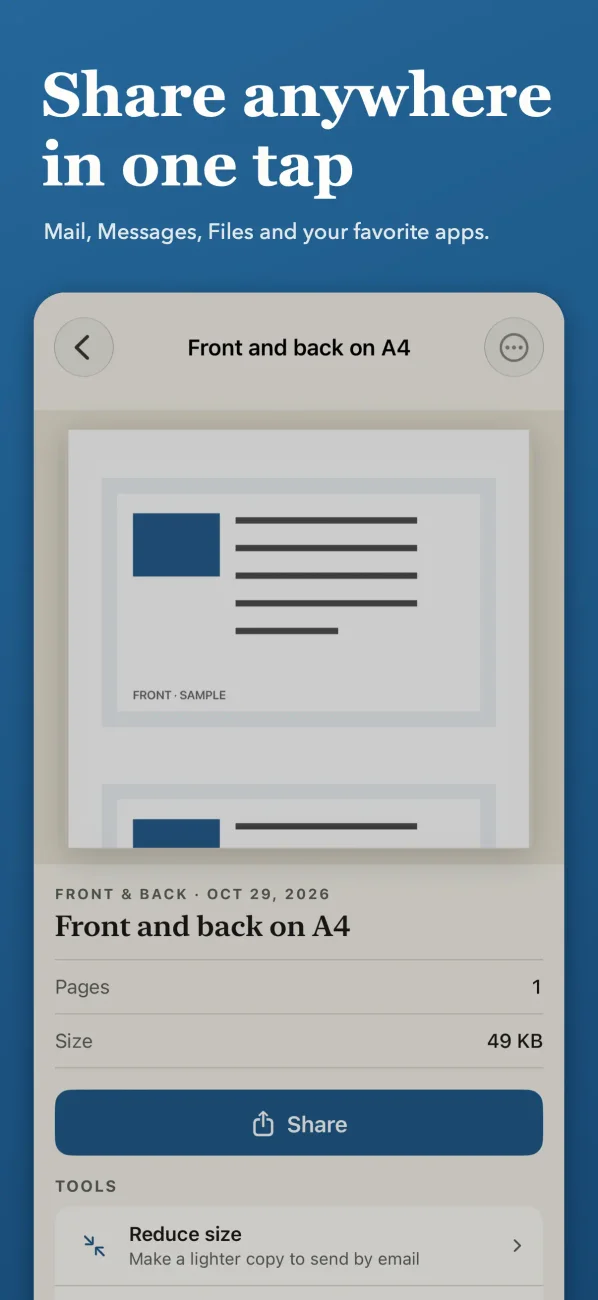
• Place the front and back of a card or ID on one A4 page, without stretching it.
• Keep an archive on your device and find documents by title.
• Share with Mail, Messages, Files and the apps you use every day.
SCAN AND PREPARE
• Capture multiple pages in one session.
• Import PDFs and images from Files or Photos.
• Rotate, reorder, delete pages and apply filters before you save.
• Make PDFs smaller with presets and compare file sizes before you save the copy.
• Merge several documents into a new PDF.
PRIVACY AND CONTROL
Papelyx needs no account and does not automatically send your documents to its own servers: processing happens on your device. A file is shared only when you choose to share it. iCloud and operating system backups follow your device settings.
PAPELYX PRO — ONE PURCHASE, NO SUBSCRIPTION
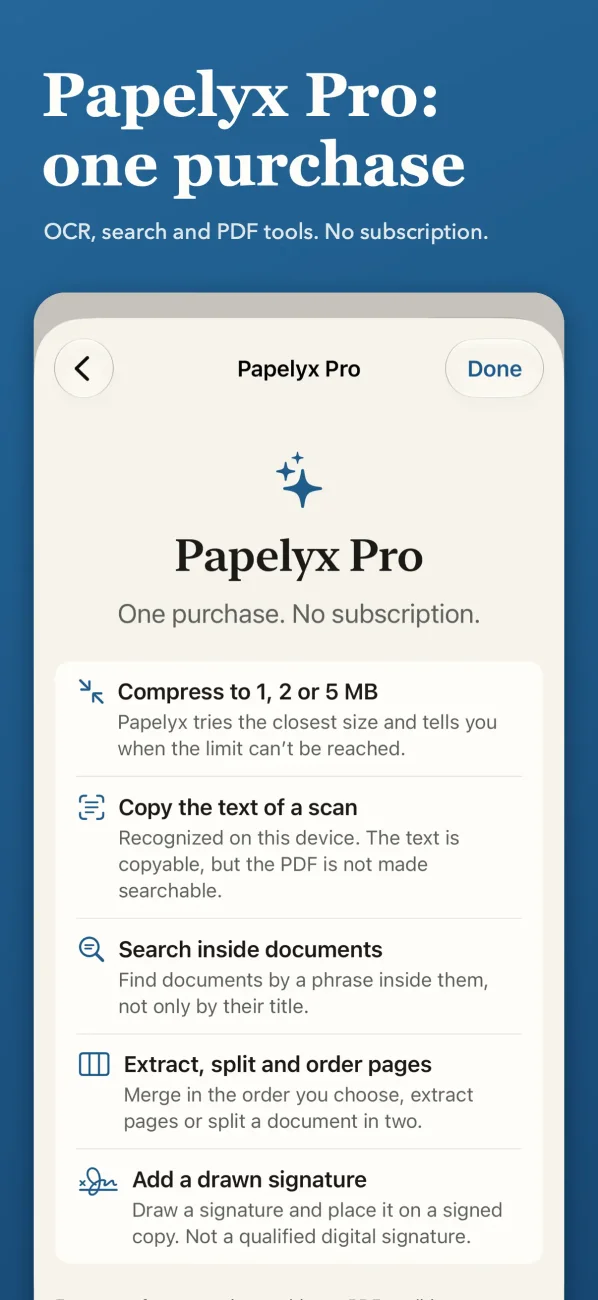
• Target-size compression (1, 2 or 5 MB), with a notice if the target cannot be reached.
• On-device OCR: copy recognized text and search inside your documents.
• Extract, split and reorder pages.
• Add a drawn signature to a copy of your PDF.
Scanning and essential features stay free. Papelyx Pro is a one-time in-app purchase; the price is shown by the App Store and may vary by country.
Notes: OCR lets you copy text and search your archive, but it does not add a text layer to the PDF. Compression attempts the selected size and tells you if it cannot be reached; no size is guaranteed. A drawn signature is not a qualified digital signature.
App privacy
What Giuseppe Pignataro declares on the App Store about how this app handles data.
-
Data not collected
The developer does not collect any data from this app.
Privacy practices may vary, for example with the features you use or your age.
Information
- Seller
- Giuseppe Pignataro
- Category
- Productivity
- Version
- 1.0
- Updated
- Nov 3, 2026
- Released
- Nov 3, 2026
- Size
- 7.8 MB
- Requires
- iOS 17.0 or later
- Age rating
- 4+
- Price
- Free
- In-app purchases
- Yes
- Languages
- English, Italian
- Copyright
- © 2026 Giuseppe Pignataro
You might also like
-
 Cozydo - Calm Task & HabitsCalm Tasks and Habit Tracker
-
 ExplorePDF: Read, Fill & SignMerge, Split & Organize PDFs
-
 ID2PDF - ID & Doc ScannerFront & back on one page, 1:1
-
 Scanner: Scan PDF, Docs, CardsSign, Edit and Share Documents
-
 PDFConverter- Print to PDFConvert to PDF
-
 All Document Reader ProOpen PDF, Word, Excel, ZIP,RAR
-
 OVB Multi Factor AuthenticatorMulti-Factor Bio Authenticator
-
 Scannero: fast scan to PDF&JPGPDF scanner, converter, editor
-
 Mosa AI: Chatbot AssistantAI Expert Chat: Ask Anything
-
 Humanize AI - BypassGPTundetectable ai,Paraphrase