
Papercopy: Trace & Draw
Trace any image onto paper
Designed for iPhone, iPad
Free · In-app purchases
- Age rating4+
- CategoryGraphics & Design
- DeveloperMilos Micunovic
- LanguagesEnglish+ 16 more
- Size41.7 MB
Links to the official App Store page
Download.org hosts no file of Papercopy: Trace & Draw. The button opens its official App Store page, published by Milos Micunovic. Listing last checked on Nov 12, 2026.
Screenshots

About
Turn your phone into a tracing lightbox. Open any image, lock the screen, put paper on top, and draw.
Papercopy makes it easy to copy a picture from your screen to paper with a pencil or pen. No printer, no lightbox, no special tools — just your phone or tablet and a sheet of paper.
HOW IT WORKS
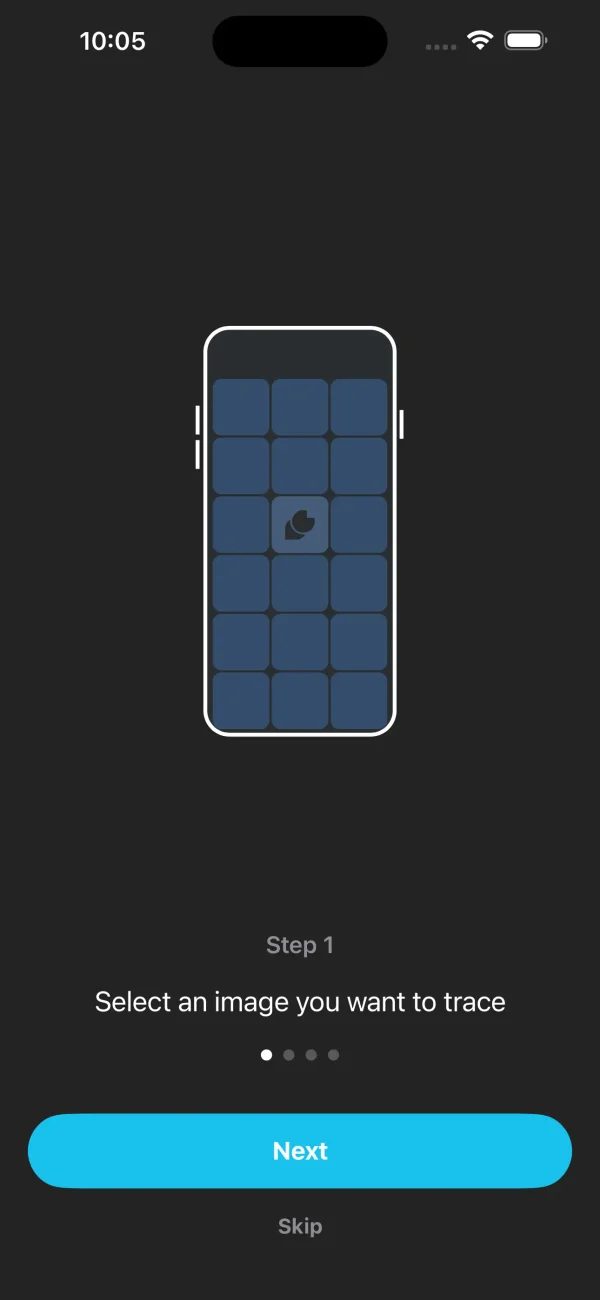
1. Pick an image from your gallery, camera, or the built-in Explore library
2. Zoom, rotate, and move it until it sits exactly where you want
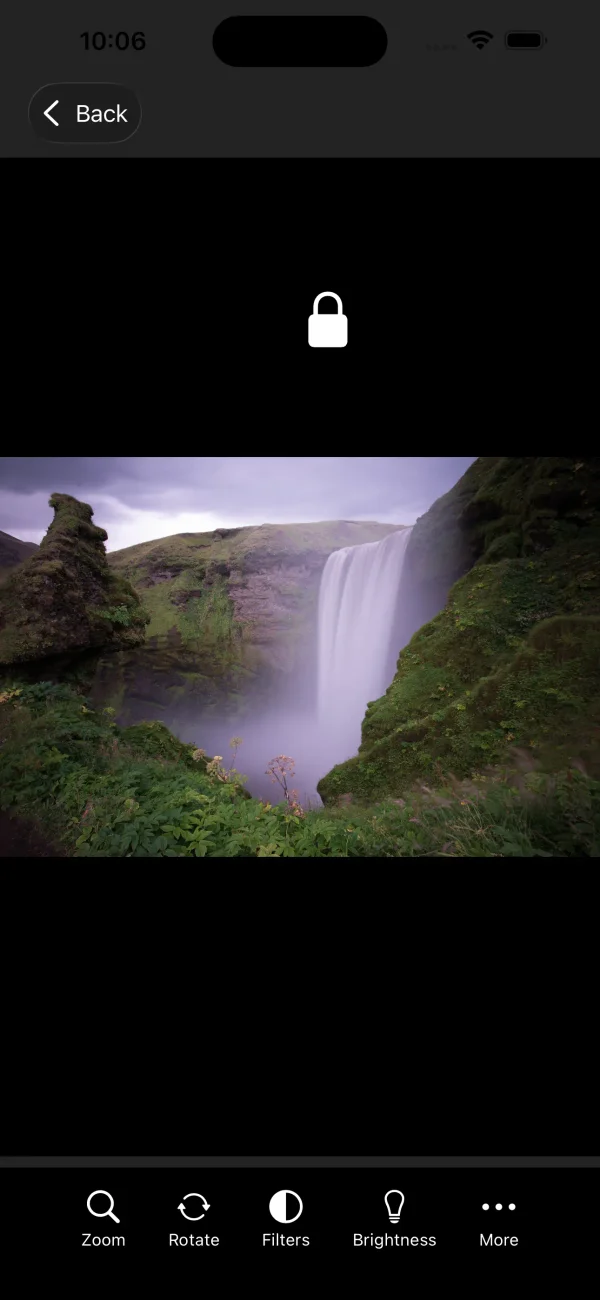
3. Lock the canvas so the screen doesn't shift while you draw
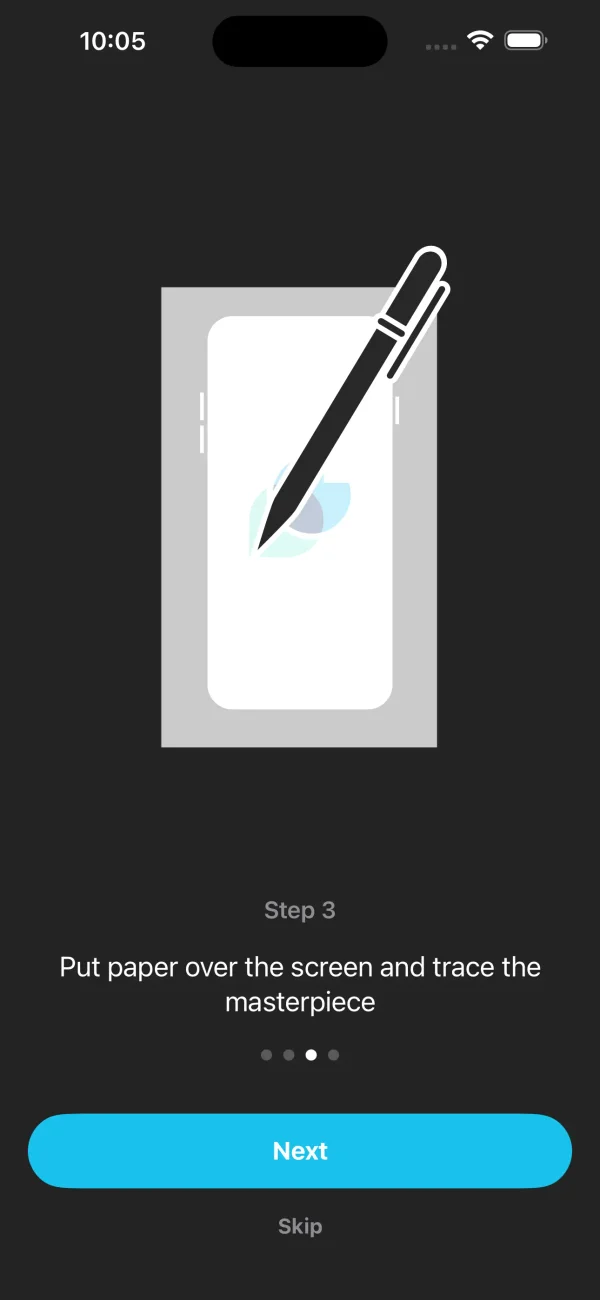
4. Place your paper over the display and trace the lines through it
FEATURES
- Lock screen – blocks touches so the image stays put under the paper
- Precise zoom, rotate and pan – size the image to fit your paper
- Brightness and contrast controls – makes lines visible through thicker paper
- AI trace-ready images – describe what you want and get a clean outline to trace
- Explore – hundreds of ready-made drawings, animals, characters, patterns and lettering
- Works on phones and tablets
WHO USES PAPERCOPY
- Kids learning to draw and parents who want an easy, screen-light activity
- Artists and illustrators transferring sketches, references and outlines
- Hand-lettering, calligraphy and tattoo stencils
- Teachers, crafters, embroidery, woodworking and cake decorating templates
- Anyone who wants to copy a photo, logo or drawing to paper quickly
Tracing is one of the oldest ways to learn to draw — it trains your hand and eye before you draw freehand. Papercopy just removes the friction.
Have a suggestion or a problem? Email us from the app and we'll reply.
Terms of Use (EULA): https://www.apple.com/legal/internet-services/itunes/dev/stdeula/
Privacy Policy: https://papercopy.web.app/policy
What’s new
Version 4.0.4 · Nov 11, 2026
• Closing an image after tracing is quicker.
• Bug fixes and stability improvements.
App privacy
What Milos Micunovic declares on the App Store about how this app handles data.
-
Data used to track you
May be used to track you across apps and websites owned by other companies.
- Identifiers
- Usage data
-
Data not linked to you
May be collected but is not linked to your identity.
- Location
- Identifiers
- Usage data
- Diagnostics
- Other data
Privacy practices may vary, for example with the features you use or your age.
Information
- Seller
- Milos Micunovic
- Category
- Graphics & Design
- Version
- 4.0.4
- Updated
- Nov 11, 2026
- Released
- May 10, 2026
- Size
- 41.7 MB
- Requires
- iOS 18.2 or later
- Age rating
- 4+
- Price
- Free
- In-app purchases
- Yes
- Languages
- English, Arabic, French, German, Hindi, Indonesian, Italian, Japanese, Korean, Polish, Portuguese, Serbian + 5 more
- Copyright
- © 2026 Milos Micunovic
You might also like
-
 CoPiCopy Pictures
-
 Lightbox draw - tracing paperTrace Images Easily on Paper
-
 Photo Trace & Draw - TracelyTrace photos onto paper
-
 AR Sketch & TraceAR Tracing: Easy Drawing
-
 Sketch Steps: AI Loomis DrawLearn Drawing AI & Tracing
-
 TraceArtEasy Trace Photos and Images.
-
 Calca appCalc Application
-
 Lightbox Trace: Draw on PaperImage Tracing. Grid Projector
-
 Trace Drawing - DrawLensDrawing Projector for Tracing
-
 AR Drawing: Easy Sketch & DrawTrace & Draw picture on paper