PaperFlow: PDF Scanner
Scan, edit, sign, export PDFs
Designed for iPhone, iPad
Free · In-app purchases
- Age rating4+
- CategoryProductivity
- DeveloperOmer Faruk Durgut
- LanguagesEnglish+ 1 more
- Size1.7 MB
Links to the official App Store page
Download.org hosts no file of PaperFlow: PDF Scanner. The button opens its official App Store page, published by Omer Faruk Durgut. Listing last checked on Nov 20, 2026.
Screenshots

About
Scan documents, create PDFs, edit pages, extract text, sign documents, and manage your files — all without a monthly subscription.
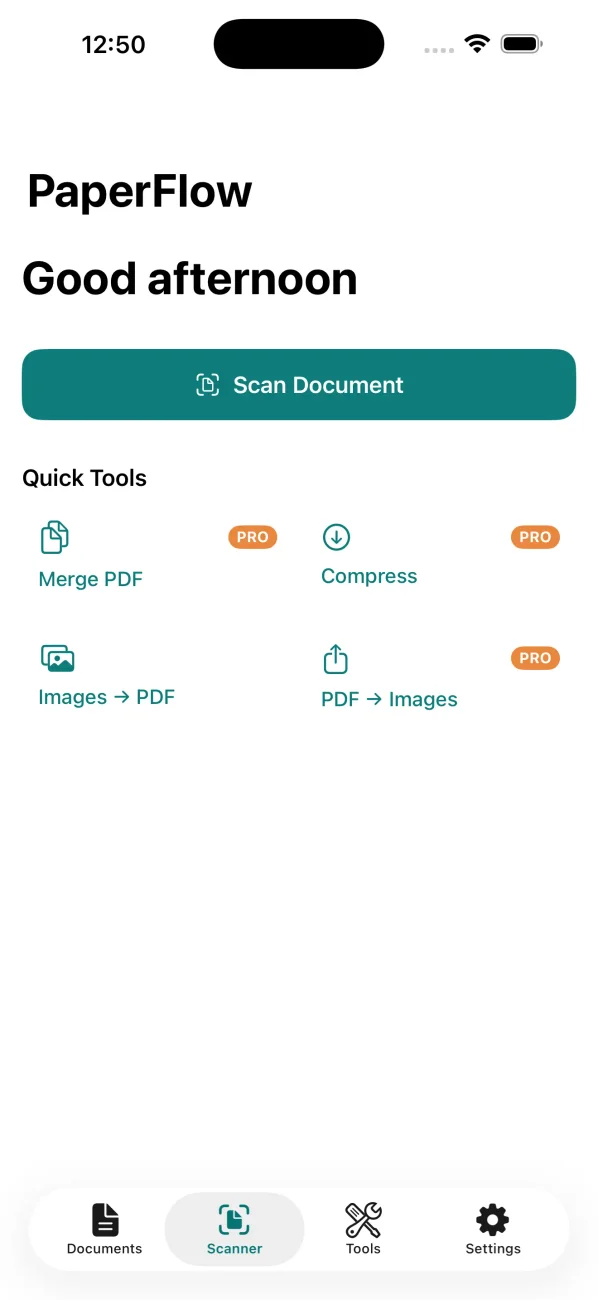
PaperFlow turns your iPhone into a fast, private document scanner and complete PDF toolkit. Everything runs on your device — no account, no cloud upload, no ads.
SCAN
• Scan any document, receipt, or whiteboard with your camera
• Automatic edge detection and perspective correction
• Multi-page scanning in one session
• Filters for crisp, print-ready results
PDF TOOLS
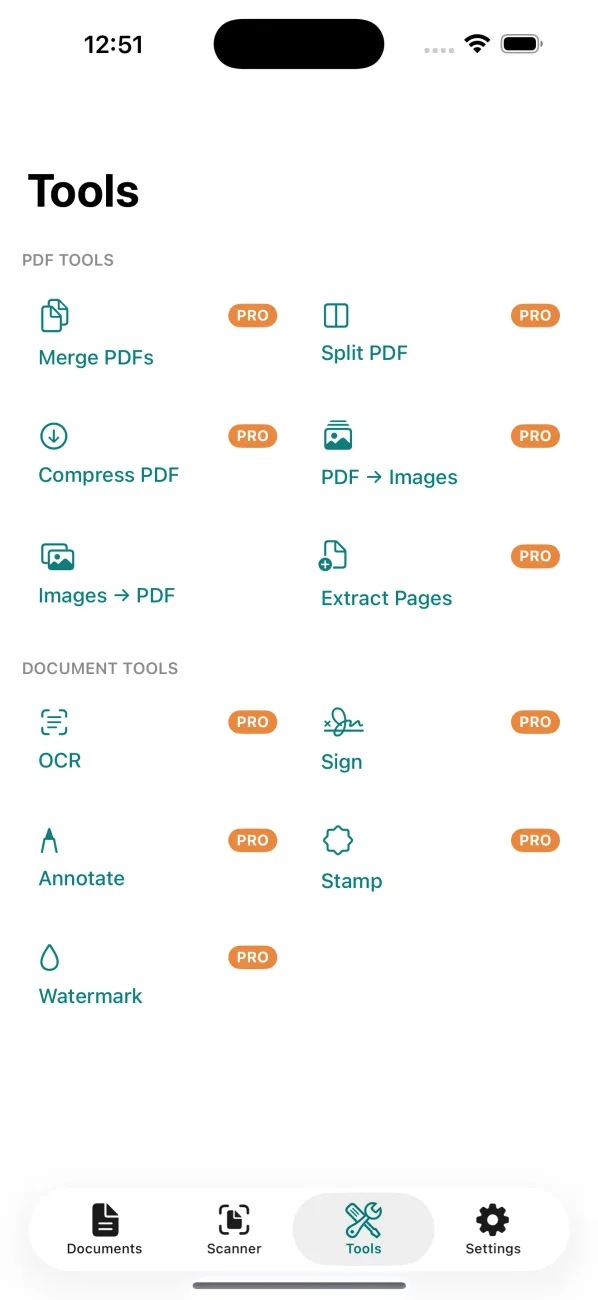
• Turn scans or photos into PDF instantly
• Merge multiple PDFs into one
• Split a PDF into separate files
• Extract or reorder pages
• Compress large PDFs without losing readability
• Convert PDF pages back to images
TEXT RECOGNITION (OCR)
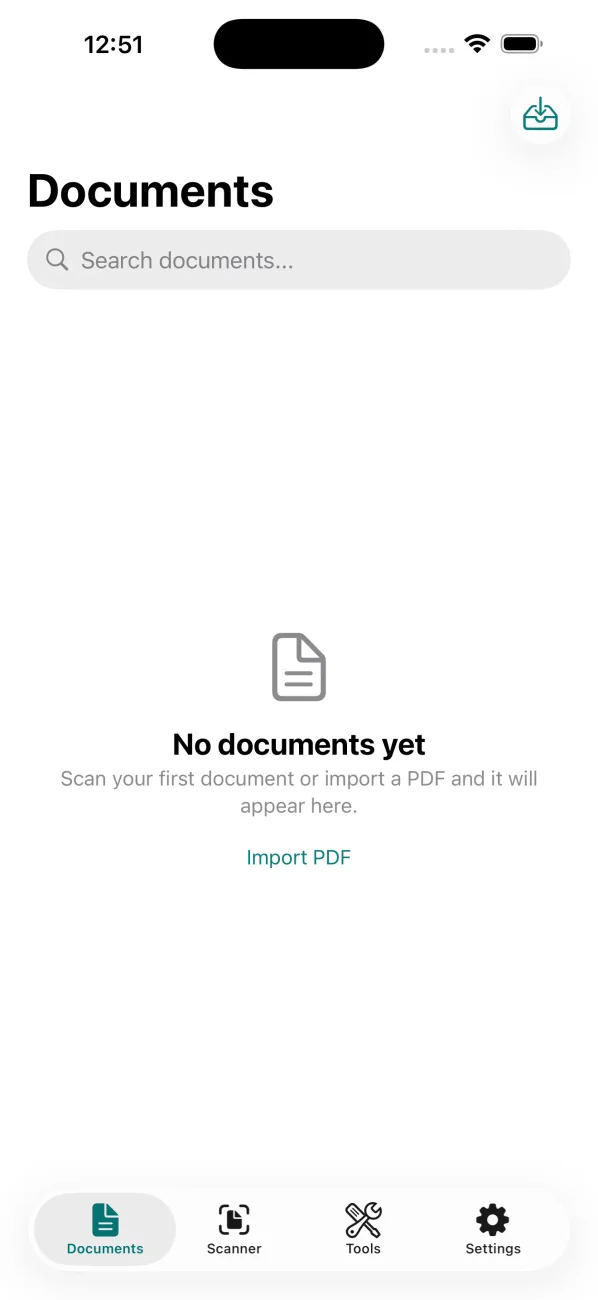
• Make any scan searchable and selectable
• Copy text straight out of a scanned page
• Works entirely on-device, in multiple languages
SIGN & ANNOTATE
• Add your signature to any PDF
• Highlight, draw, add text notes and stamps
• Add watermarks to protect your documents
PRIVATE BY DESIGN
Your documents never leave your iPhone. PaperFlow has no servers, no accounts, and doesn't read or transmit the content of your files.
PRO — ONE PURCHASE, YOURS FOR LIFE
Unlock OCR, merge, split, compression, signatures, watermarks, and unlimited documents with a single one-time purchase. No subscription, ever.
Free includes: scanning, basic editing, image-to-PDF, and sharing — genuinely usable from day one.
Questions or feedback? Reach us any time — see Support in this listing.
App privacy
What Omer Faruk Durgut declares on the App Store about how this app handles data.
-
Data not collected
The developer does not collect any data from this app.
Privacy practices may vary, for example with the features you use or your age.
Information
- Seller
- Omer Faruk Durgut
- Category
- Productivity
- Version
- 1.0
- Updated
- Sep 10, 2026
- Released
- Sep 9, 2026
- Size
- 1.7 MB
- Requires
- iOS 17.0 or later
- Age rating
- 4+
- Price
- Free
- In-app purchases
- Yes
- Languages
- English, Turkish
- Copyright
- © 2026 Omer Durgut
You might also like
-
 FjordScan: PDF ScannerScan, Compress & Export
-
 MinTodo - Shopping List & MemoTasks, notes, images, themes
-
 Nemos: Second Brain & MemosLink Saver, Screenshots, Notes
-
 iMarkdown - Write & PreviewMarkdown notes and writing
-
 JPG to PDF Converter - PDFPipPhoto & PNG to PDF - Offline
-
 PDF Converter : PDF to WordPhoto & Image To PDF Converter
-
 Capture Screen Video RecorderVideo Call Game Live Cam Bicam
-
 Prizmo › Document Scanner, OCRAccurate OCR scan. PDF & DOCX
-
 QuickScan: PDF & OCR ScannerConvert Docs, Scan and Photo
-
 Klubraum: Club & TeamCalendar, chat, events & polls