PaperPad - Handwritten Notes
Digital Notebook & Notepad
Designed for iPad
Free · In-app purchases
- Age rating4+
- CategoryProductivity
- DeveloperAdam Malewski
- LanguagesEnglish
- Size10.0 MB
Links to the official App Store page
Download.org hosts no file of PaperPad - Handwritten Notes. The button opens its official App Store page, published by Adam Malewski. Listing last checked on Nov 14, 2026.
Screenshots
About
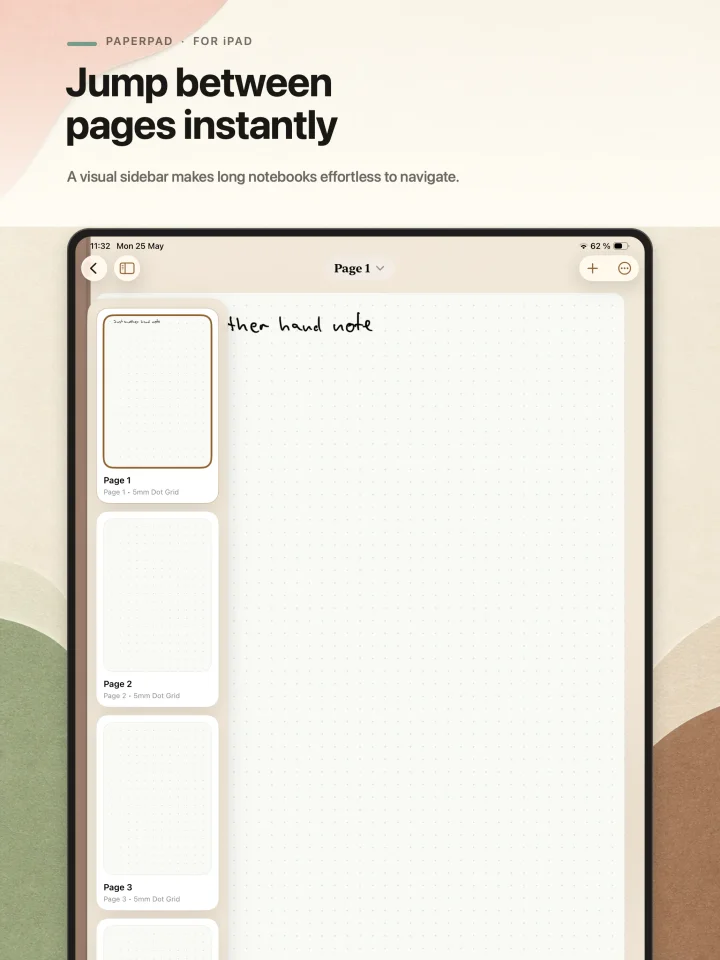
PaperPad is a calm iPad notebook app for handwriting, paper templates, and PDF-ready notes.
Create notebooks for study, planning, work, journaling, or personal ideas. Choose a paper style, write with Apple Pencil or finger drawing, organize pages, and export clean PDFs when you need to save or share your notes.
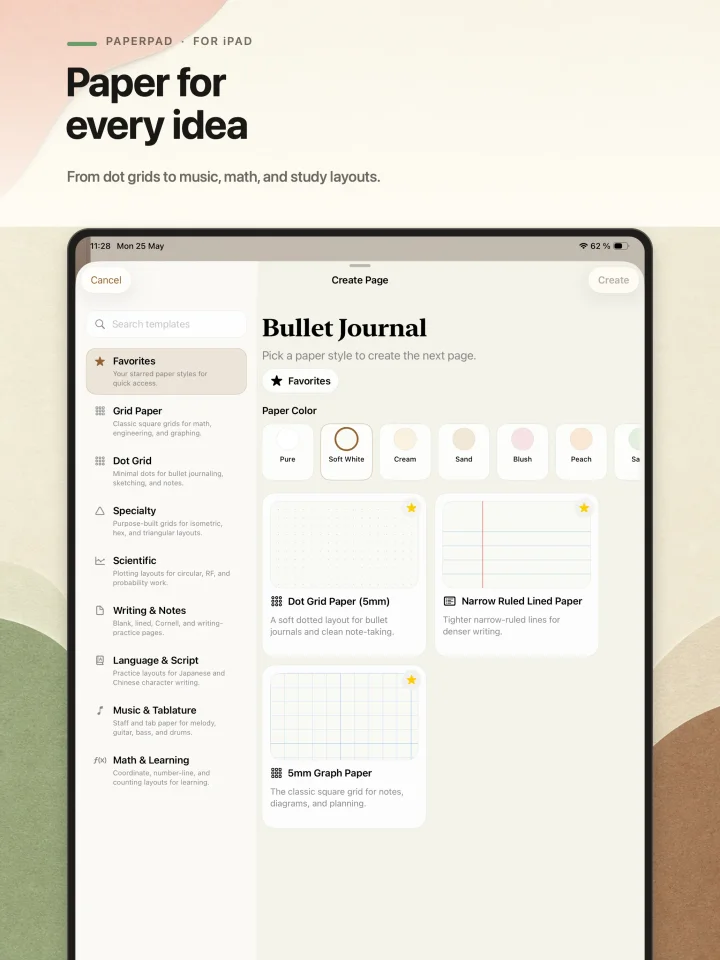
Start with the right paper:
Blank pages
Graph paper
Dot grid
Lined paper
Cornell Notes
Handwriting practice
Language and script practice
Music staff and tablature
Math, scientific, and specialty layouts
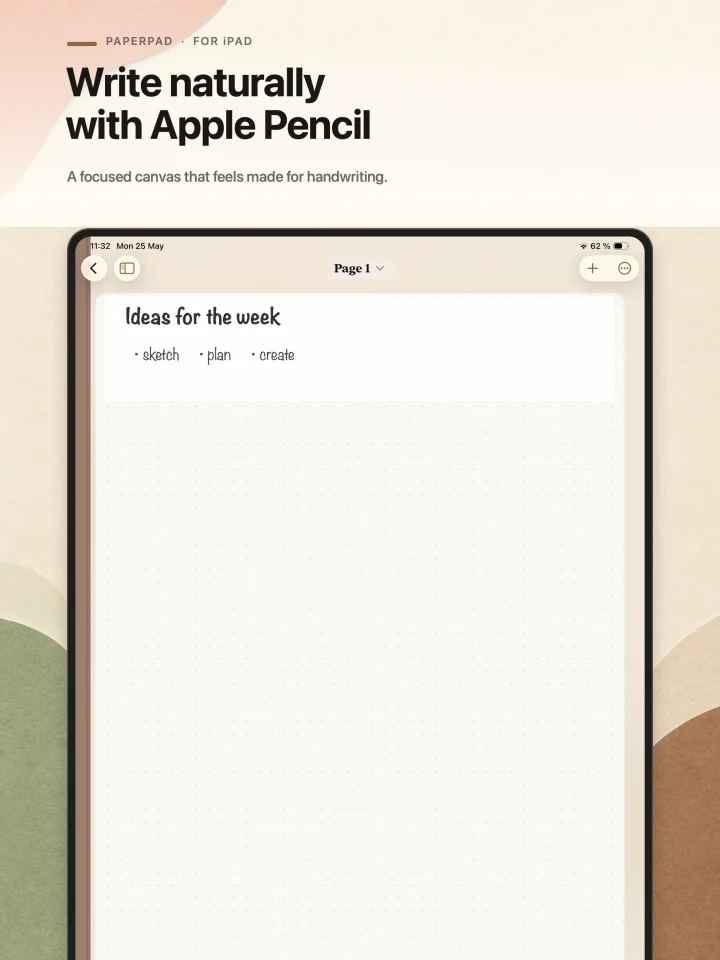
Write naturally:
Use Apple Pencil input
Enable finger drawing when needed
Zoom in for detail
Change page template and paper color
Work with real page sizes: US Letter, A4, A5, and US Legal
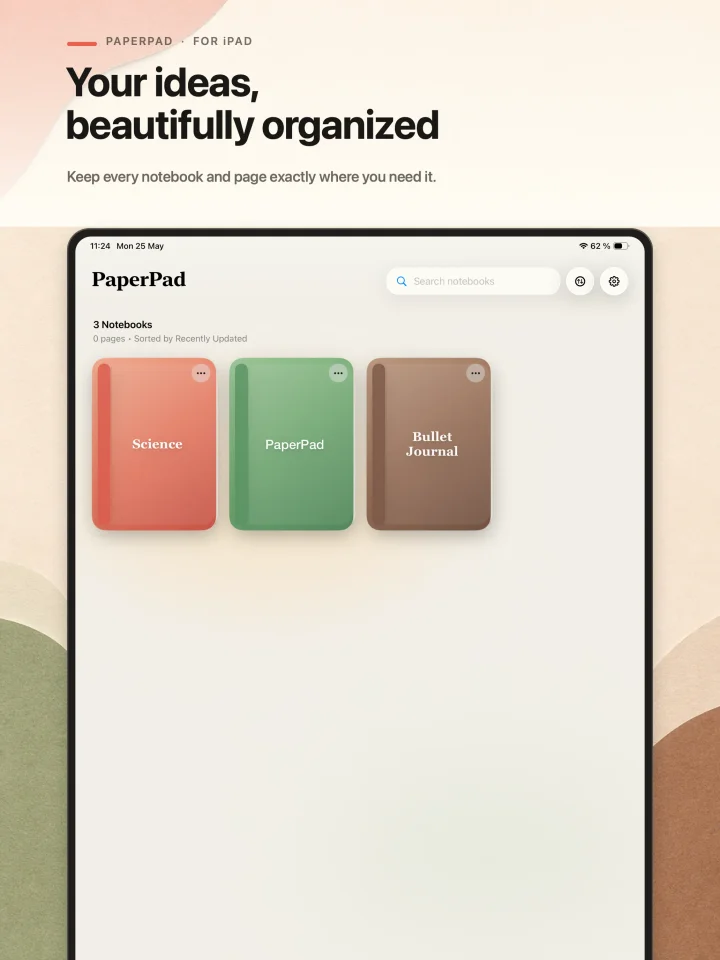
Organize your notebooks:
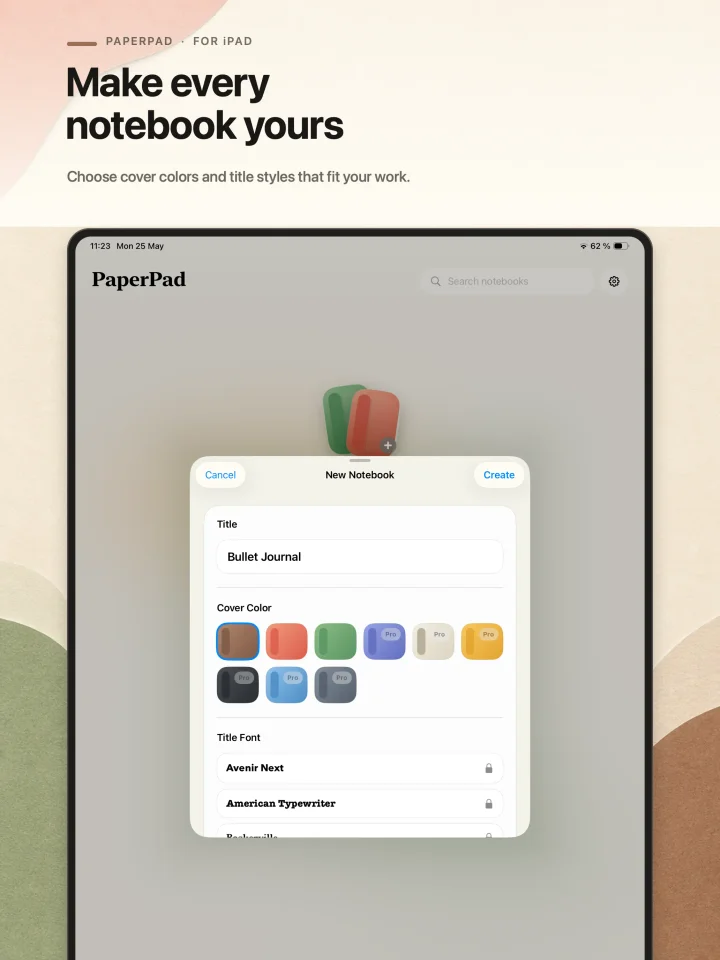
Create custom notebook covers
Choose cover colors and title fonts
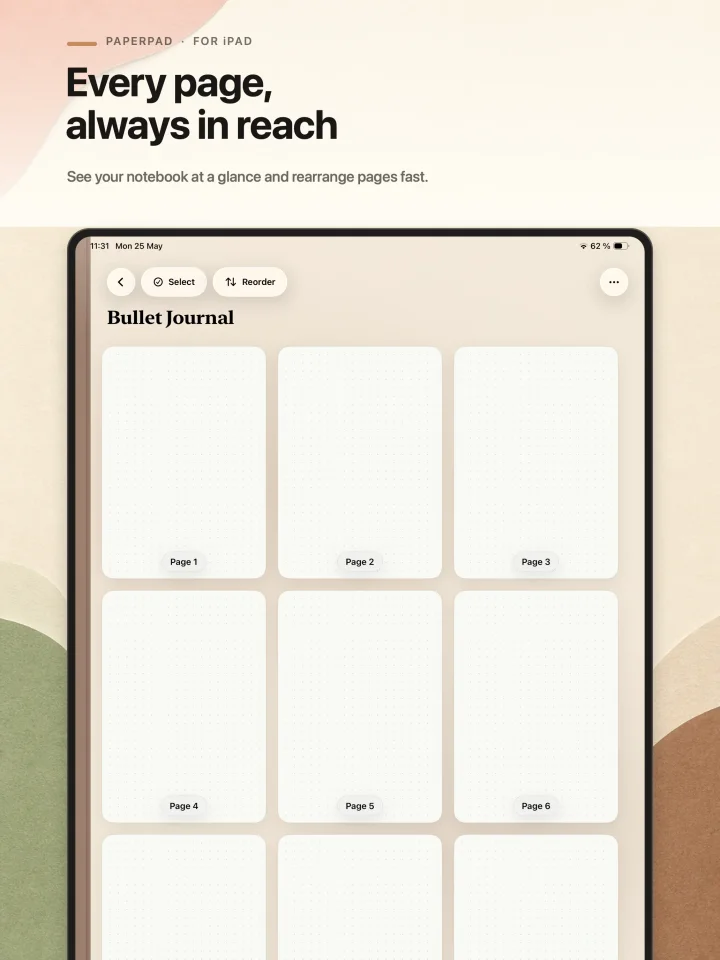
Browse pages in grid or list view
Reorder notebook pages
Open notebooks quickly with Home Screen widgets
Protect the app with Face ID app lock
Export your notes:
Export a single page as PDF
Export selected pages with Pro
Export full notebooks with Pro
PaperPad is local-first and does not require an account. Optional iCloud saving is available with Pro.
Free includes:
Up to 3 notebooks
Up to 30 total pages
Blank, Dot Grid 5mm, and Graph 5mm templates
Single-page PDF export
System, Light, and Dark themes
Selected cover colors and title fonts
All page sizes
PaperPad Pro unlocks:
Unlimited notebooks
Unlimited pages
All paper templates
Full notebook PDF export
Selected pages PDF export
All notebook cover colors
All title fonts
All paper colors
iCloud saving
Pro themes
PaperPad Pro is available monthly, yearly, or as a lifetime purchase.
Terms of use: https://www.apple.com/legal/internet-services/itunes/dev/stdeula/
What’s new
Version 1.1.3 · Oct 14, 2026
This update focuses on bug fixes and stability improvements:
- Smoother page previews when browsing your notebooks.
- Improved reliability for handwriting search and PDF export.
- Better timing for rating prompts, with fewer interruptions while you work.
App privacy
What Adam Malewski declares on the App Store about how this app handles data.
-
Data not collected
The developer does not collect any data from this app.
Privacy practices may vary, for example with the features you use or your age.
Information
- Seller
- Adam Malewski
- Category
- Productivity
- Version
- 1.1.3
- Updated
- Oct 14, 2026
- Released
- May 30, 2026
- Size
- 10.0 MB
- Requires
- iOS 18.4 or later
- Age rating
- 4+
- Price
- Free
- In-app purchases
- Yes
- Languages
- English
- Copyright
- © Adam Malewski
You might also like
-
 CompbookProductivity
-
 Papyrus - notes, PDFBig notes & PDFs, fluid
-
 Simplify Notes: PDF NotebookHandwriting, Notes & Study
-
 Note EnoughProductivity
-
 Serious NotebookPrivate digital notebook
-
 JustNotes - Notetaking/MarkupHandwritten notes/markup
-
 Paper Maker: Note TemplatesLined, Graph, Grid & Cornell
-
 NoteSam: Handwritten NotesPrivate handwriting notebook
-
 Cosy NotesBeautiful handwritten notes
-
 InkThink - Handwritten PlannerDiary, To-Do List & Calendar