
Passable
Wallet Business Cards
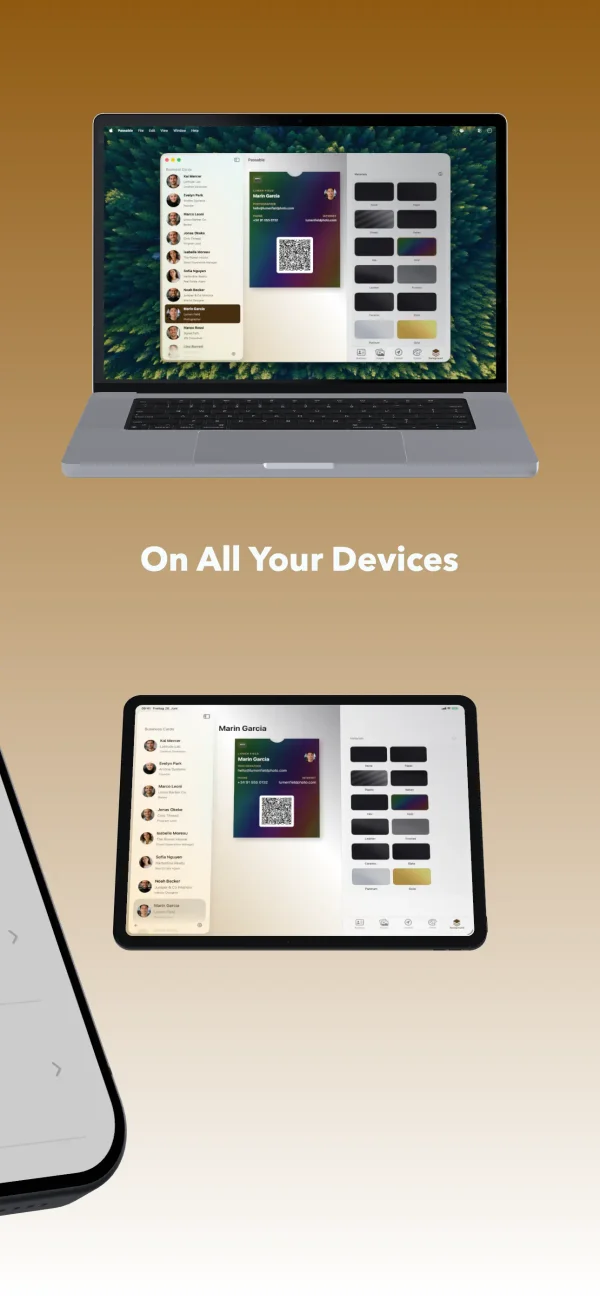
Designed for iPhone, iPad, Mac
Free · In-app purchases
- Age rating4+
- CategoryBusiness
- DeveloperAngelo Cammalleri
- LanguagesEnglish+ 24 more
- Size269.5 MB
Links to the official App Store page
Download.org hosts no file of Passable. The button opens its official App Store page, published by Angelo Cammalleri. Listing last checked on Nov 20, 2026.
Screenshots

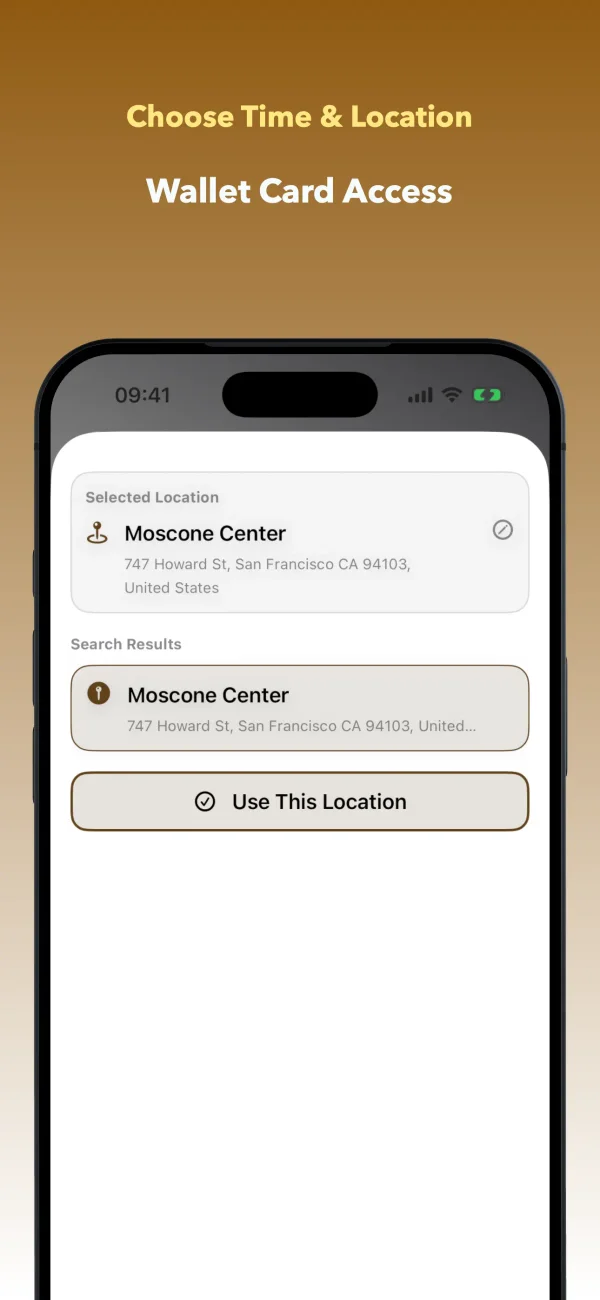
About
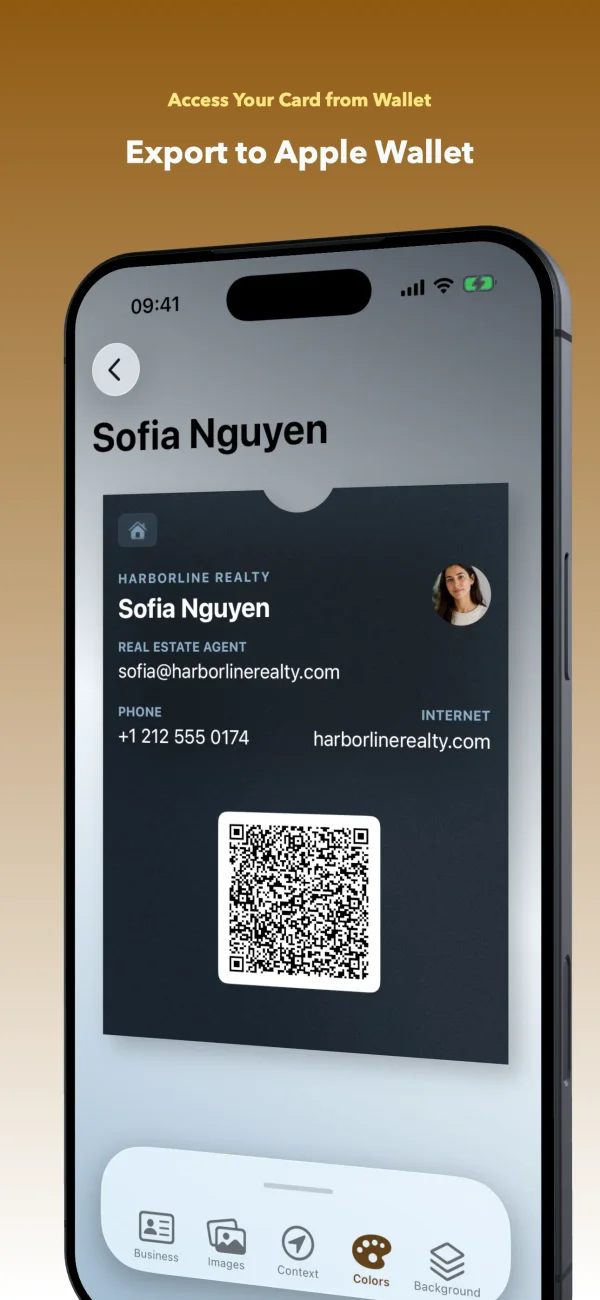
Create business and contact cards for your Apple Wallet! Design your pass, export it and use it or share it with employees, co workers, and your friends.
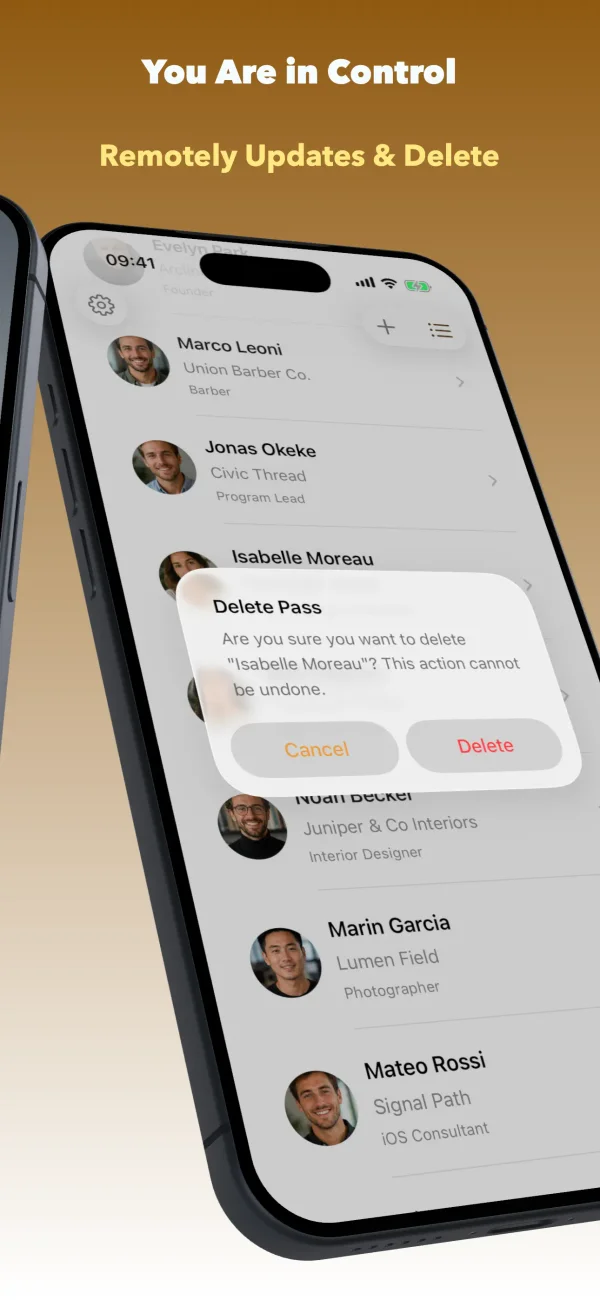
Once you shared an exported pass, you can still update it. If you change your number or any information or the design, the pass will be remotely updated in everyone's Apple Wallet. You can even ask us to delete an exported pass from Apple Wallet remotely.
Usecases - In Passable - Wallet Cards
Create your Business Card pass in seconds
Design a clean, professional Wallet pass from your contact details. Import a contact or start from scratch.
Create the right Social Cards for your social media
Use a profile link and preset platform design to get started in seconds!
Create a useful TestFlight or AppStore Card in seconds
Use an App Store and TestFlight link to instantly fill out your app card from scratch!
Why?
• Works with Wallet passes instead of apps or websites
• Designed for real-world sharing
• Clean, modern pass design
• Paper-free cards yet beautifully designed
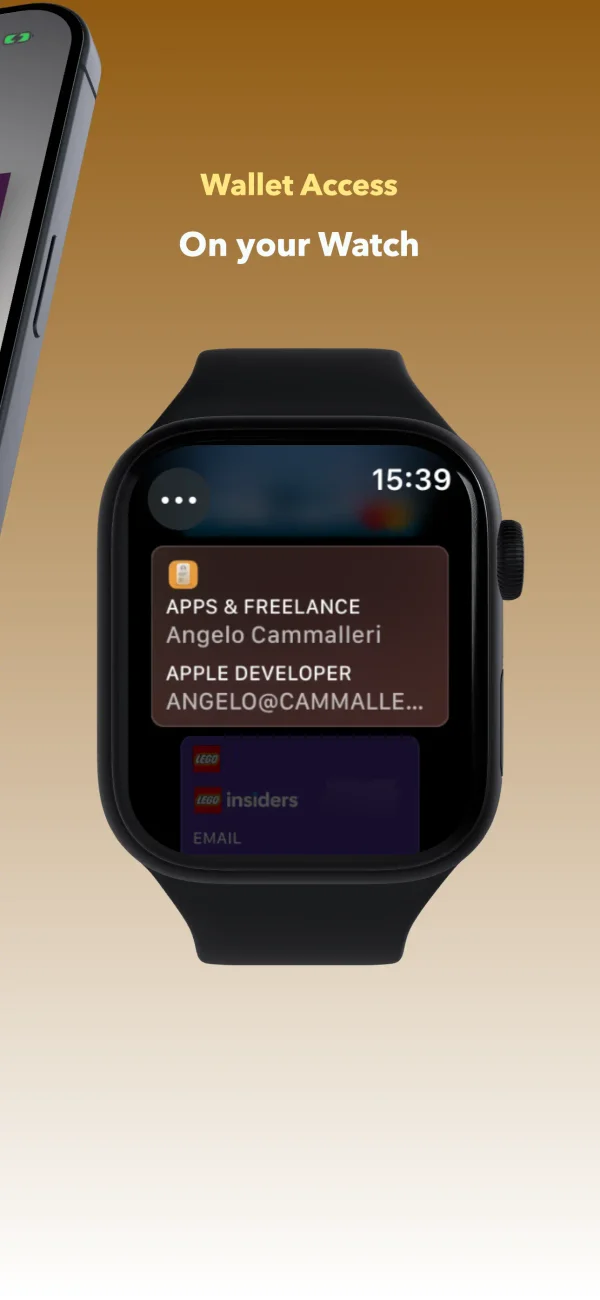
• Open Apple Wallet from anywhere on iOS & watchOS by double pressing sleep
• Fast and frictionless
Powerful features
• Contact import and AutoFill
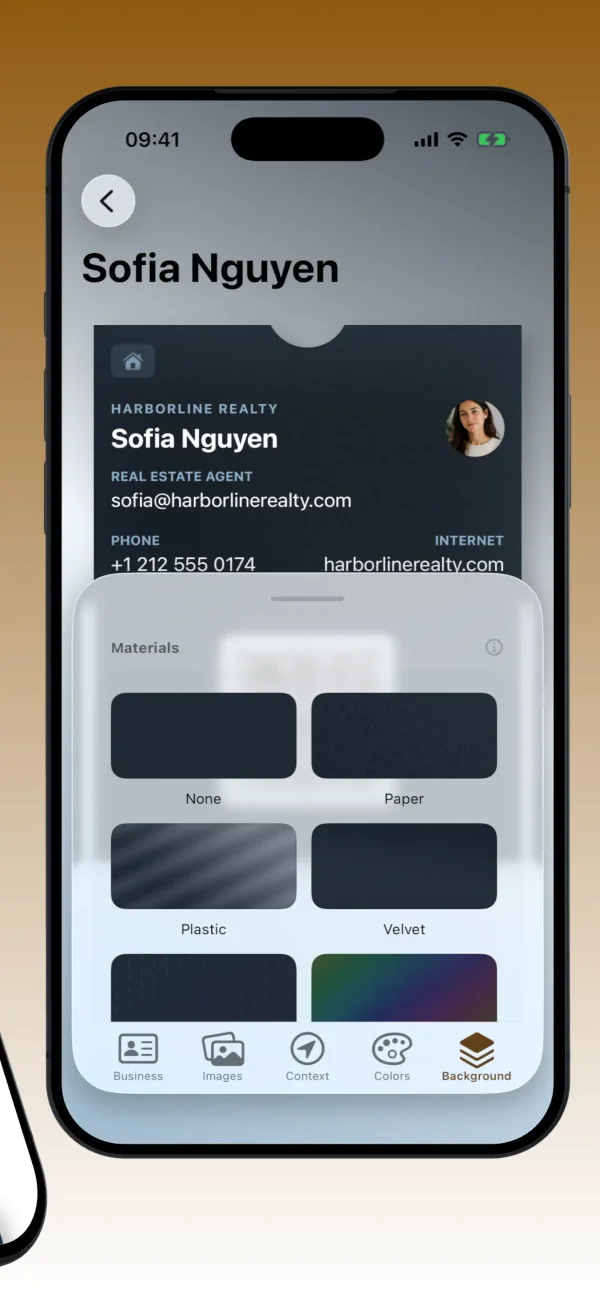
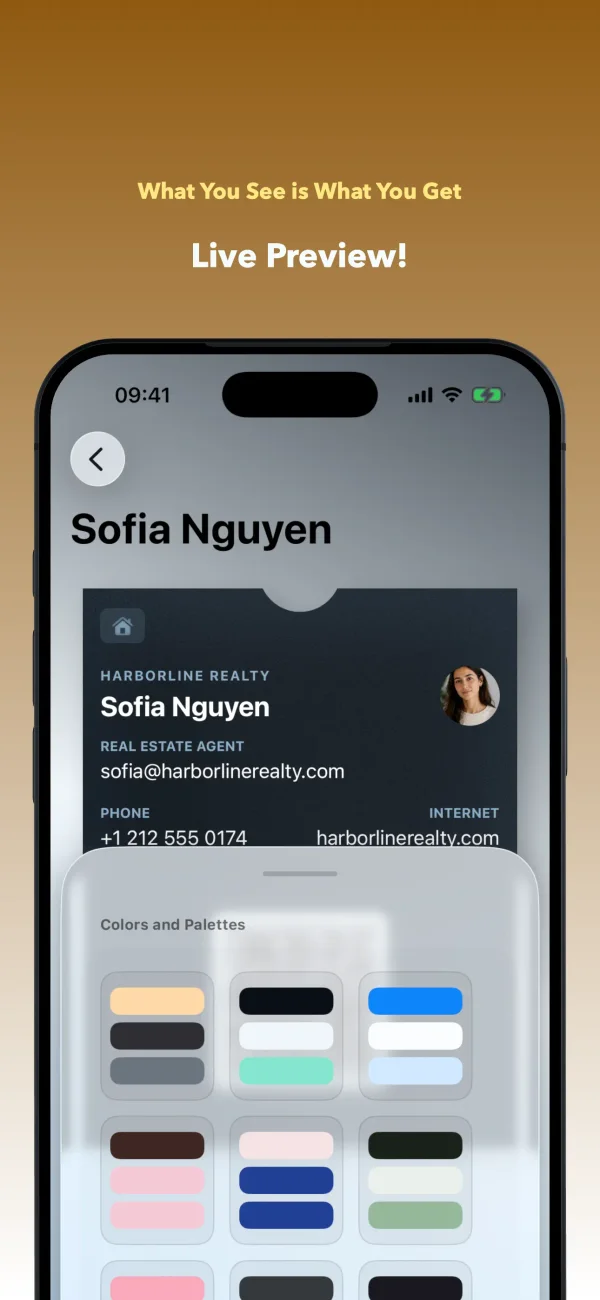
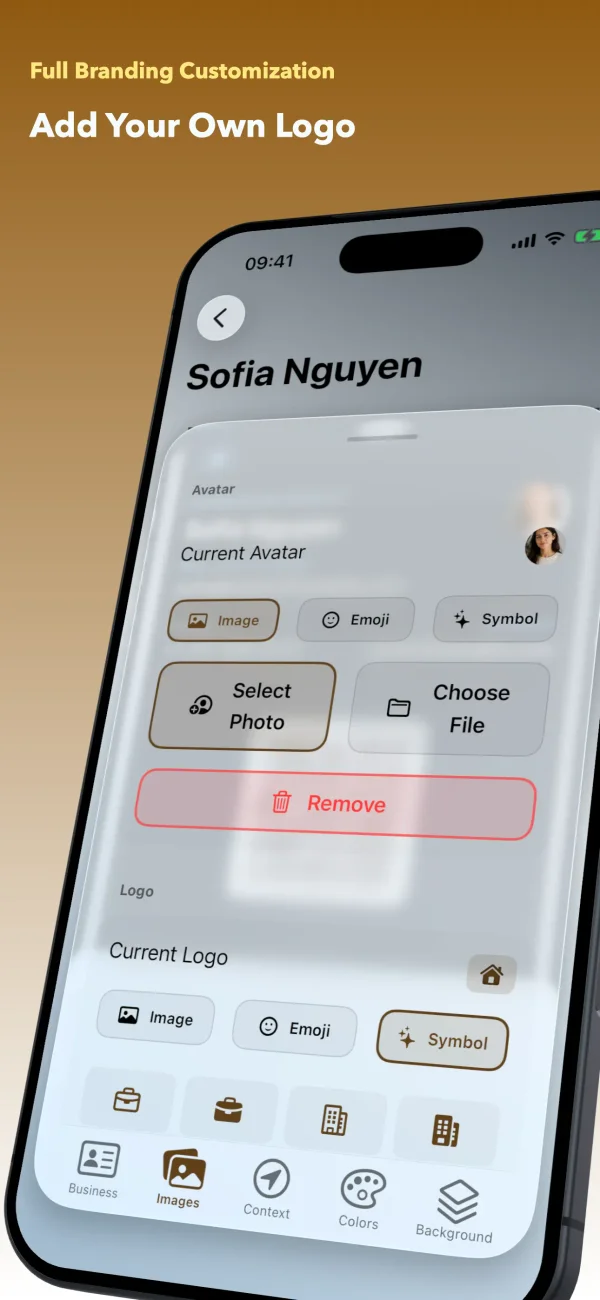
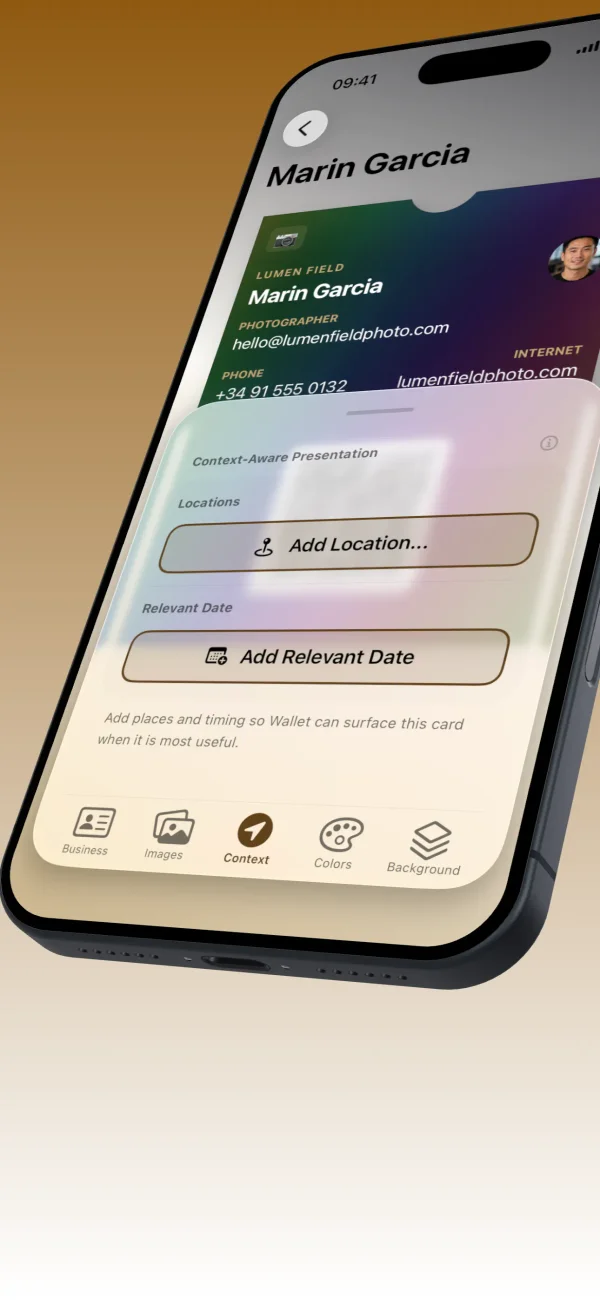
• Custom styling and materials
• Live updates for shared passes
• Multiple business cards for different roles
• Website Cards to share your links easily
• Social Cards to share a link to the platforms of your choice in a conversation
• TestFlight Cards for in person beta sharing
• App Store Cards instant app sharing
Built for people who want a better way to share contact details, websites, apps — simple, elegant, and always up to date.
Terms of Use: https://www.apple.com/legal/internet-services/itunes/dev/stdeula/
Privacy Policy: https://privacy.cammalleri.dev/
What’s new
Version 1.2.0 · Oct 31, 2026
iPhone Duo support! More ways to share, present and personalize your passes.
• Share passes as images, Instagram Stories, and LinkedIn or X banners. Choose whether to include your avatar and barcode.
• Keep a pass ready on your iPhone Lock Screen, or present it full screen.
• Choose your own barcode format and content.
• Duplicate, share or delete individual cards in Passflow, and continue with the same pass on iPhone, iPad or Mac using Handoff.
• Give Poster cards a larger XL portrait and personalize the field labels shown in Wallet.
• Discover Passable Friends: see passes from other Passable users saved in your Wallet and add their business-card details to Contacts.
• Now available in Finnish, Hebrew, Malay and Traditional Chinese.
App privacy
What Angelo Cammalleri declares on the App Store about how this app handles data.
-
Data not linked to you
May be collected but is not linked to your identity.
- Purchases
- Identifiers
- Usage data
Privacy practices may vary, for example with the features you use or your age.
Information
- Seller
- Angelo Cammalleri
- Category
- Business
- Version
- 1.2.0
- Updated
- Oct 31, 2026
- Released
- Jul 15, 2026
- Size
- 269.5 MB
- Requires
- iOS 18.0 or later
- Age rating
- 4+
- Price
- Free
- In-app purchases
- Yes
- Languages
- English, Arabic, Danish, Dutch, Finnish, French, German, Hebrew, Hindi, Indonesian, Italian, Japanese + 13 more
- Copyright
- © 2025 - 2026 Angelo Cammalleri & Ole Schleeßelmann
You might also like
-
 KeyAlarm: Calendar Event AlarmRings on Silent for meetings
-
 Laytr: Save & Read LaterBookmarks that come back
-
 Grit Method: Show Up DailyHabit Tracker for Character
-
 Milton: Run the HouseCalendar, chores, shopping
-
 Flick Planner: Tasks CalendarTo-Do List & Time Blocking
-
 AI Calendar - Pocket CalDaily Planner, Tasks & Widgets
-
 Alarm Reminders: Cannot IgnoreLoud calendar & event alerts
-
 Kan Do: Project ManagementProductivity
-
 Control: Budget TrackerExpense & Money Manager
-
 Planner: Plan Your DayPlan Reminders around Events