
PassBox
Smart&secure password manager
Designed for iPhone, iPod touch
Free · In-app purchases
- Age rating4+
- CategoryProductivity
- DeveloperVittorio Scocca
- LanguagesEnglish+ 3 more
- Size16.6 MB
Links to the official App Store page
Download.org hosts no file of PassBox. The button opens its official App Store page, published by Vittorio Scocca. Listing last checked on Nov 16, 2026.
Screenshots


About
PassBox – Your Smart and Secure Password Manager
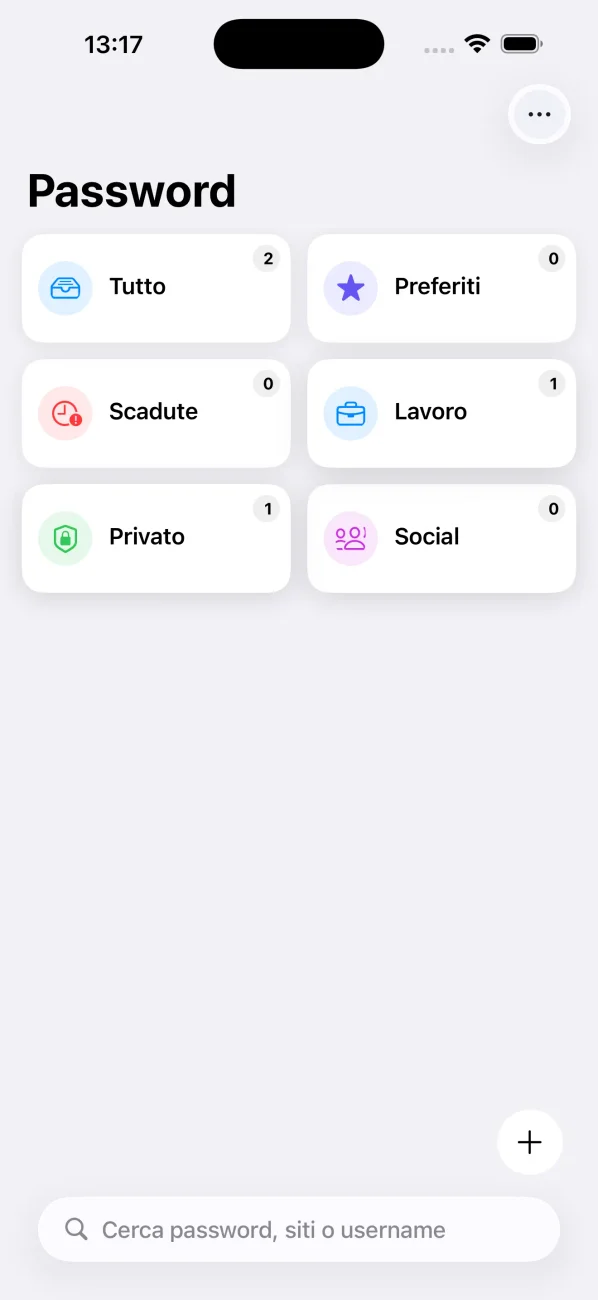
PassBox is the complete solution to manage, protect, and organize your passwords easily and safely.
Designed for personal, professional, and business users, it combines advanced security, modern usability, and intelligent technology in a single app.
Total Security, No Compromises
• AES-256 Encryption – the government-grade protection standard for confidential data.
• Encrypted storage – all your passwords and sensitive notes remain safe from unauthorized access.
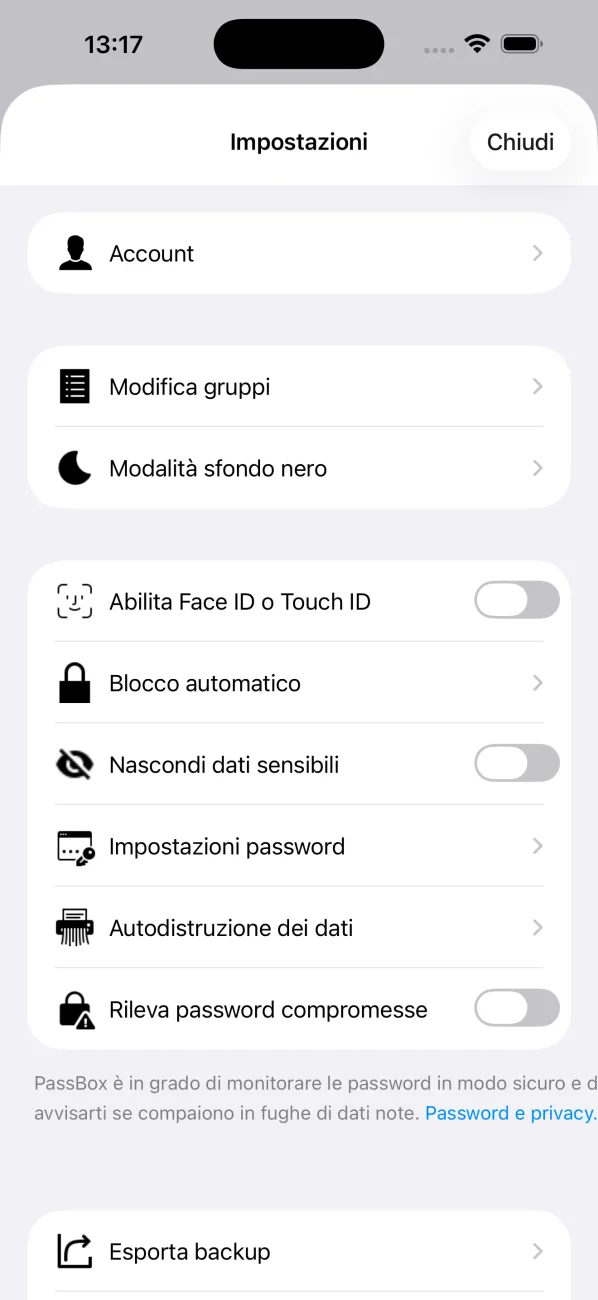
• Biometric access – unlock with Face ID or Touch ID, quickly and securely.
• Two-Factor Authentication (2FA) – generate and manage temporary OTP codes directly from the app or your Apple Watch.
New: PassBox for Apple Watch
• View your favorite accounts and OTP codes even without opening your iPhone.
• Track real-time countdowns for each code with a dynamic interface.
• Send OTP codes to your iPhone with one tap: they’re automatically copied to the clipboard, ready to paste into Safari or any app that requires them.
• Enjoy automatic, encrypted synchronization between iPhone and Watch via Apple Watch Connectivity.
Intelligent Password Analysis
With built-in artificial intelligence, PassBox evaluates your password strength in real time and provides personalized suggestions to enhance security.
Receive instant alerts if a password is weak or compromised.
Everything You Need
• Generate strong, unique passwords.
• AutoFill login details on websites and apps.
• Multi-device backup and synchronization.
• Family management and secure sharing.
• Detect weak, duplicated, or expired passwords.
• Get automatic reminders to renew your credentials.
Available Versions
• PassBox Free → up to 3 passwords, ideal for getting started.
• PassBox Pro → one-time purchase, no subscription, full functionality.
Why Choose PassBox
• Unmatched security with end-to-end encryption.
• Clean, elegant, and fast interface.
• Deep integration with the Apple ecosystem.
• Continuous updates and dedicated support.
Get Started Today
Protect your credentials with a professional, secure, and intelligent app.
With PassBox, your privacy is truly in your hands — now also on your wrist.
What’s new
Version 6.0 · Oct 24, 2025
PassBox now comes to Apple Watch
You can now view your favorites and OTP codes right from your wrist — even without opening your iPhone.
Automatically generate verification codes, watch the live countdown, and send them to your iPhone with a single tap: the code is instantly copied to the clipboard and ready to use in Safari or compatible apps.
We’ve also improved synchronization between iOS and watchOS and optimized real-time favorite management.
App privacy
What Vittorio Scocca declares on the App Store about how this app handles data.
-
Data used to track you
May be used to track you across apps and websites owned by other companies.
- Usage data
-
Data not linked to you
May be collected but is not linked to your identity.
- Usage data
Privacy practices may vary, for example with the features you use or your age.
Information
- Seller
- Vittorio Scocca
- Category
- Productivity
- Version
- 6.0
- Updated
- Oct 24, 2025
- Released
- May 20, 2021
- Size
- 16.6 MB
- Requires
- iOS 15.0 or later
- Age rating
- 4+
- Price
- Free
- In-app purchases
- Yes
- Languages
- English, Italian, Simplified Chinese, Spanish
- Copyright
- © 2025 Vittorio Scocca
You might also like
-
 Spinazzola Ufficio e ScuolaProductivity
-
 PassVault: Password KeeperProductivity
-
 MemoTaroNotepad with Password Lock
-
 Vaultix: Password ManagerOffline vault, 2FA & autofill
-
 Super-Ticket Event ScannerProductivity
-
 KeyZ: Password ManagerAccess all your passwords
-
 BriefMe: Trascrivi con AIProductivity
-
 Reminder MessageDaily, Planner, Reminder, List
-
 notes with foldernotes with folder function !
-
 #1 Password ManagerManage & Secure Your Passwords