- Age rating4+
- CategoryProductivity
- Developerpasswordbunny, Inc.
- LanguagesEnglish+ 3 more
- Size149.3 MB
Links to the official App Store page
Download.org hosts no file of Password Bunny. The button opens its official App Store page, published by passwordbunny, Inc. Listing last checked on Nov 25, 2026.
Screenshots

About
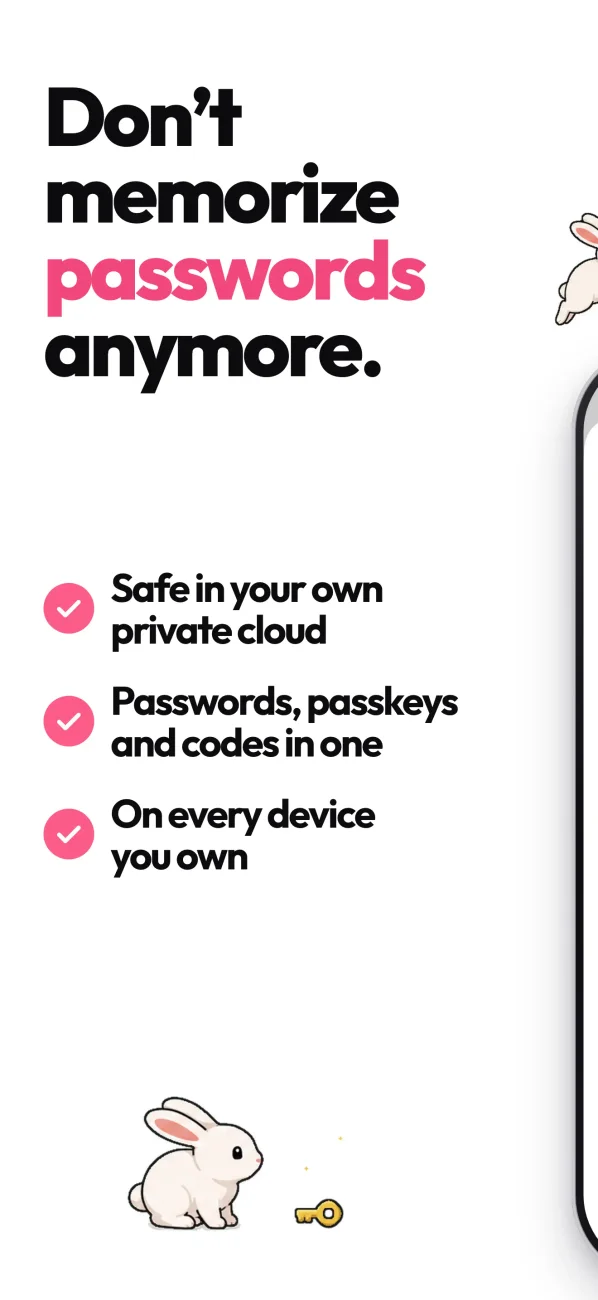
Don't memorize passwords anymore.
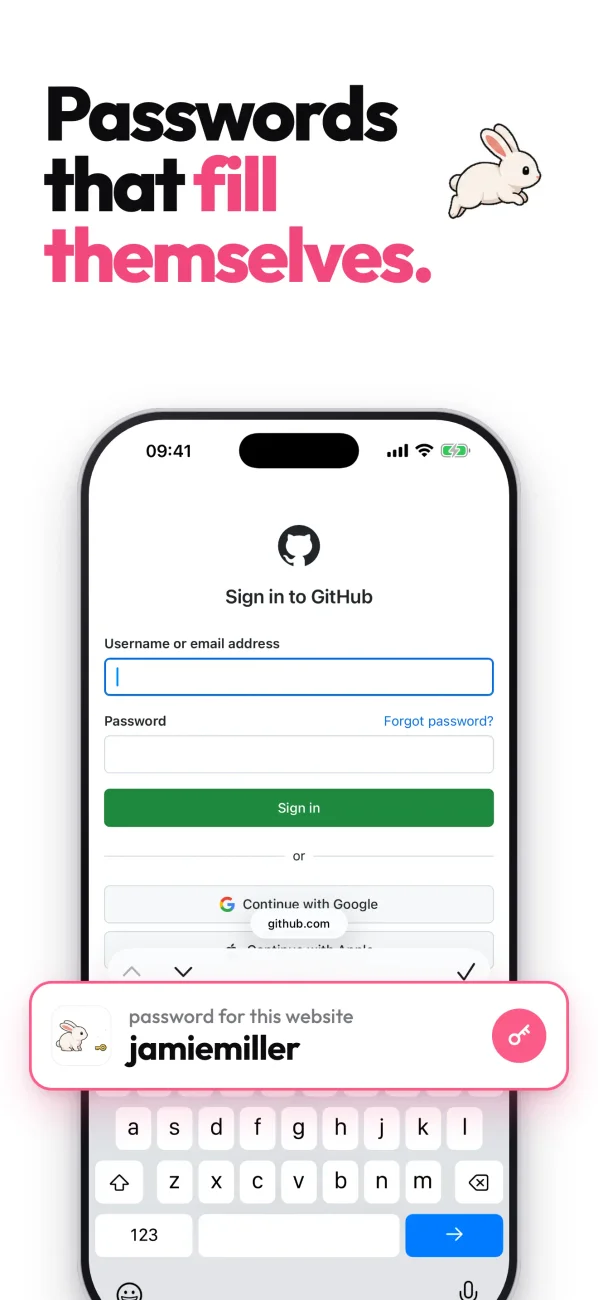
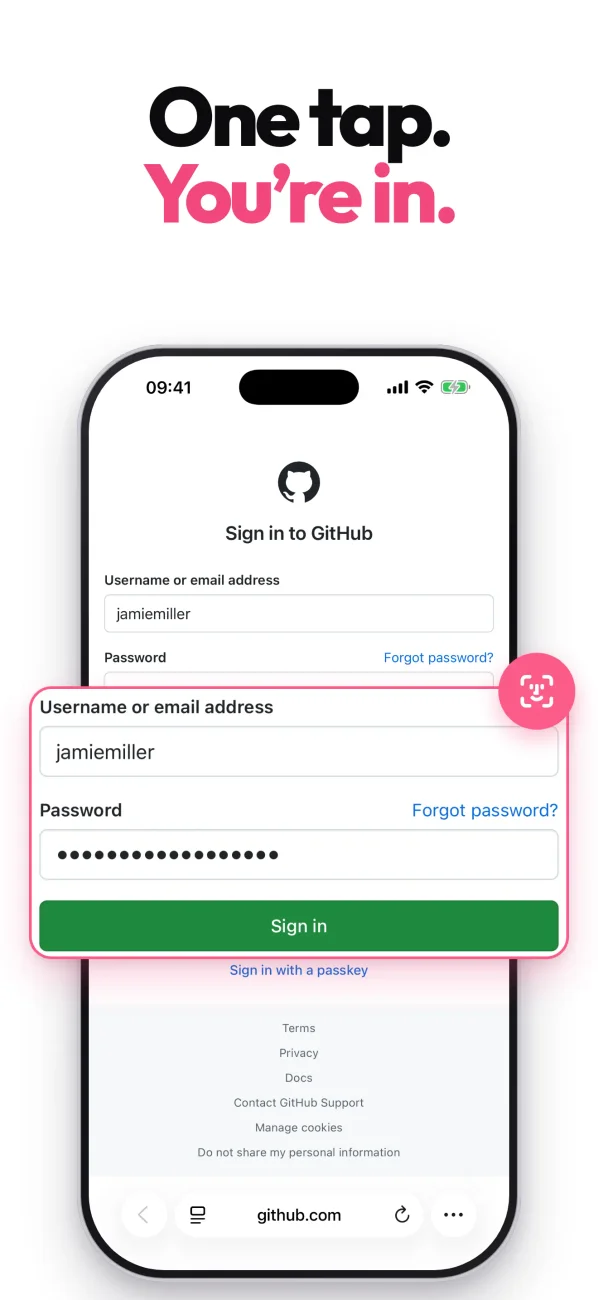
One tap and Bunny fills in your login. Everything is end-to-end encrypted, and your vault lives only in a cloud you already own — never on our servers.
One-tap autofill
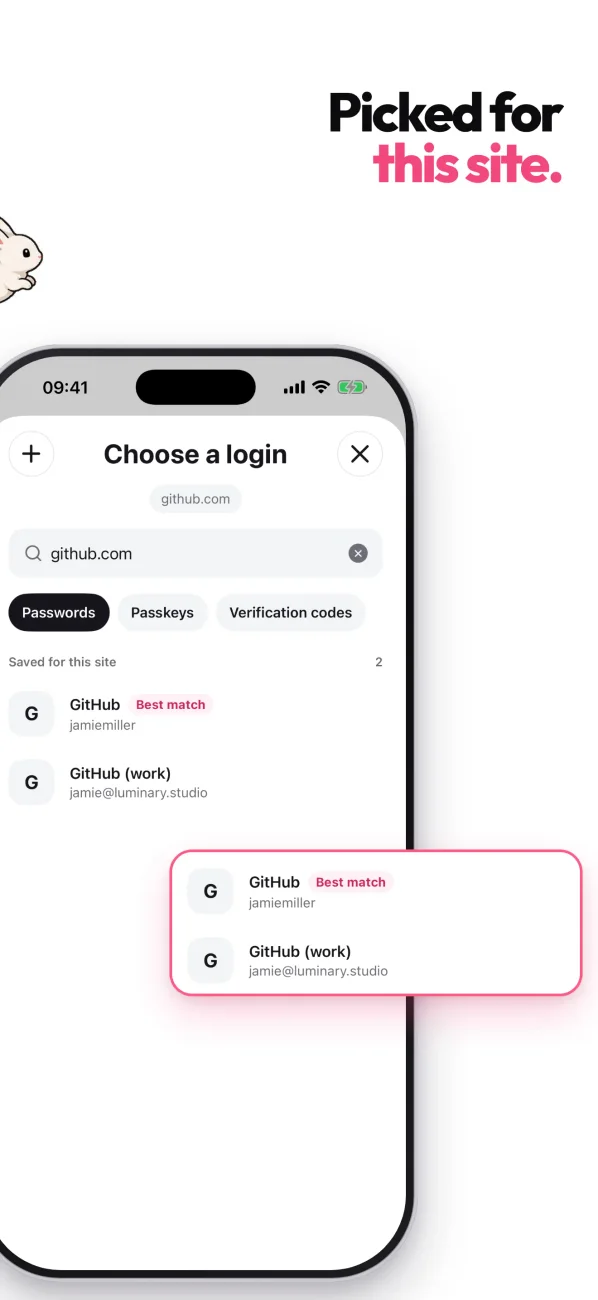
Tap an empty field and Bunny finds the right account and fills your username and password. It works in Safari and inside other apps, and it unlocks with Face ID or Touch ID. Several accounts on the same site? It lists them and you pick.
Bunny Lens for tricky sites
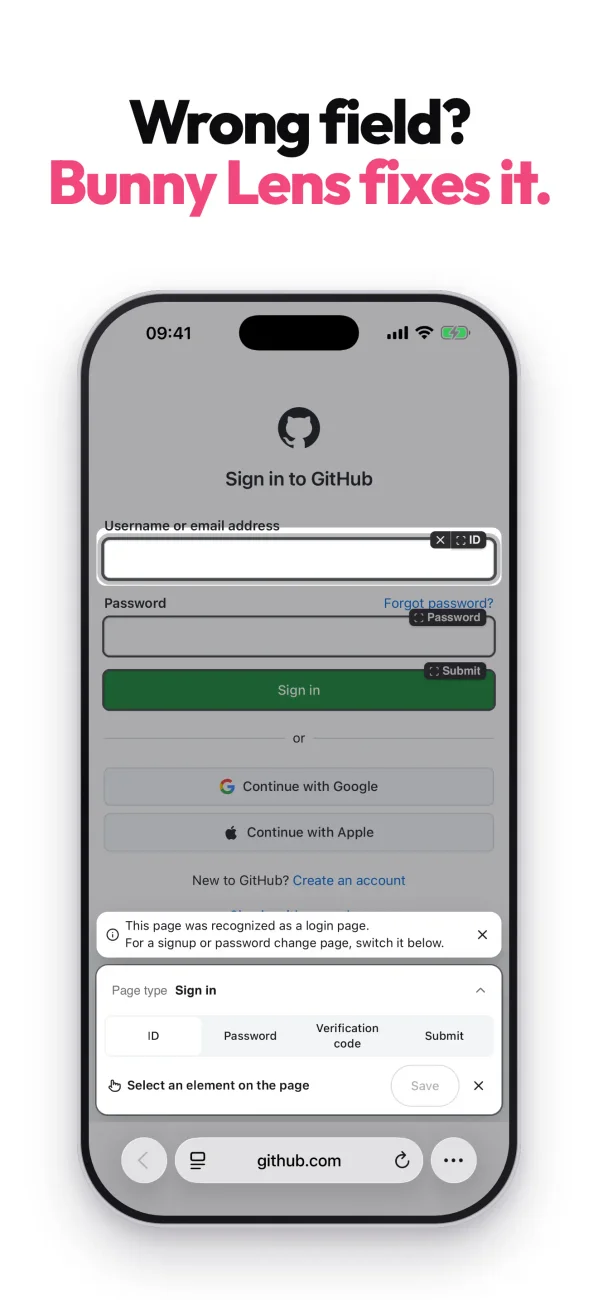
On most sites Bunny finds the fields on its own. When a site is hard to read, show Bunny Lens the username, password and one-time code fields and the sign-in button once in Safari, and from your next sign-in it fills the right fields. What you show it syncs to your other devices.
Passkeys and one-time codes
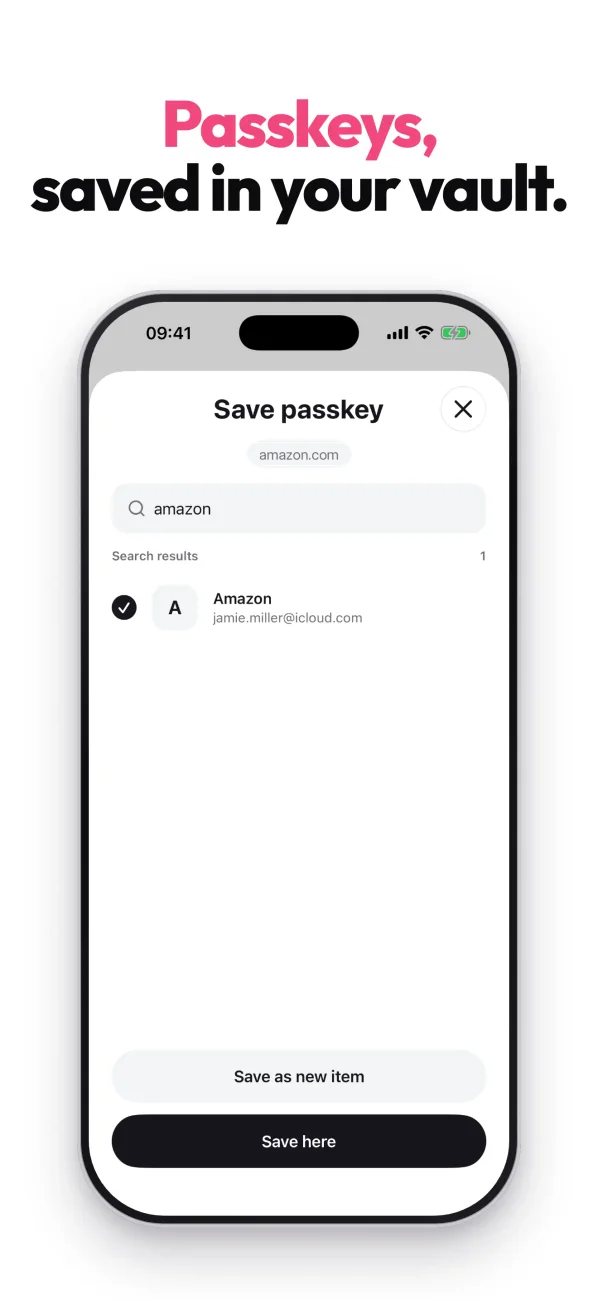
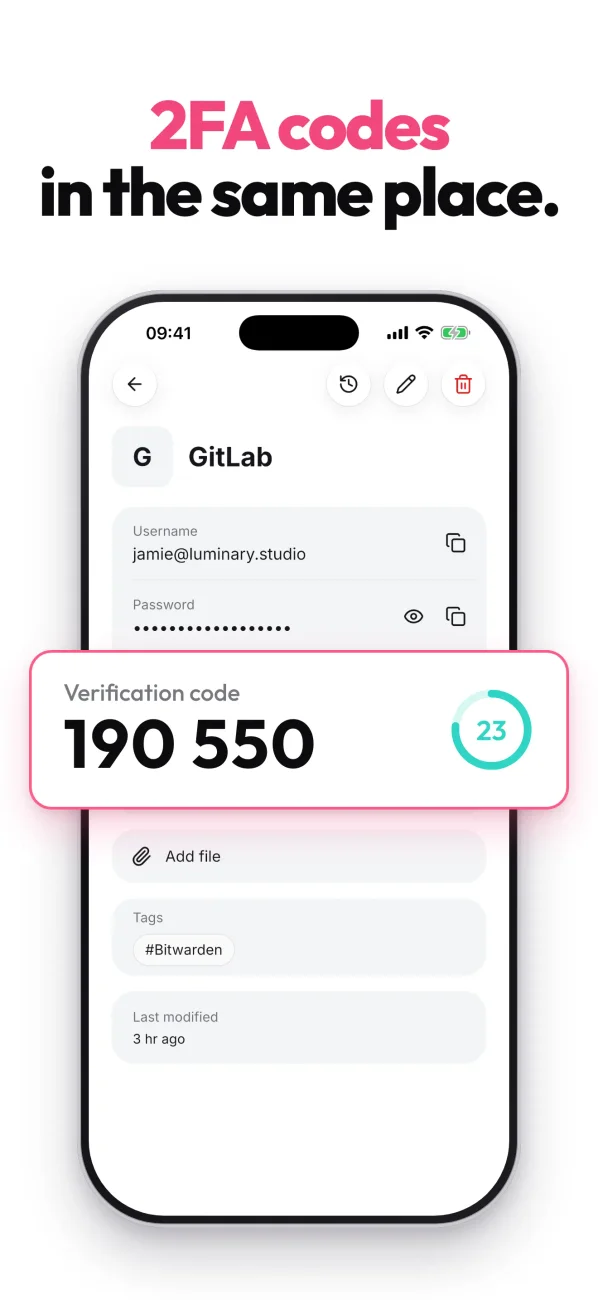
Sign in without a password wherever passkeys are supported. Keep TOTP two-factor codes on the login they belong to — scan the QR code once when you turn 2FA on, and the code sits next to the password instead of in a separate app.
Standard, audited encryption
Only you can open your vault. It's sealed with authenticated encryption (XChaCha20-Poly1305) and your master password is hardened with memory-hard Argon2id. Proven standards, no homegrown crypto.
Bring your own cloud
Keep your vault in iCloud or Google Drive — your account, not ours — or leave it on the device alone. You choose where it lives, and you can move it later. Bunny never sees or stores your data.
Import what you already have
You can bring your existing logins over from 1Password, Bitwarden, Enpass, Chrome, or Apple Passwords. They work with autofill as soon as they land.
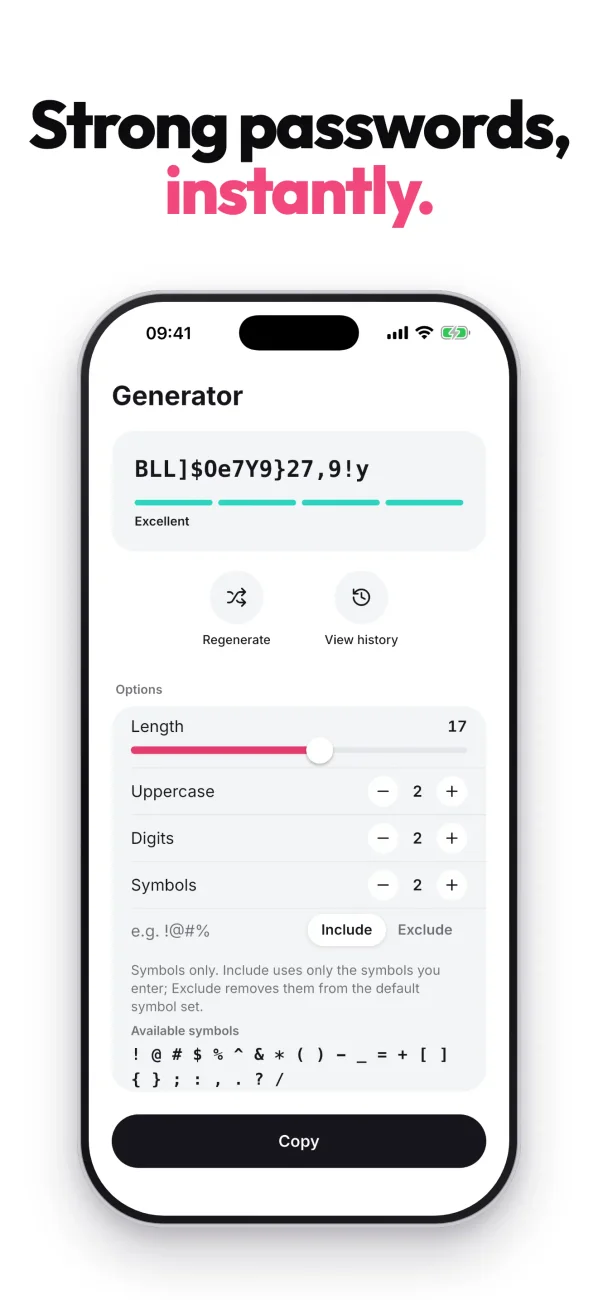
Strong password generator
Create long, unique passwords in a tap with a live strength meter, then save and autofill them everywhere.
Works on every device
Local-first, so it opens without a connection, and your changes sync to every device through the cloud account you chose. One vault, everywhere you sign in.
Your data stays yours
Delete your account from inside the app, under Settings. And when a plan ends, your vault doesn't go with it — keep read-only access and export anytime.
What’s new
Version 1.1.7 · Nov 24, 2026
Save payment cards and fill them in with autofill and the browser extension. In the mobile app, you can also scan a card with your camera.
Bug fixes.
App privacy
What passwordbunny, Inc. declares on the App Store about how this app handles data.
-
Data linked to you
May be collected and linked to your identity.
- Location
- Contact info
- Identifiers
Privacy practices may vary, for example with the features you use or your age.
Information
- Seller
- passwordbunny, Inc.
- Category
- Productivity
- Version
- 1.1.7
- Updated
- Nov 24, 2026
- Released
- Oct 7, 2026
- Size
- 149.3 MB
- Requires
- iOS 17.0 or later
- Age rating
- 4+
- Price
- Free
- Languages
- English, Japanese, Korean, Spanish
- Copyright
- © 2026 Password Bunny
You might also like
-
 Clib: Read Later & BookmarksSwipe to revisit saved links
-
 PriPass - Password ManagerSecure your passwords offline
-
 Barriers: Task & Money PlannerADHD chores, lists & receipts
-
 DuoBook: Pocket MacTurn iPhone Duo into a Mac
-
 Engramr - Reminders & AlarmsReminders, Alarms, Notes, ToDo
-
 flow EnterprisePrivate version for Enterprise
-
 Daily Life Planner: ProstirStess-free & Routine tracker
-
 Enpass Password ManagerGenerate & Autofill Passwords
-
 Elisi: AI Planner & To-Do ListDaily Tasks, Calendar & Goals
-
 Reminder - Widget & RoutineTo Do. Only What You Need.