Password Manager - Passcodes
Passwords & Passkeys Generator
Designed for iPhone, iPad, Mac, iPod touch
Free · In-app purchases
- Age rating4+
- CategoryProductivity
- DeveloperCommitted Code Ltd
- LanguagesEnglish
- Size29.0 MB
Links to the official App Store page
Download.org hosts no file of Password Manager - Passcodes. The button opens its official App Store page, published by Committed Code Ltd. Listing last checked on Nov 17, 2026.
Screenshots


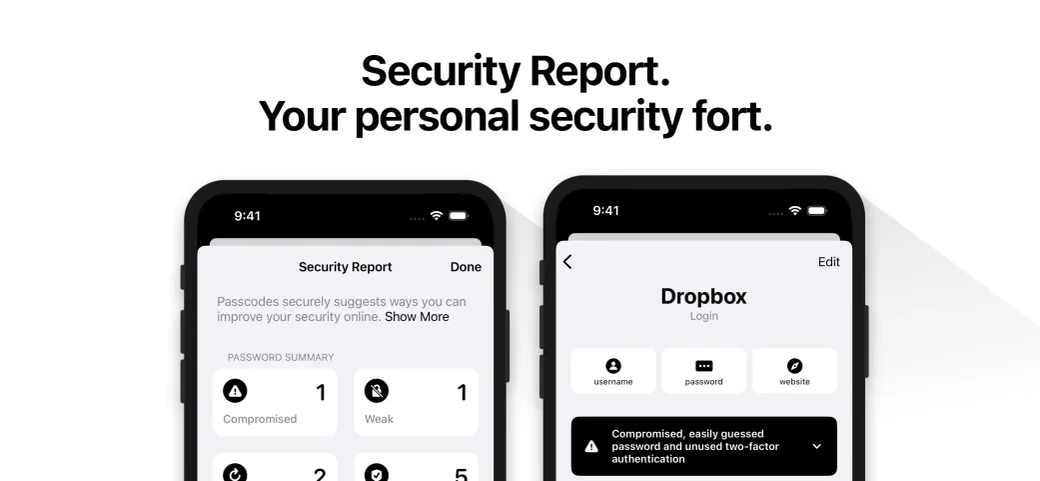
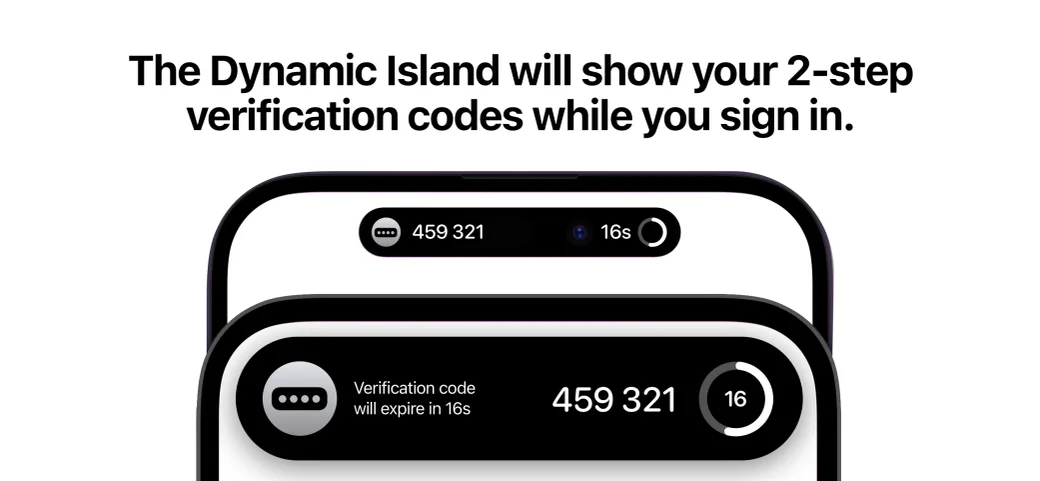
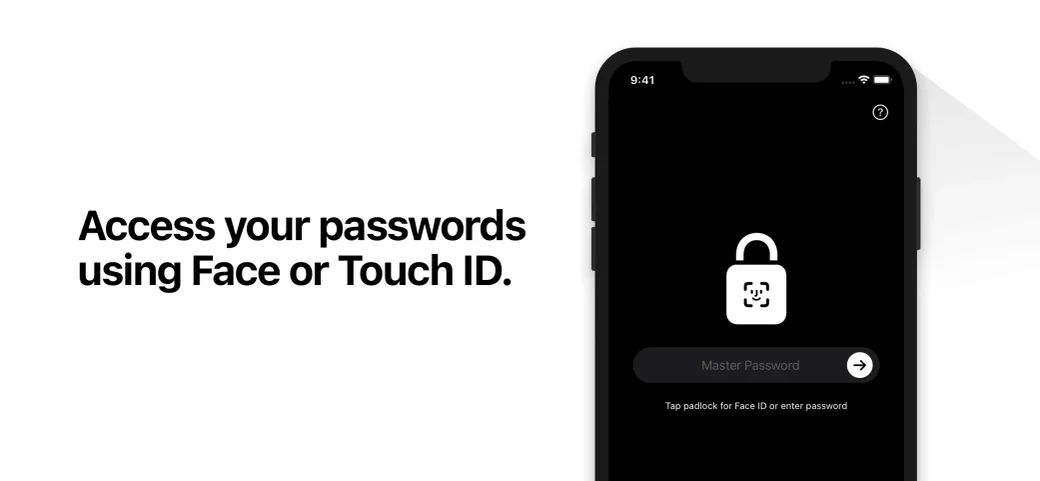
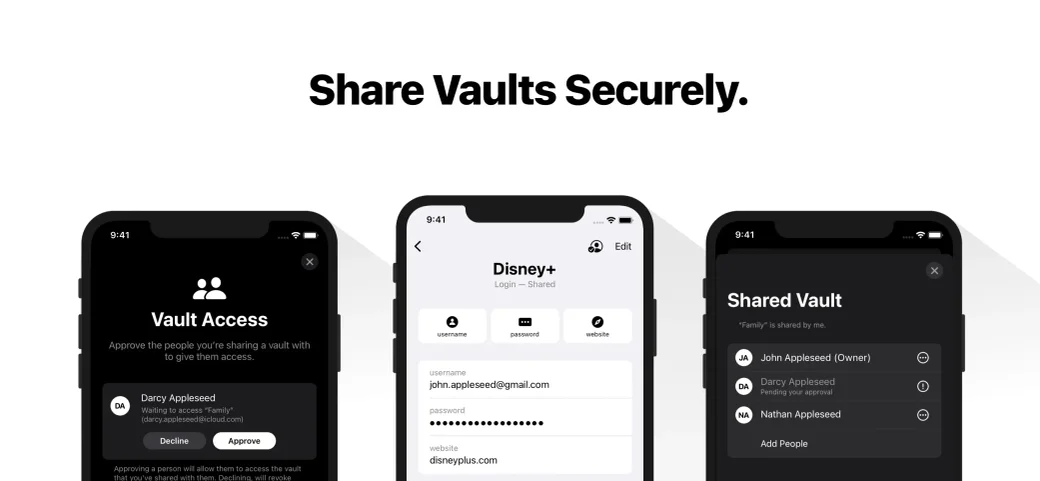
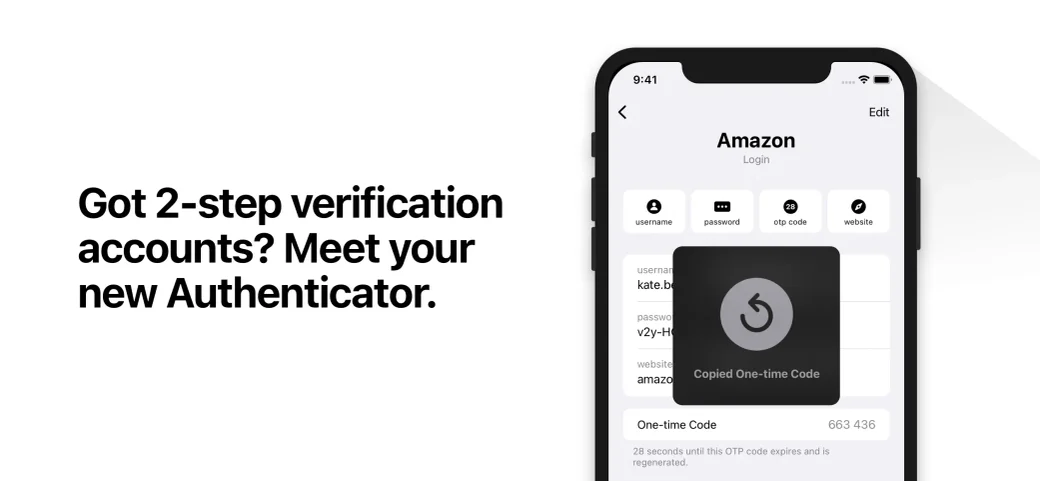
About
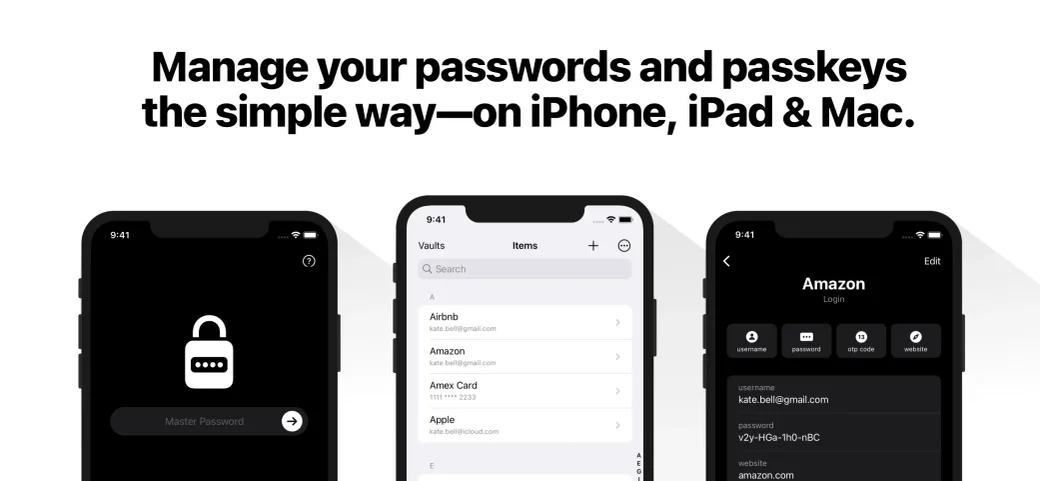
Meet Passcodes - The simple way to manage passwords and passkeys on iPhone, iPad, and Mac.
- Simple, Secure & Private: Beautiful simplicity meets industry-grade encryption & security.
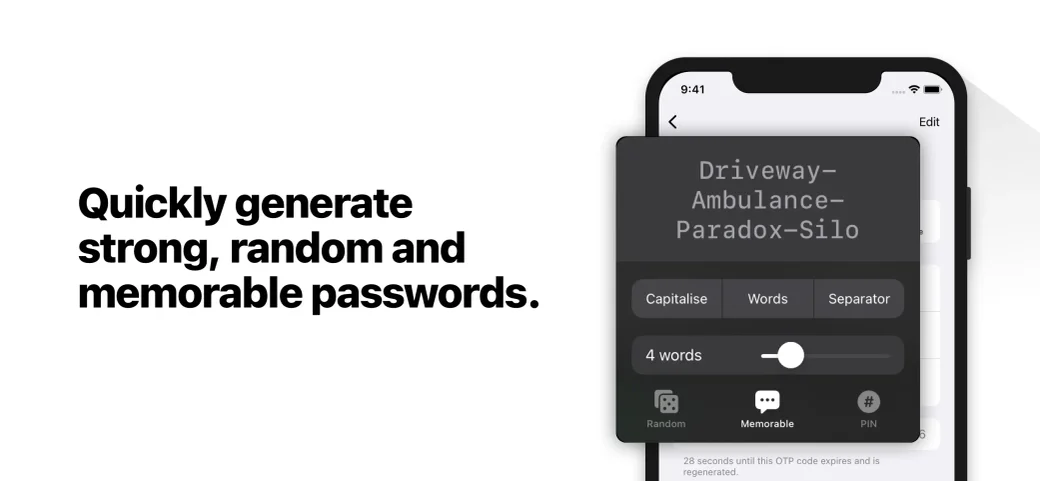
- Strong Password Generation: Quickly generate unique, random, and memorable passwords, or PINs.
- Sign in with Passkeys.
- Stay Organised with Vaults: Keep you personal, family, and work passwords separate.
- Secure Sharing: Share your vaults securely with family or others
- Sync to all of your devices: End-to-end encryption so you can access your passwords everywhere securely using your own iCloud account.
- Your new Authenticator App: Use automatically generated one-time codes to sign in to your accounts secured by 2-step verification.
—-
Privacy Policy: https://passcodes.plus/#privacy-policy
Terms of Service: https://passcodes.plus/#terms
What’s new
Version 1.4 · Jul 18, 2025
- Item Icons
Optionally display website logos in your item list.
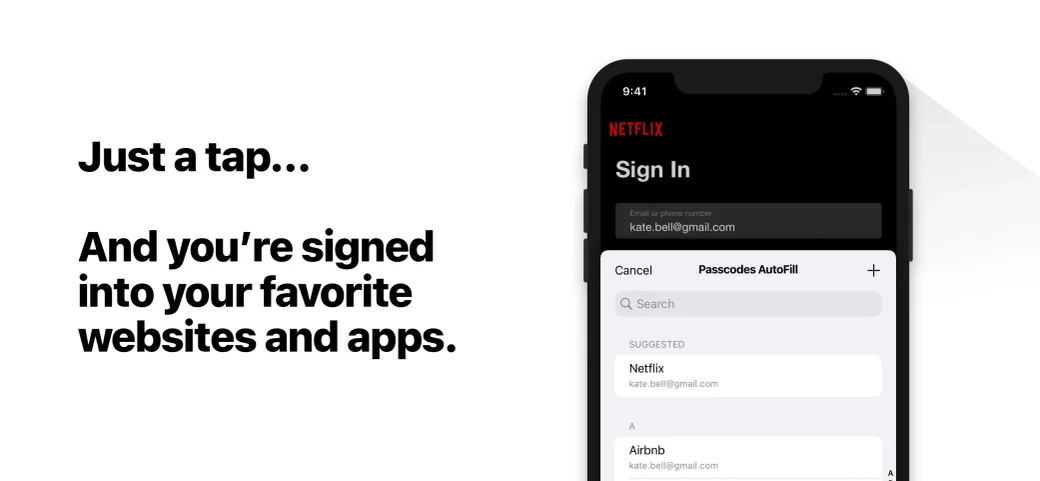
- AutoFill One-time Passcodes
Streamline signing into websites that offer two-factor authentication.
- Set Up One-time Passcodes
Set Passcodes as the default app to open OTP links and QR Codes.
- Smart AutoFill Suggestions
Your most-used credentials now appear first in autofill suggestions.
- Unlock with your Passcode
Optionally unlock Passcodes app using your device’s passcode.
Thank you for using Passcodes. If you need help, contact support@passcodes.plus.
App privacy
What Committed Code Ltd declares on the App Store about how this app handles data.
-
Data not collected
The developer does not collect any data from this app.
Privacy practices may vary, for example with the features you use or your age.
Information
- Seller
- Committed Code Ltd
- Category
- Productivity
- Version
- 1.4
- Updated
- Jul 18, 2025
- Released
- Aug 31, 2022
- Size
- 29.0 MB
- Requires
- iOS 15.0 or later
- Age rating
- 4+
- Price
- Free
- In-app purchases
- Yes
- Languages
- English
- Copyright
- © Committed Code Ltd
You might also like
-
 Password Manager ®Smart pass authenticator app
-
 Passkeys AppSecure Passwordless Login
-
 Secrets - Password ManagerGenerate, AutoFill, Sync
-
 Password Manager: SafePasskeys & 2FA
-
 AppLocker • Passcode lock appsPassword protect secret apps
-
 Password ManagerPasswords App
-
 App LockLock Apps, Hide,Block Websites
-
 Clear: To Dos & RemindersCuriously Productive Lists
-
 Keeper Password ManagerSecure Vault: Passkeys & 2FA
-
 Proton Pass - Password ManagerPasskeys, 2FA & secure vault