- Age rating4+
- CategoryUtilities
- DeveloperNew Marketing Lab, Inc
- LanguagesEnglish
- Size2.4 MB
Links to the official App Store page
Download.org hosts no file of Paste Snippets Keyboard. The button opens its official App Store page, published by New Marketing Lab, Inc. Listing last checked on Nov 22, 2026.
Screenshots

About
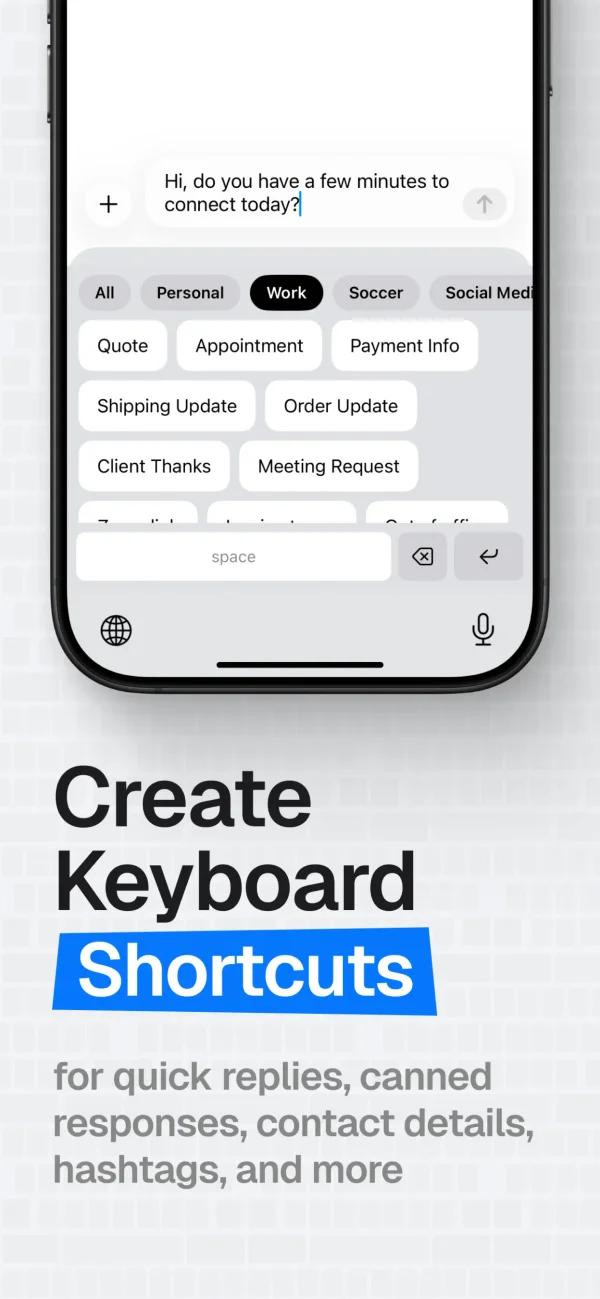
Create shortcuts for quick replies, canned responses, contact details, hashtags, templates, business details, customer support replies, and anything else you're tired of typing.
Save your most-used text once, then paste it anywhere with a single tap, right from your keyboard.
CREATE KEYBOARD SHORTCUTS FOR
- Quick replies
- Canned responses
- Contact details
- Hashtags
- Templates
- Business details
- Customer support replies
- Any text you're sick of retyping
COMPLETELY UNRESTRICTED. NO CATCH.
- No ads
- No paid upgrades
- No subscriptions
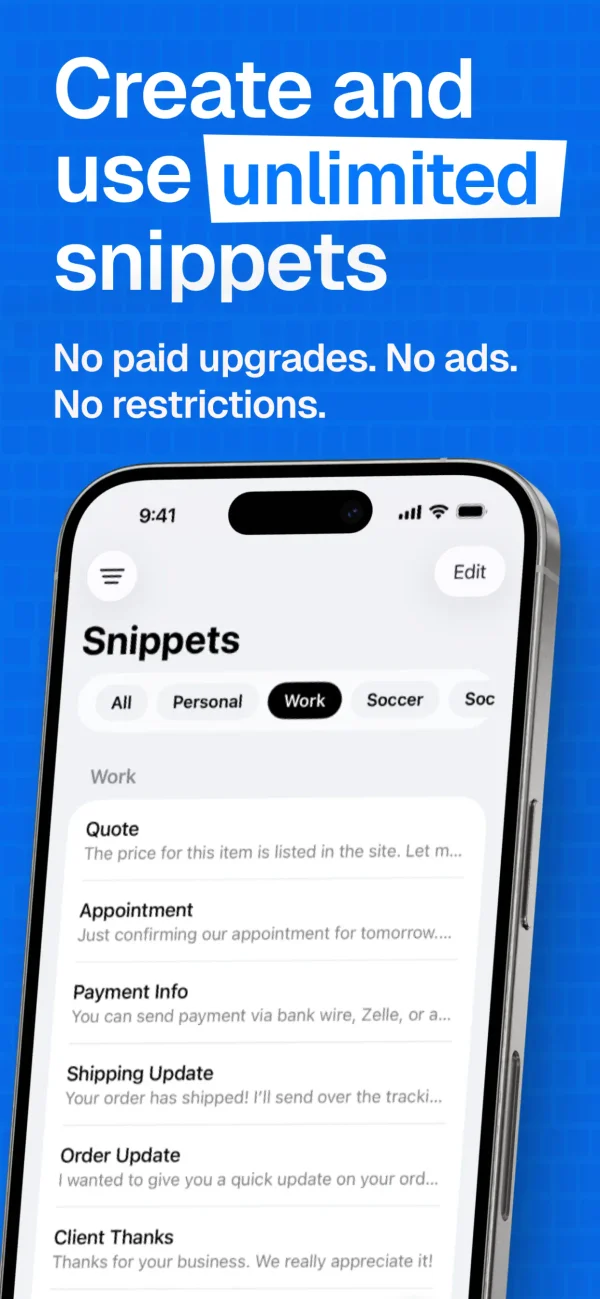
- Create and use unlimited snippets
- Nothing locked, nothing to unlock
USE VARIABLES
Make your snippets even more powerful with variables. Add variables to your text snippets, such as text, dates, times, and multiple-choice options that you can change each time you use a snippet.
ORGANIZE YOUR SNIPPETS
Group snippets into categories so the right one is always easy to find. Give each one a short title and search for it instantly.
WORKS IN ANY APP
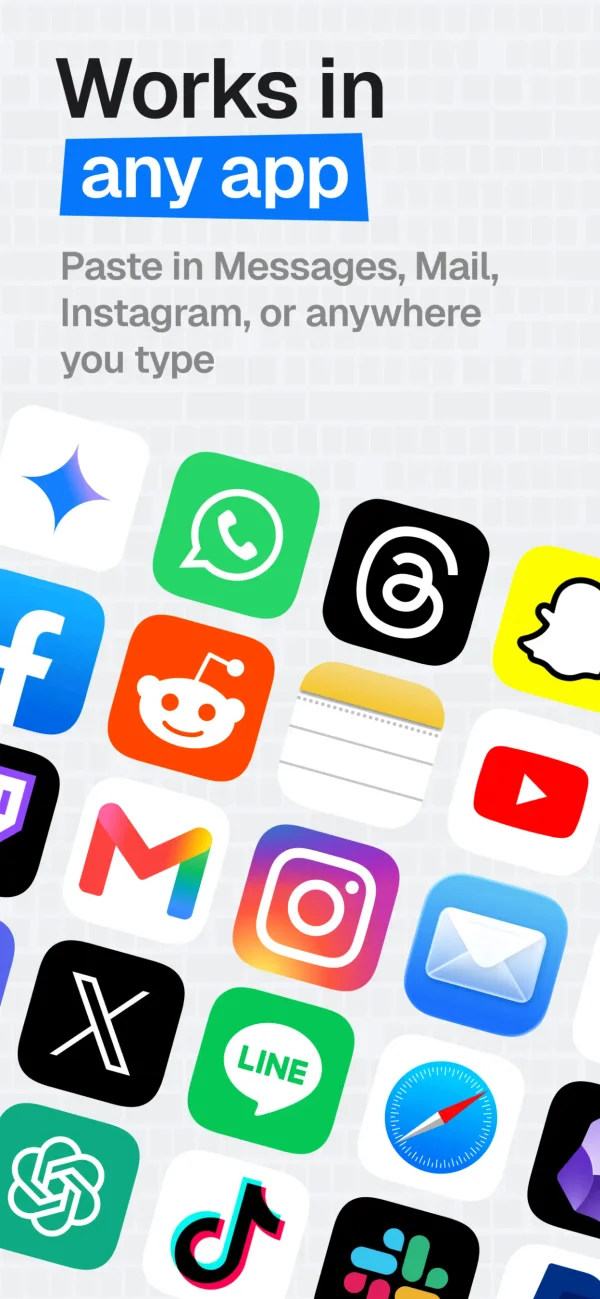
Paste in Messages, Mail, Slack, Instagram, Snapchat, TikTok, Notes, Safari, X, Facebook, ChatGPT, Threads, WhatsApp, Gmail, Telegram, Discord, Reddit, Line, Twitch, YouTube, or anywhere else you type.
YOUR PRIVACY FIRST
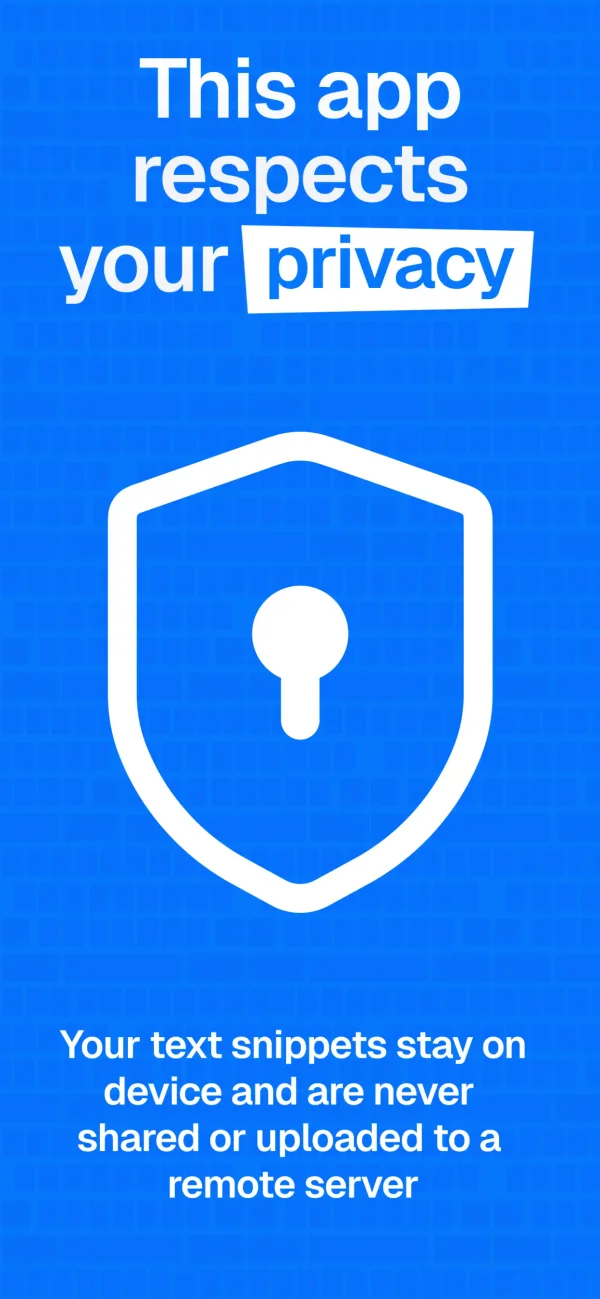
iOS requires Full Access so the Snippets keyboard can read the snippets you've saved in the app, which is the only reason it's needed. Your snippets are stored locally on your device. Nothing is transmitted, tracked, or uploaded, ever.
What’s new
Version 2.9 · Nov 18, 2026
Snippets can now sync across your devices with iCloud. Turn on "Sync with iCloud" in Settings on each device to keep your snippets the same on your iPhone and iPad. You can also choose to keep any snippet on just one device.
App privacy
What New Marketing Lab, Inc declares on the App Store about how this app handles data.
-
Data not collected
The developer does not collect any data from this app.
Privacy practices may vary, for example with the features you use or your age.
Information
- Seller
- New Marketing Lab, Inc
- Category
- Utilities
- Version
- 2.9
- Updated
- Nov 18, 2026
- Released
- Sep 7, 2026
- Size
- 2.4 MB
- Requires
- iOS 17.0 or later
- Age rating
- 4+
- Price
- Free
- Languages
- English
- Copyright
- © New Marketing Lab, inc
You might also like
-
 TypeShelf: Reply KeyboardSaved Replies & Text Templates
-
 EFKey – Swipe & AI KeyboardTranslate, dictate, gestures
-
 Clipboard Manager - PastePalCopy Paste Keyboard History
-
 WordBoard: Text ExpanderSnippets, Shortcuts & AI Keys
-
 Sill – Mac StreamingRemote Mac window management
-
 Copied: Workspace KeyboardText Shortcuts & Clipboard
-
 Copy And Paste Keyboard +Auto Pasting & Easy Clipboard
-
 Paste KeyboardSuper Easy Copy&Paste Keyboard
-
 Comet - AI Browser & AssistantBrowser and AI assistant
-
 Auto Paste KeyboardAutoPaste & Auto Clicker