
Pausely: Screen Time Control
Pet, Dopamine Detox & Downtime
Designed for iPhone
In-app purchases
- Age rating4+
- CategoryProductivity
- DeveloperKaria LLC
- LanguagesGerman+ 11 more
- Size22.3 MB
Links to the official App Store page
Download.org hosts no file of Pausely: Screen Time Control. The button opens its official App Store page, published by Karia LLC. Listing last checked on Nov 23, 2026.
Screenshots

About
Your phone takes years. Pausely helps you take them back, with a little help from Pip.
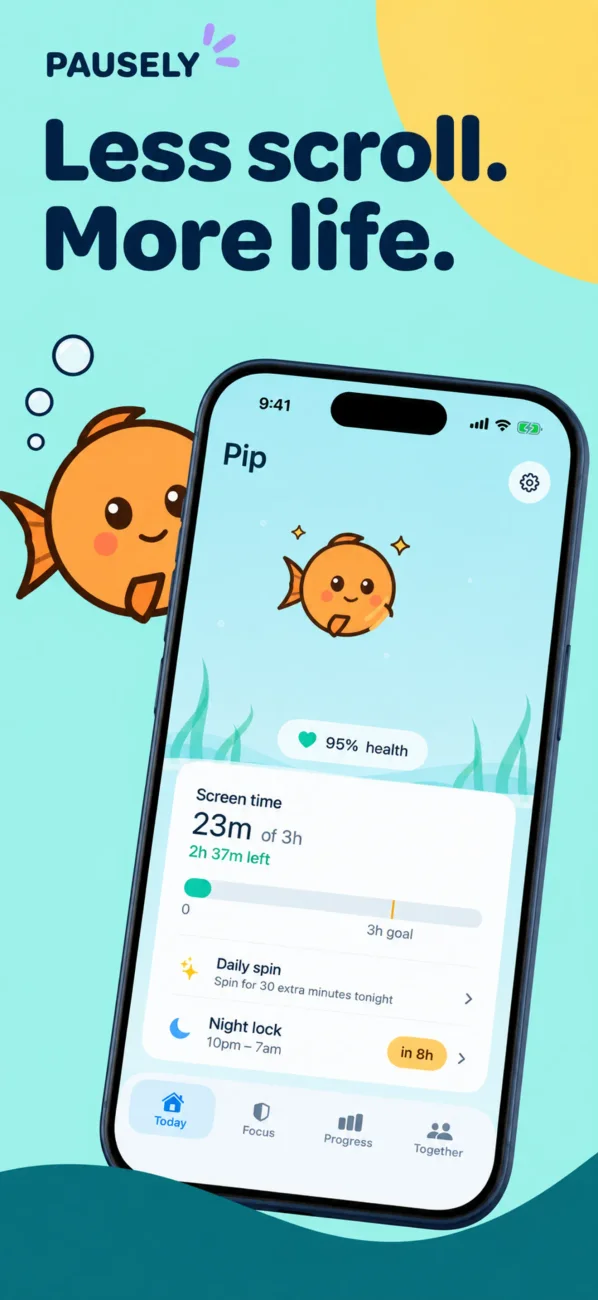
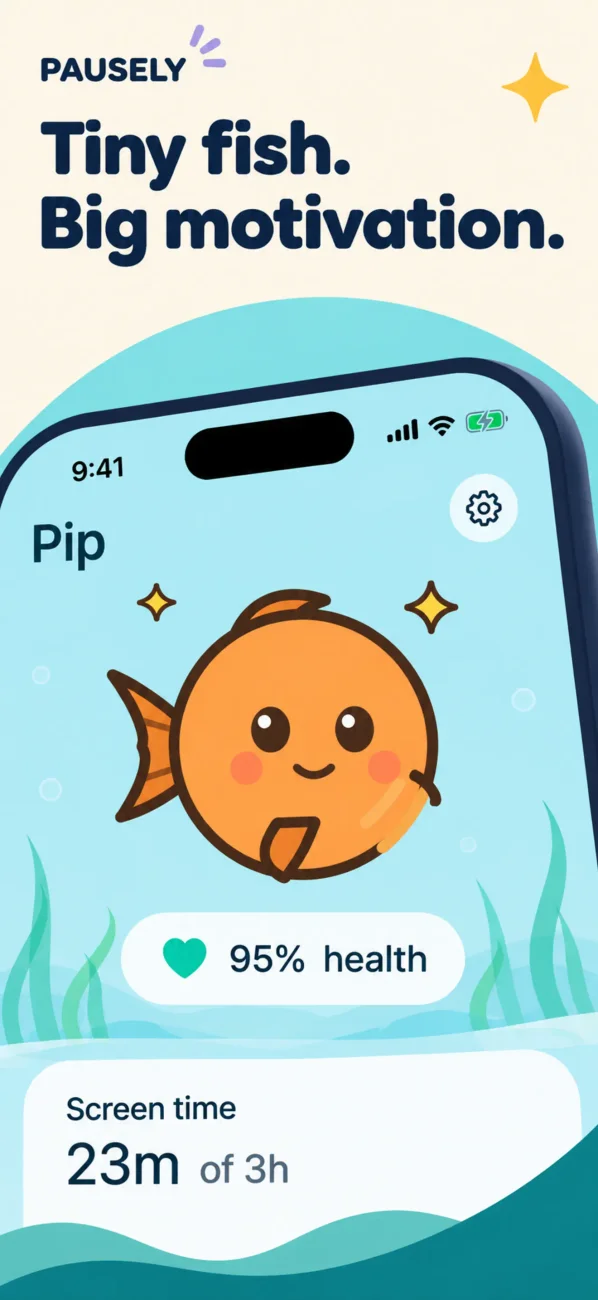
Pip is a fish who lives on your Today screen, and she feels your screen time. Stay under your daily goal and she stays bright and happy. Scroll past it and she starts to look seasick. Every morning she starts fresh, and so do you.
LOCK YOUR NIGHTS
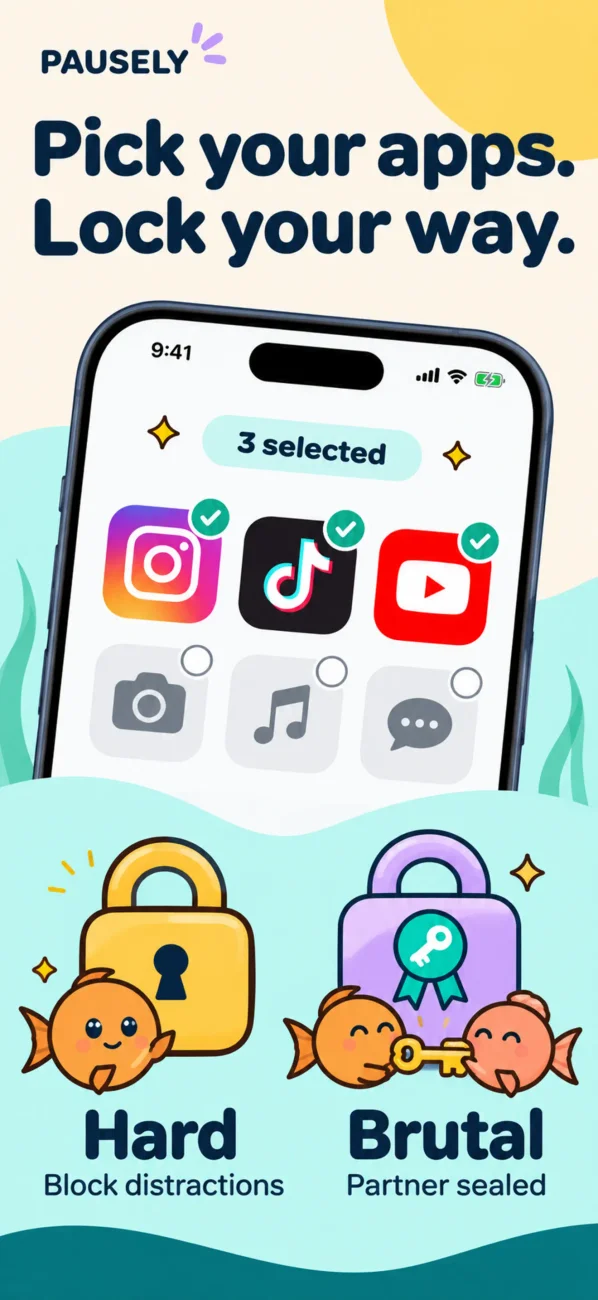
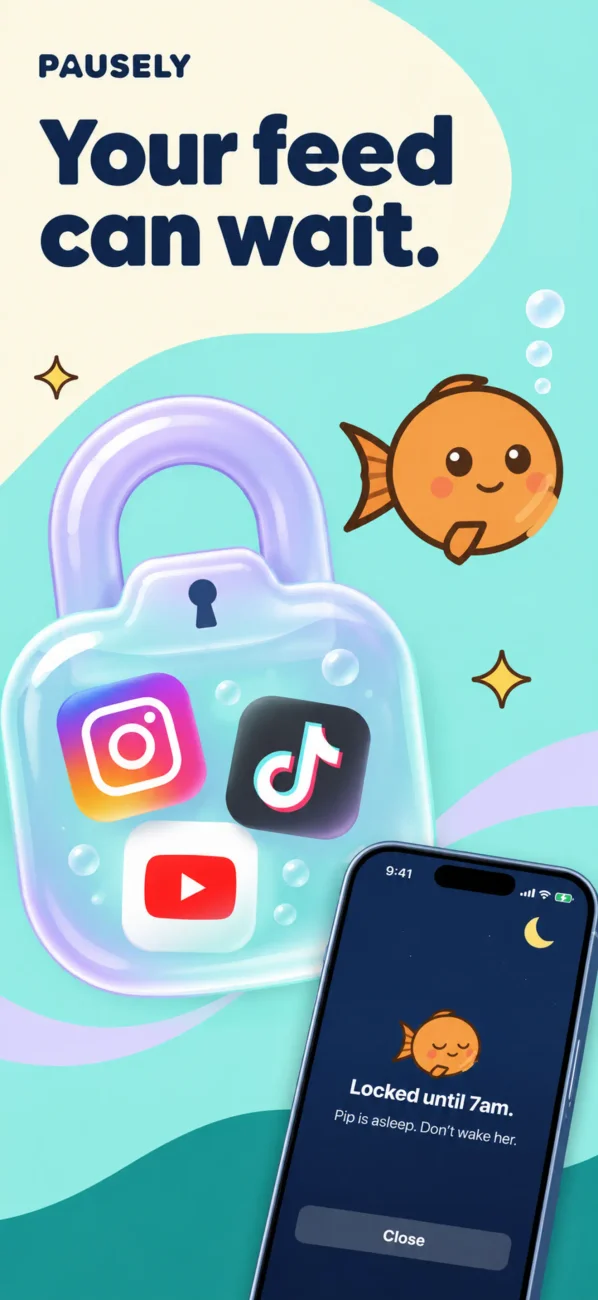
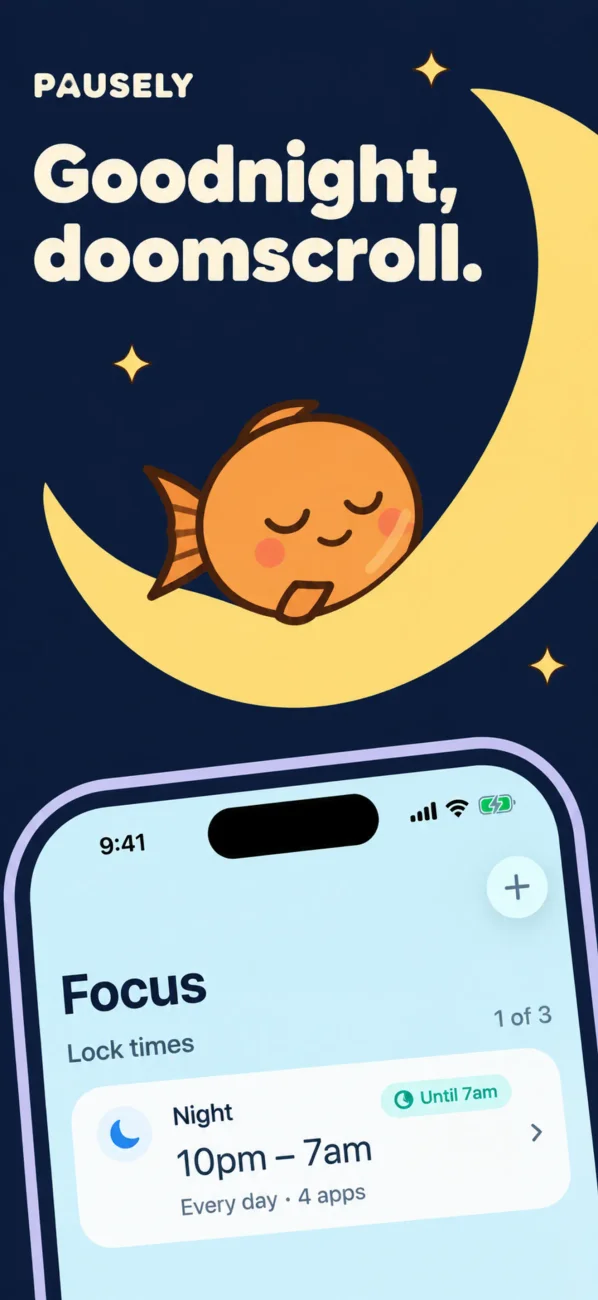
Pick the apps that keep you up, and Pausely locks them on schedule. Set up to 3 lock times. Night runs from 10 PM to 7 AM by default. While a lock is on, those apps only offer a Close button, and Pausely has no button to end a lock early.
Choose your level:
• Hard: your chosen apps lock on schedule.
• Brutal: a partner sets your Screen Time passcode, so deleting Pausely needs their passcode.
Make it stricter any time. Making it easier waits 24 hours, and never happens during a lock.
SPIN FOR EXTRA TIME
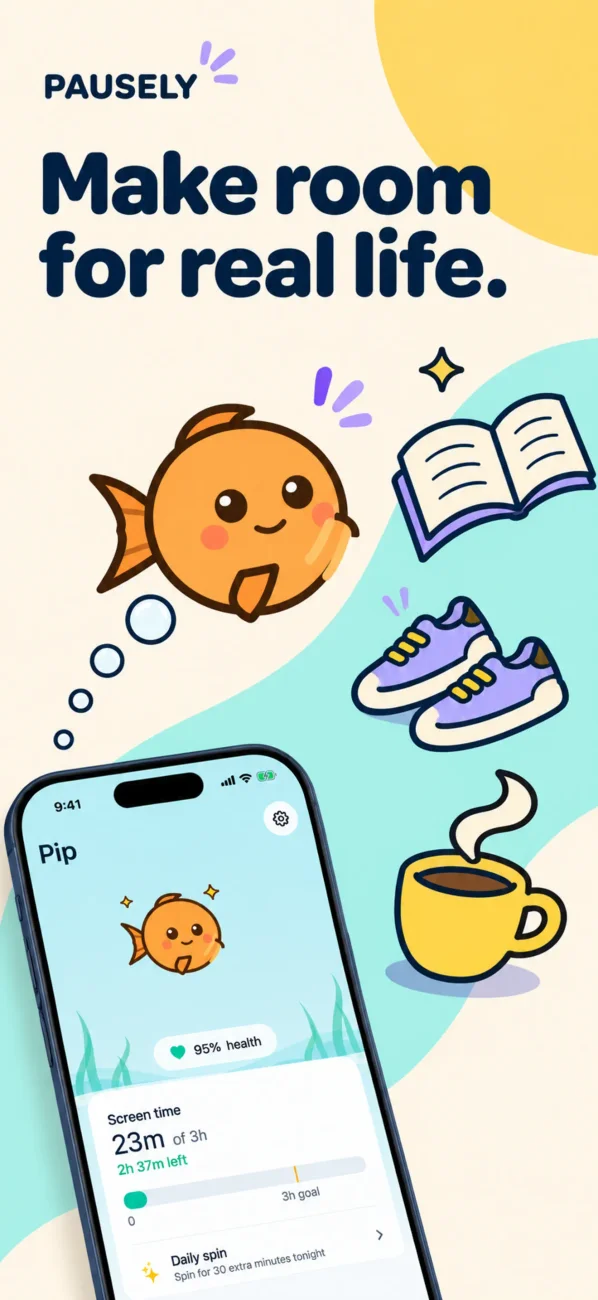
Once a day, before tonight's lock, spin the wheel for a small task: go for a walk, or take a 15-minute break from your phone or from one app. Finish it and tonight's lock starts 30 minutes later.
WATCH YOUR PROGRESS
• Your real Screen Time, right from the first open
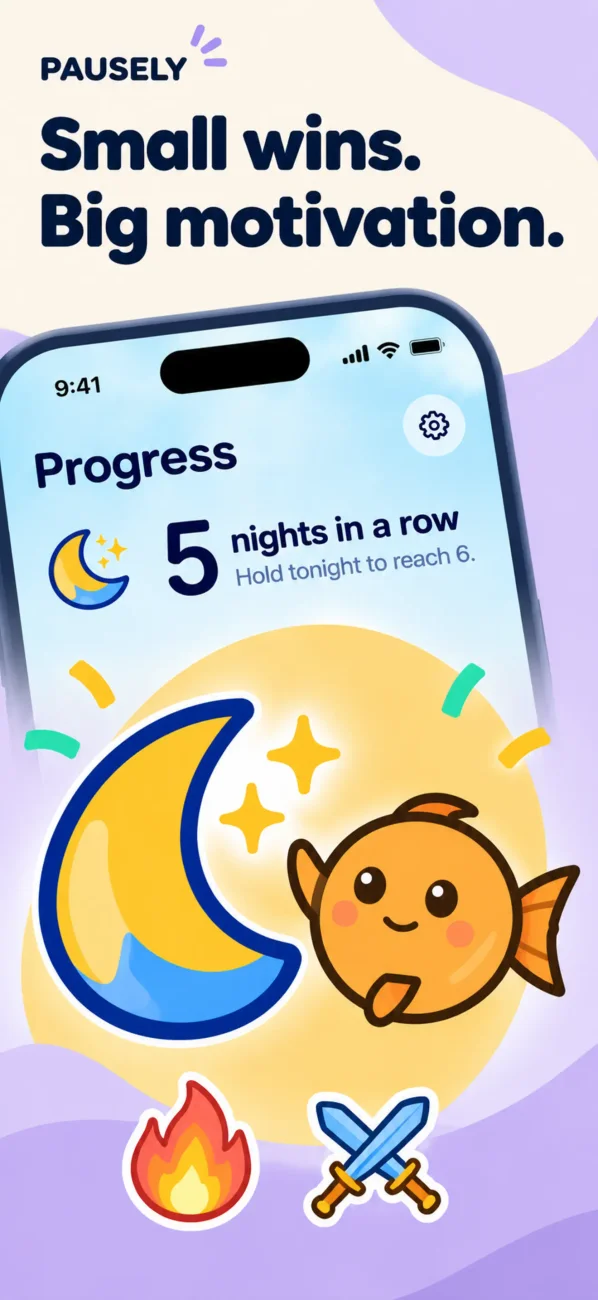
• A streak for every night you keep the lock
• 10 achievements, each adding a decoration to Pip's water
• Home Screen widgets that keep Pip in view
• A heads-up before your lock starts and a recap every morning
PRIVATE BY DESIGN
Pausely is built on Apple's Screen Time framework. Your Screen Time data stays on your iPhone, and Pausely never sees the names of the apps you lock. No account, no ads.
PAUSELY PLUS
Start with a 14-day free trial, then choose a yearly or monthly subscription, or a one-time lifetime purchase. Payment is charged to your Apple ID when you confirm. Subscriptions renew automatically unless cancelled at least 24 hours before the end of the current period. Manage or cancel any time in your App Store account settings.
Terms of Use (EULA): https://www.apple.com/legal/internet-services/itunes/dev/stdeula/
Privacy Policy: https://karia.cc/pausely/privacy-policy
What’s new
Version 2.0.1 · Nov 16, 2026
Pip got a little smarter this week.
• Using Pausely before 2.0? Welcome back! Enjoy 30 days of everything, on us.
• Screen time now shows if your Mac or iPad is adding to today's total, with a quick fix to count only this iPhone.
• Progress fits better with larger text sizes.
• Clearer wording on the daily spin.
• Small fixes and improvements.
Thanks for swimming with Pip
App privacy
What Karia LLC declares on the App Store about how this app handles data.
-
Data linked to you
May be collected and linked to your identity.
- Purchases
- Identifiers
- Usage data
-
Data not linked to you
May be collected but is not linked to your identity.
- Location
Privacy practices may vary, for example with the features you use or your age.
Information
- Seller
- Karia LLC
- Category
- Productivity
- Version
- 2.0.1
- Updated
- Nov 16, 2026
- Released
- Jul 21, 2026
- Size
- 22.3 MB
- Requires
- iOS 18.6 or later
- Age rating
- 4+
- In-app purchases
- Yes
- Languages
- German, English, French, Italian, Japanese, Korean, Dutch, Portuguese, Spanish, Traditional Chinese, Turkish, Simplified Chinese
- Copyright
- © 2026 Karia LLC
You might also like
-
 Unscroll: Dopamine DetoxScreen Time & App Blocker
-
 Joyhour: Earn Screen TimeDopamine Balance & Habits
-
 PDF Signer & Form FillerContract Signing & AI Summary
-
 온스Productivity
-
 Luma: Earn Your Screen TimeFocus Timer, Blocker & Habits
-
 EvoCat: App Blocker & FocusStop scrolling: Pet or Unblock
-
 Nosk: Screen Time ControlUnlock Apps With Real Tasks
-
 PeerPause: Screen Time ControlAsk Friends to Unlock Apps
-
 Locus: Focus & App BlockerBlock Apps, Cut Screen Time