PDF Converter, Scanner
PDF Convert, Scan, Merge, Edit
Designed for iPhone, iPad
In-app purchases
- Age rating4+
- CategoryProductivity
- DeveloperMurat Kul
- LanguagesEnglish+ 10 more
- Size5.4 MB
Links to the official App Store page
Download.org hosts no file of PDF Converter, Scanner. The button opens its official App Store page, published by Murat Kul. Listing last checked on Nov 12, 2026.
Screenshots



About
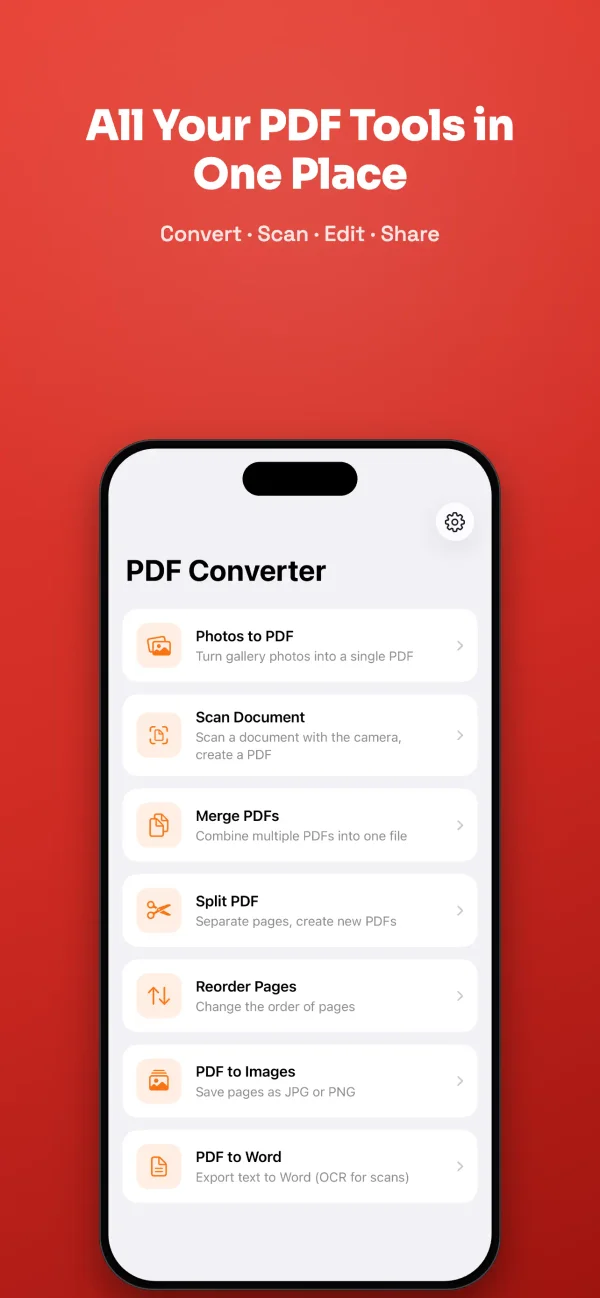
PDF Converter is built to handle your PDF tasks quickly and simply. Every screen focuses on one job — no clutter, easy to learn.
FEATURES
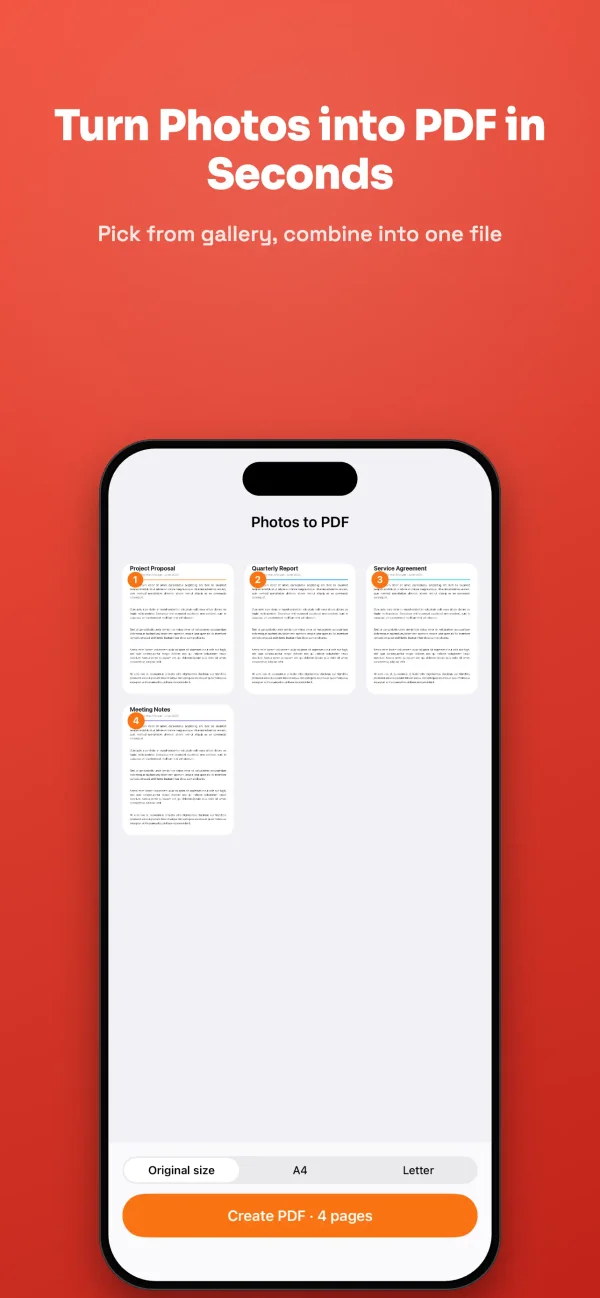
• Photos to PDF
Pick one or more photos from your gallery and create a single PDF. Choose the page size (original, A4, Letter).
• Scan Document
Scan a document with your camera, or pick a photo from your gallery; edges are detected automatically (adjust them by hand if you like), and the perspective is corrected into a clean PDF. Photo-based scanning works even on devices without a camera.
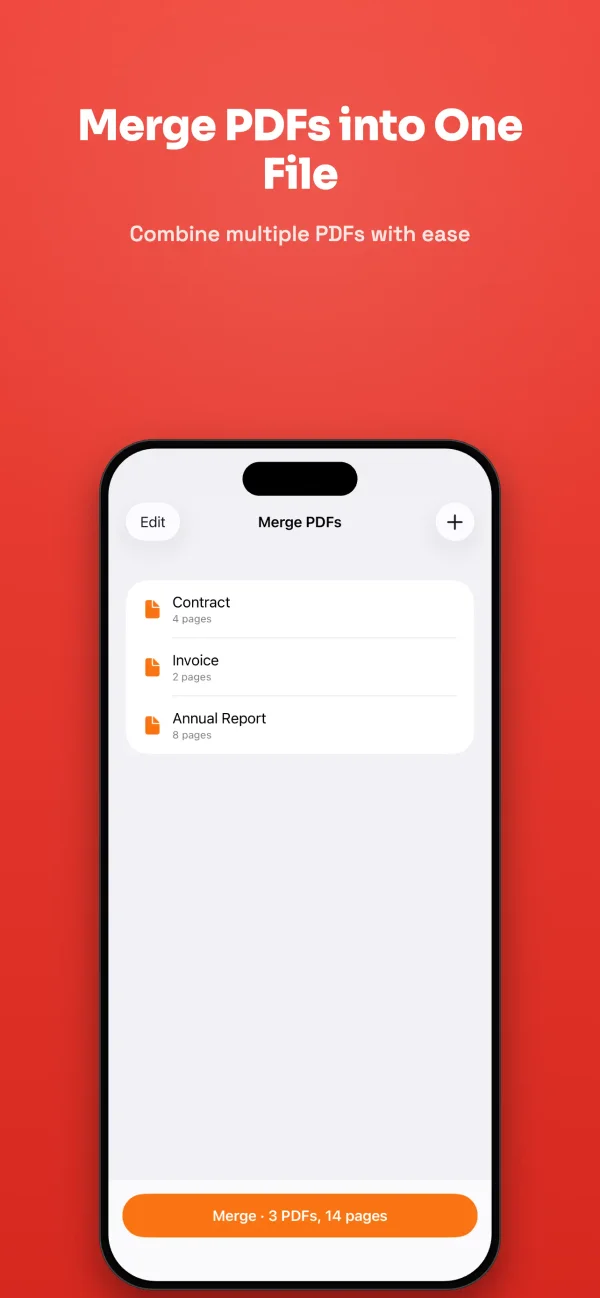
• Merge PDFs
Drag to reorder multiple PDFs and combine them into one file.
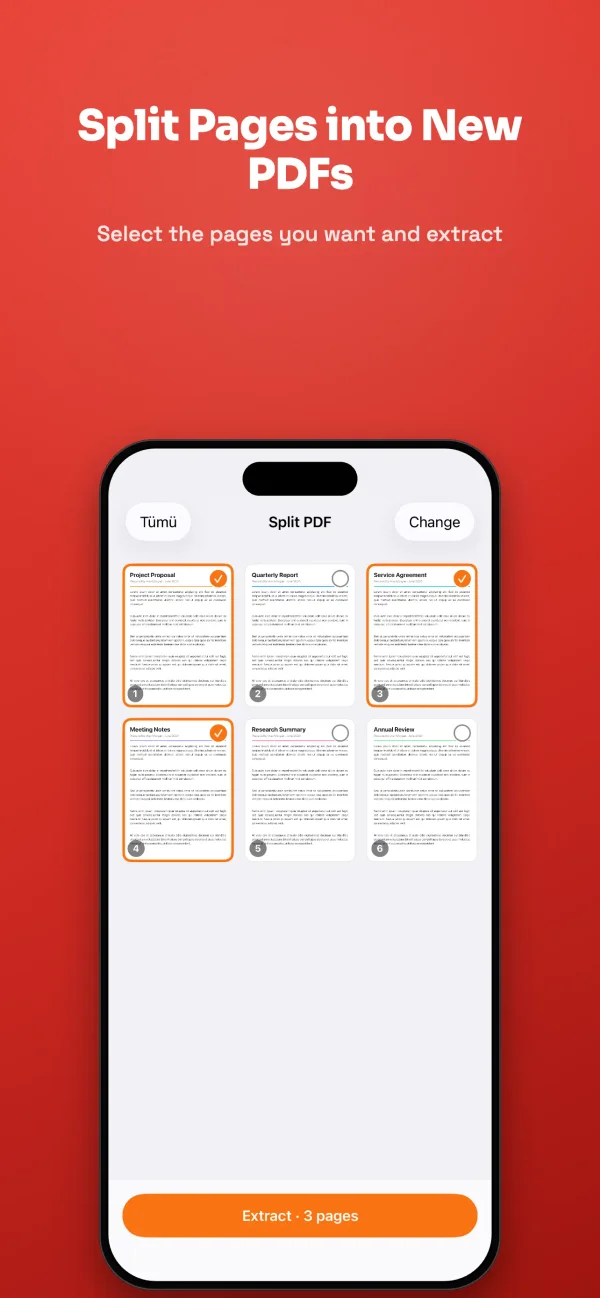
• Split PDF
View a PDF's pages, select the ones you want, and extract them as a new PDF.
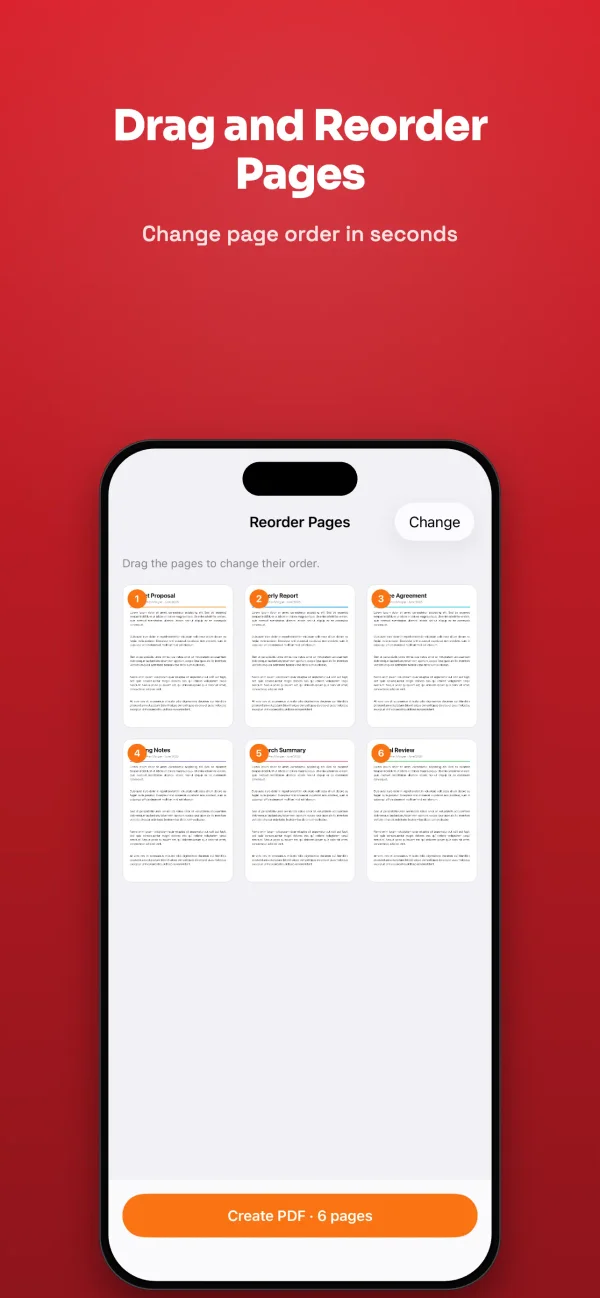
• Reorder Pages
Rearrange pages with drag and drop, then save as a new PDF.
• Save & Share
Save your PDFs to the Files app or iCloud Drive, and share them with any app.
• Share Extension
Convert images straight to PDF from other apps using "Convert to PDF".
• Personalization
Light and dark themes, Turkish and English — set it your way in Settings. Love it? Share the app and leave a rating with a single tap.
• PDF to Images
Save each page of a PDF as a JPG or PNG image.
• PDF to Word
Export a PDF's text to a Word document (.docx). For scanned documents, text is extracted with OCR.
PRIVACY FIRST
PDF Converter works entirely on your device. No servers, no accounts, no tracking. Your documents never leave your iPhone.
PREMIUM
Photos to PDF and Scan Document are free. Unlock merging, splitting, page reordering, PDF to images, and PDF to Word with a single one-time purchase — no subscription.
What’s new
Version 1.0.4 · Aug 29, 2026
This update turns the app from a toolbox into a real document hub.
• My Documents: every PDF you create now collects in a library. Search, rename, share — or send it into another tool in one tap. Select several documents to merge, compress, share or delete them in one go.
• 5 new tools: Compress PDF (fit it in an email), Protect PDF (add or remove a password), Searchable PDF (search and copy inside a scan), Add Watermark, Page Numbers.
• Shortcuts, widget and Control Center: put "Scan Document" in Control Center or on the Action Button. Compressing, merging and protecting run from Shortcuts without opening the app.
• Tap "Open" on a PDF in Files or Mail and we're right there — the document goes straight into the tool you pick.
• Smart naming and summaries: documents are named from their own content, and long files get a three-sentence summary. Powered by Apple's on-device model — no internet, your document never leaves the phone. (iOS 26 with Apple Intelligence.)
App privacy
What Murat Kul declares on the App Store about how this app handles data.
-
Data not linked to you
May be collected but is not linked to your identity.
- Identifiers
- Usage data
- Diagnostics
Privacy practices may vary, for example with the features you use or your age.
Information
- Seller
- Murat Kul
- Category
- Productivity
- Version
- 1.0.4
- Updated
- Aug 29, 2026
- Released
- Jun 13, 2026
- Size
- 5.4 MB
- Requires
- iOS 18.0 or later
- Age rating
- 4+
- In-app purchases
- Yes
- Languages
- English, French, German, Italian, Japanese, Korean, Portuguese, Simplified Chinese, Spanish, Traditional Chinese, Turkish
- Copyright
- © 2026 Murat Kul
You might also like
-
 PDF Editor & Scanner ProSign, Fill Forms & Merge Docs
-
 Scanly: Scanner & PDFScan, OCR, sign & lock PDFs
-
 Scan Flow: Document ScannerDocuments & receipts to PDF
-
 PDF Converter: Scan DocsDocument Scanner
-
 Messajio: Occasion MessagesBirthdays, Love & Congrats
-
 Document Scan & EditFast PDF Scanner & Editor
-
 ScannerX: PDF Scanner AppDocument Scan, Edit & Share
-
 PDF Scanner OCR Document ScanScan documents to PDF with OCR
-
 PDF Online ToolsPDF Scanner & Converter
-
 PDFページ整理 - 分割・抽出Productivity