PDF & Doc - Editor & Scanner
Scan, edit, sign documents
Designed for iPhone
Free · In-app purchases
- Age rating4+
- CategoryUtilities
- DeveloperHelf Inc
- LanguagesEnglish+ 8 more
- Size14.3 MB
Links to the official App Store page
Download.org hosts no file of PDF & Doc - Editor & Scanner. The button opens its official App Store page, published by Helf Inc. Listing last checked on Nov 15, 2026.
Screenshots


About
Tired of digging through camera roll screenshots and random "scan_final_v2.pdf" files just to find that one receipt? Foldr is a PDF scanner built around what happens after you scan — smart folders, fast search, and a clean library that actually keeps up with your paperwork.
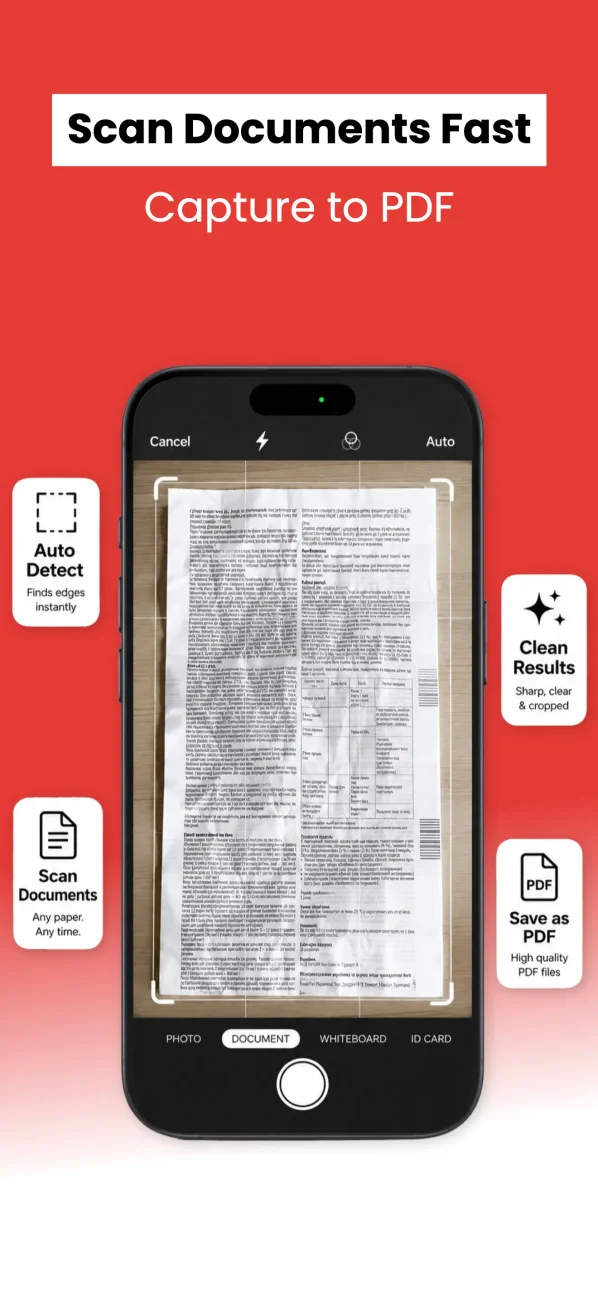
Point your camera at a document and Foldr captures it as a crisp PDF, auto-corrects the angle, and drops it straight into the right folder. Need to edit text, highlight a clause, or add a signature? It's all in one place — no exporting to another app, no waiting.
Why Foldr
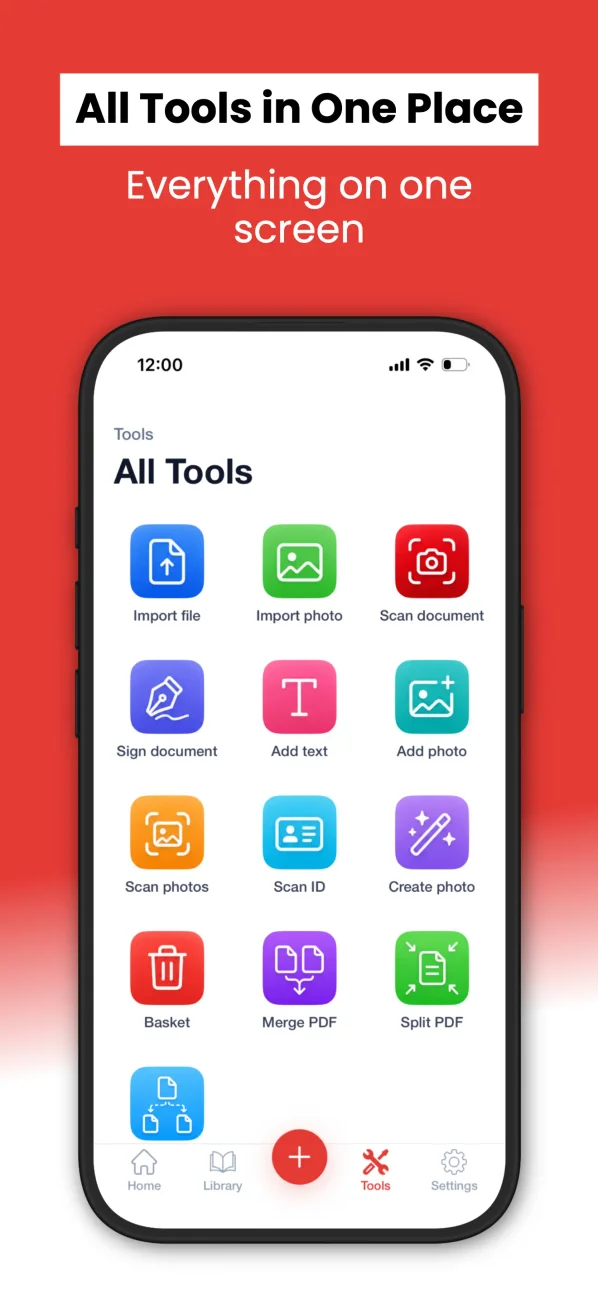
— Smart Library. Files land in folders by date, type, or your own tags. Full-text search across every scan you've taken.
— Auto Scan. Edge detection, perspective fix, and contrast enhancement happen automatically on every shot.
— Multi-Page Capture. Scan a 30-page contract in one go and Foldr stitches it into a single PDF.
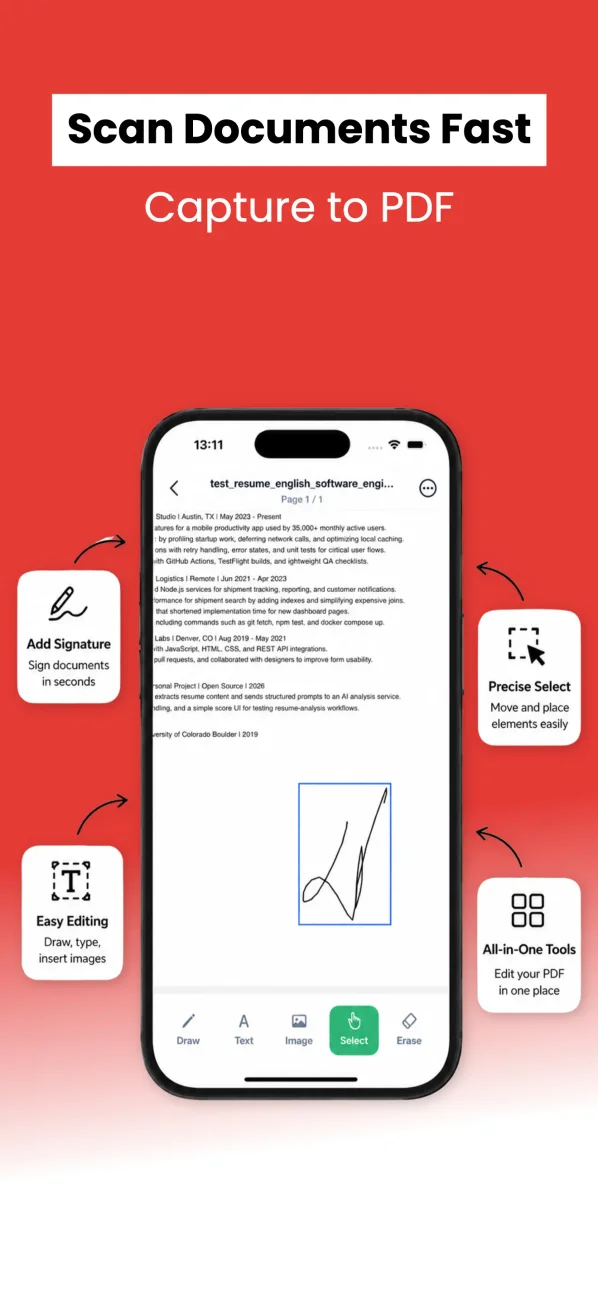
— Inline PDF Editor. Tap to add or change text, drop in images, draw, highlight, or erase — directly on the page.
— One-Tap Signature. Save your signature once and place it on any document with a single tap.
— ID & Photo Modes. Dedicated flows for ID cards, passports, photos, and whiteboards.
— Import from Anywhere. Pull pages from Photos, Files, the iOS share sheet, or your cloud drive.
— Export Without Friction. Send as PDF or image to Mail, Messages, iCloud, Drive, Dropbox, or any app that accepts files.
Made for everyday paperwork
• Receipts, invoices, and expense reports
• Rental agreements, NDAs, and signed contracts
• Lecture notes, study sheets, and printed handouts
• Forms that need a signature before end of day
• Recipes, business cards, and whiteboards worth keeping
Foldr is built for people who scan often and lose things easily. The interface is quiet — no nested menus, no learning curve. Open the app, capture the page, and know where it'll be tomorrow.
Foldr Premium
Premium unlocks unlimited scans, advanced editing tools, larger storage, and an ad-free experience. Subscriptions renew automatically unless turned off at least 24 hours before the period ends. Payment is charged to your Apple ID at confirmation. Manage or cancel anytime in Settings → Apple ID → Subscriptions. Prices may vary by region.
Terms of Use: https://foldr.website/terms
Privacy Policy: https://foldr.website/privacy
What’s new
Version 1.2.2 · Sep 17, 2026
Foldr is now available in Japanese, Polish, Portuguese, Danish, and Dutch.
App privacy
What Helf Inc declares on the App Store about how this app handles data.
-
Data used to track you
May be used to track you across apps and websites owned by other companies.
- Purchases
-
Data not linked to you
May be collected but is not linked to your identity.
- Purchases
Privacy practices may vary, for example with the features you use or your age.
Information
- Seller
- Helf Inc
- Category
- Utilities
- Version
- 1.2.2
- Updated
- Sep 17, 2026
- Released
- May 28, 2026
- Size
- 14.3 MB
- Requires
- iOS 17.0 or later
- Age rating
- 4+
- Price
- Free
- In-app purchases
- Yes
- Languages
- English, Danish, Dutch, French, German, Japanese, Polish, Portuguese, Spanish
- Copyright
- © 25fa778e99 Foldr PDF App
You might also like
-
 Scanner App: PDF ScanPDF Scanner & OCR
-
 PDF Converter ‧Photo to PDF, Word to PDF
-
 PDF Reader: Edit & SignRead, convert, sign PDF files
-
 Photos to PDF Converter .Convert your photos to PDF
-
 PDF ProX: PDF Reader & EditorPDF Converter & Scanner
-
 PDF Editor ,PDF Book Reader ®PDF Reader, Scanner & Sign
-
 QR Scanner - Create, ScanScan & Create With Ease
-
 AI Phone Cleaner: CleanupSmart Photo & Video Clean
-
 AI Clean-Phone SweeperSmart Cleaner for Phone
-
 UMANG IndiaUtilities