
Scanner Vault: PDF & OCR Scan
Document Image Text Converter
Designed for iPhone, iPad, iPod touch
Free · In-app purchases
- Age rating4+
- CategoryBusiness
- DeveloperPhoner Holdings LLC
- LanguagesEnglish
- Size89.0 MB
Links to the official App Store page
Download.org hosts no file of Scanner Vault: PDF & OCR Scan. The button opens its official App Store page, published by Phoner Holdings LLC. Listing last checked on Nov 27, 2026.
Screenshots
About
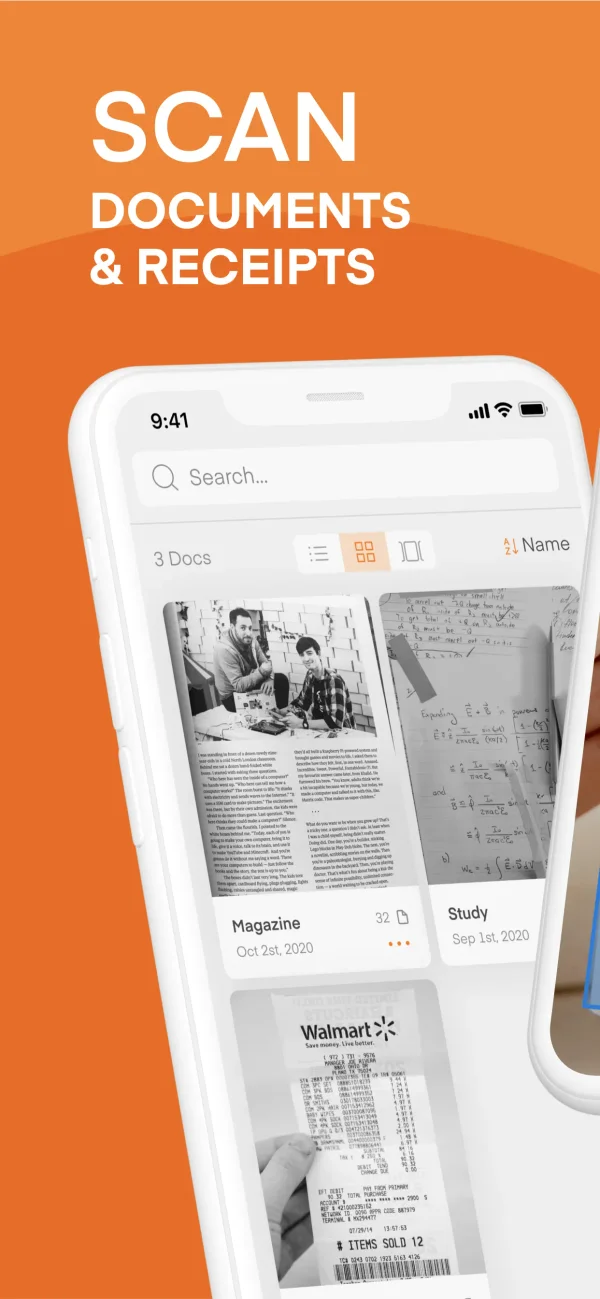
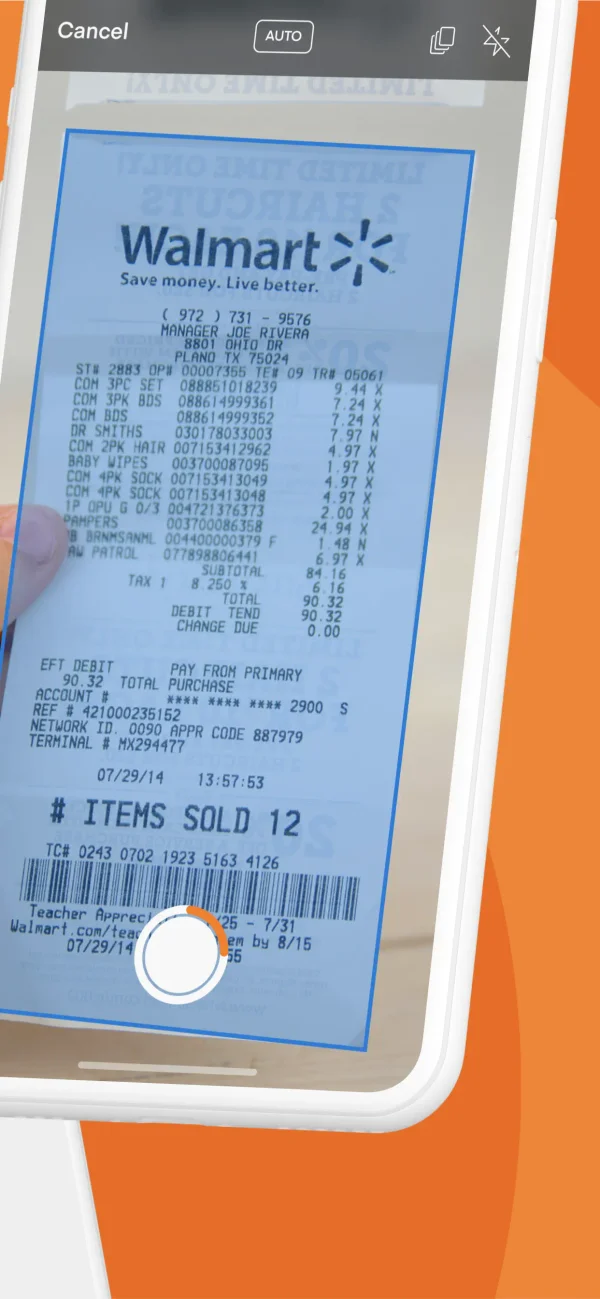
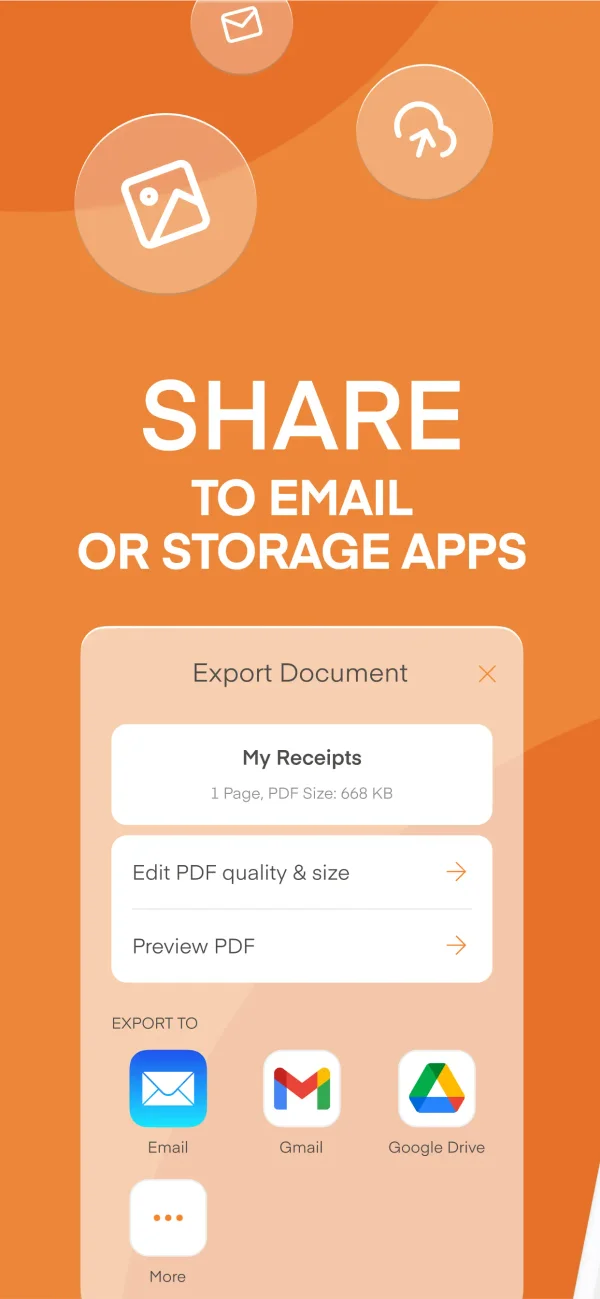
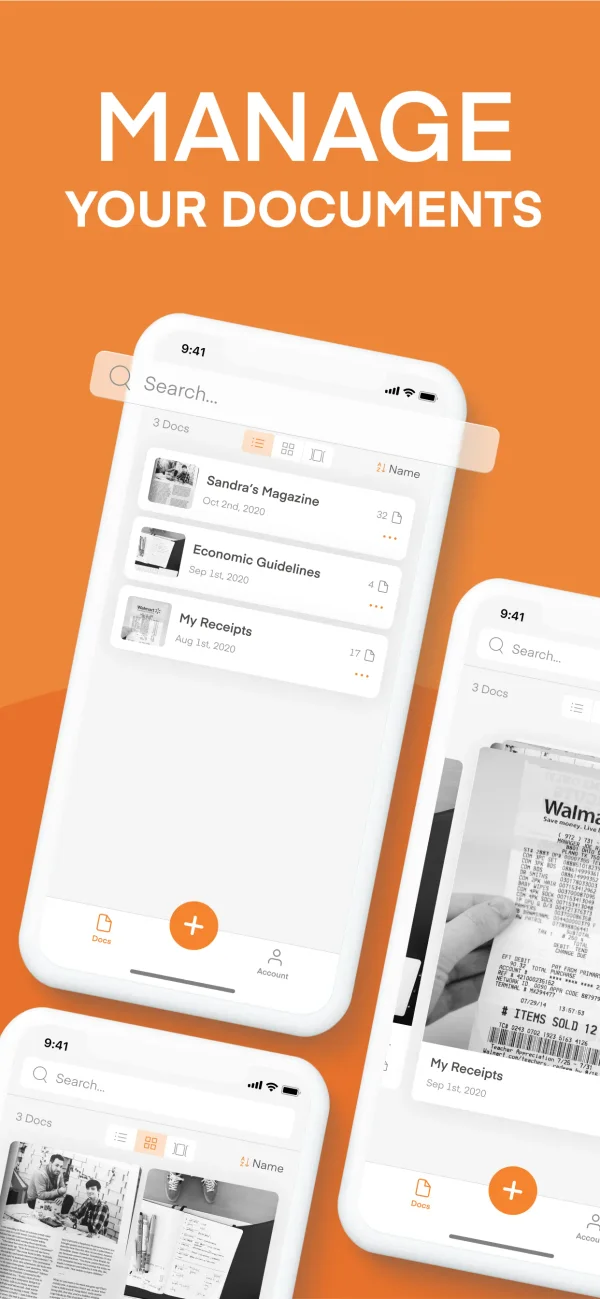
Scanner Vault scans printed or handwritten documents such as contracts, paper documents, books, receipts, business cards, etc with your iPhone or iPad easily. PDF Scanner allows you to scan with your camera or import from existing photos. The scanner app also allows you to manage and generate PDF documents to be saved, emailed and shared.
PDF Scanner features include:
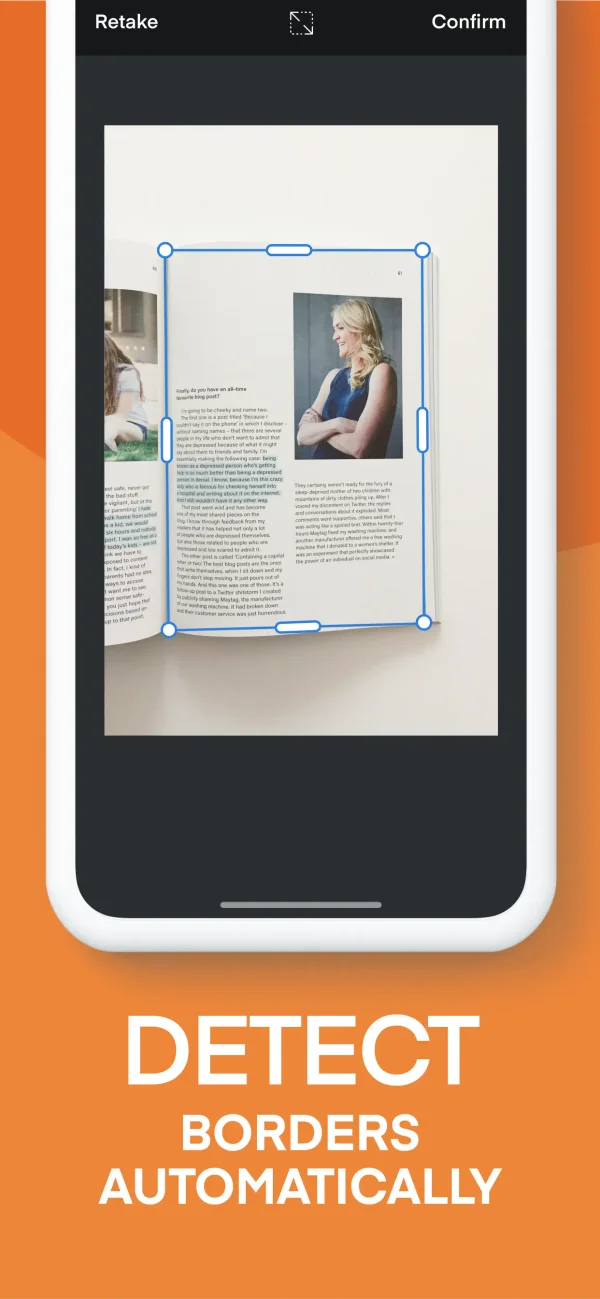
+ Smart Page Detection that detects your pages from the background to allow you to scan and capture your documents with ease
+ Convert your scan to black & white images or preserve its colors.
+ Edit Scan Images - Crop, adjust contrast, add text to your scanned documents.
+ Print your scanned documents.
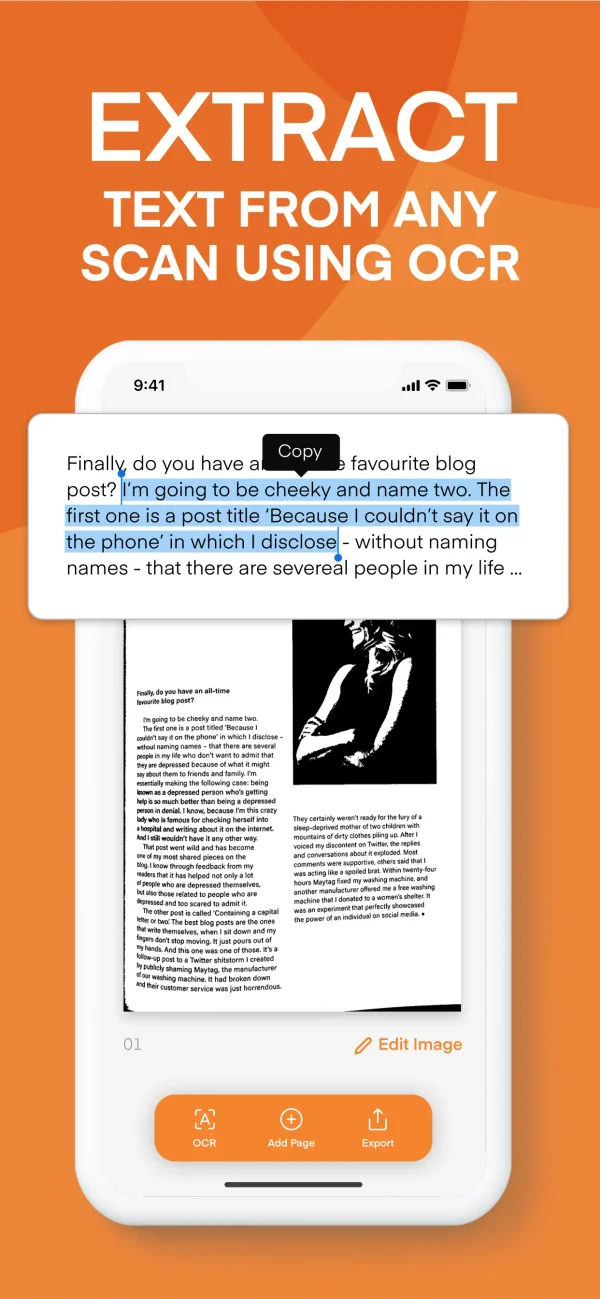
+ Optical Character Recognition OCR technology that converts your scan documents to text to allow for easy transcription.
+ OCR support for multiple languages.
+ Share scan documents to friends and family
Scanner Vault offers a subscription plan for Cloud based OCR service that turns your scan documents into text.
- Premium cloud based OCR feature is $49.99/year with a 3 Day Free trial or $29.99/year
- Your subscription automatically renews unless auto-renewal is turned off at least 24 hours before the end of the current subscription.
- Your account will be charged for a renewed subscription within 24 hours prior to the end of current subscription.
- Your account will auto renew once a month.
- Payment will be charged to iTunes Account at confirmation of purchase
- You can manage your subscription and switch off the auto-renewal by accessing your account settings after purchase.
- You cannot cancel the current subscription during the active subscription period.
- The price will be charge on a monthly or yearly basis and the price will be clearly shown depending on the service you subscribe to at the point of subscribing.
Privacy Policy: https://www.appsverse.com/privacy
Terms of Use: https://www.appsverse.com/terms
What’s new
Version 4.09 · Dec 17, 2025
+ Bug fixes
+ Performance improvements
App privacy
What Phoner Holdings LLC declares on the App Store about how this app handles data.
-
Data used to track you
May be used to track you across apps and websites owned by other companies.
- Identifiers
-
Data not linked to you
May be collected but is not linked to your identity.
- Identifiers
- Usage data
- Diagnostics
Privacy practices may vary, for example with the features you use or your age.
Information
- Seller
- Phoner Holdings LLC
- Category
- Business
- Version
- 4.09
- Updated
- Dec 17, 2025
- Released
- Aug 7, 2018
- Size
- 89.0 MB
- Requires
- iOS 13.0 or later
- Age rating
- 4+
- Price
- Free
- In-app purchases
- Yes
- Languages
- English
- Copyright
- © Appsverse Inc.
You might also like
-
 Fax from iPhone - Zap FaxFaxing from iPhone & iPad App
-
 PDF Document Scanner App °The PDF Converter Photo to PDF
-
 Camera Scanner - PDFScan Documents to PDF & Files
-
 Doc OCR - Book PDF ScannerRecognize Text on Image & Edit
-
 Faster Scan - Fast PDF ScannerEdit PDF, OCR, Send Email, Fax
-
 Scanner App - Scan & Edit PDFScan, Fax & Email PDF, OCR Doc
-
 PDF Photos+Cam for Document, JPG, Img
-
 One Scan: PDF Doc ScannerAI OCR, Sign, Photos, Receipts
-
 Scanner App: Docs Scan & SignDocuments and photos into PDF
-
 PDF Scanner・Document Scanner・Scan Docs to PDF, CS Scanner