- Age rating4+
- CategoryProductivity
- DeveloperHefei Yunyilian Intelligent Technology Co., Ltd
- LanguagesEnglish
- Size80.7 MB
Links to the official App Store page
Download.org hosts no file of PDF Editor Converter. The button opens its official App Store page, published by Hefei Yunyilian Intelligent Technology Co., Ltd. Listing last checked on Nov 12, 2026.
Screenshots
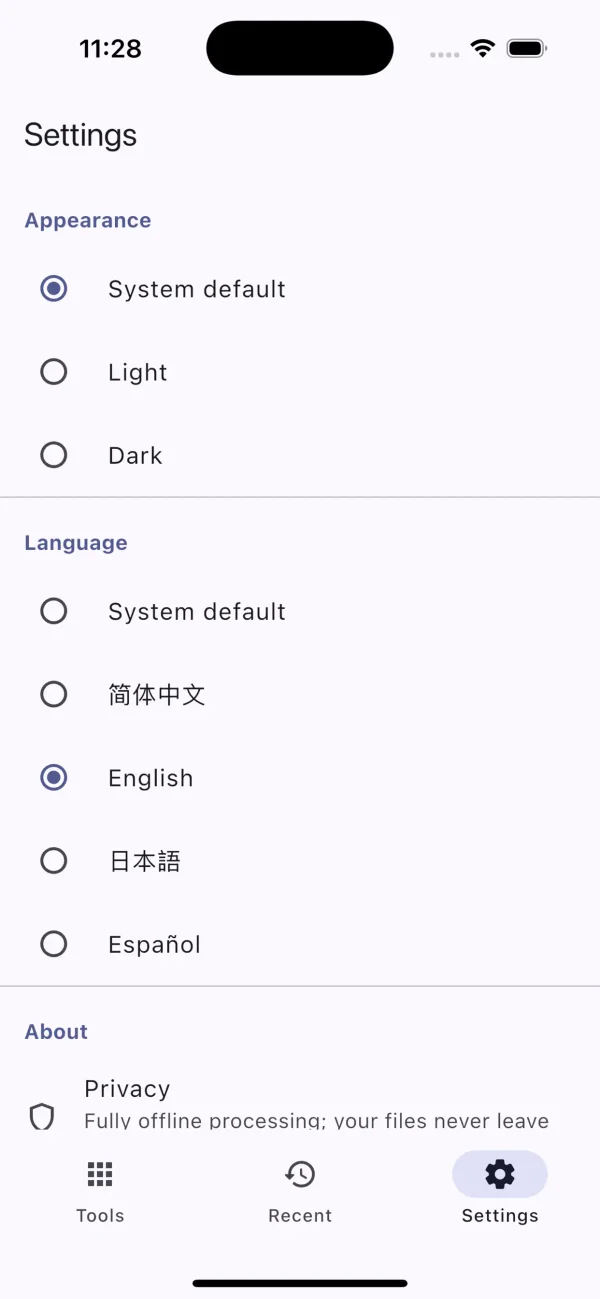
About
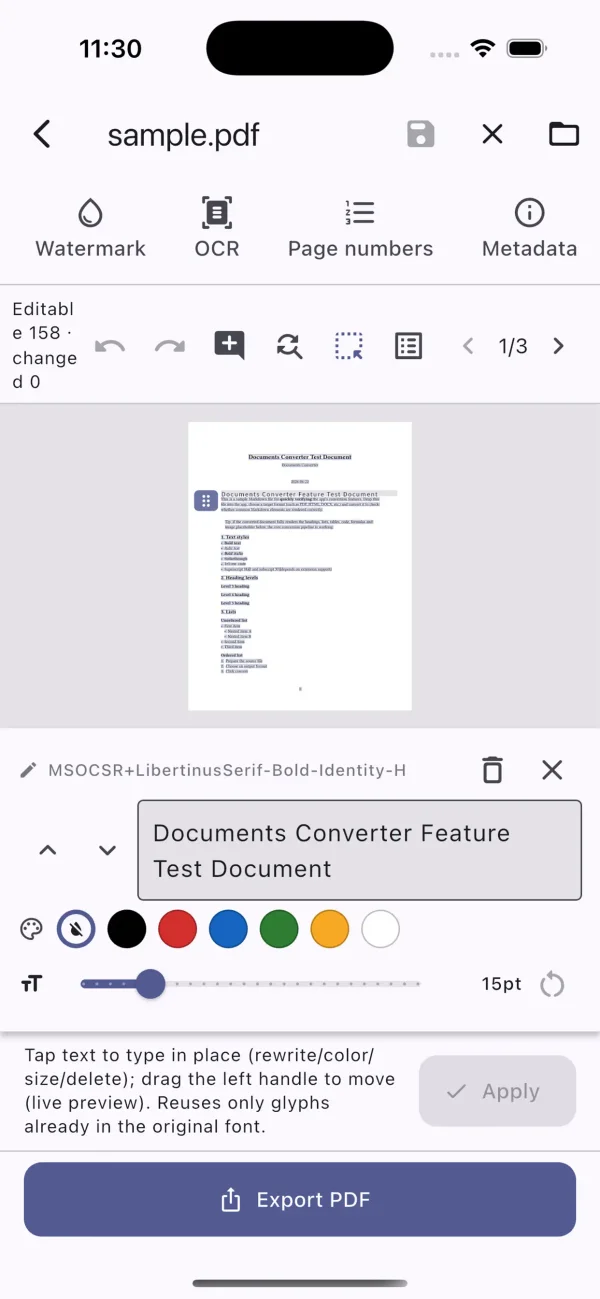
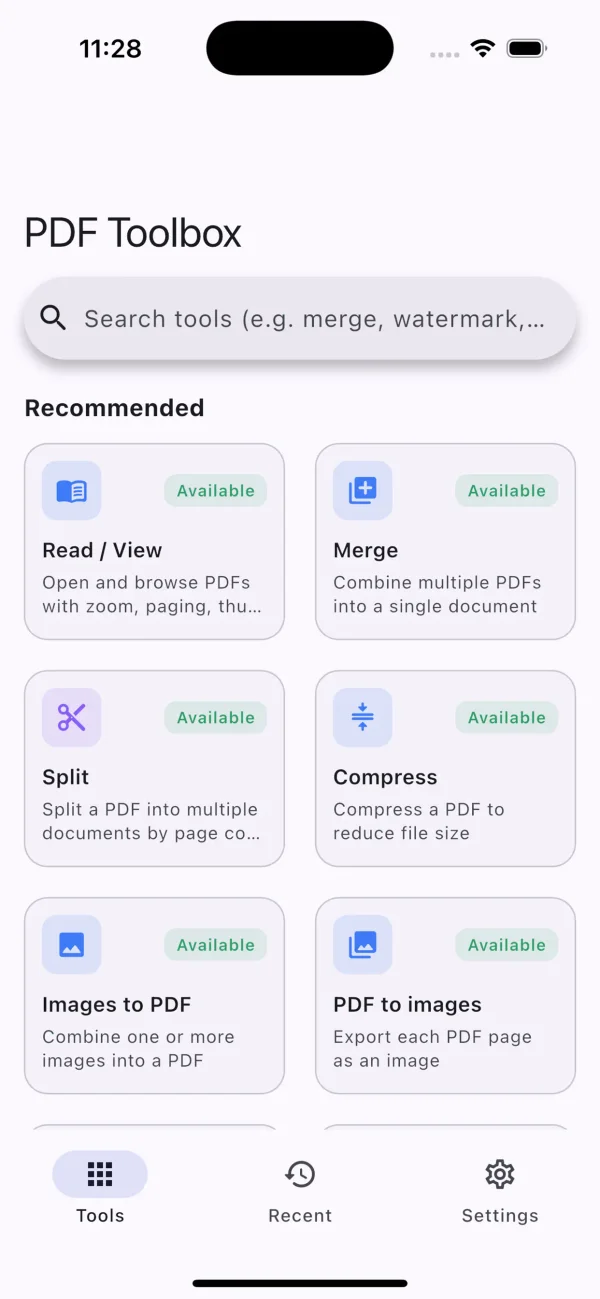
PDF Editor Converter is your all-in-one offline PDF toolbox for iPhone and iPad. Edit, merge, split, compress, convert, sign, and secure PDFs with 74+ professional tools—without uploading files to the cloud.
PRIVACY FIRST — 100% ON-DEVICE
Every operation runs locally on your device. Your documents never leave your iPhone or iPad. Optional RFC 3161 timestamping sends only a document hash, never your file content.
EDIT & ANNOTATE
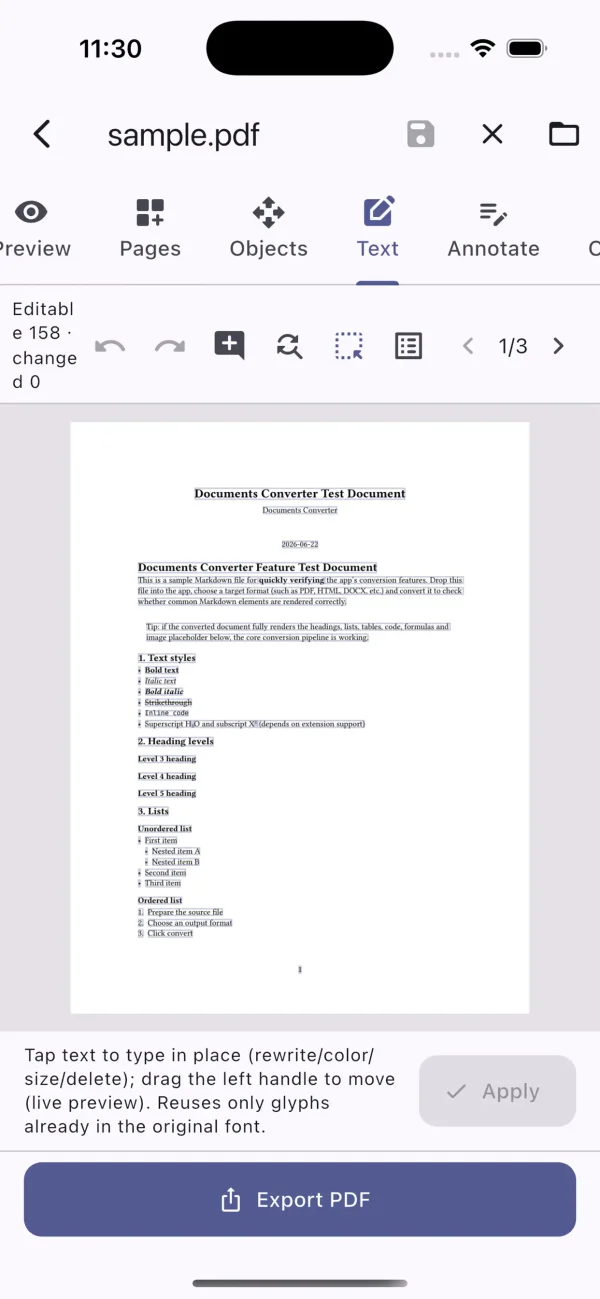
• PDF Editor Workbench: preview pages, edit text in place, add annotations, and export in one flow
• Highlight, draw, add notes, stamps, images, and watermarks
• Fill PDF forms, redact sensitive content, and edit bookmarks/table of contents
SCAN & OCR (MOBILE)
• Scan documents to PDF with your camera—multi-page capture with enhance, grayscale, and black-and-white filters
• On-device OCR for scanned PDFs—make text searchable without sending files online
ORGANIZE PAGES
• Merge PDFs (sequential or interleaved for double-sided scans)
• Split by page, range, chapter, file size, or delimiter
• Rotate, crop, reorder pages with drag-and-drop, extract or delete pages
• N-up layout, booklet imposition, poster split, and single long-page export
CONVERT & EXPORT
• Images ↔ PDF, PDF to images, text, Markdown, HTML, XML, or CSV
• Convert Word, Excel, PowerPoint, EPUB, FB2, Markdown, HTML, and email (.eml) to PDF
• Export PDF to Office formats where supported
SECURITY & SIGNING
• Add or remove password protection and permissions
• Digital certificate signing (PKCS#12), handwritten signatures, signature validation
• Sanitize PDFs, flatten forms, unlock read-only fields
POWER TOOLS
• Compare two PDFs side by side
• Compress PDFs, remove blank pages, auto-rename files
• Build multi-step automation workflows for repetitive tasks
• Repair damaged PDFs, adjust contrast, apply scanner effects
OPEN FROM ANYWHERE
Open PDFs and supported documents directly from the Files app or other apps. Share finished files via the system share sheet.
Whether you are scanning receipts on the go, signing a contract, or batch-processing documents, PDF Editor Converter delivers a complete PDF workflow—private, fast, and entirely on your device.
Supported languages: English, 简体中文, 日本語, Español.
App privacy
What Hefei Yunyilian Intelligent Technology Co., Ltd declares on the App Store about how this app handles data.
-
Data not collected
The developer does not collect any data from this app.
Privacy practices may vary, for example with the features you use or your age.
Information
- Seller
- Hefei Yunyilian Intelligent Technology Co., Ltd
- Category
- Productivity
- Version
- 1.0
- Updated
- Jul 8, 2026
- Released
- Jul 7, 2026
- Size
- 80.7 MB
- Requires
- iOS 15.5 or later
- Age rating
- 4+
- Price
- Free
- Languages
- English
- Copyright
- © OpenIoTHub
You might also like
-
 KuttabPDF - PDF EditorEdit your files, like never
-
 PDF Pro AI EditorPrivate PDF Editor & Scanner
-
 PDF Editor, Converter - ReaderPhoto to PDF, Pdf Compressor
-
 Magic PDF Pro: Offline EditorEdit, Scan & Sign PDF Offline
-
 PDF Fix Pro: PDF Editor ToolsCreate, Scan & Convert PDFs
-
 NoteLockrSecure Notes & Journal
-
 WiPhoneMonitor: Second ScreenUSB/WiFi Display for your Mac
-
 PearlogBuild and manage habits
-
 DisconnectAppProductivity
-
 AnyNote: Infinite CanvasHandwriting, geometry, math