PDF Editor: Edit & Convert PDF
PDF Signer, Document Editor
Designed for iPhone, iPad, Mac
Free · In-app purchases
- Age rating4+
- CategoryBusiness
- DeveloperMaxima Apps
- LanguagesEnglish+ 8 more
- Size77.0 MB
Links to the official App Store page
Download.org hosts no file of PDF Editor: Edit & Convert PDF. The button opens its official App Store page, published by Maxima Apps. Listing last checked on Nov 12, 2026.
Screenshots
About
PDF Editor: Scan, Convert & Sign Documents
Working with PDFs should feel simple and efficient.
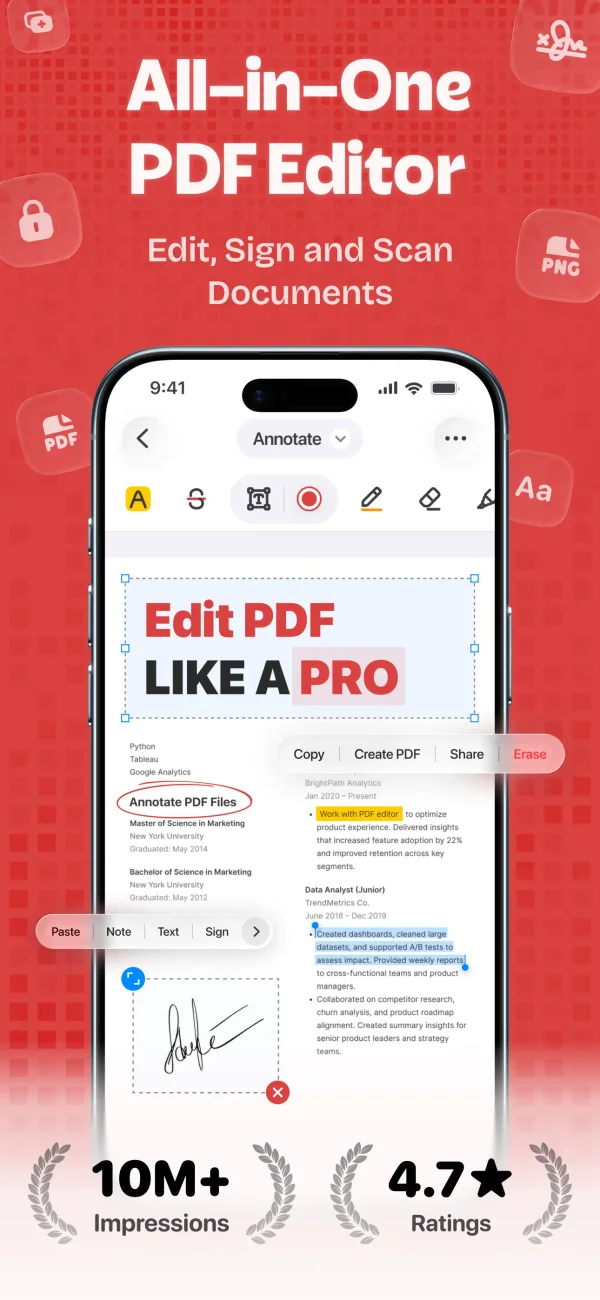
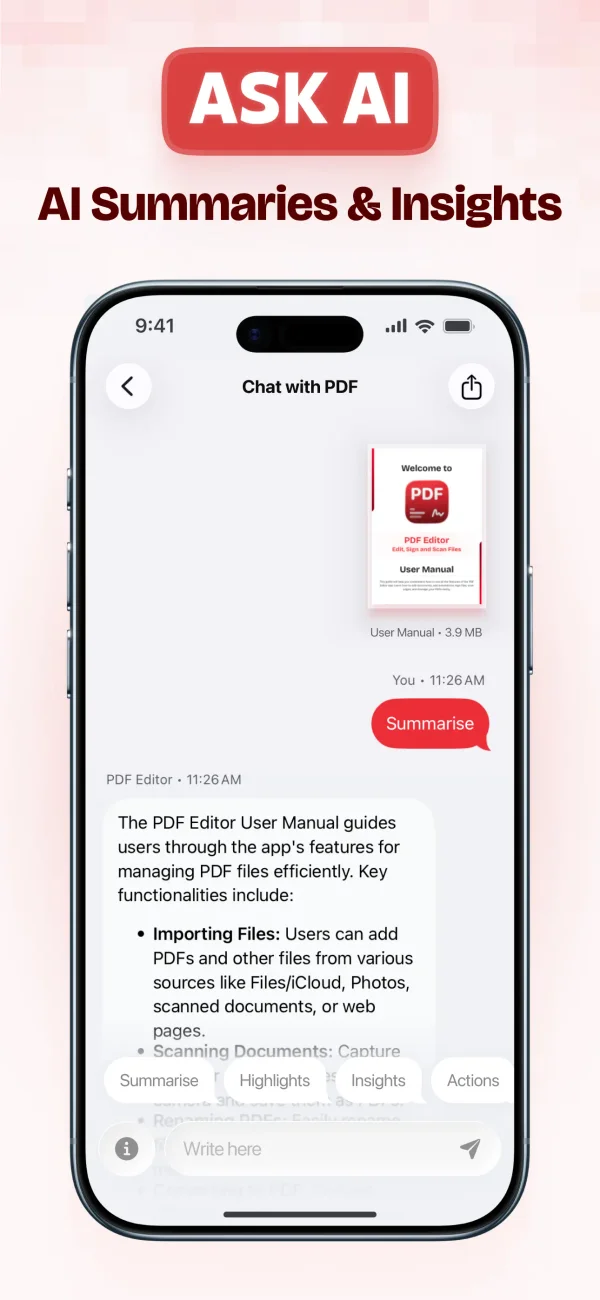
PDF Editor helps you scan documents, edit PDFs, convert files, and sign documents—all in one easy-to-use app. Whether you're managing work files, study materials, or personal documents, everything stays organized and accessible.
All-in-One PDF Editor & Scanner
Edit, merge, convert, and manage your PDFs with a smooth workflow designed for everyday use.
Edit, Merge & Organize PDFs
Stay in control of your files with powerful editing tools:
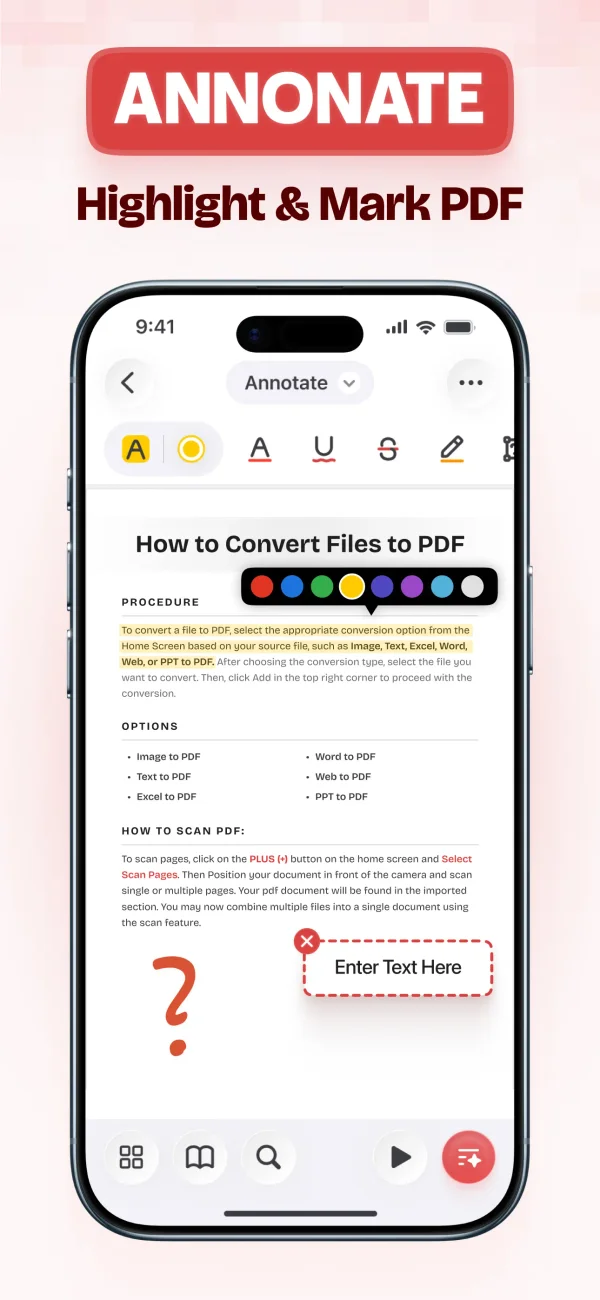
• Add text and annotations to PDFs
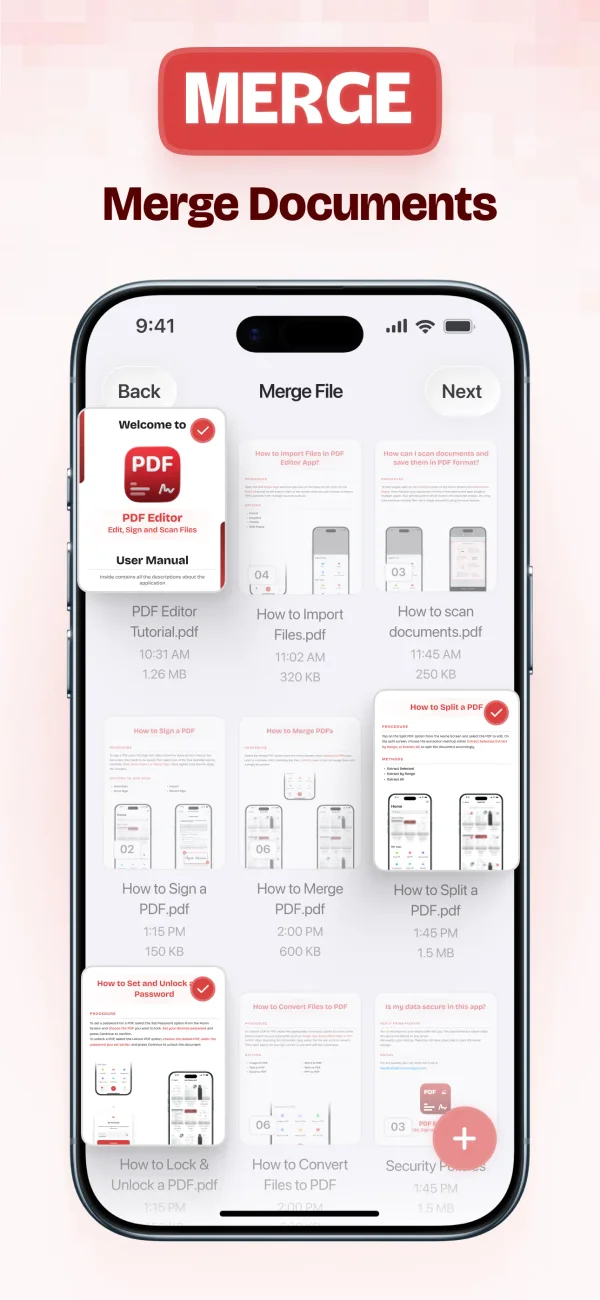
• Merge multiple PDFs into one file
• Split large PDFs into smaller sections
• Reorder, rotate, or delete pages
• Manage pages with simple controls
Perfect for organizing documents, notes, and reports.
Sign & Protect Documents
Handle important files securely:
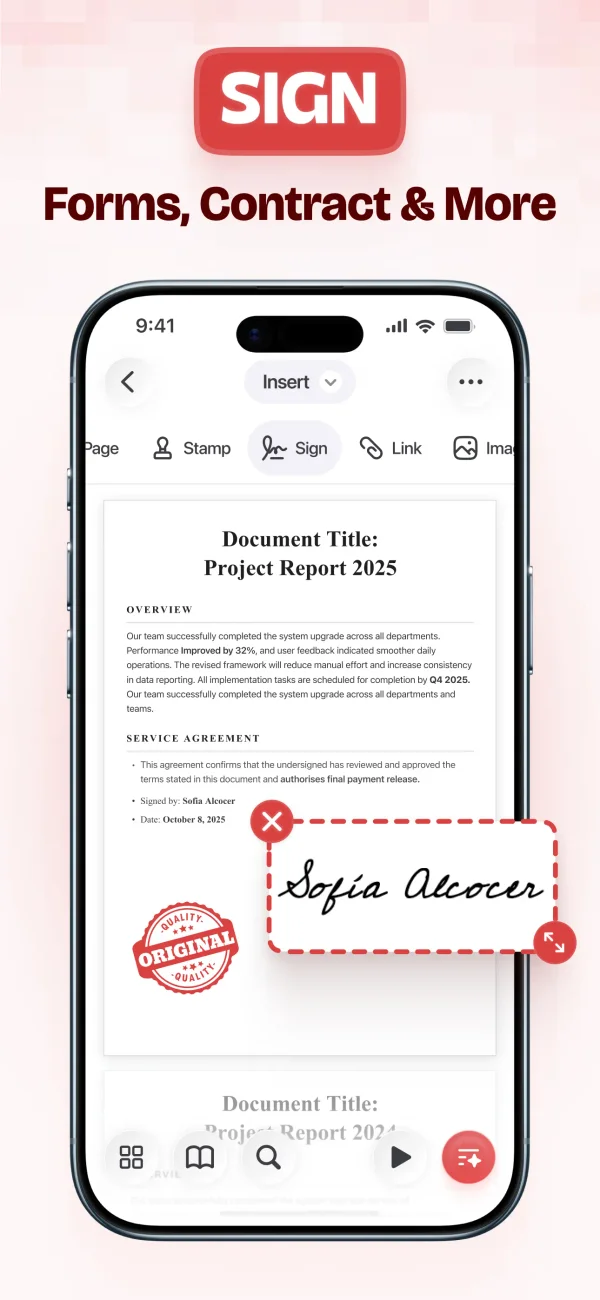
• Add signatures to forms and documents
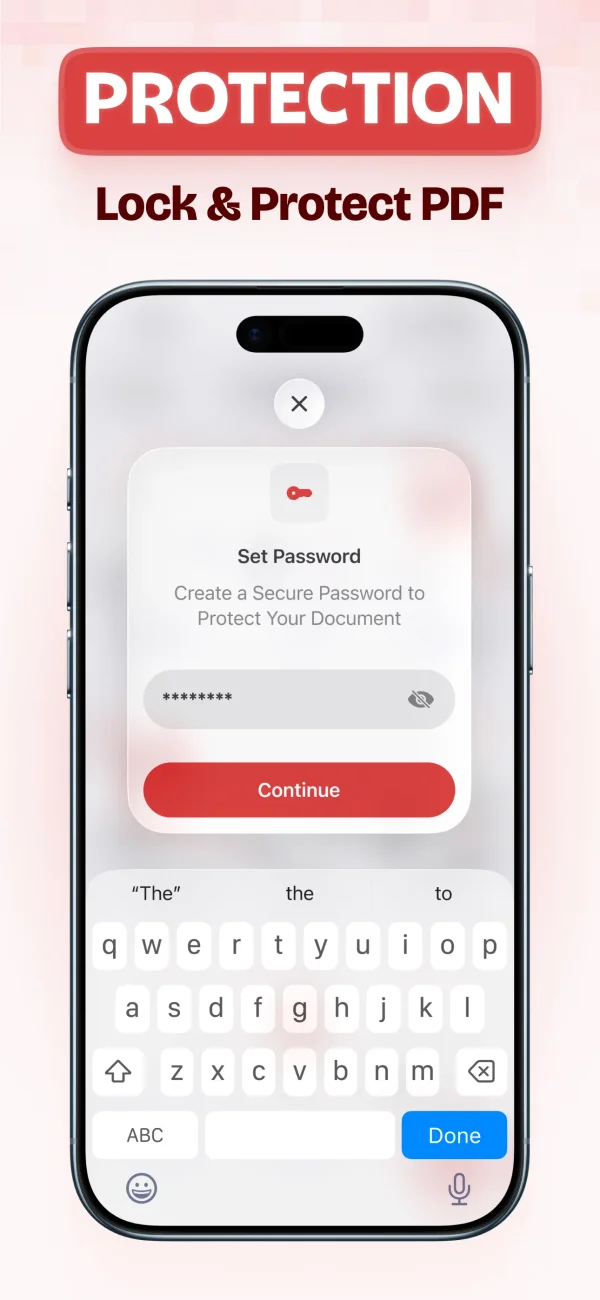
• Set passwords to protect sensitive PDFs
• Open password-protected files
Convert Files to PDF
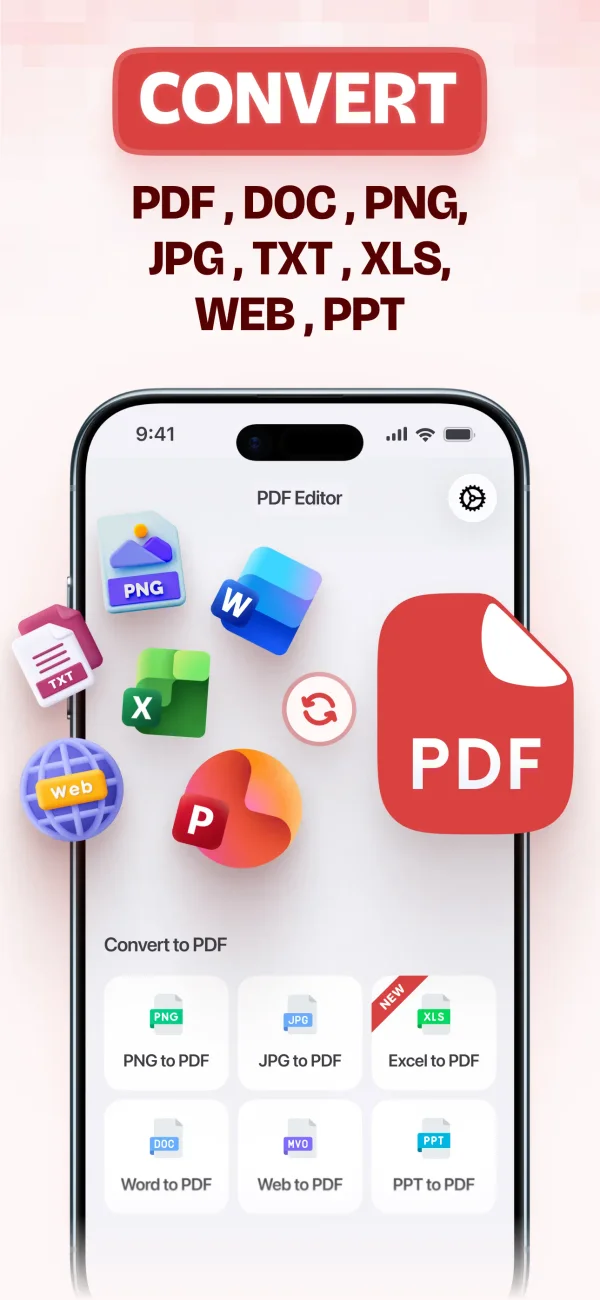
Use a fast PDF converter while keeping formatting consistent:
• Image to PDF
• Text to PDF
• Word to PDF
• Excel to PDF
Scan Documents Anytime
Turn your device into a portable PDF scanner:
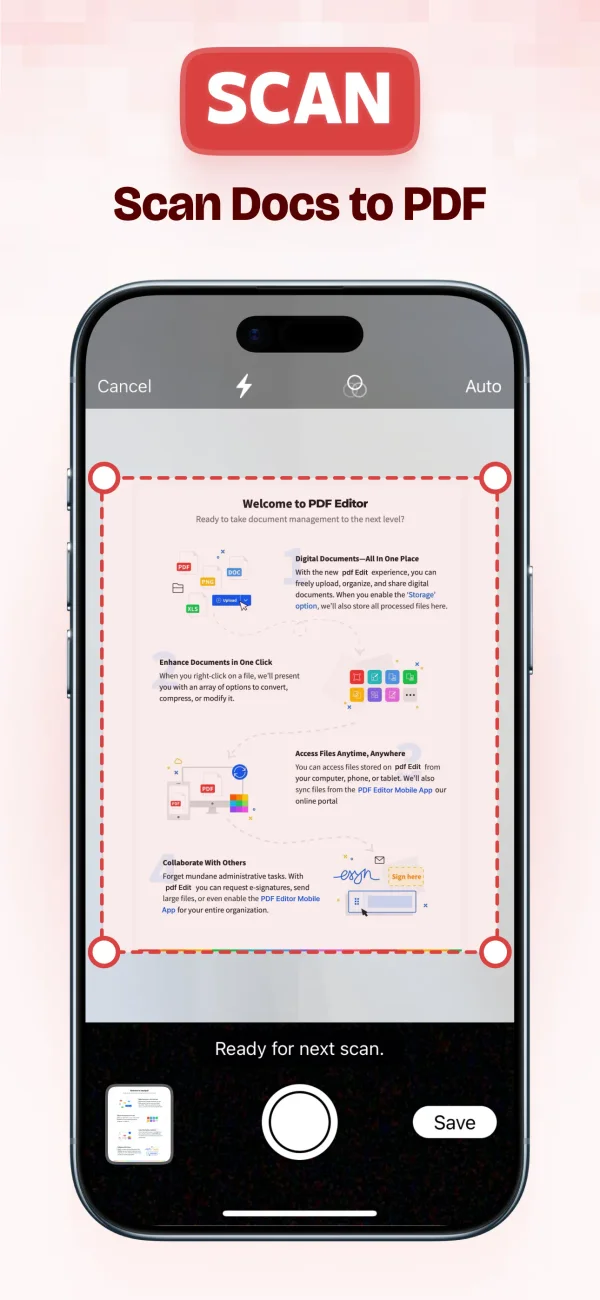
• Scan receipts, notes, and documents
• Automatic edge detection for clear scans
• Adjust, crop, and enhance scans
• Save instantly as PDF files
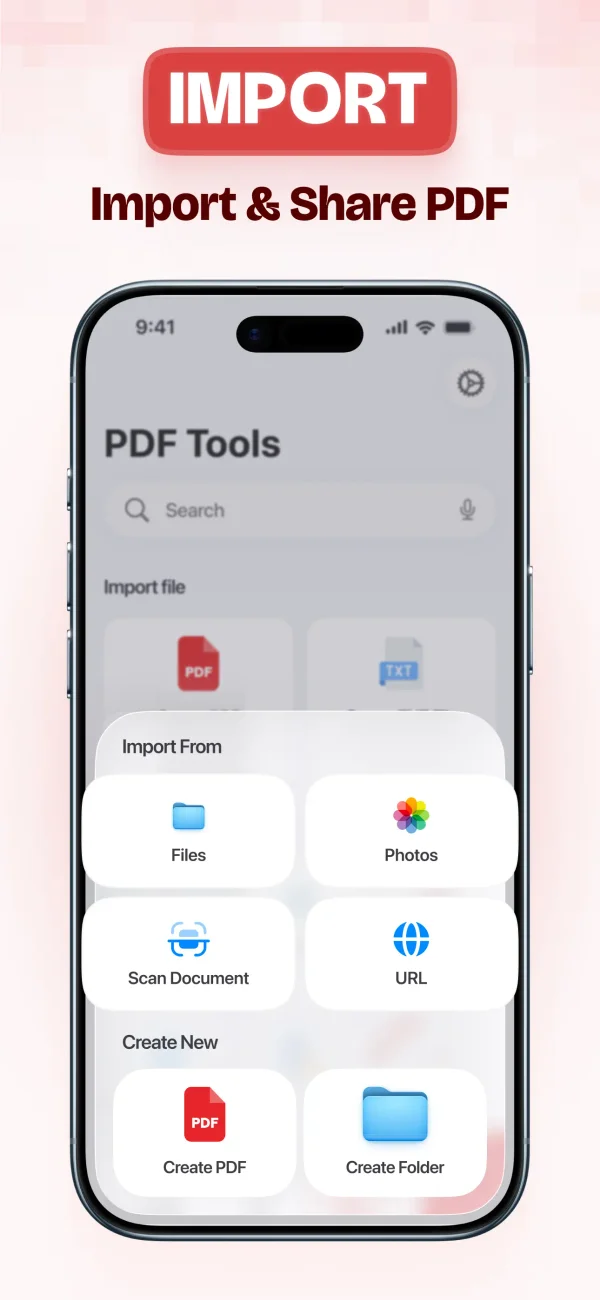
Import Files from Multiple Sources
Access your documents easily:
• Files app
• Photos
• iCloud Drive
• Dropbox
• Import via URL
(Third-party services are supported for import functionality only.
This app is not affiliated with or endorsed by these services.)
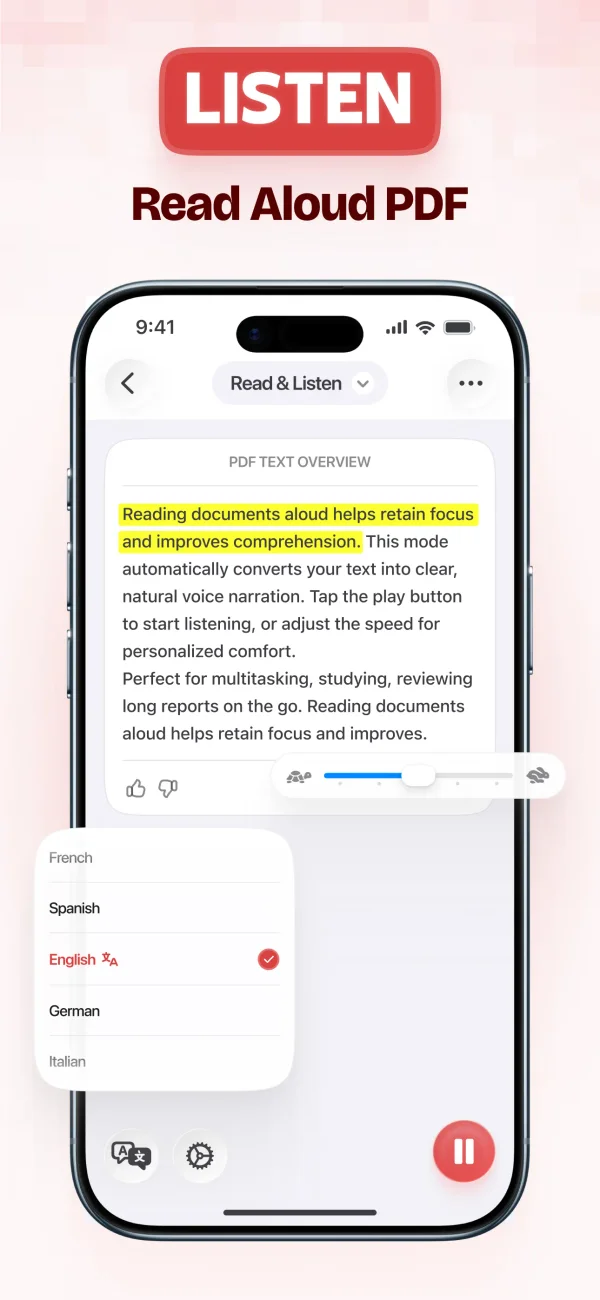
Read or Listen to PDFs
Review documents your way:
• Smooth PDF reader with zoom and navigation
• Listen with built-in text-to-speech
Organize Your Files Efficiently
Keep everything structured:
• Rename, move, or duplicate files
• Create folders
• Search by file name or type
Share & Print Easily
• Share via Mail, AirDrop, or other apps
• Print documents directly
Privacy-Focused Experience
Your documents are handled with care, focusing on reliable performance and respecting your privacy.
Privacy Policy: https://maximaapps.com/policy/privacy_policy.html
Terms of Use: https://maximaapps.com/policy/terms_of_use.html
What’s new
Version 3.1.5 · Sep 25, 2026
We fixed bugs to make your experience smoother.
App privacy
What Maxima Apps declares on the App Store about how this app handles data.
-
Data used to track you
May be used to track you across apps and websites owned by other companies.
- Identifiers
-
Data linked to you
May be collected and linked to your identity.
- Identifiers
-
Data not linked to you
May be collected but is not linked to your identity.
- User content
- Diagnostics
Privacy practices may vary, for example with the features you use or your age.
Information
- Seller
- Maxima Apps
- Category
- Business
- Version
- 3.1.5
- Updated
- Sep 25, 2026
- Released
- Jan 30, 2021
- Size
- 77.0 MB
- Requires
- iOS 17.0 or later
- Age rating
- 4+
- Price
- Free
- In-app purchases
- Yes
- Languages
- English, French, German, Italian, Japanese, Portuguese, Russian, Simplified Chinese, Spanish
- Copyright
- © Maxima Apps
You might also like
-
 PDF Export: Editor & ConverterTools, Scan, Compress & Merge
-
 PDF Editor: sign, fill & moreDocs Scanner, Editor, Convert
-
 PDF Editor Docs files scannerRead Scan & write PDF files
-
 PDF Editor: Fill, Edit, e SignPDF Files Cam Scanner & Reader
-
 PDF Editor - Edit Everything!Convert, Sign, Merge, Compress
-
 Swift PDF Editor: Scan & SignPDF Editor: Fill and Sign File
-
 PDF Editor: Fill Edit,Sign PDFPDF files reader, filler esign
-
 PDF Hero - PDF Editor & ReaderCreate & Edit PDF Documents
-
 FreePDF - PDF Editor & ReaderPDF Converter,PDF Scanner,Sign
-
 PDF Creator - Fill and SignConvert, read and edit PDF