PDF Editor: Fill, Edit, e Sign
PDF Files Cam Scanner & Reader
Designed for iPhone, iPad, Mac, iPod touch
Free · In-app purchases
- Age rating4+
- CategoryBusiness
- DeveloperMK Apps Private Limited
- LanguagesEnglish+ 19 more
- Size158.3 MB
Links to the official App Store page
Download.org hosts no file of PDF Editor: Fill, Edit, e Sign. The button opens its official App Store page, published by MK Apps Private Limited. Listing last checked on Nov 23, 2026.
Screenshots
About
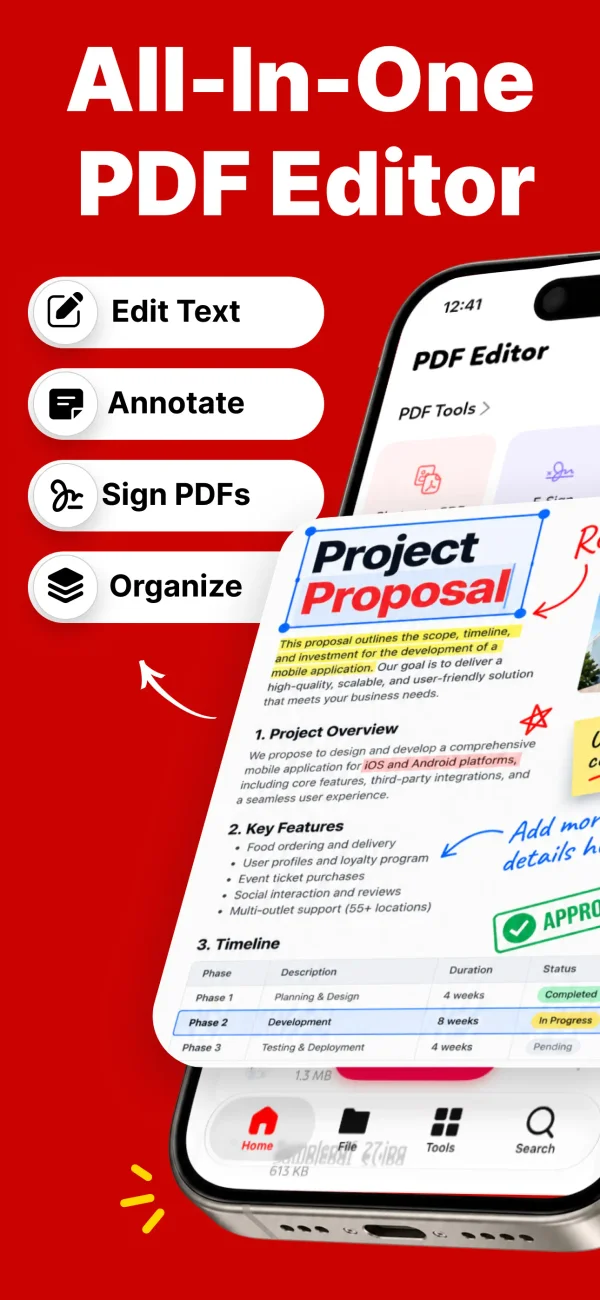
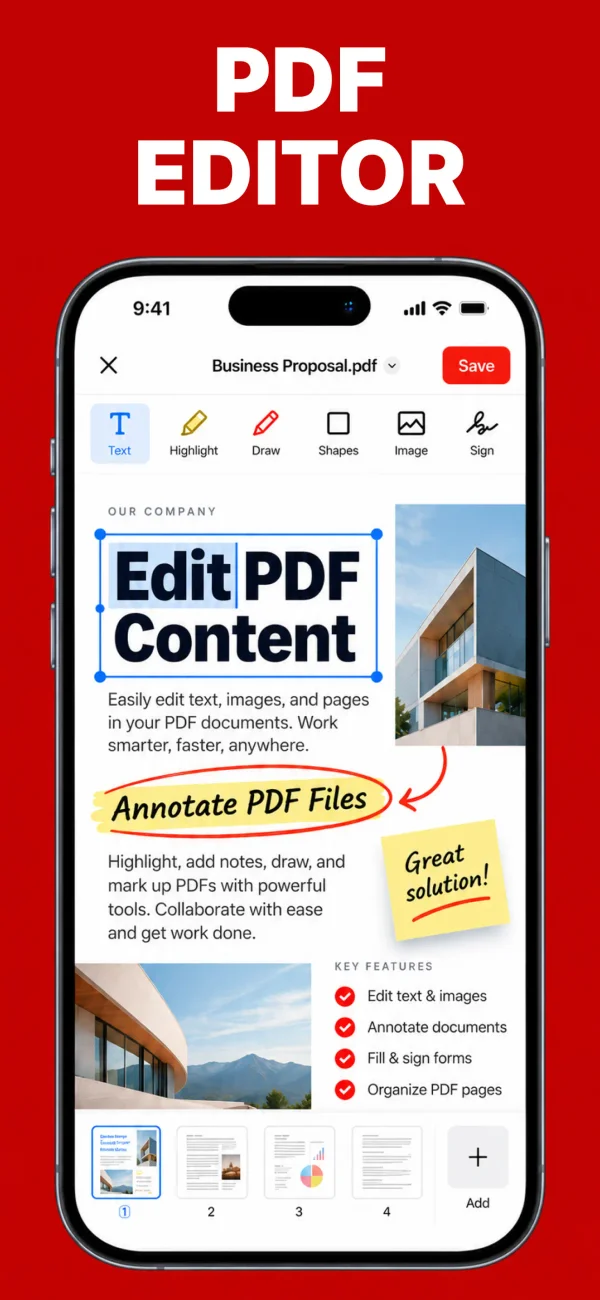
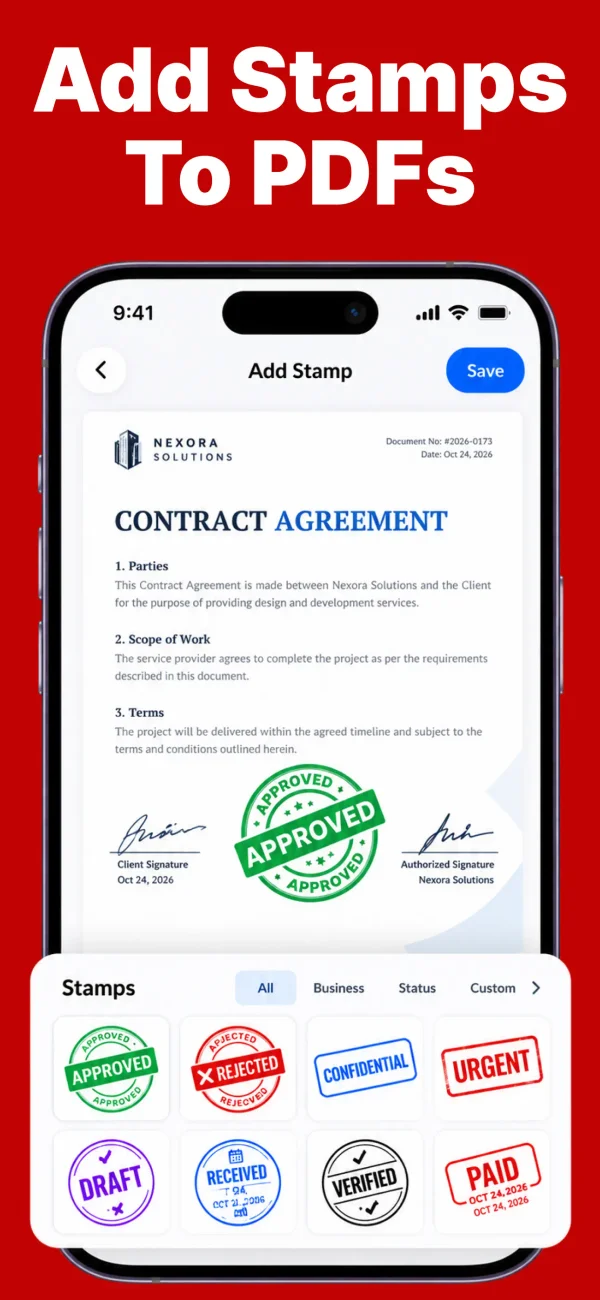
PDF Editor, fill the form, esign, annotation, photo to PDF & Many more.
It includes tons of features to make it easy to edit for PDF files & easily share your business contracts.
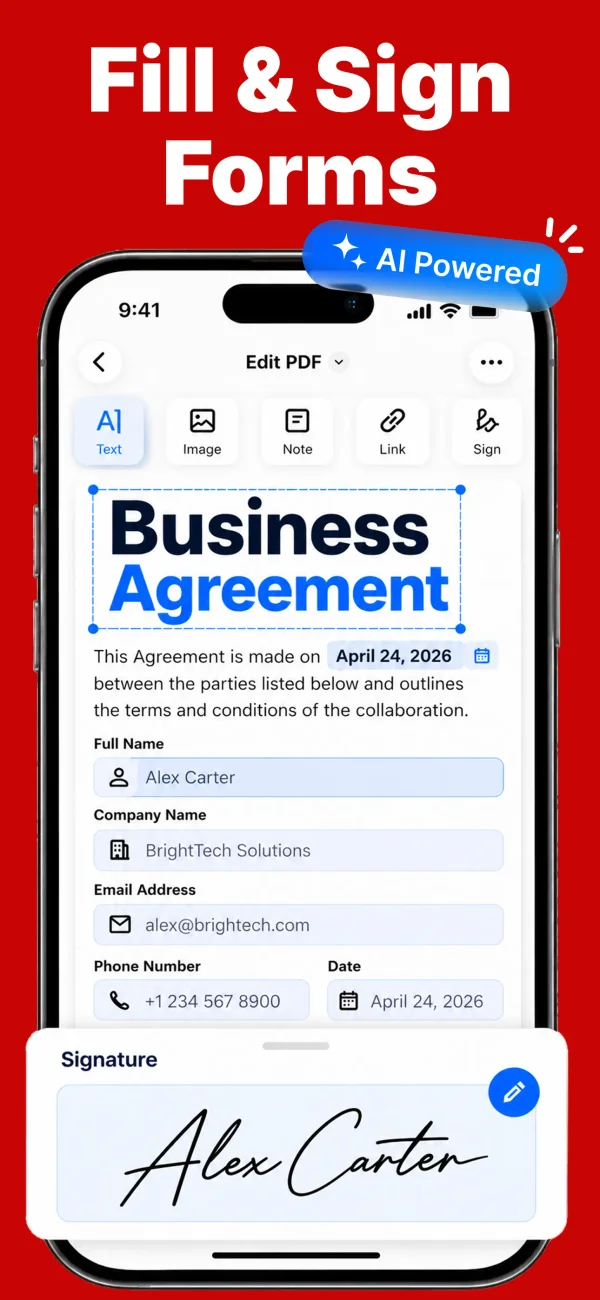
Fill in PDF Forms with this app PDF Filler & Editor
-Quickly fill out PDF Forms
-CREATE A PDF
-PRINT A PDF
-PRINT TO PDF
-VIEW A PDF FILE
-EDIT A PDF FILE
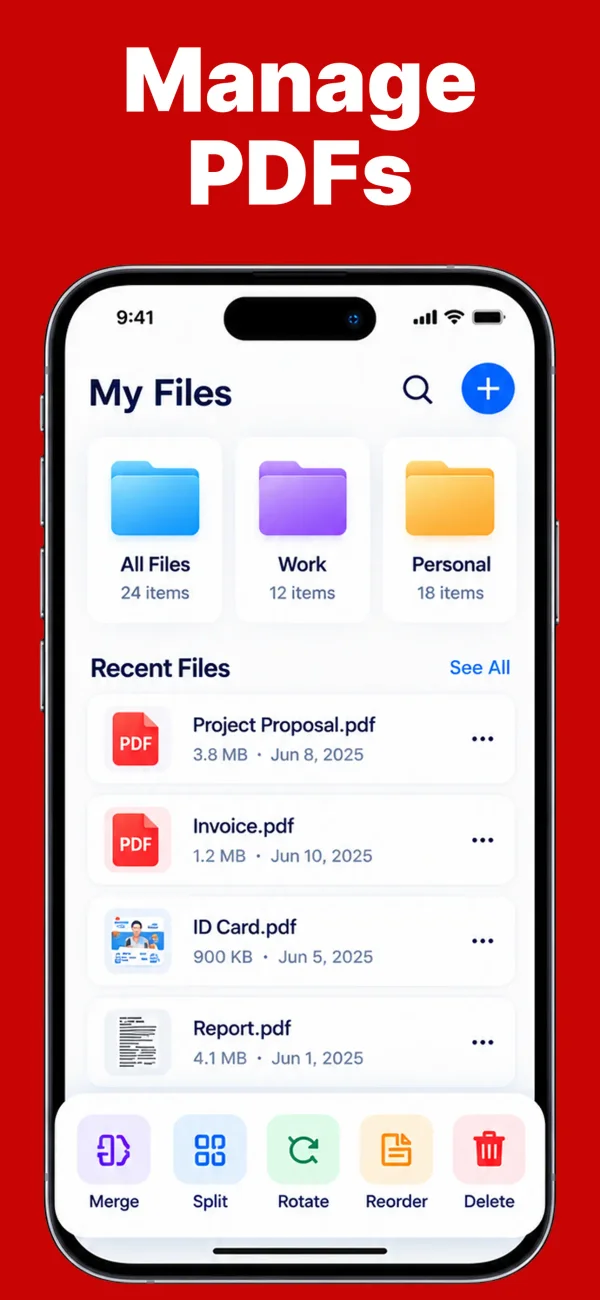
-REORDER PAGES OF A PDF
-ROTATE A PDF
-SIGN A PDF
-SPLIT A PDF FILE
WRITE ON A PDF FILE
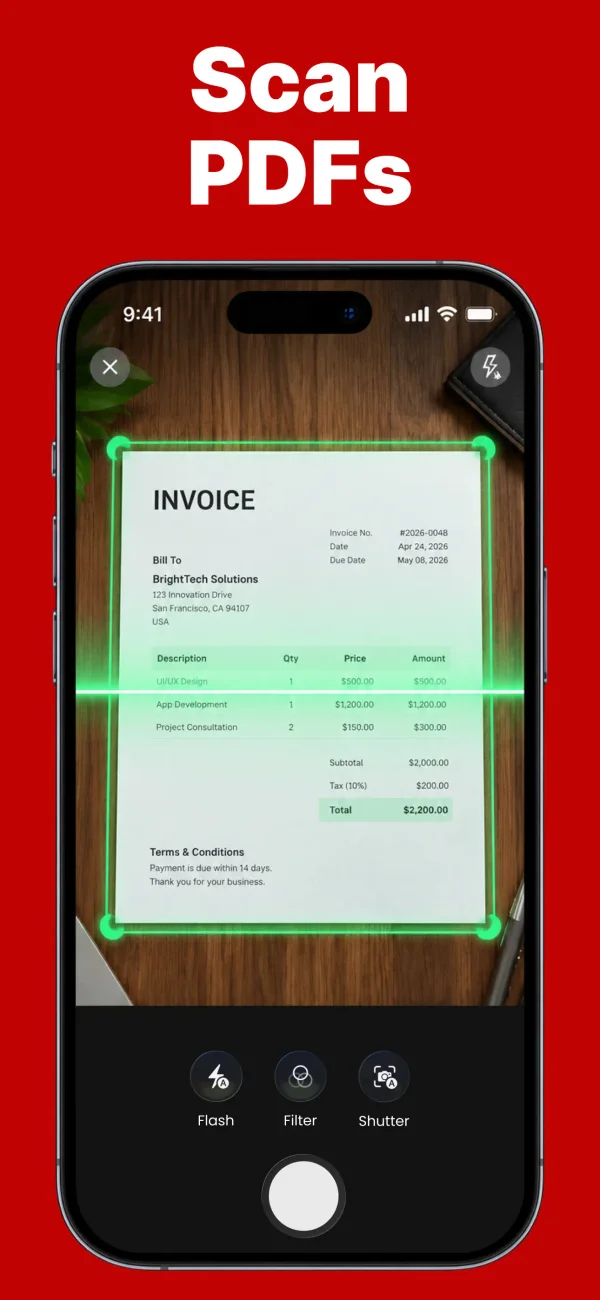
- Scan documents one or multi-page.
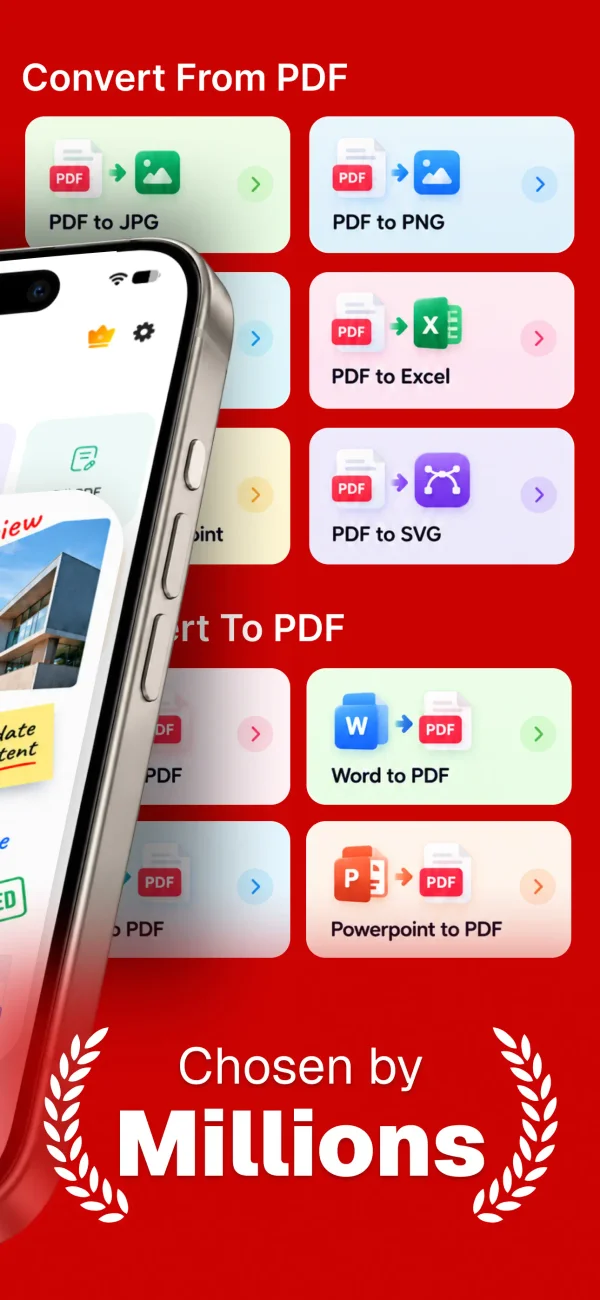
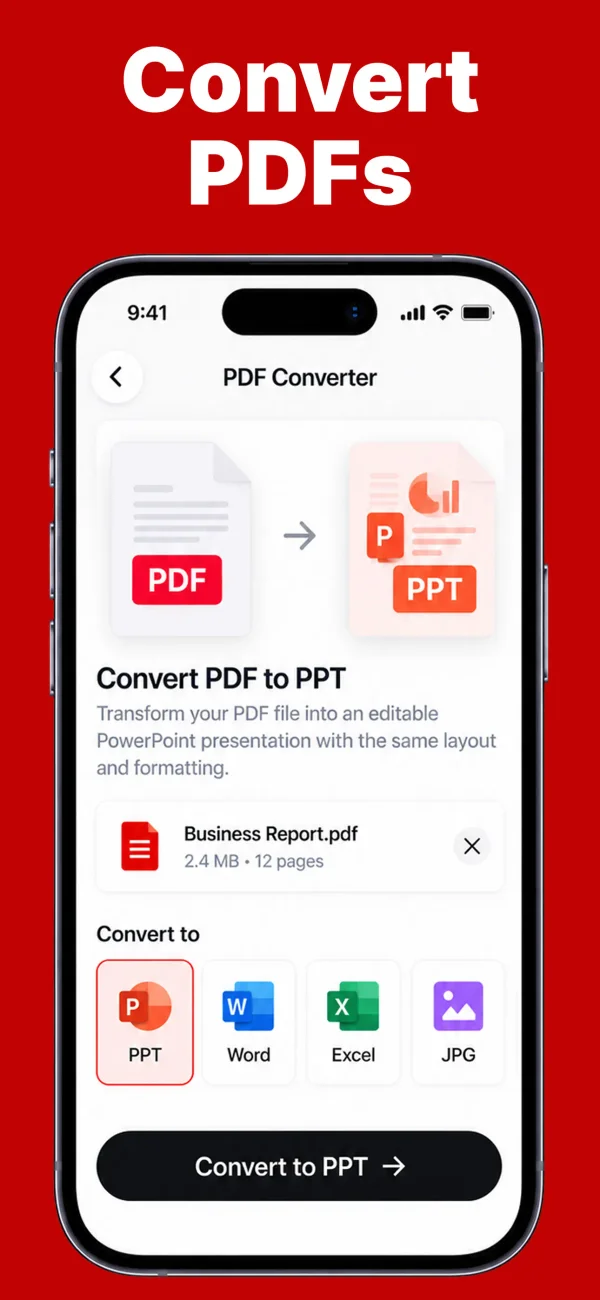
- Export documents in different formats
- Share documents to email or clouds
- Add signature or watermarks
- Contracts, Invoices, Bills
- Pages & Articles
- ID cards, Credentials, Certificates
- OCR
- PDF Annotation
- PDF Fill & EDIT
PDF Editor is quick and easy to use!
UNLIMITED ACCESS SUBSCRIPTION
• You can subscribe for unlimited access to all features and content offered for purchases within PDF Editor
• Subscriptions are billed monthly, or annually at the rate selected depending on the subscription plan.
• Payment will be charged to your iTunes Account at confirmation of purchase
• Subscription automatically renews at the cost of the chosen package unless auto-renew is turned off at least 24 hours before the end of the current period
• Account will be charged for renewal within 24 hours prior to the end of the current period, and identify the cost of the renewal
• Subscriptions may be managed by the user and auto-renewal may be turned off by going to the user's Account Settings after purchase
• If eligible for a free trial and you subscribe before your free trial ends, the rest of your free trial
period will be forfeited as soon as your purchase is confirmed. Subscriptions will start immediately after the free trial ends unless canceled at least 24 hours prior to the end of the trial period.
- Terms of use: https://mkapps.app/pdfeditor/terms-condition.html
- Privacy policy: https://mkapps.app/pdfeditor/privacy-policy.html
What’s new
Version 1.1.95 · Nov 11, 2026
- Introducing a refreshed PDF Editor UI for a smoother and more intuitive experience.
- Improved functionalities for better performance and usability.
- Updated tab bar icons with a fresh, modern look.
Update now and enjoy an enhanced PDF editing experience!
App privacy
What MK Apps Private Limited declares on the App Store about how this app handles data.
-
Data not linked to you
May be collected but is not linked to your identity.
- User content
- Identifiers
- Usage data
Privacy practices may vary, for example with the features you use or your age.
Information
- Seller
- MK APPS PRIVATE LIMITED
- Category
- Business
- Version
- 1.1.95
- Updated
- Nov 11, 2026
- Released
- Dec 16, 2021
- Size
- 158.3 MB
- Requires
- iOS 15.6 or later
- Age rating
- 4+
- Price
- Free
- In-app purchases
- Yes
- Languages
- English, Arabic, Croatian, Czech, Danish, Dutch, Finnish, French, German, Greek, Hebrew, Hungarian + 8 more
- Copyright
- © MK APPS PRIVATE LIMITED
You might also like
-
 PDF Hero - PDF Editor & ReaderCreate & Edit PDF Documents
-
 PDF Editor - Edit Everything!Convert, Sign, Merge, Compress
-
 FreeEdit, PDF EditorProductivity
-
 PDF Pro - Reader Editor FormsEdit, annotate, view documents
-
 PDF Fill & Sign. Editor FillerDocument Reader and Signer
-
 PDF Export: Editor & ConverterTools, Scan, Compress & Merge
-
 PDF Editor: Fill Edit,Sign PDFPDF files reader, filler esign
-
 PDF Editor: Edit & Convert PDFPDF Signer, Document Editor
-
 PDFMaker: JPG to PDF converterDocument scanner & PDF creator
-
 Foxit PDF EditorView, Edit, Convert, and Sign