PDF Editor: Merge, Split, Scan
Compress PDF,OCR & Delete Page
Designed for iPhone, iPad
Free
- Age rating4+
- CategoryProductivity
- DeveloperAsmitaben Viradiya
- LanguagesEnglish
- Size79.4 MB
Links to the official App Store page
Download.org hosts no file of PDF Editor: Merge, Split, Scan. The button opens its official App Store page, published by Asmitaben Viradiya. Listing last checked on Nov 18, 2026.
Screenshots

About
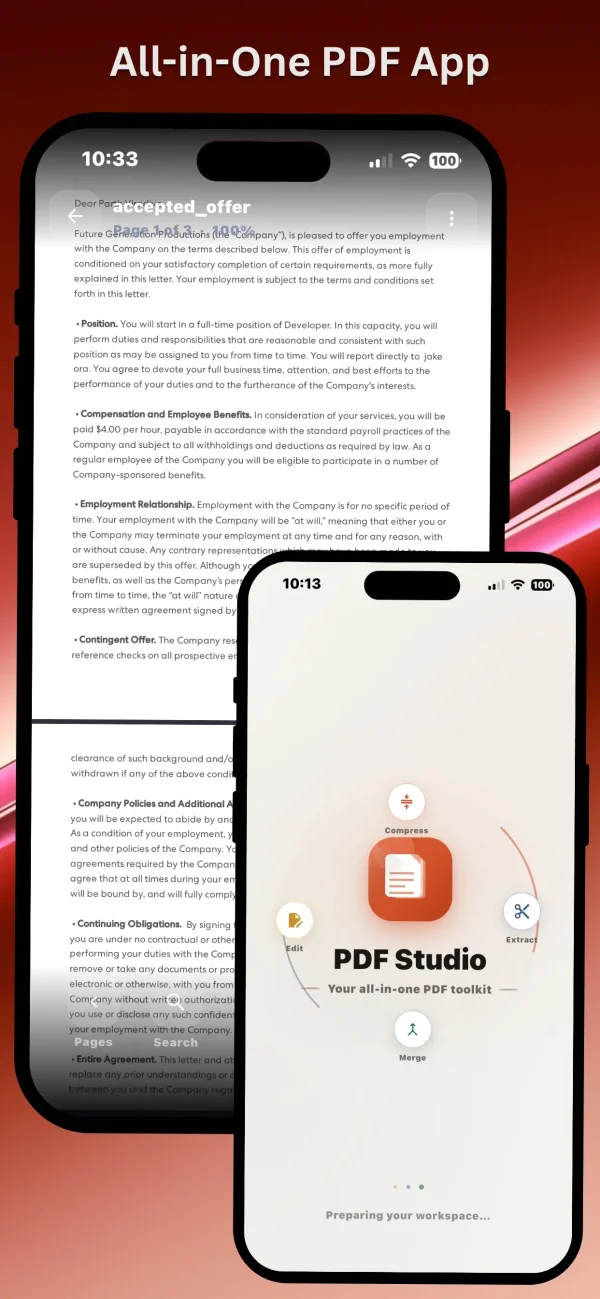
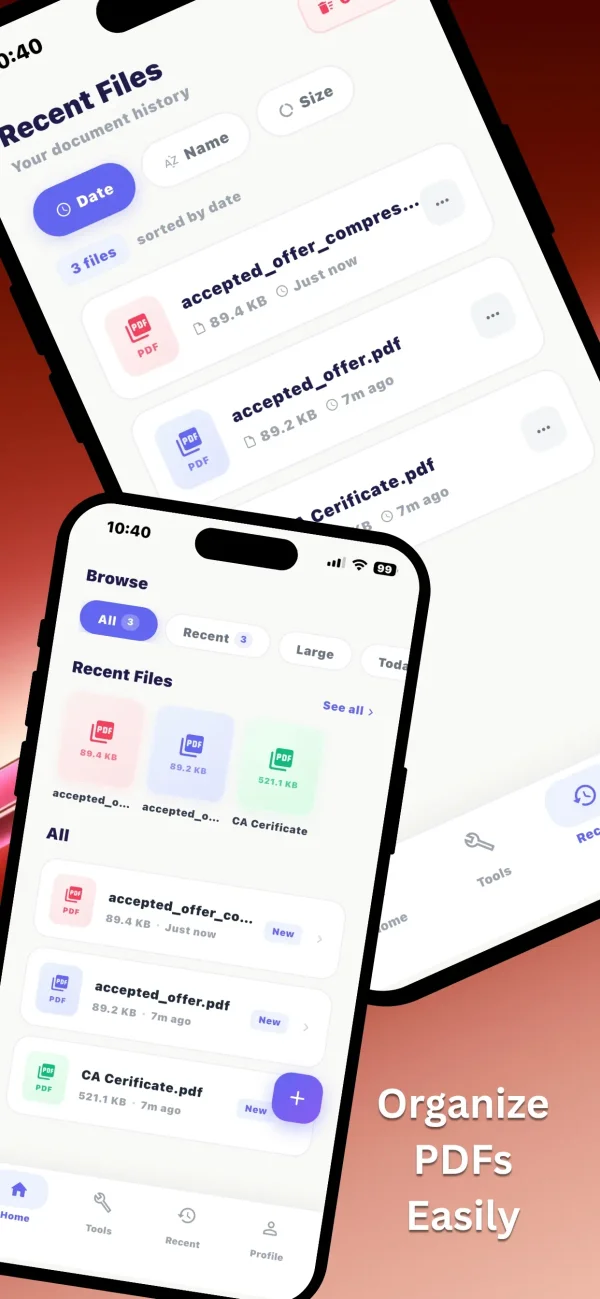
PDF Editor — merge PDF files, split PDF, compress PDF, scan documents with camera OCR, extract pages, delete pages, duplicate and rename PDF. The all-in-one PDF management tool for iPhone & iPad.
PDF MANAGEMENT TOOLS:
MERGE PDF
Combine multiple PDF files into one document instantly. Merge PDF files from Files app, Google Drive, iCloud, or Dropbox. No file size limits. No watermark. The fastest PDF merger on iPhone.
SPLIT PDF
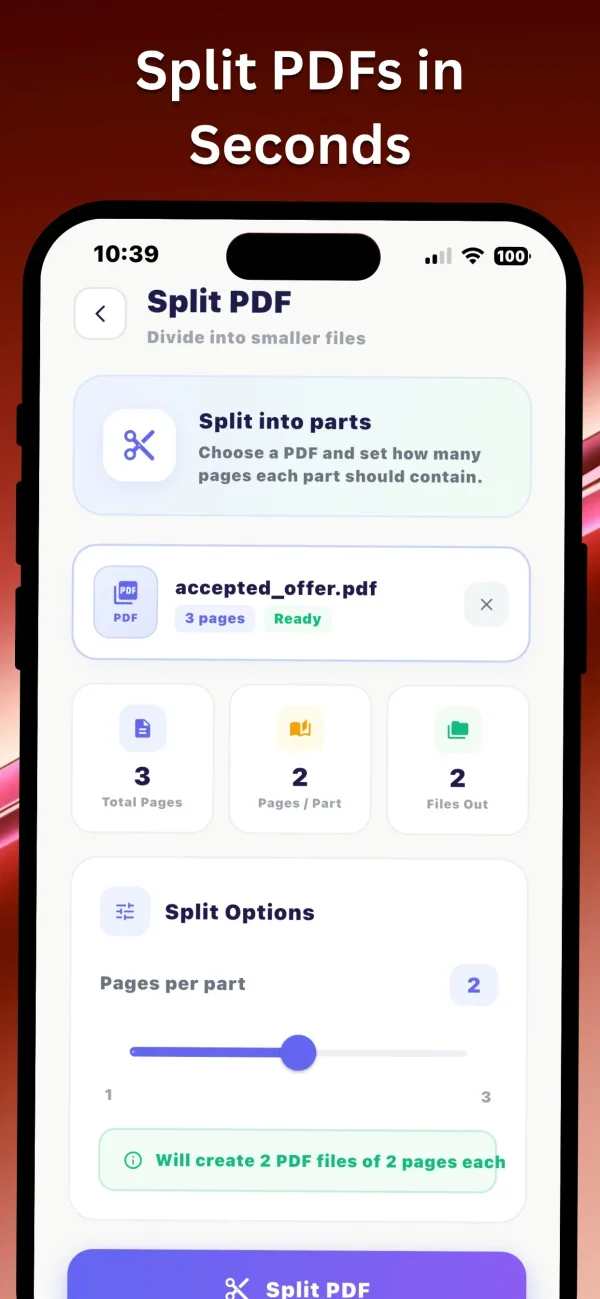
Split PDF files into separate pages or custom page ranges. Separate any PDF into individual files with a single tap. Works fully offline — split PDF without uploading to any server.
COMPRESS PDF
Reduce PDF file size without losing quality. Compress PDF for email, iMessage, or cloud sharing. Shrink PDF documents from megabytes to kilobytes in seconds.
DELETE PAGES
Remove unwanted pages from any PDF. Delete PDF pages one by one or select multiple pages to delete in bulk. Preview every page before you delete.
EXTRACT PAGES
Extract specific pages from a PDF and save them as a brand-new file. Our PDF page extractor lets you pull out any page range with full precision.
DUPLICATE PAGES
Copy and duplicate pages within any PDF document. Perfect for reusable templates, repeated form sections, and structured reports.
RENAME & ORGANIZE PDF
Rename PDF files, sort your library, and keep all your documents organized in one clean interface.
OCR & SCANNING TOOLS:
CAMERA SCAN TO PDF
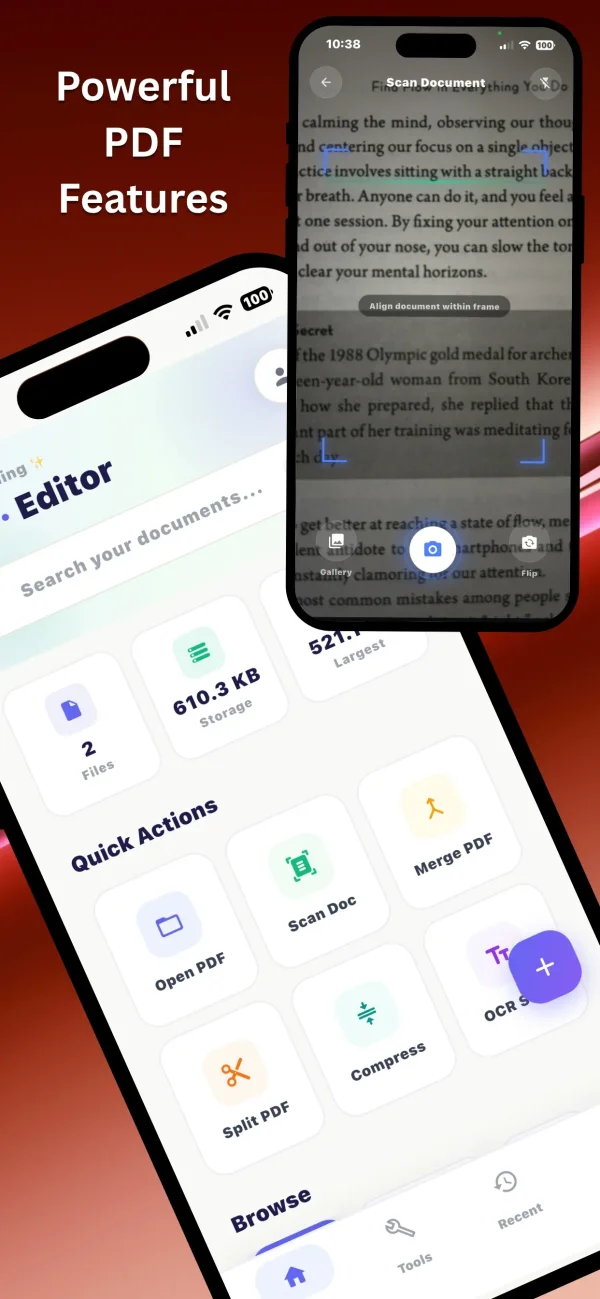
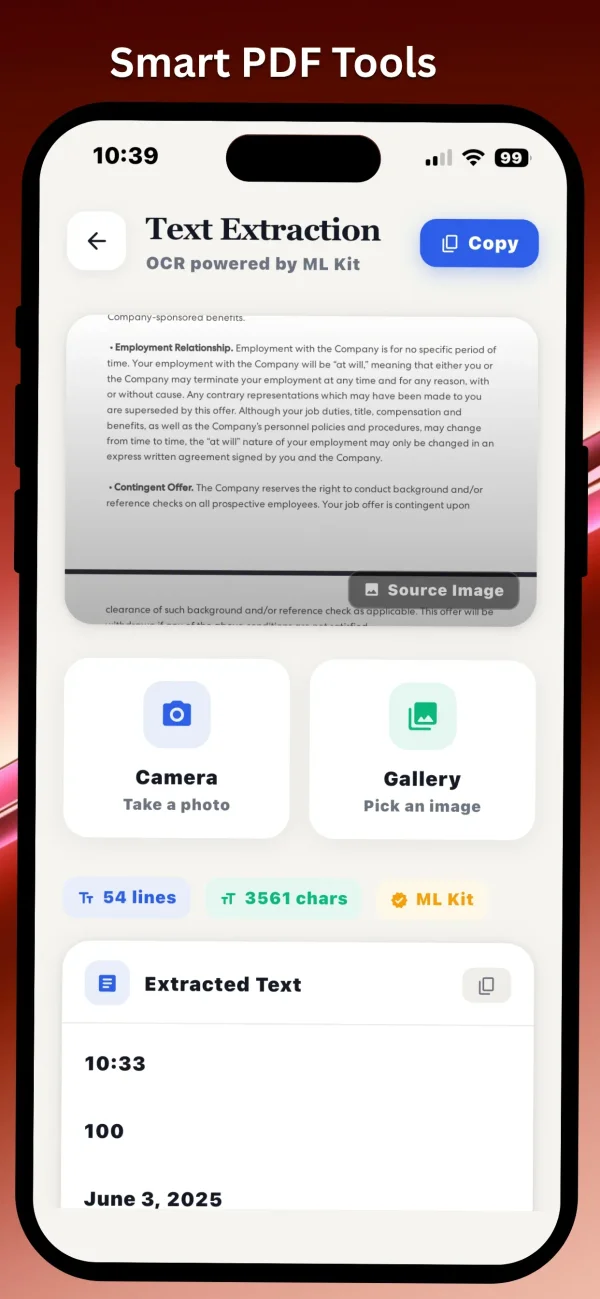
Use your iPhone or iPad camera to scan paper documents directly to PDF. Our built-in document scanner auto-detects edges, corrects perspective, and produces sharp, clean PDF scans. Scan receipts, contracts, notes, forms, and books — all saved instantly as PDF.
OCR — EXTRACT TEXT FROM PDF
Turn any scanned PDF into searchable, editable text using advanced OCR (optical character recognition). Extract text from PDF images, scanned documents, and image-only PDFs with high accuracy. Copy, search, or export the extracted text directly.
WHY USERS CHOOSE THIS APP:
Works 100% offline — no internet required
No account or sign-up needed
No watermarks on any output
No file size limits
All tools in one free app
Fast, clean interface designed for iPhone & iPad
App privacy
What Asmitaben Viradiya declares on the App Store about how this app handles data.
-
Data used to track you
May be used to track you across apps and websites owned by other companies.
- Usage data
- Diagnostics
- Other data
-
Data not linked to you
May be collected but is not linked to your identity.
- Usage data
- Diagnostics
- Other data
Privacy practices may vary, for example with the features you use or your age.
Information
- Seller
- Asmitaben Viradiya
- Category
- Productivity
- Version
- 1.0
- Updated
- Apr 9, 2026
- Released
- Apr 8, 2026
- Size
- 79.4 MB
- Requires
- iOS 16.6 or later
- Age rating
- 4+
- Price
- Free
- Languages
- English
- Copyright
- © @PDFEditorMergeSplitScan
You might also like
-
 PDF Splitter by OpenSquareExtract Pages from PDF
-
 Cozy PDF Tools: Merge & SplitImage to PDF, Merge & Split
-
 PDF Scanner: PageMusterFind Missing & Duplicate Pages
-
 Pure PDF ScannerScan, Edit, Join & Split PDFs
-
 Flourish PDF: Editor & OCRAnnotate, Sign, Fill & Convert
-
 Sheeba AIAI Video Dubbing & Translation
-
 PDF Editor: Scan to PDFScan.Edit.Fill.Sign.Merge
-
 LoPDF: PDF to WordOffline Images, Split, Delete
-
 PDF Reader & Tools: PDFKitMerge, Compress, Sign & Scan
-
 BryxeBryxe, making your life easier