
PDF Editor, Reader, Scanner
Edit, Sign & Print Documents
Designed for iPhone, iPad, iPod touch
Free · In-app purchases
- Age rating4+
- CategoryProductivity
- DeveloperTVGSOFT LIMITED
- LanguagesEnglish+ 12 more
- Size123.1 MB
Links to the official App Store page
Download.org hosts no file of PDF Editor, Reader, Scanner. The button opens its official App Store page, published by TVGSOFT LIMITED. Listing last checked on Nov 22, 2026.
Screenshots


About
Turn your phone into an all-powerful mobile office! PDF Editor, Reader, Scanner is the only app you need to digitize, edit, sign, print, and convert any document — instantly, right from your pocket.
Drowning in paper receipts, IDs, and loose documents?
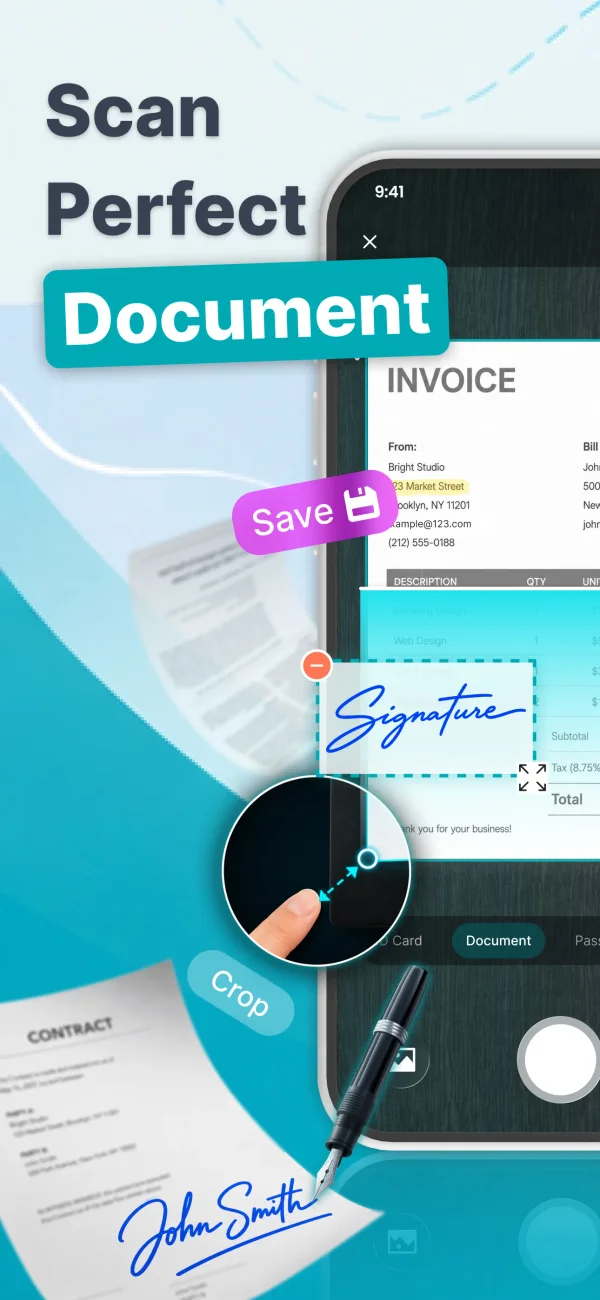
High-Speed Scanner & OCR
- Auto-detect and scan invoices, contracts, notes, and receipts with precision.
- Specialized high-resolution scanning for Passports, ID Cards, and Driver's Licenses.
- Extract text from any image instantly with advanced OCR technology.
- Save scans as high-quality PDFs, ready for storage or sharing.
Stuck with an uneditable PDF?
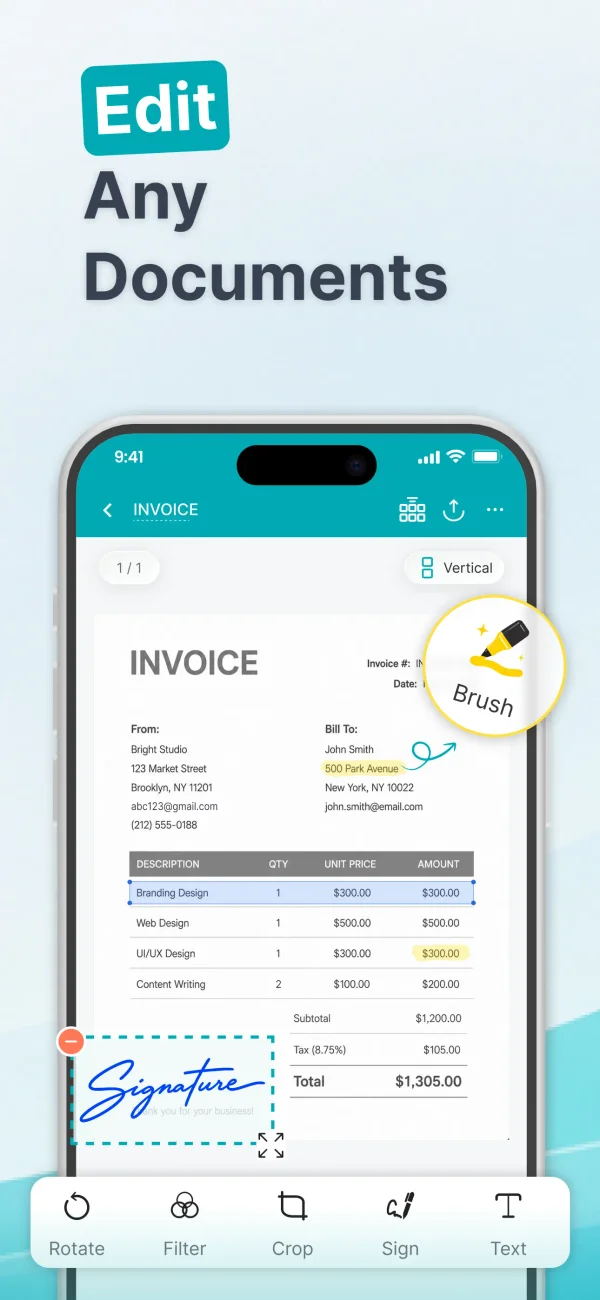
Complete PDF Editing Suite
- Add text, change fonts, and annotate directly on any document.
- Use the freehand Brush to highlight, draw, or take free-form notes.
- Compress PDF file size without sacrificing quality — perfect for sharing.
- Advanced page management: reorder pages, merge multiple files, or split PDFs with ease.
Urgent contract needs a signature — right now?
E-Signature & Business Tools
- Create smooth electronic signatures (E-Sign) and fill forms on the go.
- Generate professional invoices in seconds — perfect for freelancers and small businesses.
Need a physical copy but only have your phone?
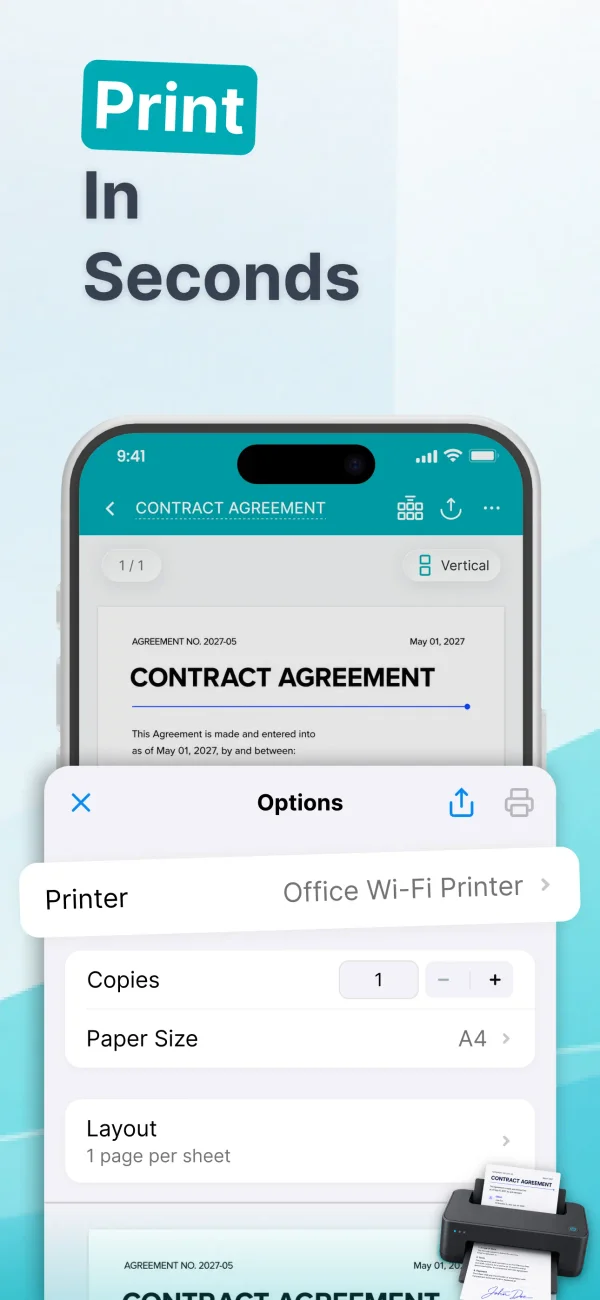
Direct Print — No Computer Needed
- Print any PDF or document wirelessly from your phone in seconds.
- Works with AirPrint (iOS) and any Wi-Fi enabled printer — home, office, or library.
- Print single pages or entire multi-page documents with full layout control.
- Set page size, orientation, and number of copies before you print — no surprises.
File format not compatible?
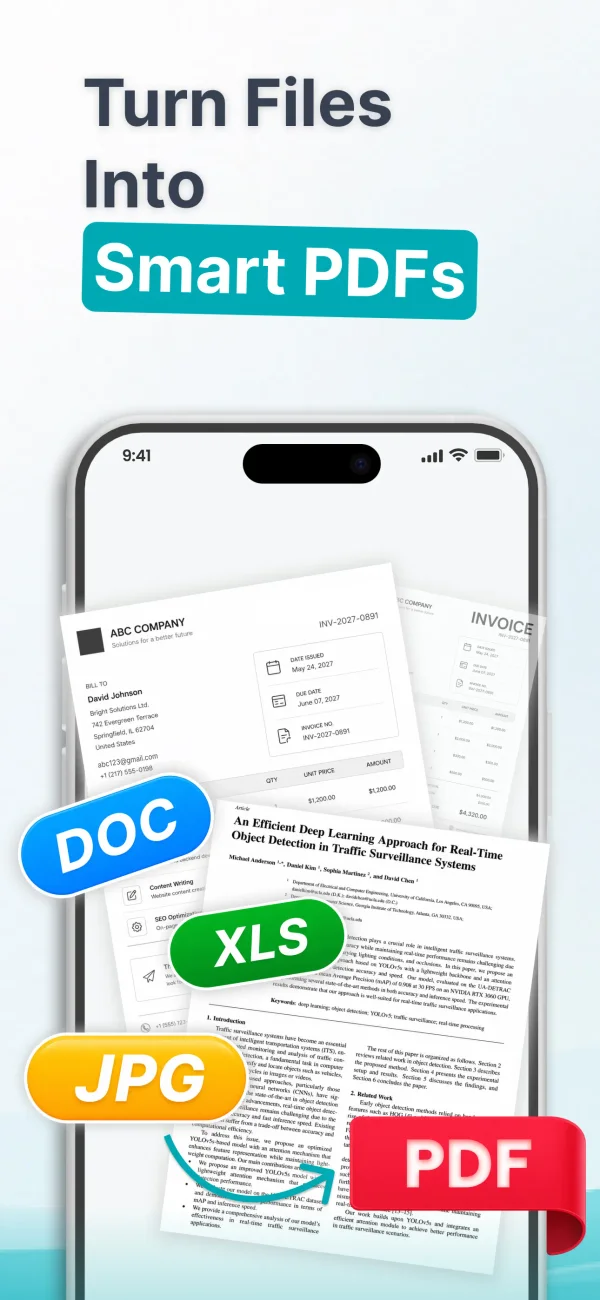
Universal Format Converter — 15+ Formats
- Seamless two-way conversion: PDF ↔ Word (DOC), Excel (XLS), PowerPoint (PPT).
- Convert images (JPG, IMG) and text files (TXT, HTML, MD) to PDF in seconds.
- Read and convert e-books (EPUB) and more, including CBR/CBZ comic formats.
Need to share files but worried about privacy?
Reliable Document Security
- Use the Hide tool to blackout or blur sensitive details — bank numbers, ID info — before sharing.
- Add personalized Watermarks to prevent unauthorized copying.
- All files processed with strict privacy measures. Zero data leaks.
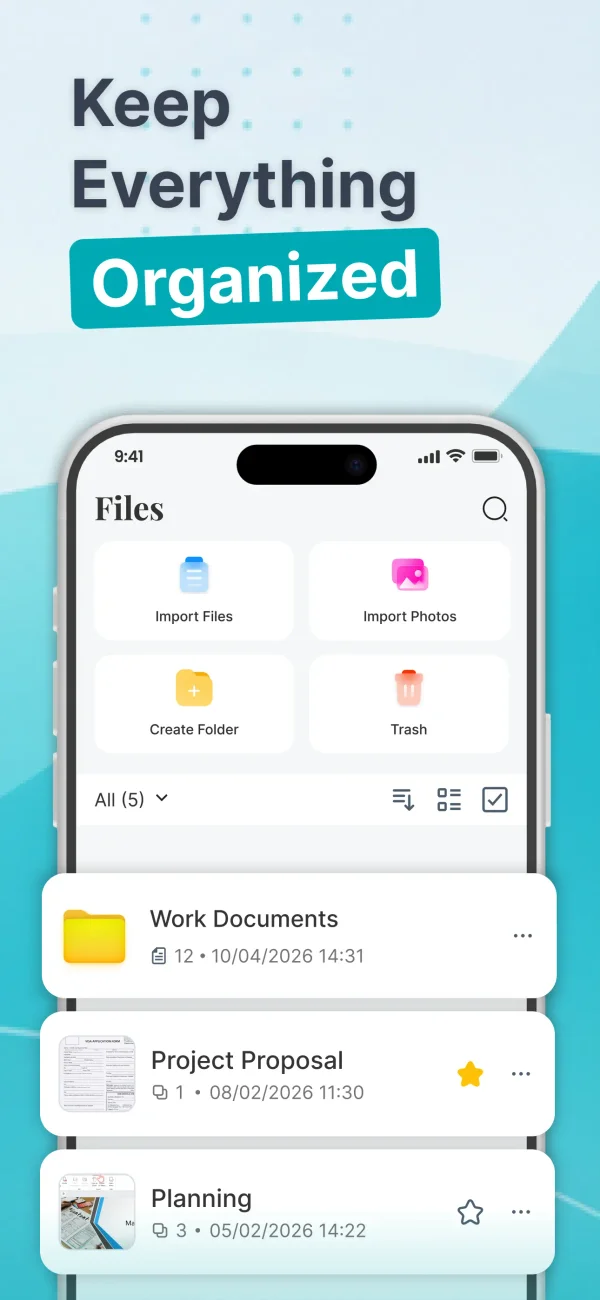
Smart File Management & Sharing
- Import instantly from device storage, camera, or cloud.
- Create unlimited folders to organize documents your way.
- Share PDFs via Email, AirDrop, Messages, Google Drive, Dropbox, OneDrive, and more.
- Accidentally deleted something? Restore it from Trash anytime.
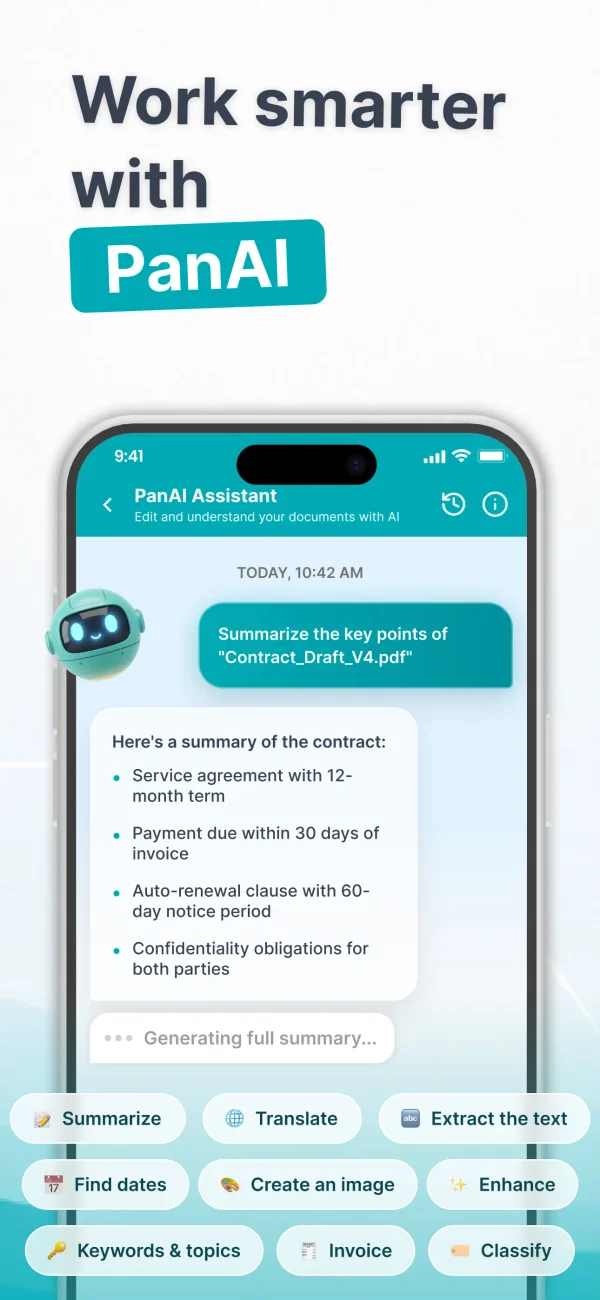
PERFECT FOR AI-POWERED DOCUMENT WORK
- Lawyers & contract reviewers
- Students summarizing research
- Accountants extracting invoice data
- Freelancers rewriting proposals
- Anyone managing sensitive or complex documents
PERFECT FOR PRINTING
- Contracts & legal documents
- Invoices & receipts
- Study notes & assignments
- Certificates & ID copies
- Meeting agendas & reports
SUBSCRIPTION & PURCHASE INFORMATION
- Unlock premium features with subscription: weekly, monthly and yearly.
- Payment will be charged to your iTunes Account at confirmation of purchase.
- Subscription automatically renews unless auto-renew is turned off at least 24 hours before the end of the current period.
- Account will be charged for renewal within 24 hours prior to the end of the current period.
- You can manage or turn off auto-renew in your Apple ID Account Settings any time after purchase.
Stop stressing over paperwork. Download the PDF Editor, Scanner, Converter app today and let us solve all your document problems effortlessly!
Privacy Policy: https://tvgsoft.com/privacy-policy
Terms of Service: https://tvgsoft.com/terms-of-service
What’s new
Version 0.0.10 · Nov 19, 2026
- Bug fix and improvement.
App privacy
What TVGSOFT LIMITED declares on the App Store about how this app handles data.
-
Data used to track you
May be used to track you across apps and websites owned by other companies.
- Identifiers
-
Data not linked to you
May be collected but is not linked to your identity.
- Identifiers
- Usage data
- Diagnostics
Privacy practices may vary, for example with the features you use or your age.
Information
- Seller
- TVGSOFT LIMITED
- Category
- Productivity
- Version
- 0.0.10
- Updated
- Nov 19, 2026
- Released
- Jul 7, 2026
- Size
- 123.1 MB
- Requires
- iOS 15.5 or later
- Age rating
- 4+
- Price
- Free
- In-app purchases
- Yes
- Languages
- English, Arabic, French, German, Hindi, Indonesian, Korean, Portuguese, Simplified Chinese, Spanish, Thai, Turkish + 1 more
- Copyright
- ©2026 TVGSOFT
You might also like
-
 PDF Converter: Maker & ScannerConvert PDF to Word & Image
-
 PDF Converter.ㅤConvert Word, PNG, JPG to PDF
-
 PDF Editor ©PDF Edit, Convert, Scan, Make
-
 Merge PDF Files-Split PDF DocsCombine PDF Files In Seconds
-
 PDF Craft: Local DeskScan, OCR, Merge PDFs
-
 UniPDF: PDF Converter, ScannerPDF editor, photo to PDF, sign
-
 Easy PDF ManagerPDF to Image – Long Image
-
 LightPDF: AI Chat PDF, ScannerConvert, Chat, Scan, OCR, Edit
-
 Image to PDF Converter · EditScan & Convert Image to PDF
-
 PDF Reader: Edit & OCR ScanSign, annotate & convert files