PDF Editor : Sign & Scan
Scanner, OCR & Document Tools
Designed for iPhone, iPad
Free
- Age rating9+
- CategoryProductivity
- DeveloperHarihar Creation
- LanguagesEnglish
- Size52.7 MB
Links to the official App Store page
Download.org hosts no file of PDF Editor : Sign & Scan. The button opens its official App Store page, published by Harihar Creation. Listing last checked on Nov 18, 2026.
Screenshots

About
Your PDF toolkit, wherever you go.
Edit, scan, sign, convert and organize PDF documents from one simple app.
Turn paper documents into PDFs, add your signature, fill forms, merge files, split pages, compress documents and annotate important information—all from your iPhone or iPad.
PDF EDITOR
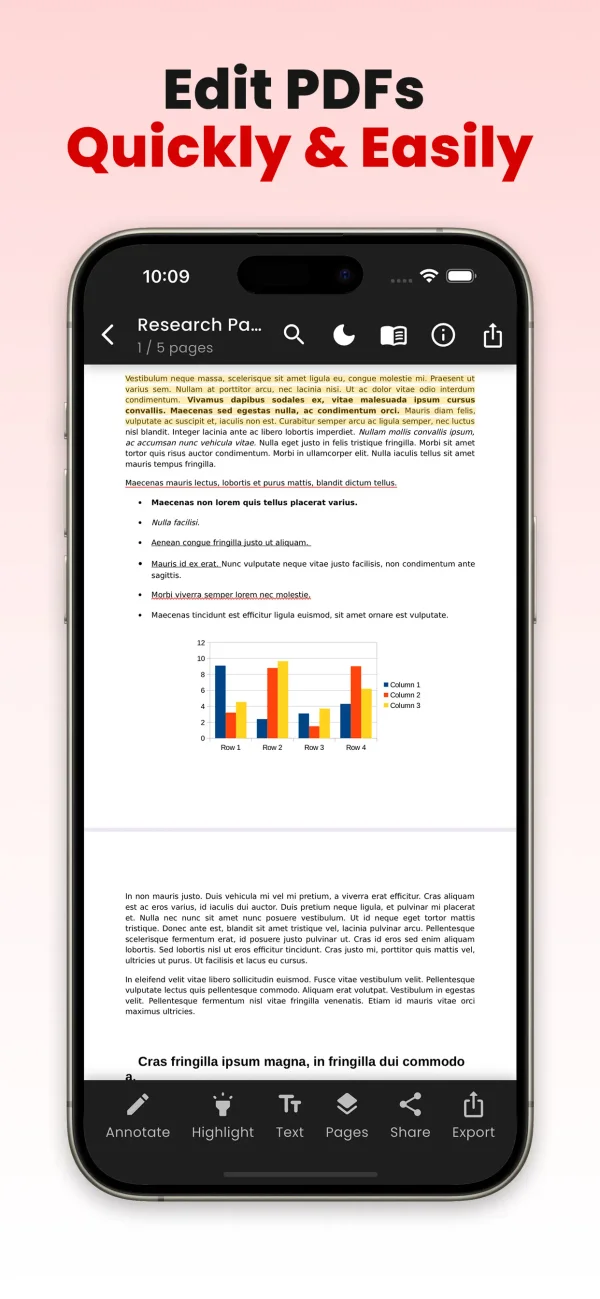
Make quick changes and mark up your documents without switching between multiple apps.
• Add text to PDF documents
• Highlight important information
• Underline and strikethrough text
• Draw and annotate pages
• Add notes and stamps
• Review documents with easy navigation
PDF SCANNER
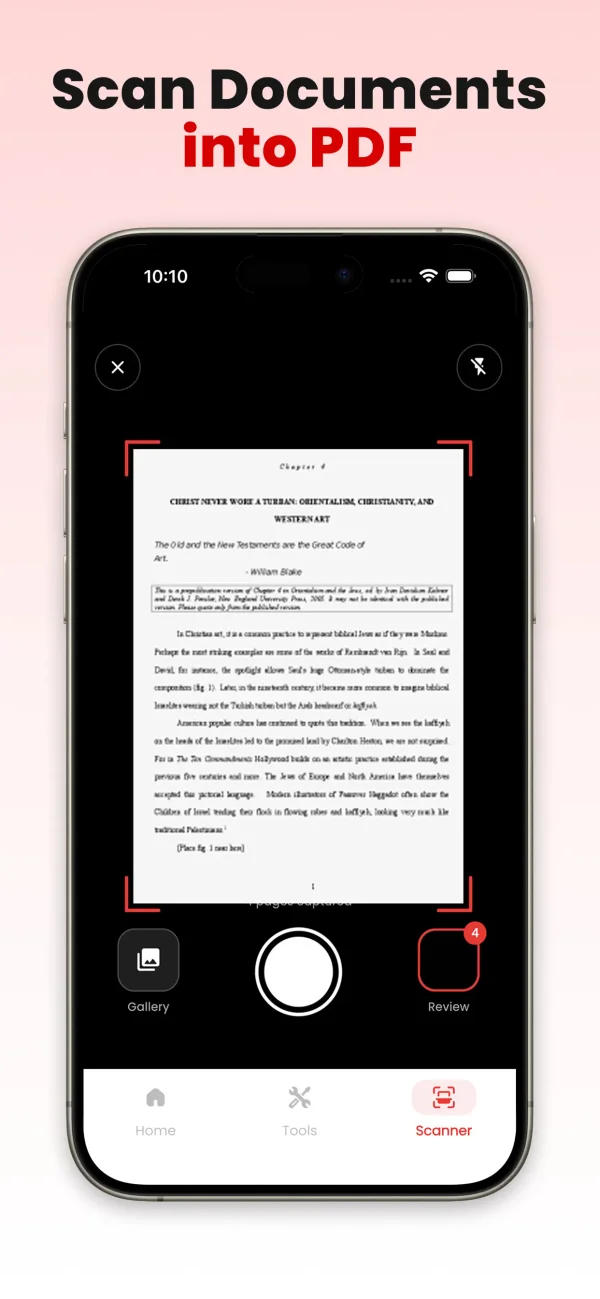
Turn your camera into a document scanner.
• Scan documents, receipts and notes
• Create clean PDF files from paper documents
• Scan multiple pages into one PDF
• Crop and adjust scanned pages
• Digitize paperwork wherever you are
OCR TEXT RECOGNITION
Extract text from scanned documents with OCR.
• Recognize text from scanned pages
• Copy text from supported scans
• Make scanned documents easier to search and use
• Turn paper documents into digital content
SIGN & FILL PDF FORMS
Sign documents without printing them.
• Create your electronic signature
• Add signatures to PDF files
• Fill out supported PDF forms
• Add text to documents
• Sign contracts, applications and paperwork
PDF READER
Read and manage your PDF documents in one place.
• Open PDF files quickly
• Browse pages easily
• Zoom in and out
• Search and review documents
• Read documents wherever you are
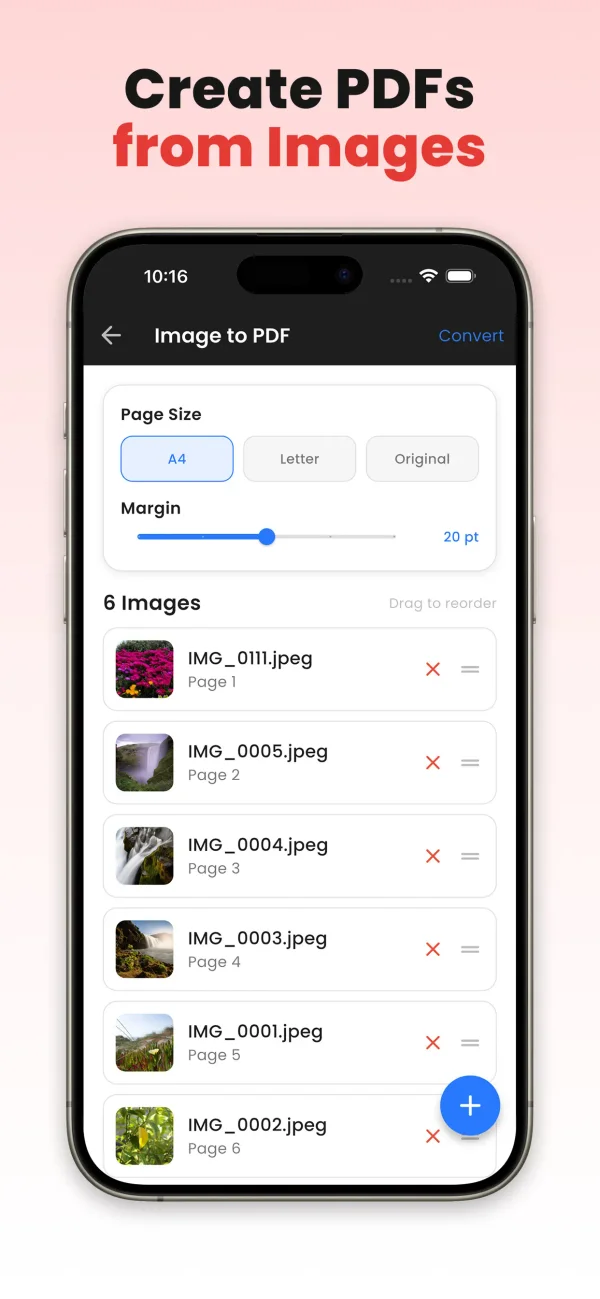
PDF MAKER
Create PDF files from images and scanned documents.
• Convert photos to PDF
• Create PDFs from scanned pages
• Build multi-page PDF documents
• Export documents as PDF files
• Share created PDFs easily
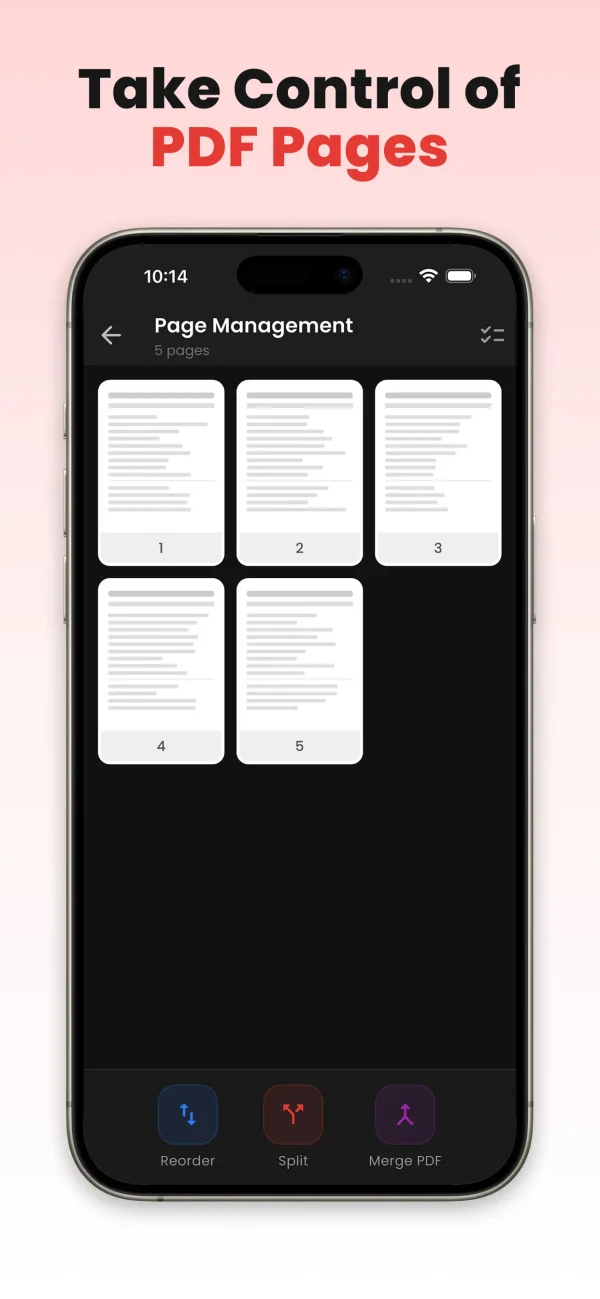
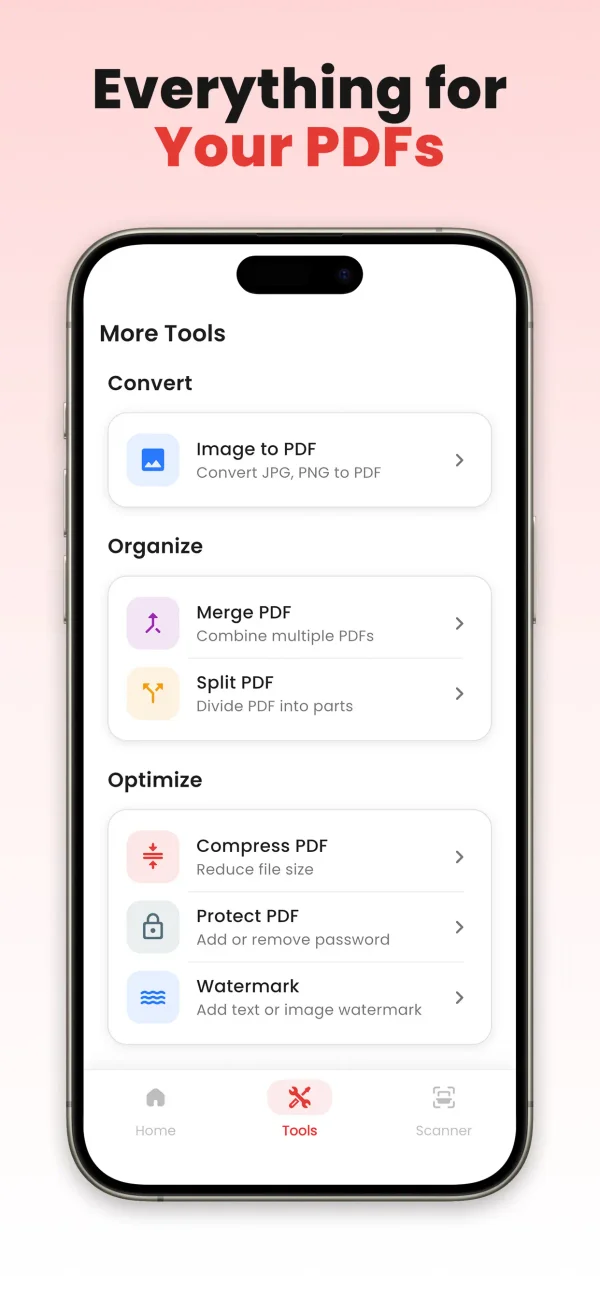
MERGE & SPLIT PDF
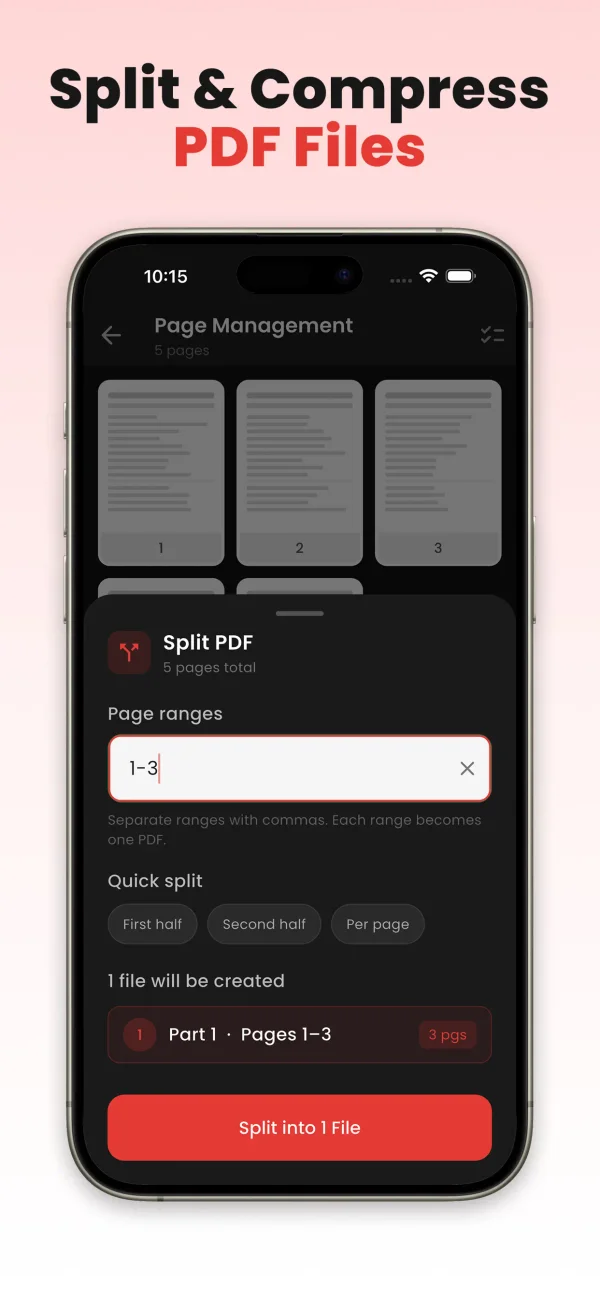
Manage PDF pages with simple tools.
• Merge multiple PDF files
• Split PDF documents
• Reorder pages
• Rotate pages
• Organize document pages
COMPRESS PDF
Reduce PDF file size when you need to share or store documents.
Compress supported PDF files to make them easier to send, upload and keep on your device.
CONVERT DOCUMENTS
Work with documents and images in different formats.
• Convert supported documents to PDF
• Convert images to PDF
• Export PDF pages as supported image formats
• Create shareable PDF documents
ANNOTATE & MARKUP
Review documents with practical markup tools.
• Highlight
• Underline
• Strikethrough
• Draw
• Add notes
• Add stamps
PERFECT FOR EVERYDAY DOCUMENTS
Use PDF Editor: Sign & Scan for:
• Contracts and agreements
• Receipts and invoices
• School and study documents
• Forms and applications
• Business paperwork
• Notes and scanned documents
• Personal PDF files
From scanning a receipt to signing a contract, PDF Editor: Sign & Scan gives you essential PDF tools in one convenient app.
Scan. Edit. Sign. Convert. Organize.
What’s new
Version 1.0.1 · Aug 12, 2026
- Bug Fix!!!
App privacy
What Harihar Creation declares on the App Store about how this app handles data.
-
Data used to track you
May be used to track you across apps and websites owned by other companies.
- Usage data
- Diagnostics
- Other data
-
Data not linked to you
May be collected but is not linked to your identity.
- Usage data
- Diagnostics
- Other data
Privacy practices may vary, for example with the features you use or your age.
Information
- Seller
- Harihar Creation
- Category
- Productivity
- Version
- 1.0.1
- Updated
- Aug 12, 2026
- Released
- Jul 13, 2026
- Size
- 52.7 MB
- Requires
- iOS 16.6 or later
- Age rating
- 9+
- Price
- Free
- Languages
- English
- Copyright
- © @HariharPDFEditor
You might also like
-
 Calleisprosthetic cover
-
 What Did I Do?Productivity
-
 eSign - Sign & Fill PDFSignature Maker & PDF Signer
-
 PDF Editor for iPhoneEdit PDF Files
-
 Idea Note : MindMap AIAI mind maps for study & tasks
-
 Document Scan & EditFast PDF Scanner & Editor
-
 AI Legal Document GeneratorAI Legal Documents Adviser
-
 FileZen - File ManagerFile Manager File Comparison
-
 PDF Tools: Merge Split EditConvert,Watermark&Page Manager
-
 PDFHaulPDF processing made simple.