PDF Tools: Merge Split Edit
Convert,Watermark&Page Manager
Designed for iPhone, iPad
Free · In-app purchases
- Age rating4+
- CategoryProductivity
- Developer云峰 林
- LanguagesEnglish+ 11 more
- Size5.3 MB
Links to the official App Store page
Download.org hosts no file of PDF Tools: Merge Split Edit. The button opens its official App Store page, published by 云峰 林. Listing last checked on Nov 12, 2026.
Screenshots
About
PDF Assistant is a powerful all-in-one PDF processing tool that provides professional PDF handling solutions.
【KEY FEATURES】
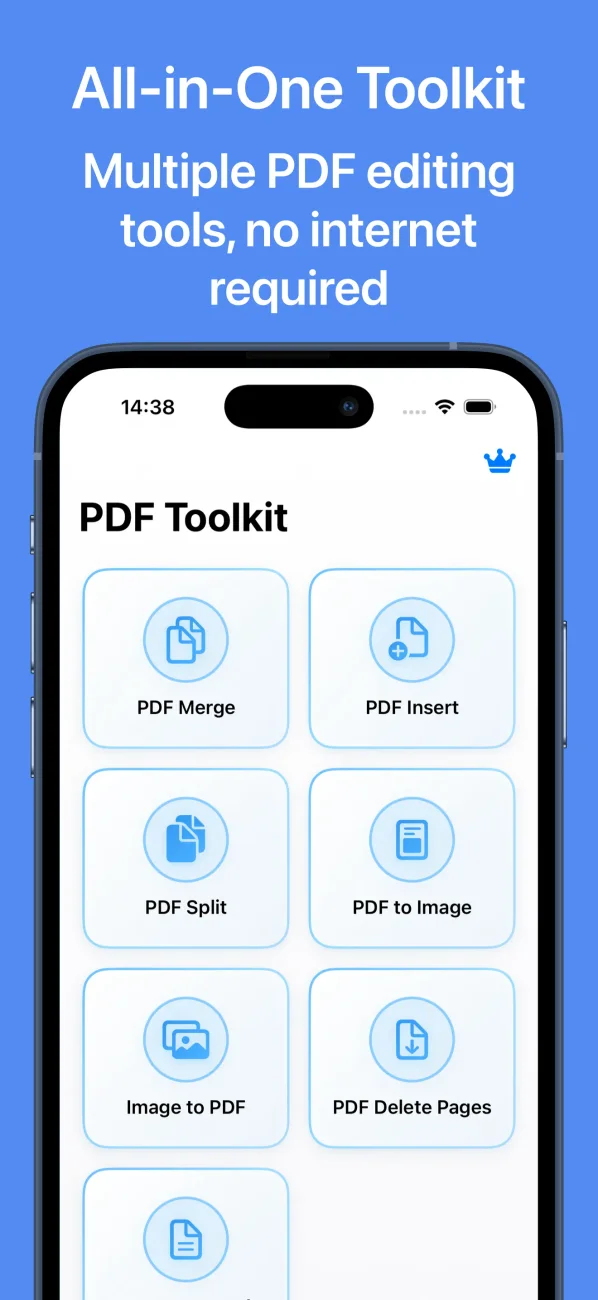
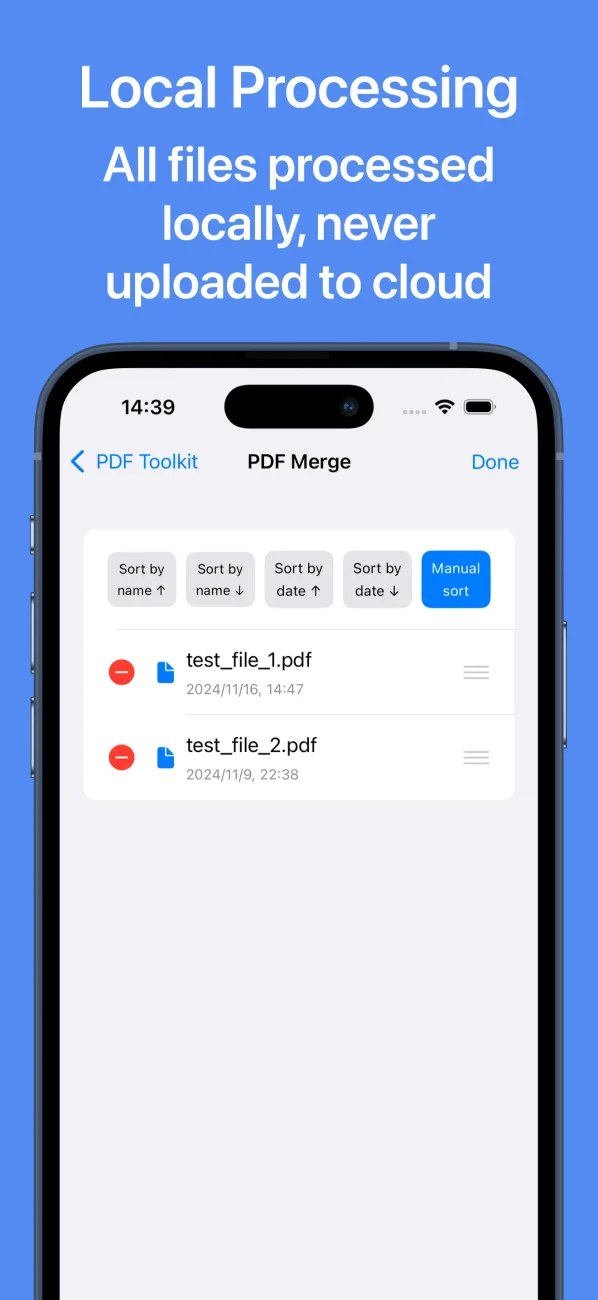
• PDF Merge: Quickly combine multiple PDFs into one
• PDF Split: Divide PDF documents into separate files
• PDF Insert: Add new pages to existing PDFs
• PDF to Image: Convert PDF pages to high-quality images
• Image to PDF: Batch convert images to PDF format
• PDF Page Delete: Easily remove specific pages
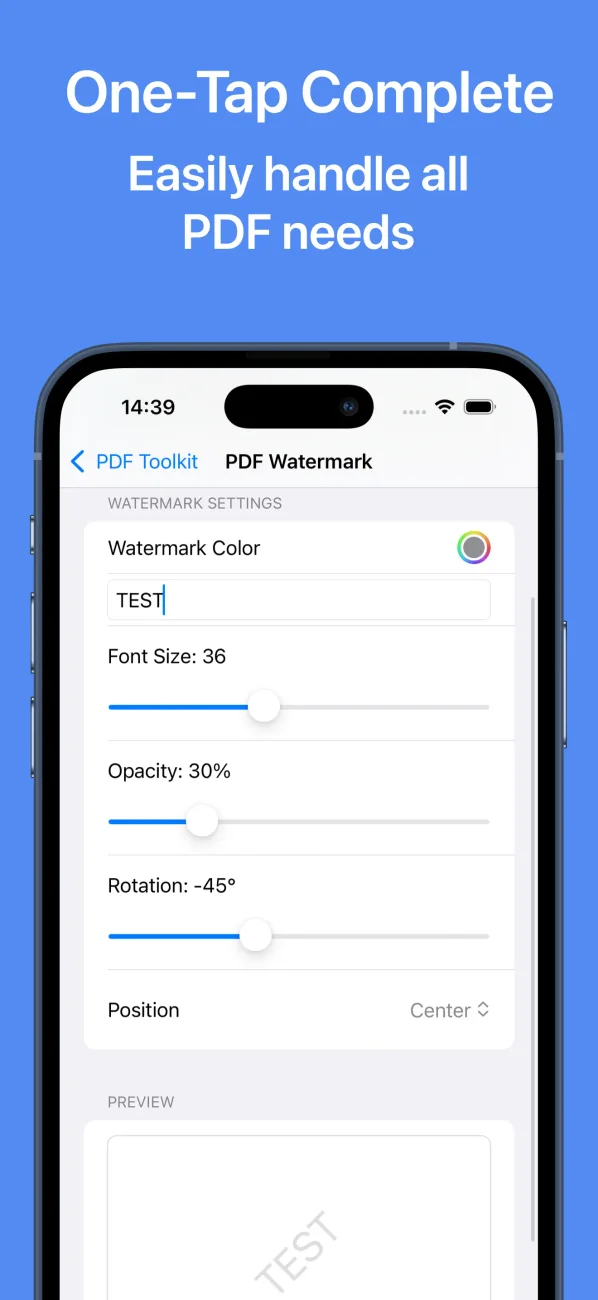
• PDF Watermark: Add custom text or image watermarks
【WHY CHOOSE US】
• User-Friendly: Clean interface with intuitive controls
• Comprehensive: All essential PDF tools in one app
• Fast Processing: Advanced algorithms for quick results
• Local Processing: All operations performed locally for security
• No Registration: Start using immediately after download
【PERFECT FOR】
• Work & Study: Organize learning materials and work documents
• File Management: Arrange and organize PDF files
• Document Editing: Adjust PDF page order
• Content Extraction: Extract images from PDFs
• Format Conversion: Create PDFs from multiple images
【Subscription Terms】
■ Subscription Plans
• Lifetime (one-time purchase)
■ Member Benefits
• Access to all premium features
• Unlimited use of all functions
• Priority access to new features
■ Subscription Rules
• Payment will be charged to iTunes Account at confirmation of purchase
• Subscription automatically renews unless auto-renew is turned off at least 24 hours before the end of the current period
• Account will be charged for renewal within 24 hours prior to the end of the current period
• Any unused portion of a free trial period will be forfeited when purchasing a subscription
■ How to Cancel
1. Open device Settings
2. Tap your Apple ID at the top
3. Tap "Subscriptions"
4. Find "PDF Assistant" and manage subscription
■ Legal
• Terms of Service: http://simp.ly/p/5FYqZX
• Privacy Policy: http://simp.ly/p/OYXLkD
Let PDF Assistant be your PDF expert, making document handling effortless and efficient!
What’s new
Version 1.2 · Sep 8, 2025
1. Optimize UI display
App privacy
What 云峰 林 declares on the App Store about how this app handles data.
-
Data used to track you
May be used to track you across apps and websites owned by other companies.
- Identifiers
- Usage data
-
Data not linked to you
May be collected but is not linked to your identity.
- Identifiers
- Usage data
Privacy practices may vary, for example with the features you use or your age.
Information
- Seller
- 云峰 林
- Category
- Productivity
- Version
- 1.2
- Updated
- Sep 8, 2025
- Released
- Nov 18, 2024
- Size
- 5.3 MB
- Requires
- iOS 16.0 or later
- Age rating
- 4+
- Price
- Free
- In-app purchases
- Yes
- Languages
- English, French, German, Italian, Japanese, Korean, Portuguese, Russian, Simplified Chinese, Spanish, Thai, Traditional Chinese
- Copyright
- © Yunfeng Lin
You might also like
-
 Merge PDF Files-Split PDF DocsCombine PDF Files In Seconds
-
 Combine & Merge PDF ConverterProductivity
-
 PDF Compressor-Compress PDFReduce PDF Size & Keep Quality
-
 Merge PDF - Combine PDFJPG to PDF Converter & Merger
-
 PDF Export: Editor & ConverterTools, Scan, Compress & Merge
-
 PDF Combiner - Merge & SplitPhoto to PDF & Image Converter
-
 PDF Converter• Convert to WordPDF Merger, Compressor & OCR
-
 Word to PDF Converter - ReaderConvert PDF to Word,JPG to PDF
-
 PDFMaker: JPG to PDF converterDocument scanner & PDF creator
-
 Convert DOC/DOCX to PDFDOC, DOCX to PDF