PDF Editor — Sign & Scanner
Compress, Convert & Protect
Designed for iPhone, iPad
Free
- Age rating4+
- CategoryUtilities
- DeveloperEneko Careaga
- LanguagesEnglish+ 5 more
- Size8.1 MB
Links to the official App Store page
Download.org hosts no file of PDF Editor — Sign & Scanner. The button opens its official App Store page, published by Eneko Careaga. Listing last checked on Nov 12, 2026.
Screenshots

About
Edit, sign and convert your PDFs without limits or subscriptions. PDF Editor is the most complete tool for managing documents on iPhone and iPad — with 17 professional tools, document scanner and digital signature. All free, all on your device.
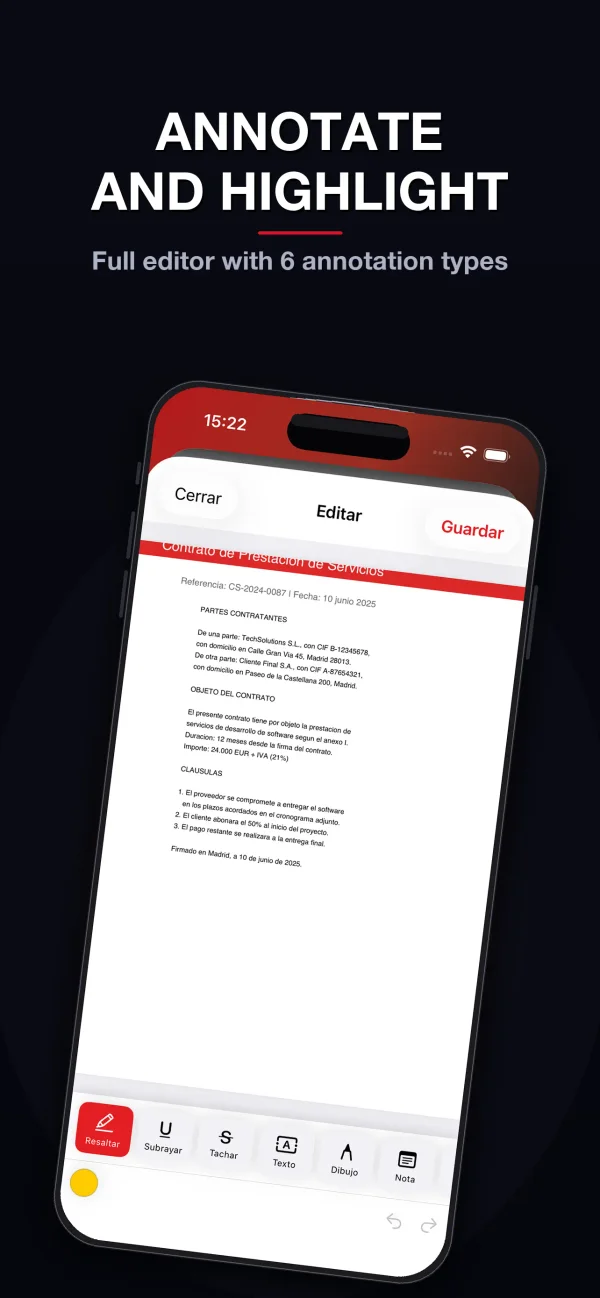
-> ANNOTATION EDITOR
Highlight text in 5 colors, underline, strikethrough and add sticky notes. Draw freehand with variable stroke width, insert stamps (APPROVED, REJECTED) and geometric shapes. Unlimited undo and redo.
-> DIGITAL SIGNATURE
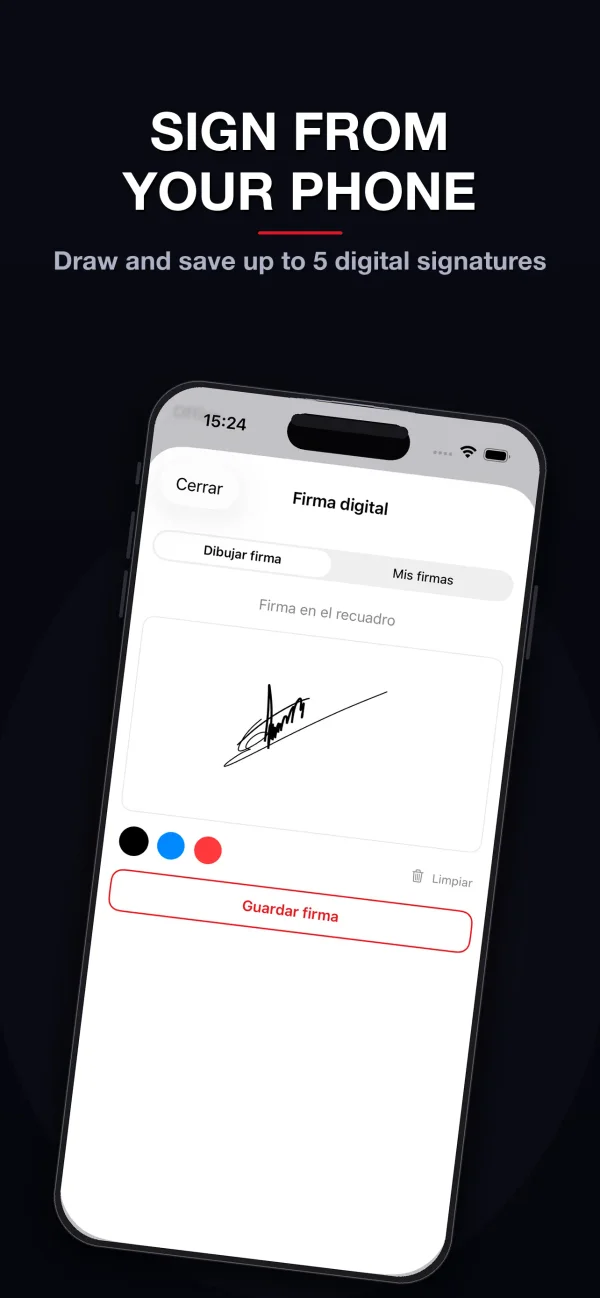
Draw your signature with your finger and save up to 5 reusable signatures. Insert your signature anywhere in the document with a tap. Sign contracts from your phone.
-> DOCUMENT SCANNER
Turn paper into PDF instantly using your camera. Automatic edge detection and perspective correction included.
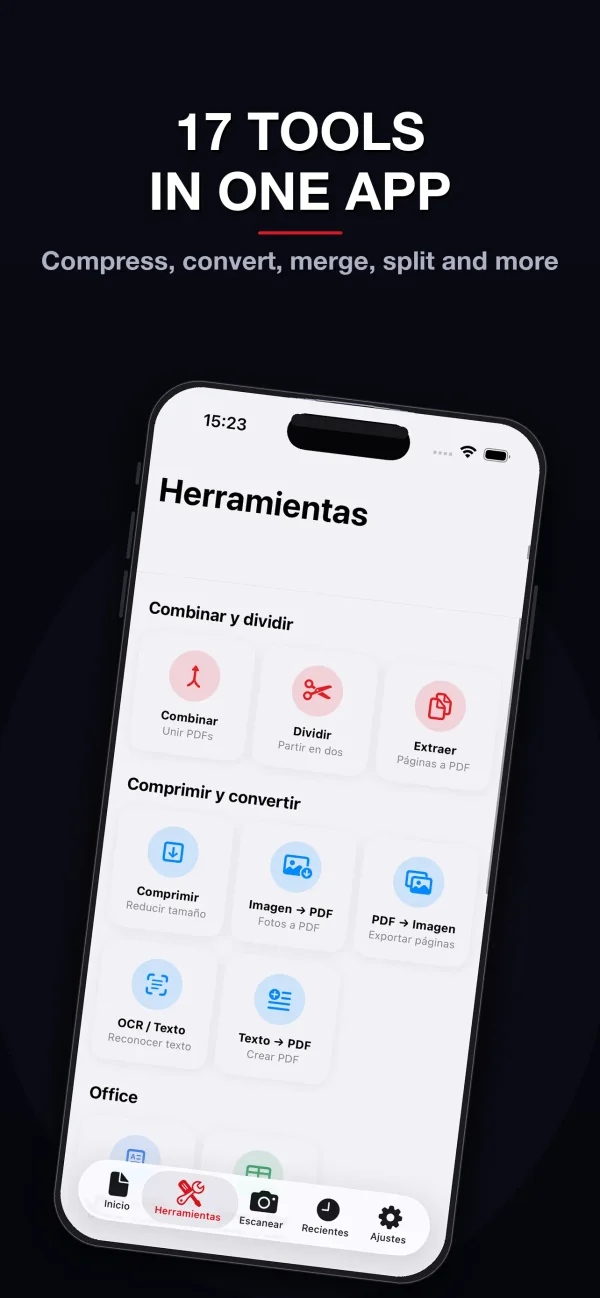
· 17 PDF TOOLS
MERGE & SPLIT
— Merge PDFs: combine multiple documents into one
— Split PDF: cut the document in two
— Extract pages: select and export specific pages
COMPRESS & CONVERT
— Compress PDF at 3 levels: high quality, balanced and maximum compression
— Images to PDF: convert JPG, PNG and HEIC photos to PDF
— PDF to images: export each page as an image
— OCR: recognize and extract text from scanned documents
— Text to PDF: create documents from scratch
OFFICE CONVERSION
— Word to PDF: convert DOC and RTF files
— Excel to PDF: convert CSV and XLSX files
SECURITY
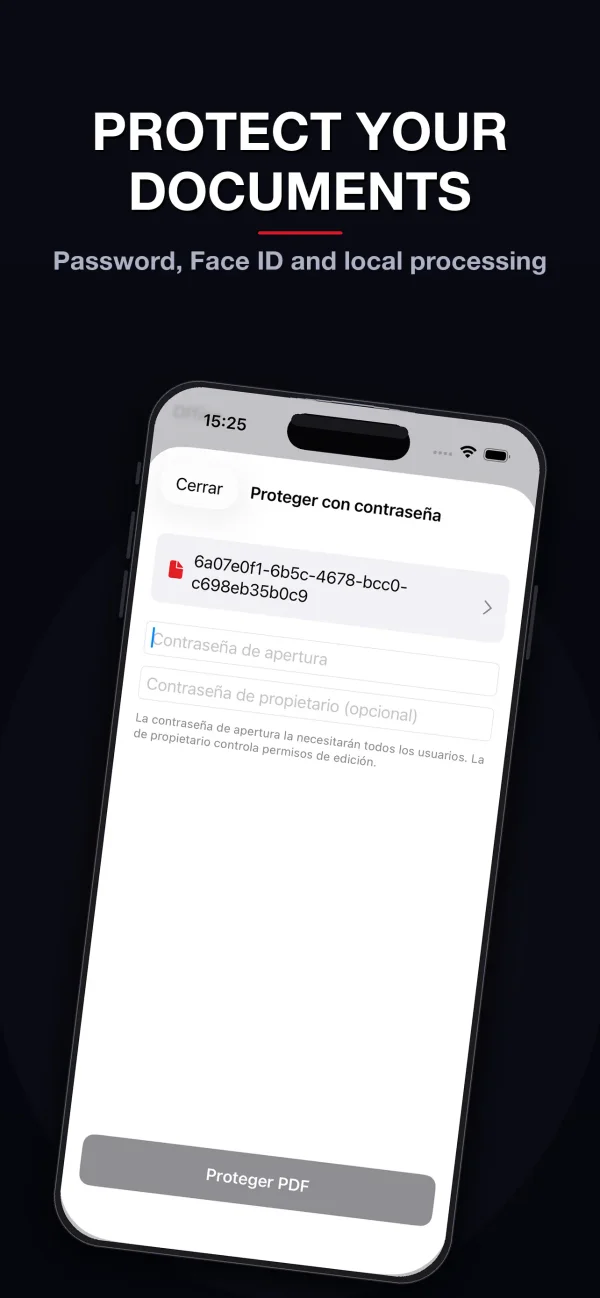
— Password-protect PDF
— Unlock PDF: remove password if you know it
ADVANCED EDITING
— Watermark: text with custom opacity, color, rotation and size
— Automatic page numbering
— Page Manager: reorder, rotate, delete and insert blank pages
— Rotate entire document
-> TOTAL PRIVACY
All PDF processing is done on your own device. Your documents are never uploaded to any external server. No account or registration required.
-> DOCUMENT MANAGEMENT
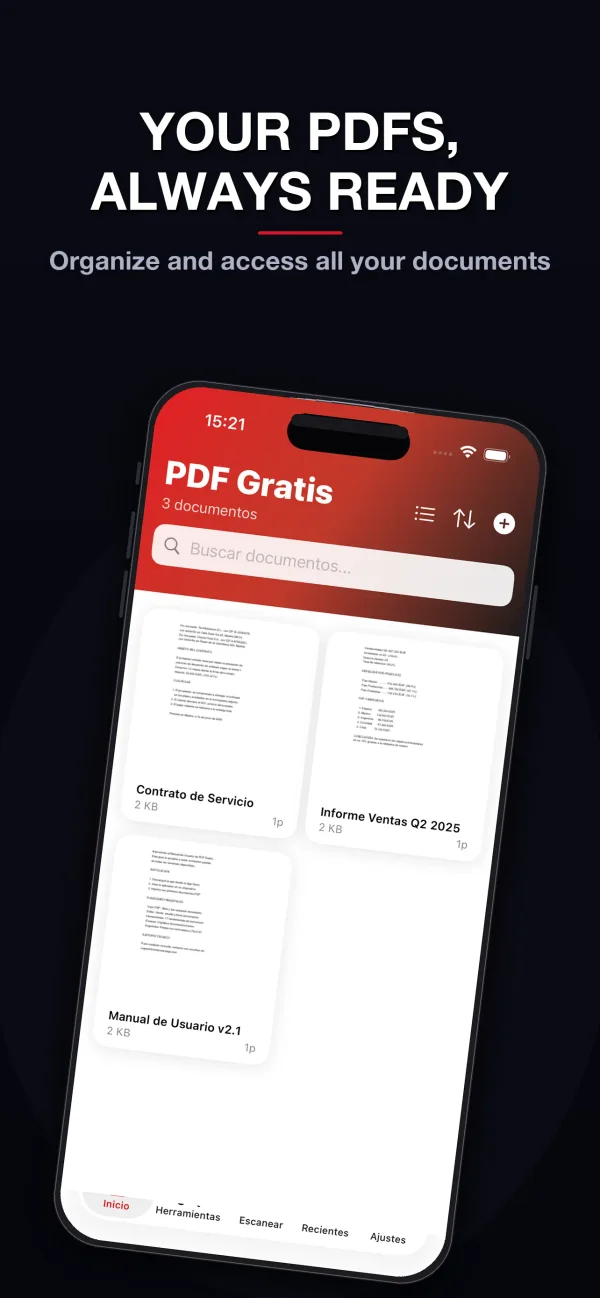
Organize PDFs in folders, mark as favorites and search by name. Sort by name, date or size. Auto-trash after 30 days. Lock with Face ID and Touch ID.
-> DESIGNED FOR YOU
Full dark mode, iPhone and iPad support, import from Files, gallery and other apps. Share results to any app.
· Download PDF Editor now and manage all your documents from your pocket — no subscription, no limits, no servers.
App privacy
What Eneko Careaga declares on the App Store about how this app handles data.
-
Data used to track you
May be used to track you across apps and websites owned by other companies.
- Identifiers
- Usage data
-
Data not linked to you
May be collected but is not linked to your identity.
- Identifiers
- Usage data
- Diagnostics
Privacy practices may vary, for example with the features you use or your age.
Information
- Seller
- Eneko Careaga
- Category
- Utilities
- Version
- 1.1
- Updated
- Jun 13, 2026
- Released
- Jun 13, 2026
- Size
- 8.1 MB
- Requires
- iOS 16.4 or later
- Age rating
- 4+
- Price
- Free
- Languages
- English, French, German, Italian, Portuguese, Spanish
- Copyright
- © Eneko Kareaga
You might also like
-
 Simple PDF EditorYou can easily edit the PDF!
-
 PDF Editor & Scanner: DocKitScan, Edit, Merge & Lock PDFs
-
 Convert Picture to PDF +JPG, PNG, JPEG to PDF
-
 PDF converter: Image to PDFConvert JPEG & File to PDF app
-
 PDF Reader: Edit & SignRead, convert, sign PDF files
-
 PDF Scanner - File ReaderScan, Edit, Merge & Manage
-
 Document PDF Scanner.Scan to PDF, OCR & Sign Docs
-
 PDF Scanner & Document EditorConverter, Reader, Fill & Sign
-
 PDF Editor - Read & Edit PDFFill, Sign & Convert Documents
-
 PDF Editor ,PDF Book Reader ®PDF Reader, Scanner & Sign