
PDF Maker & Document Scanner
Image Converter & Photo Scan
Designed for iPhone, iPad
Free · In-app purchases
- Age rating4+
- CategoryUtilities
- DeveloperZOHIAGADA LTD
- LanguagesEnglish+ 9 more
- Size41.6 MB
Links to the official App Store page
Download.org hosts no file of PDF Maker & Document Scanner. The button opens its official App Store page, published by ZOHIAGADA LTD. Listing last checked on Nov 15, 2026.
Screenshots

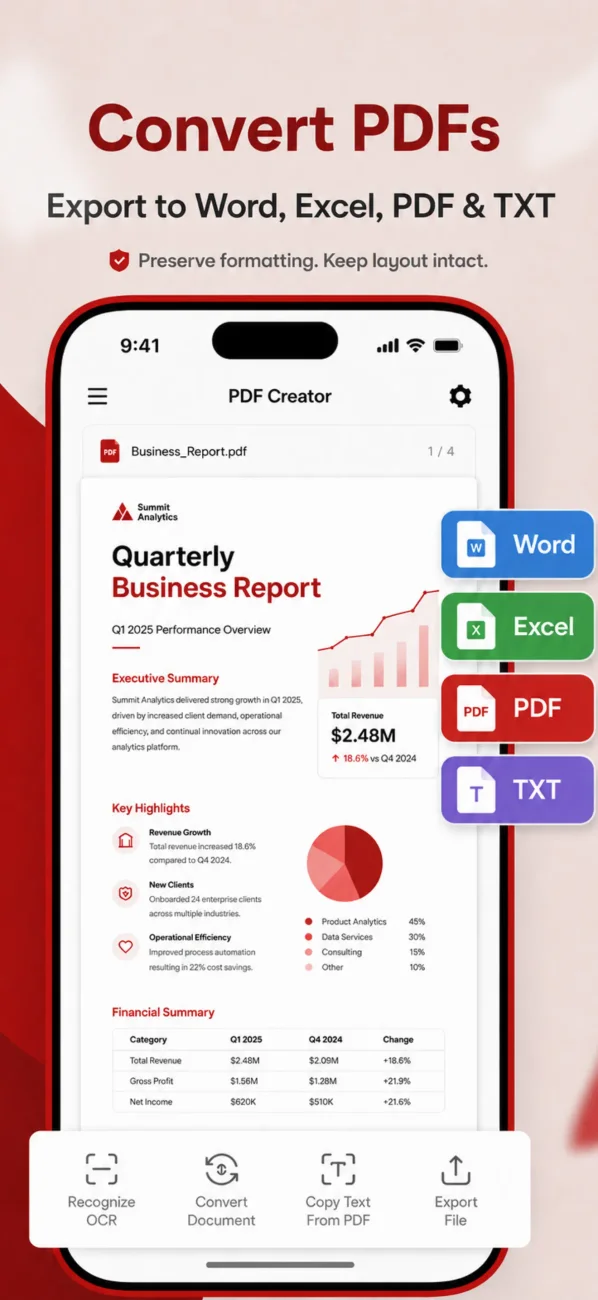
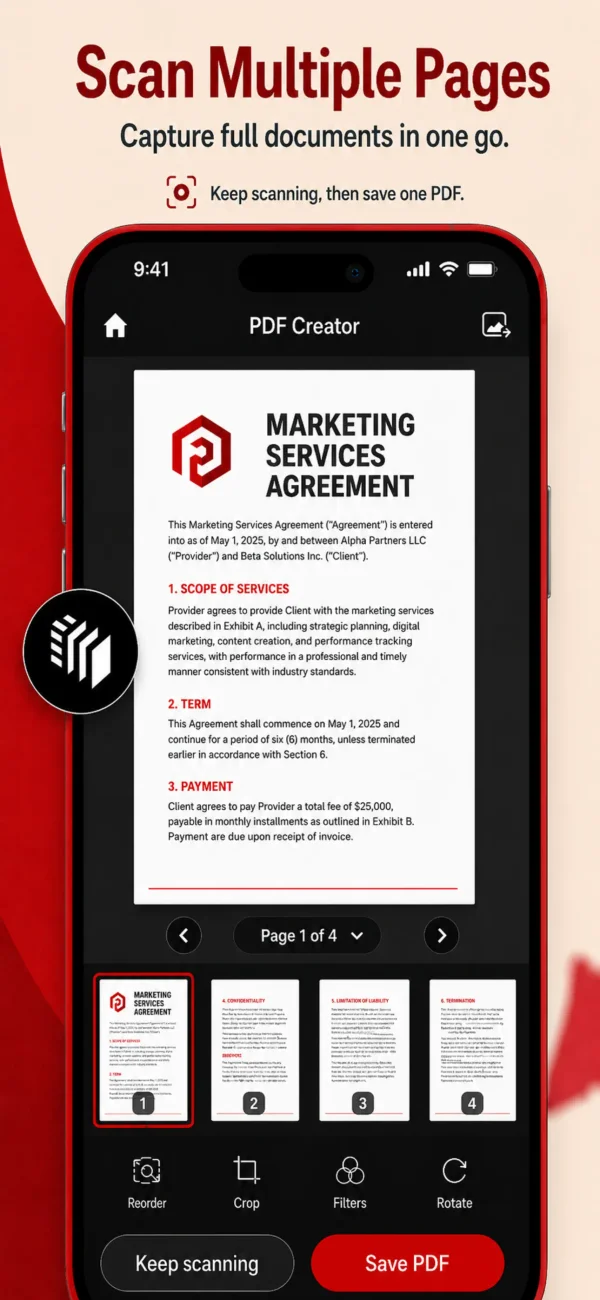

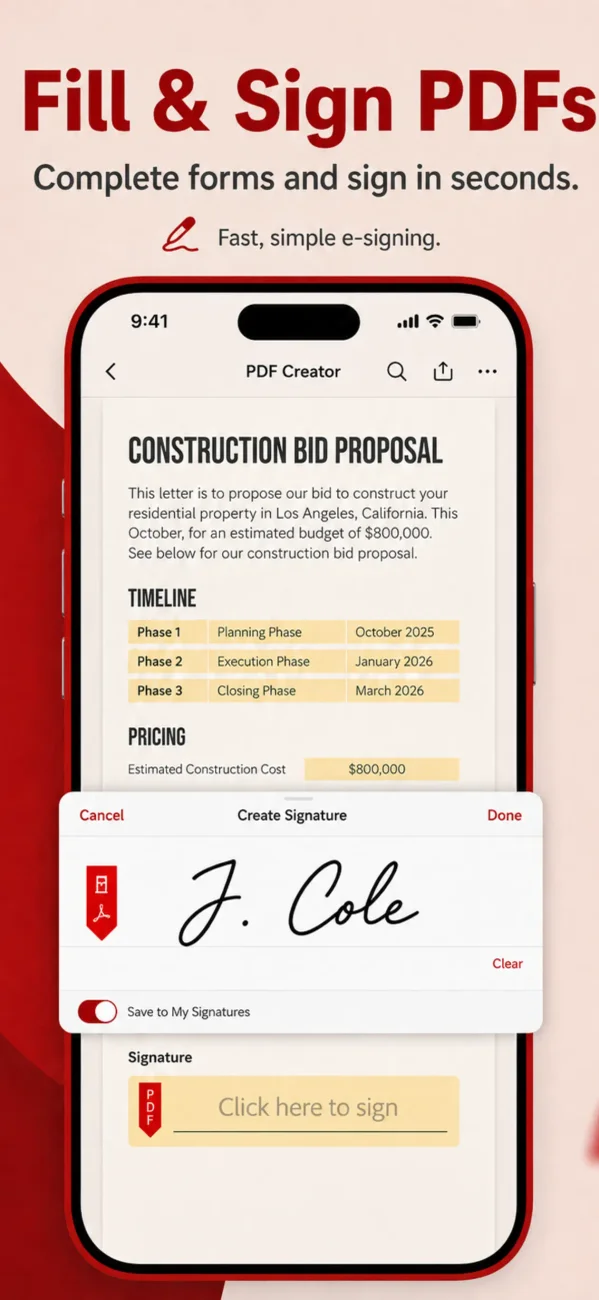
About
Someone needs it as a PDF, but you only have a photo, scan, or file? Turn it into a PDF from your camera, gallery, or imported files, then fix the order, rename the document, and share the final version. Get the file ready before the next thing interrupts you!
Most PDF jobs are not big projects. It is usually one form, a few pages from class, a receipt, a signed paper, or several pictures that would look better as a single file. Most of the time, it is easier to use a simple PDF creator than open a larger editor just to handle one quick file.
Create PDFs from everyday files
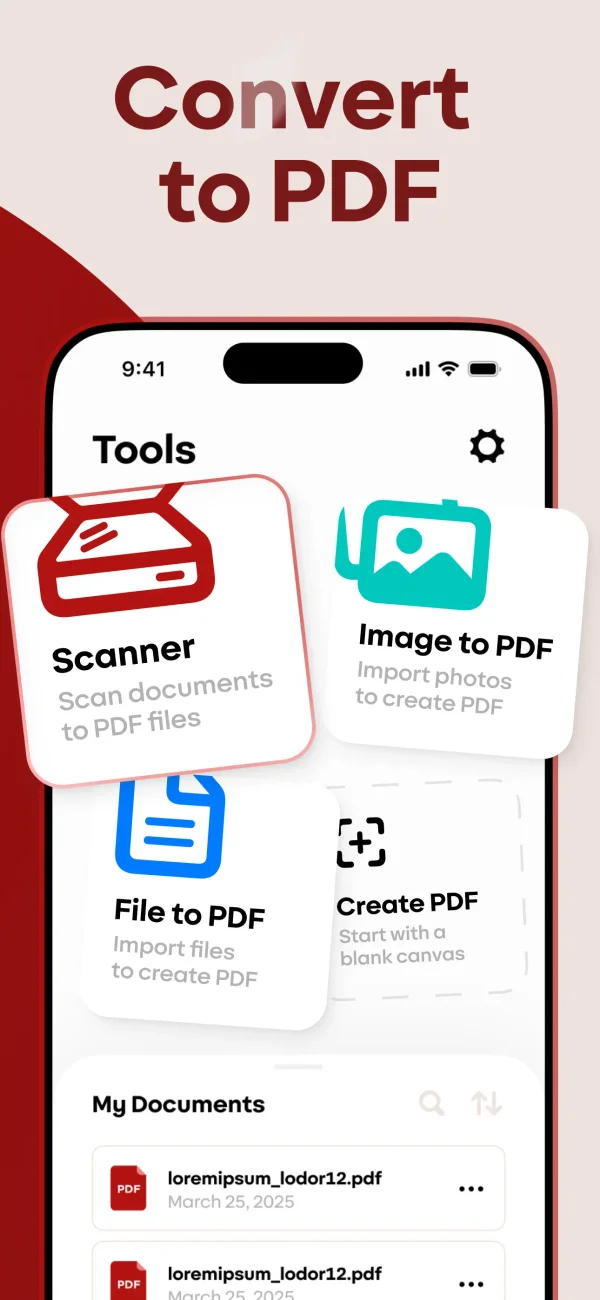
The app is built around simple PDF creation from everyday phone content. Use photos, images, camera scans, or imported files, then make a PDF you can rename, reorder, and export when the document looks right.
Scan paper documents
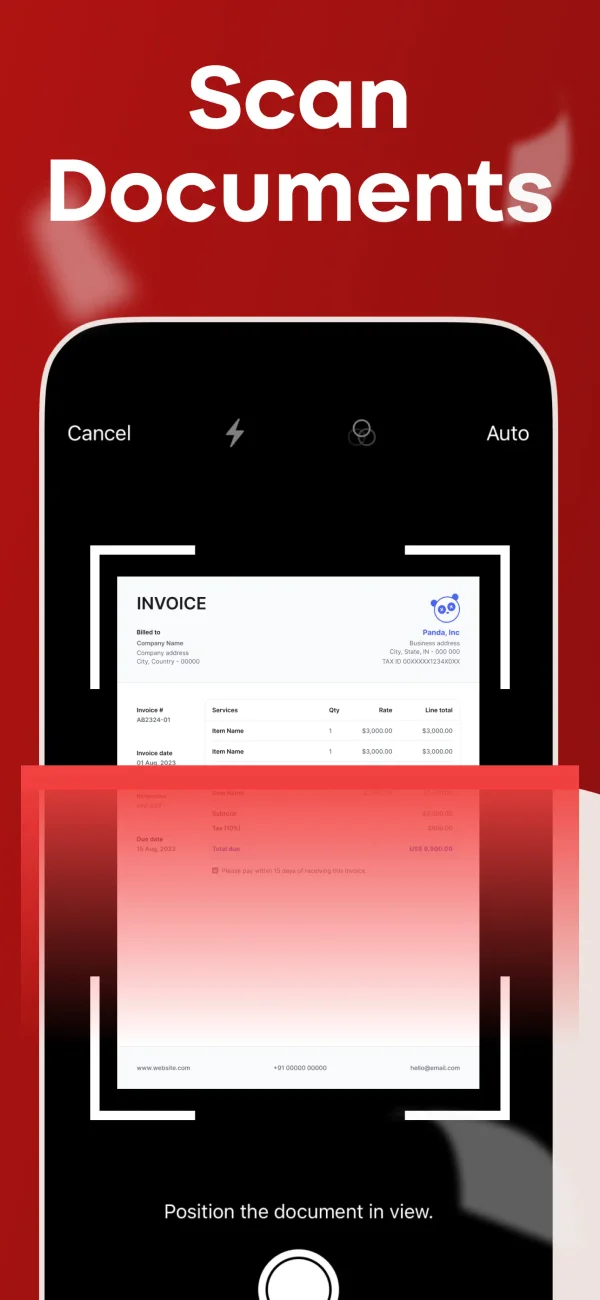
For pages you still have in front of you, the camera scanner keeps things simple. Capture printed documents, school notes, forms, receipts, letters, or office papers, then save them as PDF files instead of sending plain photos.
Convert photos and images
A lot of documents start as pictures now. Use the image converter to take photos from your gallery, place them in the right order, and make a PDF that looks cleaner when you need to send, upload, print, or store it.
Import saved files
For saved files, you do not need to scan anything again or turn the file into images first. Import the supported file, make it into a PDF, rename it if the name is too vague, and keep the finished document ready for sharing or later use.
What you can do:
- Create PDF files from photos, images, scans, and files
- Scan paper documents with your camera
- Convert pictures from your gallery into PDF files
- Import supported files and save them as PDFs
- Start a PDF from a blank canvas
- Rename files so they are easier to recognize
- Reorder pages before exporting
- Manage pages inside your PDF documents
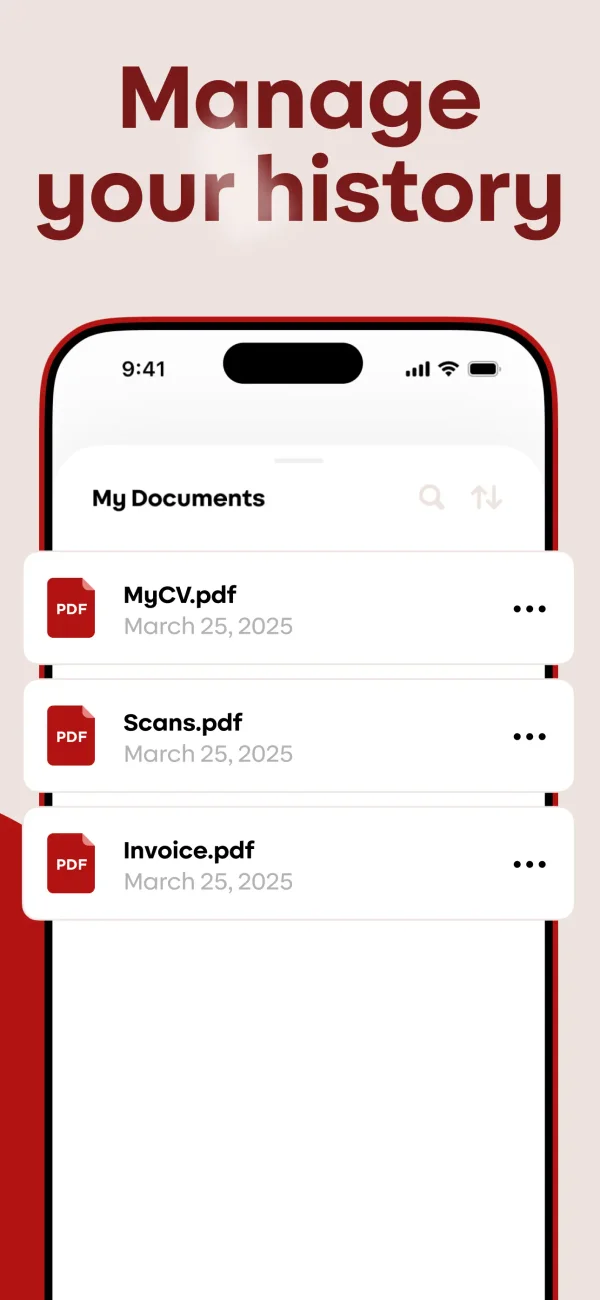
- Keep a history of created PDFs
- Share or export files quickly
Everyday PDF tasks
The app works well for everyday situations, not only office work. You might use it for class notes, homework, signed papers, forms, invoices, receipts, personal records, travel documents, confirmations, or quick camera scans. It is also useful when someone asks you to “send it as a PDF” and you only have the original as a photo or file.
Photo to PDF, scan to PDF, file to PDF
Photo to PDF is simple: choose images, check the page order, and create the document. Scan to PDF is just as direct: use the camera, capture the paper, and save it as a PDF. File to PDF is there when you want to import a supported file and turn it into something easier to share.
Organize pages before sharing
The page tools are useful when the first version is not quite right. Move pages around, give the PDF a clearer name, keep track of recent files, and send the final version without digging through a confusing workflow.
Simple PDF creation
This is more of a practical PDF creator than a complicated document workspace. You can scan, import, create, rename, reorder, and share, without getting pulled into a long editing process. For everyday PDFs from photos, images, files, and paper scans, that is usually what matters most.
Use it to:
- Turn photos into one PDF
- Scan a paper document
- Save images as a PDF file
- Create a PDF from imported files
- Reorder pages before sending
- Rename a document for easier tracking
- Share a clean PDF instead of loose images
- Keep recent PDF files in one place
A good PDF tool should save time, not add more steps. This app gives you the basic workflow most people need: choose the source, create the PDF, fix the order, rename it, and share or export the result.
Download our app when you need a PDF from photos, scans, images, or files without opening a complicated editor. Create documents from your camera, gallery, blank canvas, or imported files, then organize pages and share the finished PDF. Turn the thing you have into the file they need!
What’s new
Version 1.7.6 · Jun 26, 2026
Bug fixes and improvements
App privacy
What ZOHIAGADA LTD declares on the App Store about how this app handles data.
-
Data used to track you
May be used to track you across apps and websites owned by other companies.
- Usage data
-
Data not linked to you
May be collected but is not linked to your identity.
- Identifiers
- Usage data
Privacy practices may vary, for example with the features you use or your age.
Information
- Seller
- ZOHIAGADA LTD
- Category
- Utilities
- Version
- 1.7.6
- Updated
- Jun 26, 2026
- Released
- Mar 30, 2025
- Size
- 41.6 MB
- Requires
- iOS 16.0 or later
- Age rating
- 4+
- Price
- Free
- In-app purchases
- Yes
- Languages
- English, French, German, Italian, Japanese, Korean, Portuguese, Simplified Chinese, Spanish, Traditional Chinese
- Copyright
- © ZOHIAGADA
You might also like
-
 pScanner:PDF Document ScannerScan Photos, Papers with OCR
-
 QR Maker: QR Code GeneratorCustom QR & Barcode Creator
-
 FontFlex: Fonts for SafariDyslexia Reading Extension
-
 BetterClean: Gallery CleanerPhoto Clean, Storage Optimizer
-
 Hidden Camera Detector - SpyFyAI Scan, WiFi & Device Finder
-
 Q R Code Reader Scan ™QR Scanner
-
 AdBlocker - Block & Remove Ads#1 no ads blocker for youtube
-
 GuardMe: Who Touched My PhoneWTMP Theft Secure Protection
-
 ReadLoud: Scan Image to TextVoice, Speech & Audio Reader
-
 Retirement Countdown: WorkEndRetirement Calculator & Clock