PDF Maker & Document Scanner
Image Converter & Photo Scan
Được thiết kế cho iPhone, iPad
Miễn phí · Mua hàng trong ứng dụng
- Độ tuổi4+
- Danh mụcTiện Ích
- Nhà phát triểnZOHIAGADA LTD
- Ngôn ngữTiếng Anh+ 9 ngôn ngữ khác
- Kích thước41,6 MB
Liên kết đến trang App Store chính thức
Download.org không lưu trữ tệp nào của PDF Maker & Document Scanner. Nút này mở trang ứng dụng trên App Store, nơi ZOHIAGADA LTD phát hành ứng dụng. Trang được kiểm tra lần cuối: 15/11/2026.
Ảnh chụp màn hình
Giới thiệu
Nhà phát triển chưa cung cấp nội dung này bằng ngôn ngữ của bạn.
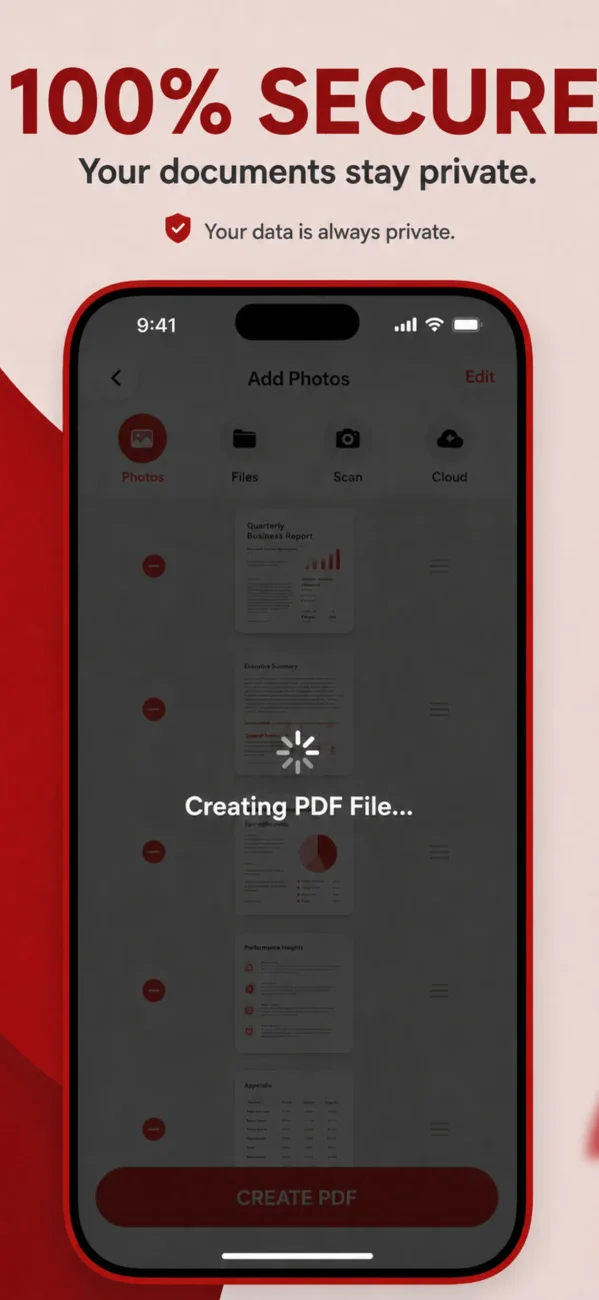
Someone needs it as a PDF, but you only have a photo, scan, or file? Turn it into a PDF from your camera, gallery, or imported files, then fix the order, rename the document, and share the final version. Get the file ready before the next thing interrupts you!
Most PDF jobs are not big projects. It is usually one form, a few pages from class, a receipt, a signed paper, or several pictures that would look better as a single file. Most of the time, it is easier to use a simple PDF creator than open a larger editor just to handle one quick file.
Create PDFs from everyday files
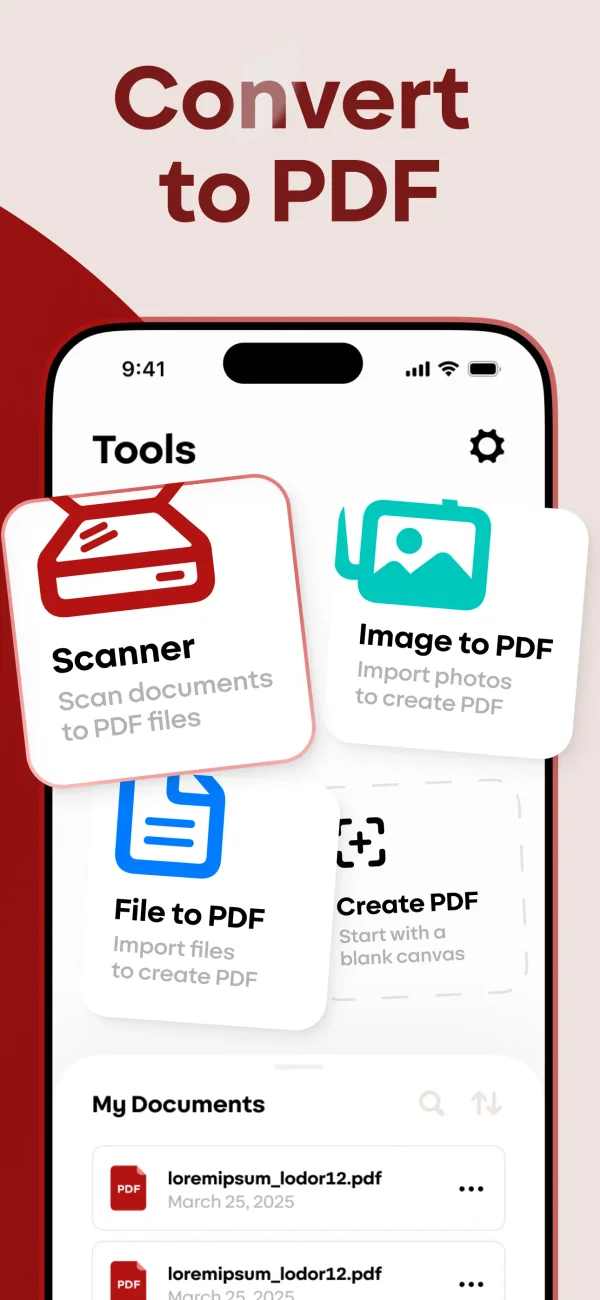
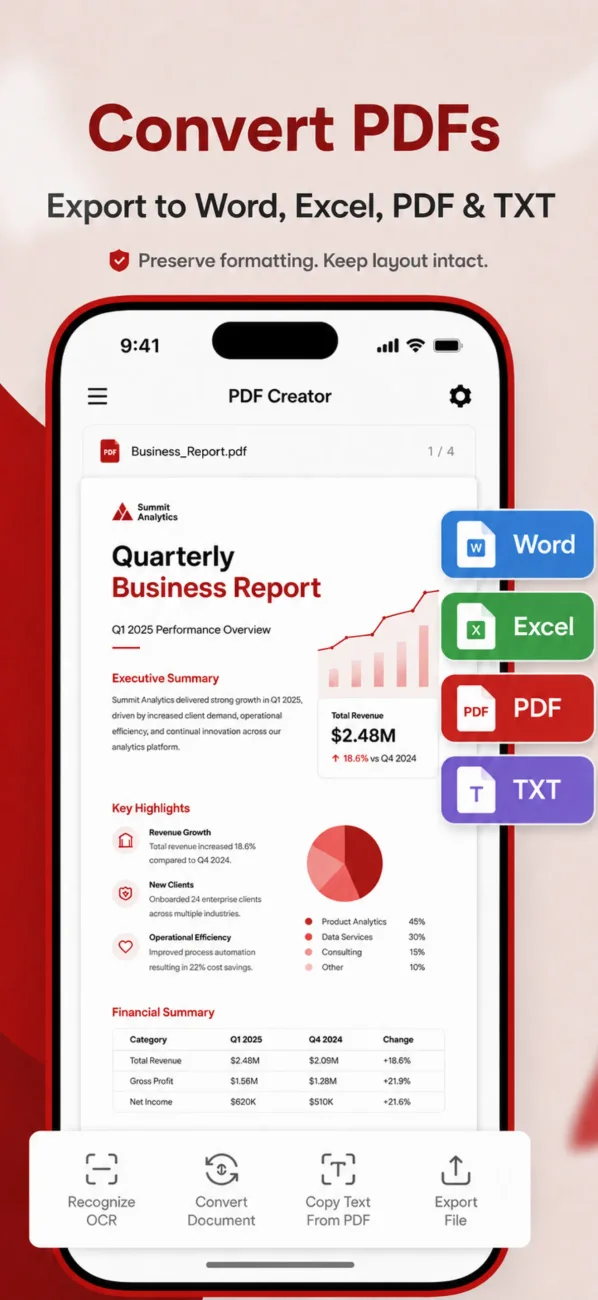
The app is built around simple PDF creation from everyday phone content. Use photos, images, camera scans, or imported files, then make a PDF you can rename, reorder, and export when the document looks right.
Scan paper documents
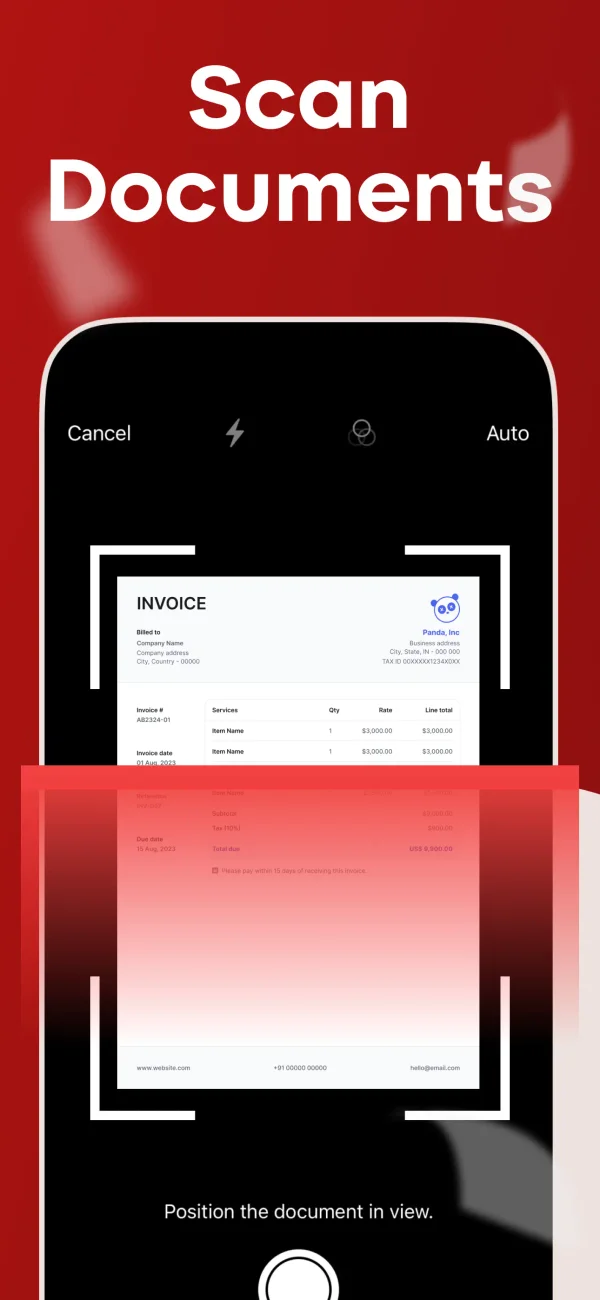
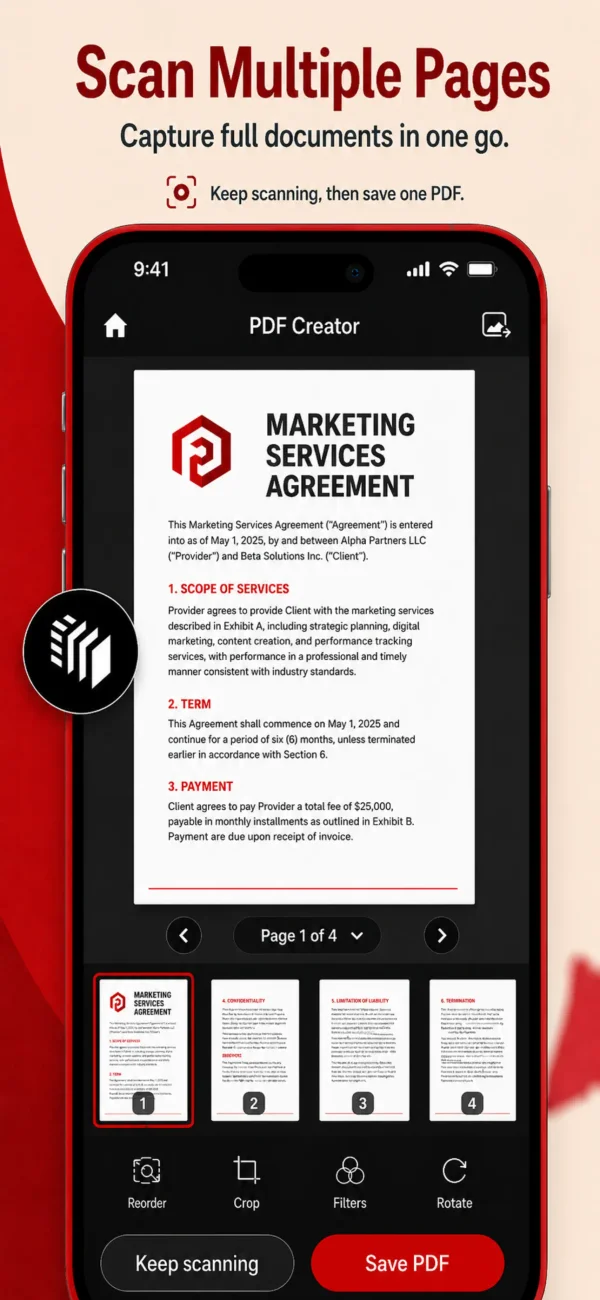
For pages you still have in front of you, the camera scanner keeps things simple. Capture printed documents, school notes, forms, receipts, letters, or office papers, then save them as PDF files instead of sending plain photos.
Convert photos and images
A lot of documents start as pictures now. Use the image converter to take photos from your gallery, place them in the right order, and make a PDF that looks cleaner when you need to send, upload, print, or store it.
Import saved files
For saved files, you do not need to scan anything again or turn the file into images first. Import the supported file, make it into a PDF, rename it if the name is too vague, and keep the finished document ready for sharing or later use.
What you can do:
- Create PDF files from photos, images, scans, and files
- Scan paper documents with your camera
- Convert pictures from your gallery into PDF files
- Import supported files and save them as PDFs
- Start a PDF from a blank canvas
- Rename files so they are easier to recognize
- Reorder pages before exporting
- Manage pages inside your PDF documents
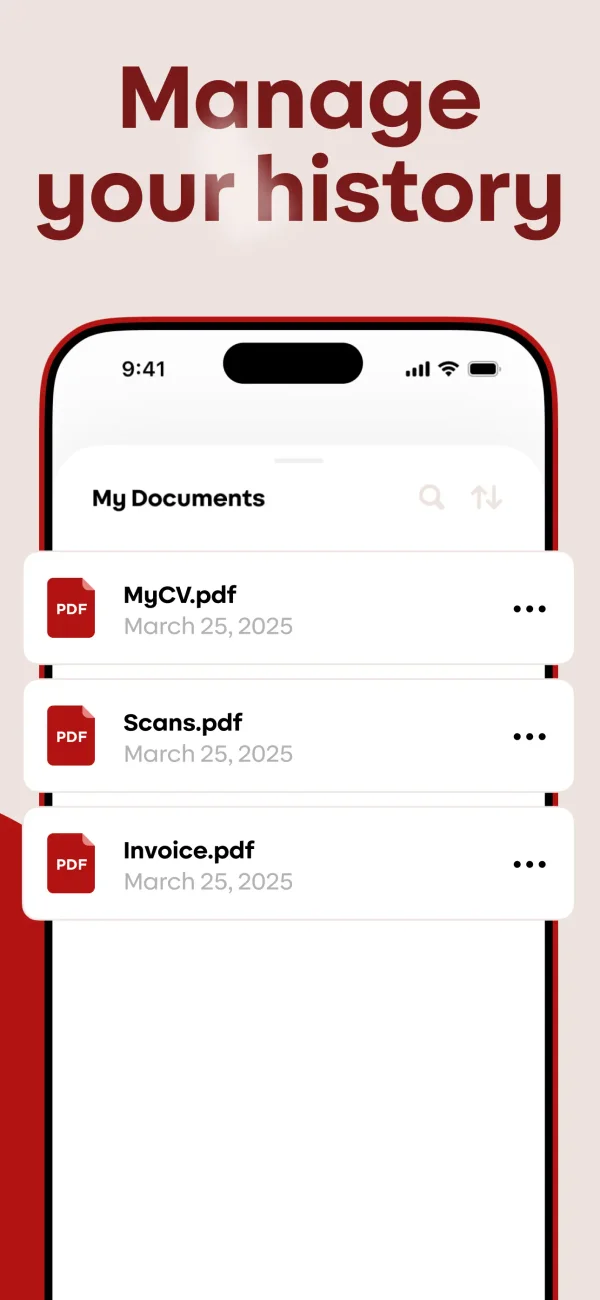
- Keep a history of created PDFs
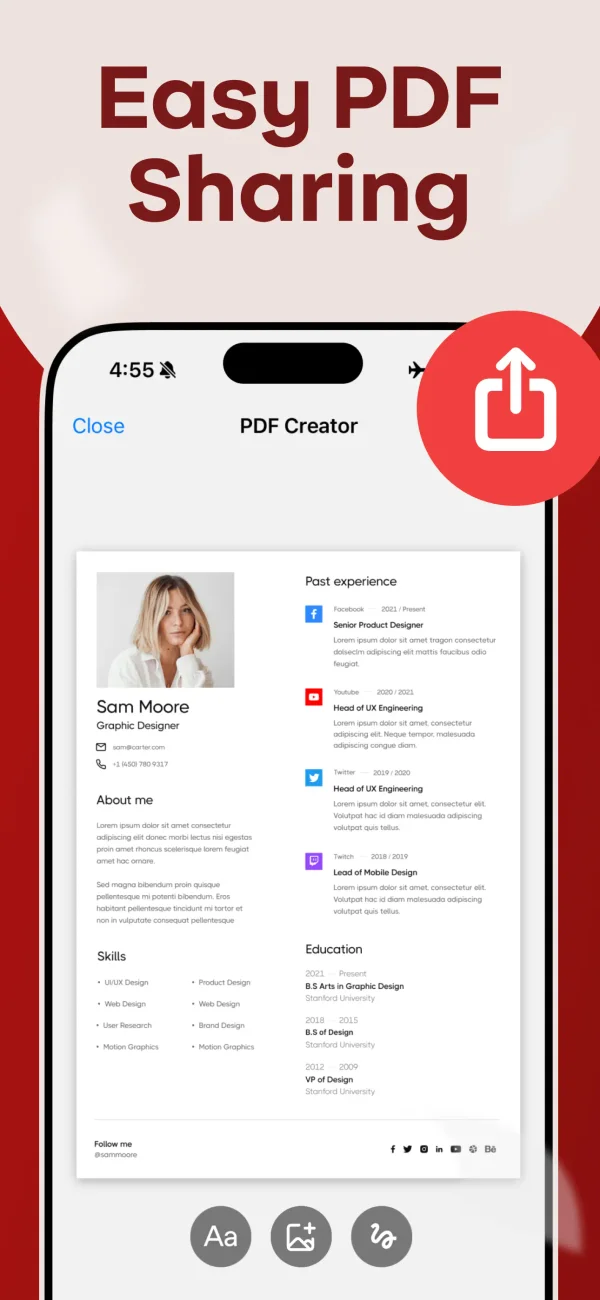
- Share or export files quickly
Everyday PDF tasks
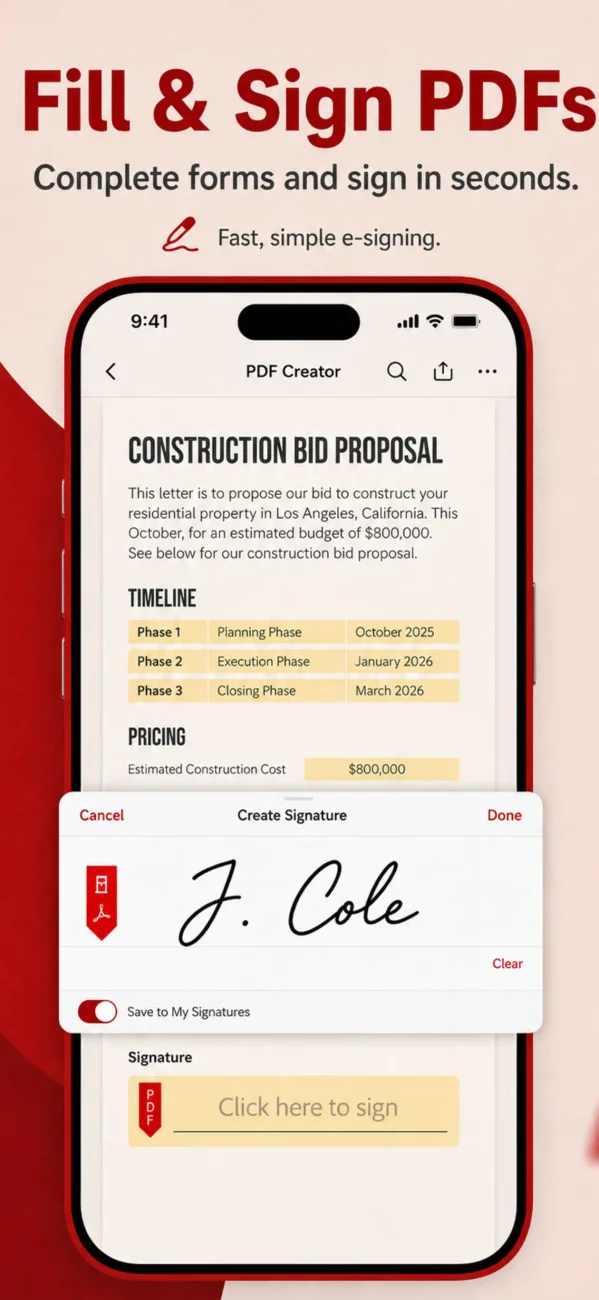
The app works well for everyday situations, not only office work. You might use it for class notes, homework, signed papers, forms, invoices, receipts, personal records, travel documents, confirmations, or quick camera scans. It is also useful when someone asks you to “send it as a PDF” and you only have the original as a photo or file.
Photo to PDF, scan to PDF, file to PDF
Photo to PDF is simple: choose images, check the page order, and create the document. Scan to PDF is just as direct: use the camera, capture the paper, and save it as a PDF. File to PDF is there when you want to import a supported file and turn it into something easier to share.
Organize pages before sharing
The page tools are useful when the first version is not quite right. Move pages around, give the PDF a clearer name, keep track of recent files, and send the final version without digging through a confusing workflow.
Simple PDF creation
This is more of a practical PDF creator than a complicated document workspace. You can scan, import, create, rename, reorder, and share, without getting pulled into a long editing process. For everyday PDFs from photos, images, files, and paper scans, that is usually what matters most.
Use it to:
- Turn photos into one PDF
- Scan a paper document
- Save images as a PDF file
- Create a PDF from imported files
- Reorder pages before sending
- Rename a document for easier tracking
- Share a clean PDF instead of loose images
- Keep recent PDF files in one place
A good PDF tool should save time, not add more steps. This app gives you the basic workflow most people need: choose the source, create the PDF, fix the order, rename it, and share or export the result.
Download our app when you need a PDF from photos, scans, images, or files without opening a complicated editor. Create documents from your camera, gallery, blank canvas, or imported files, then organize pages and share the finished PDF. Turn the thing you have into the file they need!
Có gì mới
Phiên bản 1.7.6 · 26/06/2026
Bug fixes and improvements
Quyền riêng tư của ứng dụng
Những gì ZOHIAGADA LTD khai báo trên App Store về cách ứng dụng này xử lý dữ liệu.
-
Dữ liệu được sử dụng để theo dõi bạn
Có thể được sử dụng để theo dõi bạn trên các ứng dụng và trang web do công ty khác sở hữu.
- Dữ liệu sử dụng
-
Dữ liệu không liên kết với bạn
Có thể được thu thập nhưng không liên kết với danh tính của bạn.
- Mã định danh
- Dữ liệu sử dụng
Phương thức đảm bảo quyền riêng tư có thể khác nhau, chẳng hạn như tuỳ theo các tính năng bạn sử dụng hoặc độ tuổi của bạn.
Thông tin
- Người bán
- ZOHIAGADA LTD
- Danh mục
- Tiện Ích
- Phiên bản
- 1.7.6
- Cập nhật
- 26/06/2026
- Phát hành
- 30/03/2025
- Kích thước
- 41,6 MB
- Yêu cầu
- iOS 16.0 trở lên
- Độ tuổi
- 4+
- Giá
- Miễn phí
- Mua hàng trong ứng dụng
- Có
- Ngôn ngữ
- Tiếng Anh, Tiếng Pháp, Tiếng Đức, Tiếng Ý, Tiếng Nhật, Tiếng Hàn, Tiếng Bồ Đào Nha, Tiếng Trung Giản thể, Tiếng Tây Ban Nha, Tiếng Trung Phồn thể
- Bản quyền
- © ZOHIAGADA
Có thể bạn cũng thích
-
 pScanner:PDF Document ScannerTiện Ích
-
 QR Scanner & Barcode GeneratorEasy Code Reader, Creator & QC
-
 FontFlex: Phông chữ cho SafariTuỳ chỉnh cỡ và màu
-
 BetterClean: Gallery CleanerTiện Ích
-
 Máy dò camera ẩn SpyFyQuét AI, WiFi và Bluetooth
-
 Q R Code Reader Scan ™Tiện Ích
-
 AdBlocker - Block & Remove AdsTiện Ích
-
 GuardMe: Who Touched My PhoneTiện Ích
-
 AI Text to Speech ⋅AI Text to Speech
-
 Retirement Countdown: WorkEndTiện Ích