
pScanner:PDF Document Scanner
Scan Photos, Papers with OCR
Designed for iPhone
Free · In-app purchases
- Age rating4+
- CategoryUtilities
- DeveloperAGI Scanner Technology Co., Ltd.
- LanguagesEnglish+ 7 more
- Size390.1 MB
Links to the official App Store page
Download.org hosts no file of pScanner:PDF Document Scanner. The button opens its official App Store page, published by AGI Scanner Technology Co., Ltd. Listing last checked on Nov 15, 2026.
Screenshots



About
Turn Your Phone into a Powerful Scanner!
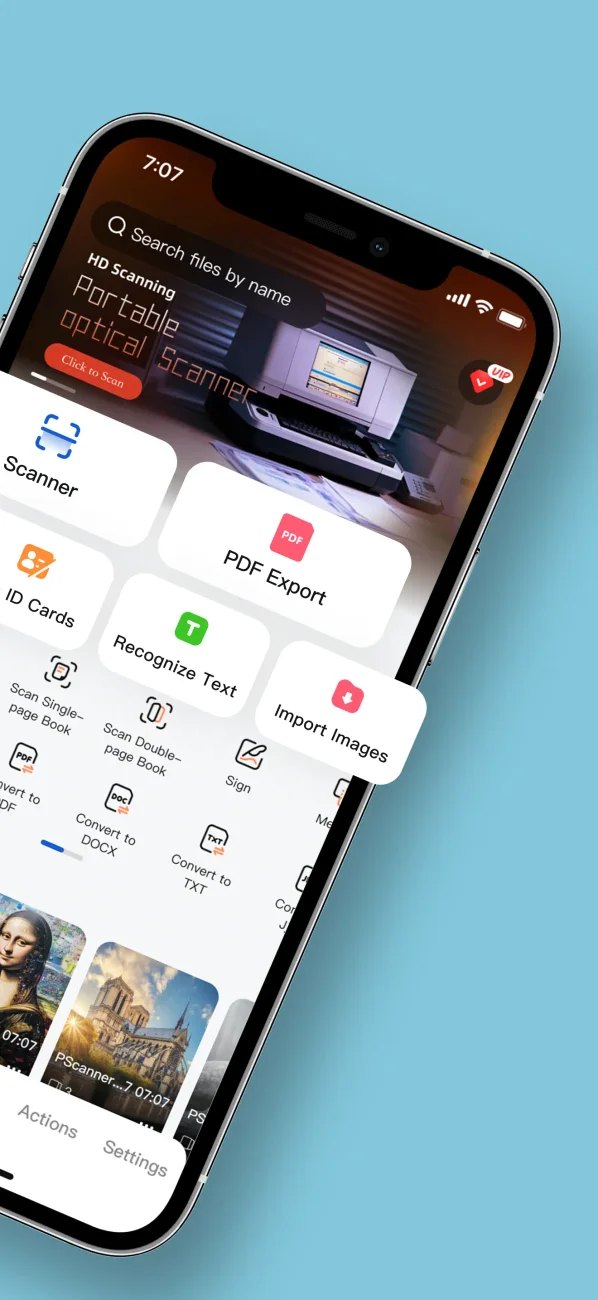
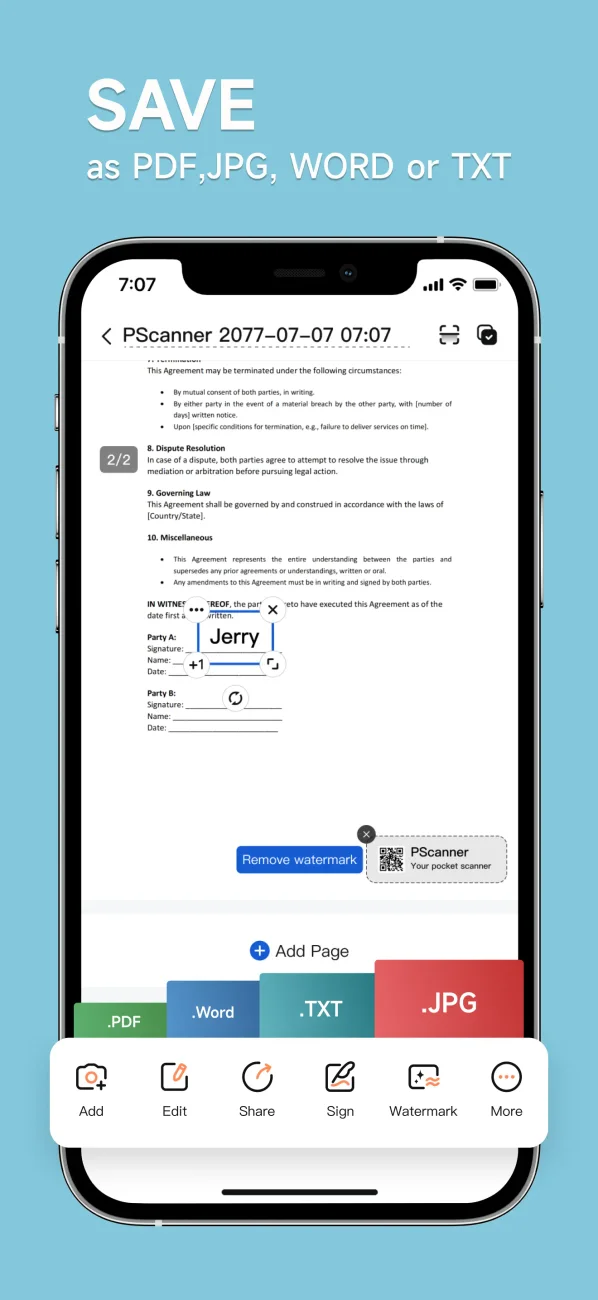
Pocket Scanner transforms paper documents into high-quality digital files in seconds. Convert scans to PDF, JPG, Word, TXT, and more. Print directly or share via email, messaging apps, or cloud platforms with one tap.
Key Features
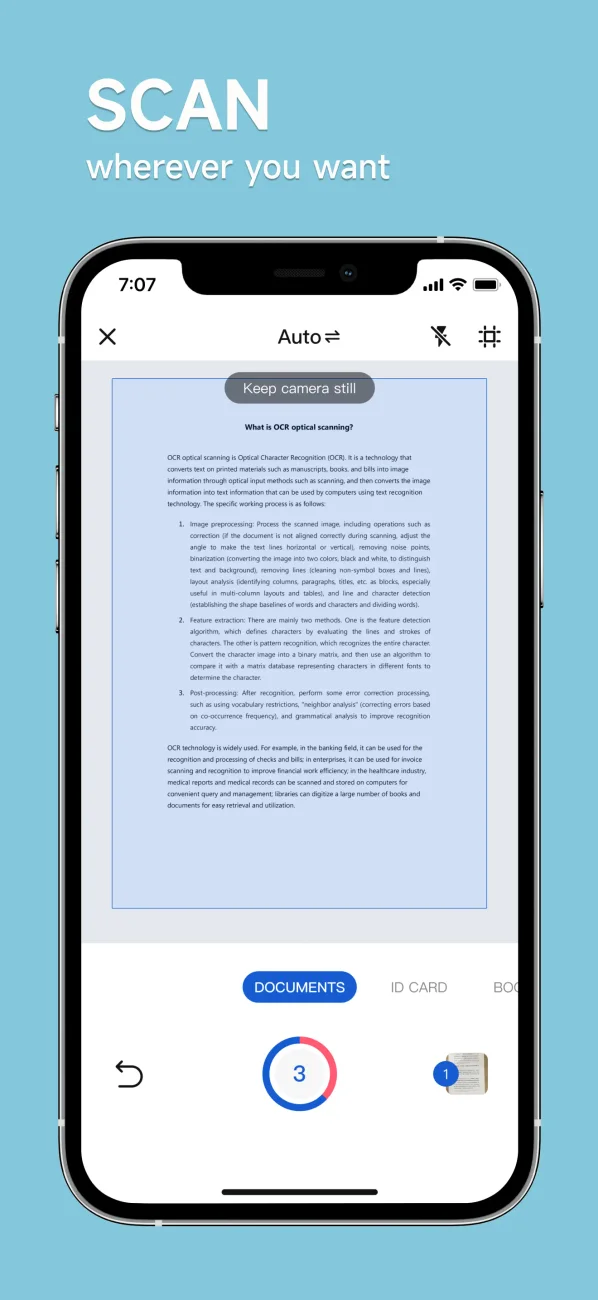
1. Crisp Scanning & Smart Editing
- HD scans with auto-edge cropping and customizable filters.
2. OCR Text Recognition
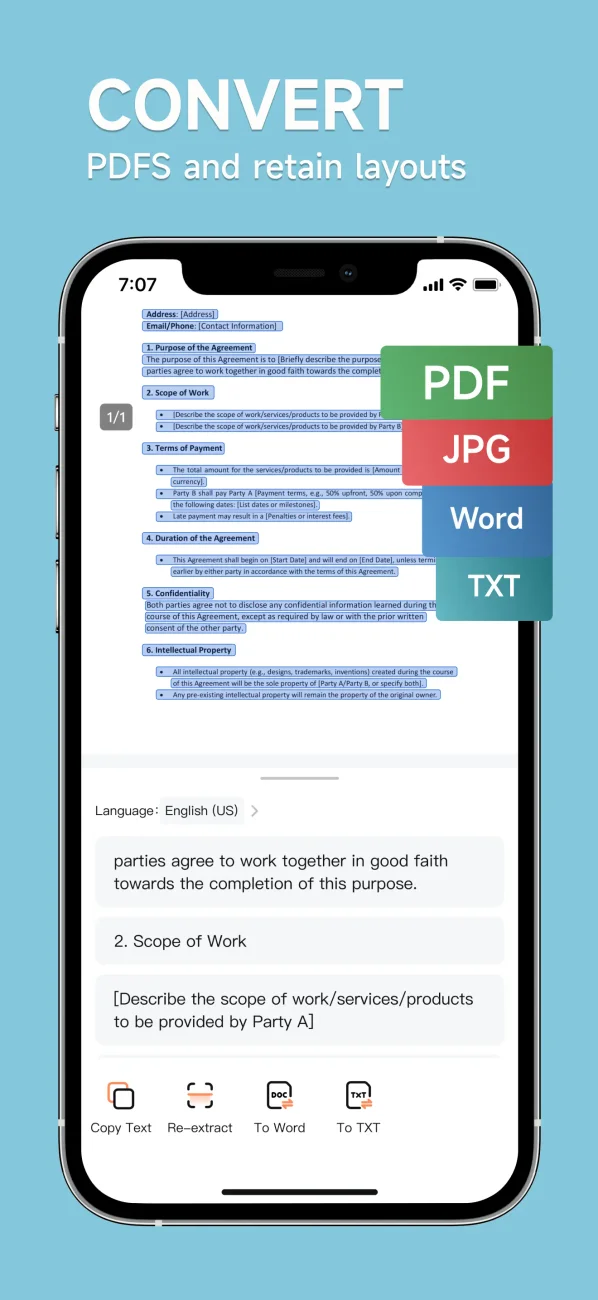
- Accurate text extraction with intelligent OCR technology.
3. Smart PDF Tools
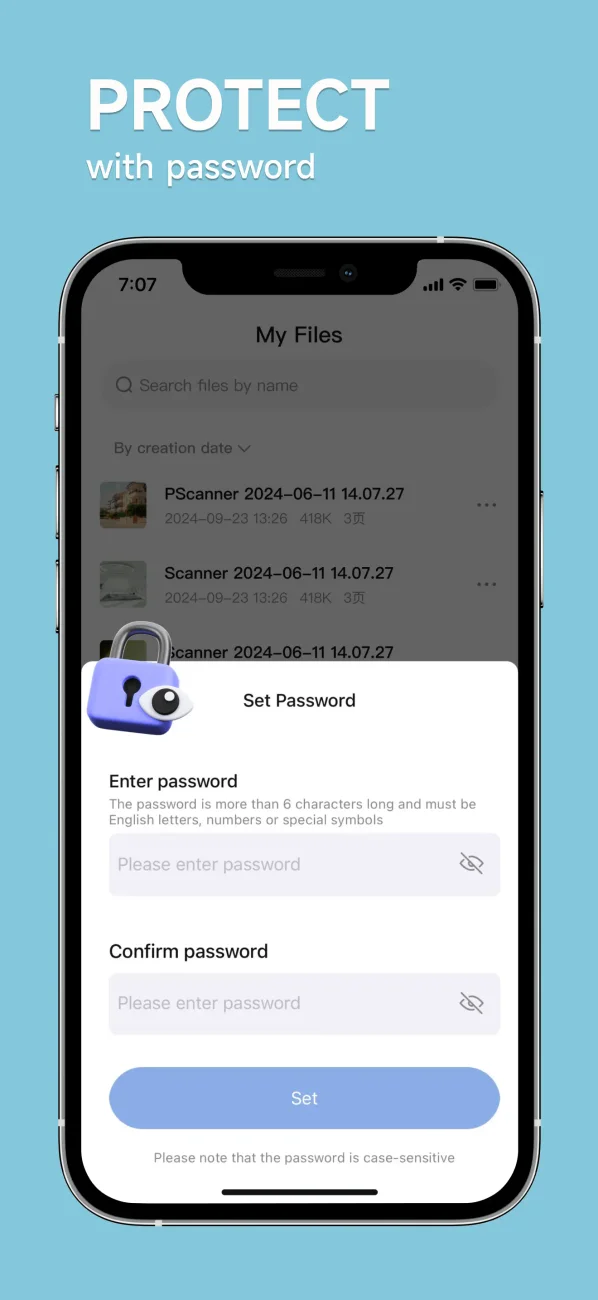
- Generate PDFs instantly. Add signatures, watermarks, or password protection.
4. Multi-Format Conversion
- Export to Word, PDF, TXT, JPG, etc.
5. Wireless Printing
- Print documents directly from your phone to compatible printers.
6. ID & Card Scanning
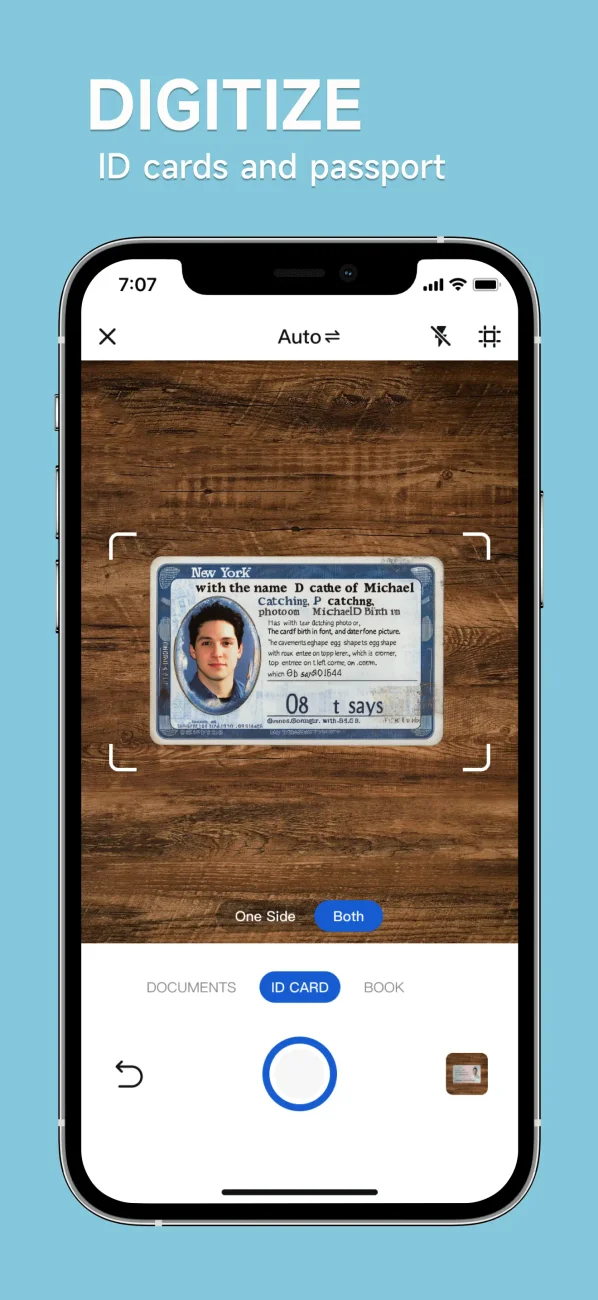
- Scan IDs, licenses, or cards with 1:1 precision. Auto-align to A4/Letter size.
7. High-level Security
- Secure file encryption & password-protected sharing.
8. Bulk Processing
- Handle large files and image batches effortlessly.
9. Smart Organization
- Categorize documents with custom folders and tags.
Use Cases
1. Document Scanning & Management
- Scan Anything, Anytime Contracts, notes, books, receipts, posters—scan multi-page docs in seconds.
- Auto-Crop & Enhance Remove clutter and optimize scans with brightness/color adjustments.
- Professional PDFs Create print-ready PDFs in A4, Letter, or custom sizes.
- Cloud Sync & Share Save to Photos, email PDFs, or share via AirDrop.
2. Text Extraction & Editing
- Scan-to-Text Convert printed/handwritten text to editable content (supports 15+ languages).
- Boost Productivity Copy text from IDs, invoices, or business cards into apps instantly.
3. ID & Document Scanning
- Digitize Critical Info Scan IDs, passports, or insurance cards. Print duplicates at 1:1 scale.
4. Study & Education
- Paperless Learning Scan textbooks, notes, or exams to create digital study guides.
- Smart Flashcards Turn scanned quizzes into shareable digital flashcards.
5. Business & Productivity
- On-the-Go Office Scan contracts, whiteboards, or receipts during meetings or travel.
- Team Collaboration Share annotated PDFs via Slack, Teams, or email in one click.
6. Everyday Convenience
- Preserve Memories Digitize photos, recipes, or travel souvenirs.
- Travel Ready Store scanned itineraries, tickets, and maps offline.
Why Professionals & Students Love It
- Time-Saving – Ditch manual typing with instant OCR.
- Pro-Quality Scans – Crisp results rivaling desktop scanners.
- High-level Privacy – Your docs stay 100% secure.
- Apple Ecosystem Ready – Works seamlessly with AirPrint, Files app, and iCloud.
Download Now – Join 5M+ users who trust Pocket Scanner for work, school, and life!
pScanner PRO
-Subscribe to get Pro access to all features. You will be charged after the purchase confirmation.
-Subscriptions to our scanner app auto-renew 24 hours before the expiration date. You can manage your subscriptions in account Settings on the App Store.
Terms of Use of pScanner: Scanner App:
https://www3.yunhu.net.cn/agreement/terms
Privacy Policy of pScanner: Scanner App:
https://www3.yunhu.net.cn/agreement/privacy
We'd love to hear your feedback: pscanner.feedback@gmail.com
What’s new
Version 1.53 · Aug 14, 2026
Thanks for using pScanner! In this version you can find:
1. Minor bug fixes and UI improvements
We love getting feedback from all of you! Please leave your reviews so we can keep making the app even better.
App privacy
What AGI Scanner Technology Co., Ltd. declares on the App Store about how this app handles data.
-
Data used to track you
May be used to track you across apps and websites owned by other companies.
- Usage data
-
Data linked to you
May be collected and linked to your identity.
- Usage data
-
Data not linked to you
May be collected but is not linked to your identity.
- Purchases
- Identifiers
- Usage data
- Diagnostics
- Other data
Privacy practices may vary, for example with the features you use or your age.
Information
- Seller
- AGI Scanner Technology Co., Ltd.
- Category
- Utilities
- Version
- 1.53
- Updated
- Aug 14, 2026
- Released
- Mar 25, 2025
- Size
- 390.1 MB
- Requires
- iOS 16.0 or later
- Age rating
- 4+
- Price
- Free
- In-app purchases
- Yes
- Languages
- English, French, German, Indonesian, Japanese, Portuguese, Simplified Chinese, Traditional Chinese
- Copyright
- © 2024 AI Scanner LTD.
You might also like
-
 PDF Maker & Document ScannerImage Converter & Photo Scan
-
 QR Maker: QR Code GeneratorCustom QR & Barcode Creator
-
 Liquid Remover - clear waterClear Wave & remove water
-
 Hidden Camera Detector - SpyFyAI Scan, WiFi & Device Finder
-
 WTMP | Who Touched My Phone?iAntiTheft: Dont Unlock Device
-
 ScanBox:Fast find scanned docsScan Receipt,Cards,Letters...
-
 ReadLoud: Scan Image to TextVoice, Speech & Audio Reader
-
 Qr Code Reader & Scanner ZapQRQr Code Generator - Barcode
-
 Gooda: AI Diary & MomentsPrivate Diary & Art Calendar
-
 Vocam Translator: AI TranslateVoice & Camera Translation