SMART-PDF: Document Scanner
Receipts, bills & deadlines
Designed for iPhone, iPad, Mac
Free · In-app purchases
- Age rating4+
- CategoryUtilities
- DeveloperBartnitzky, Böttcher und Springer GbR
- LanguagesEnglish+ 9 more
- Size14.7 MB
Links to the official App Store page
Download.org hosts no file of SMART-PDF: Document Scanner. The button opens its official App Store page, published by Bartnitzky, Böttcher und Springer GbR. Listing last checked on Nov 18, 2026.
Screenshots

About
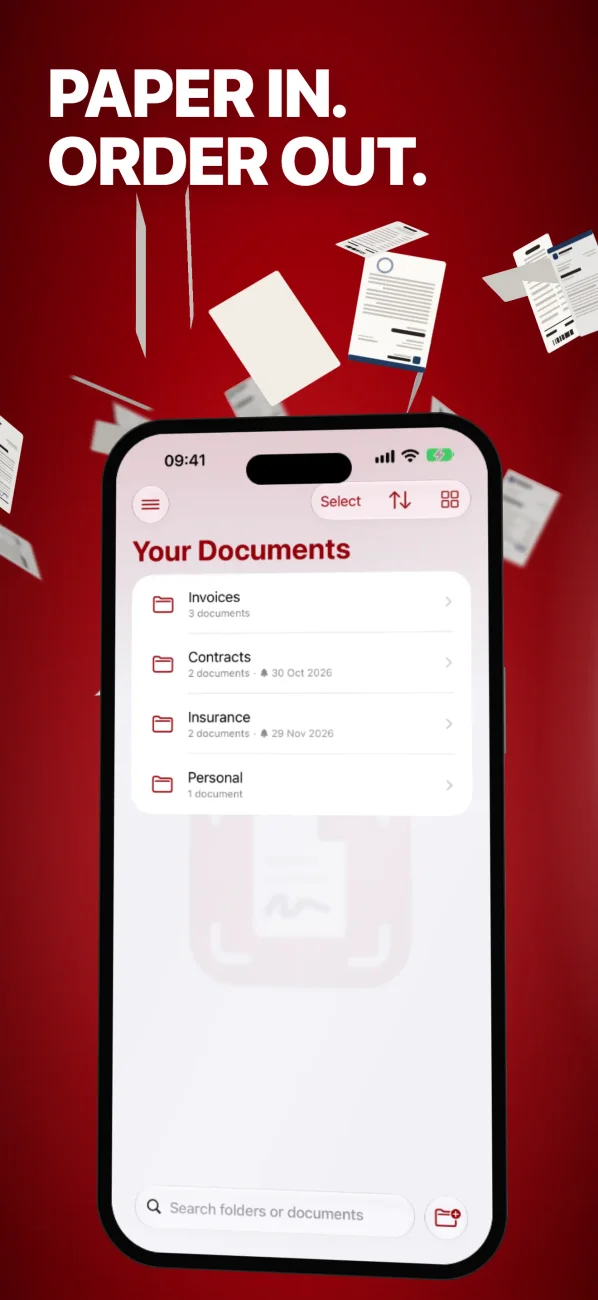
Paper in. Order out. SMART-PDF scans your paperwork, gives it fitting names and reminds you of deadlines. Everything stays on your own devices: no cloud, no account.
NEW IN 4.7: THE YEAR-END CHECK
- All deadlines until the end of January and always one clear next step
- Find tax papers: SMART-PDF searches the text of your documents for wage statements, donation receipts and more, and you can add your own items
- Collect everything in a tax folder with one tap, move or copy, and send it to your tax adviser
NEW IN 4.6
- Folders within folders: subfolders up to four levels deep, a protected folder protects everything inside
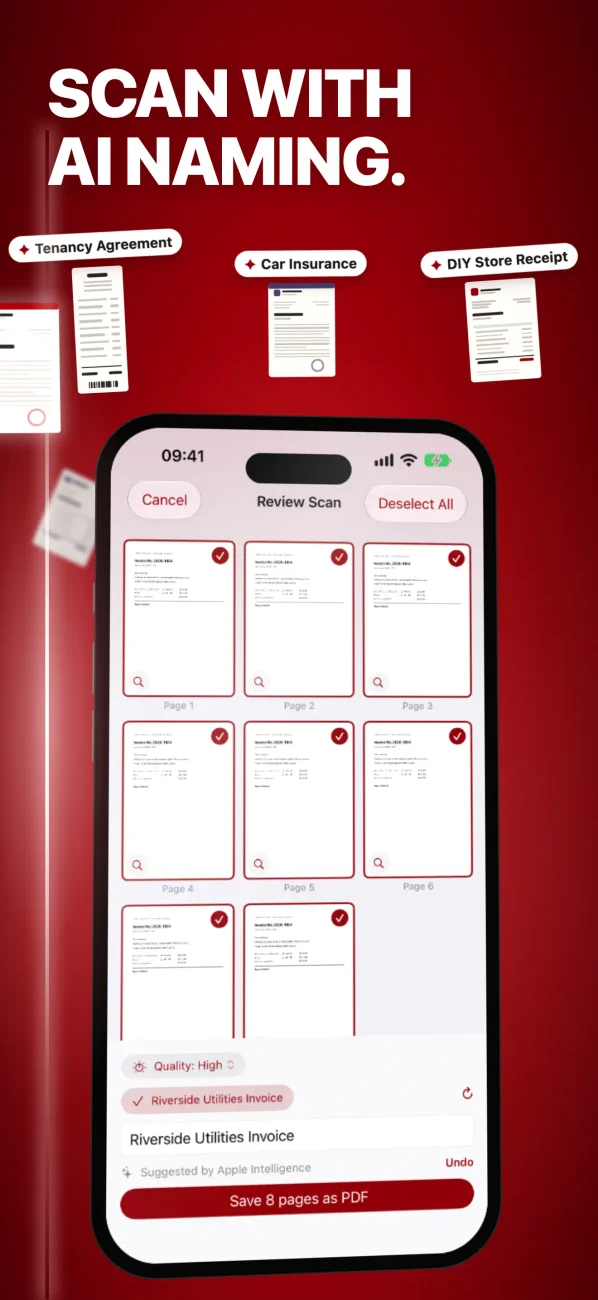
- Split documents: scanned several invoices in one go? SMART-PDF spots where each new document starts and leaves out blank back pages
- Name many documents at once, optionally with the date first
- New folder from your selection, with a fitting name from the content
- Move, rotate and resize drawings afterwards
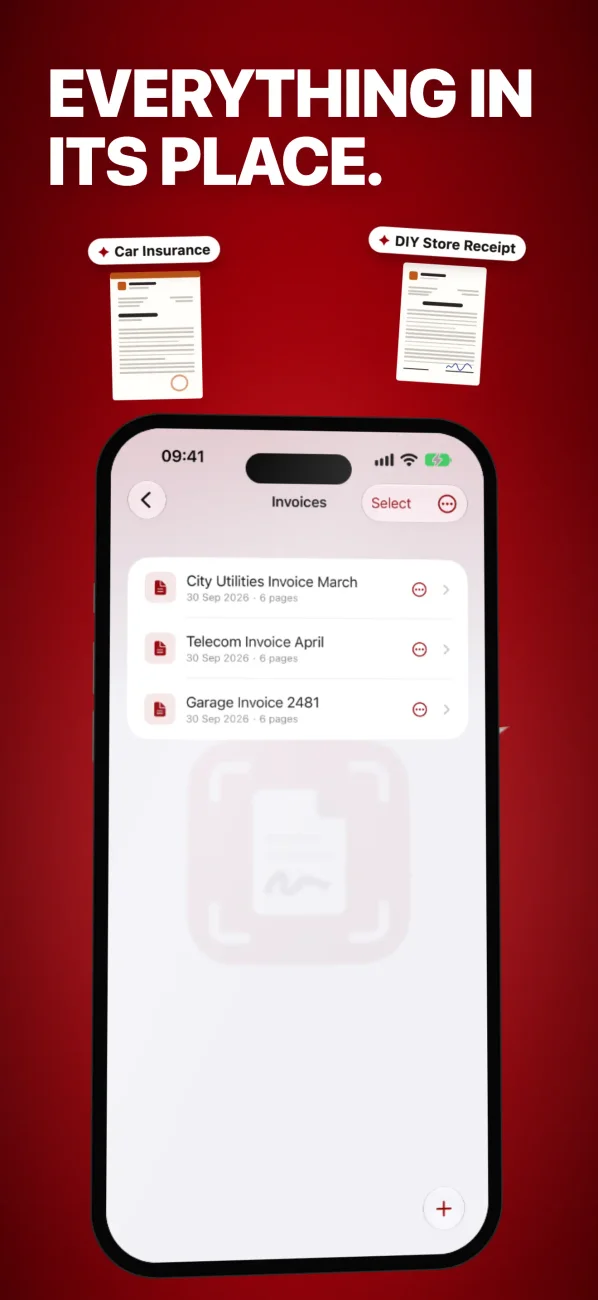
SCAN AND NAME
- Scan documents with the camera, edges are detected automatically
- Name suggestions from the content, like “Energy Bill July 2026” instead of “Document 17”. With Apple Intelligence right on your device
- Quick Scan from a widget, Control Center, the Action button or Siri
- Bring in photos and PDFs from other apps, also via the share menu
ORDER THAT THINKS AHEAD
- Create and sort folders freely, as a list or a grid
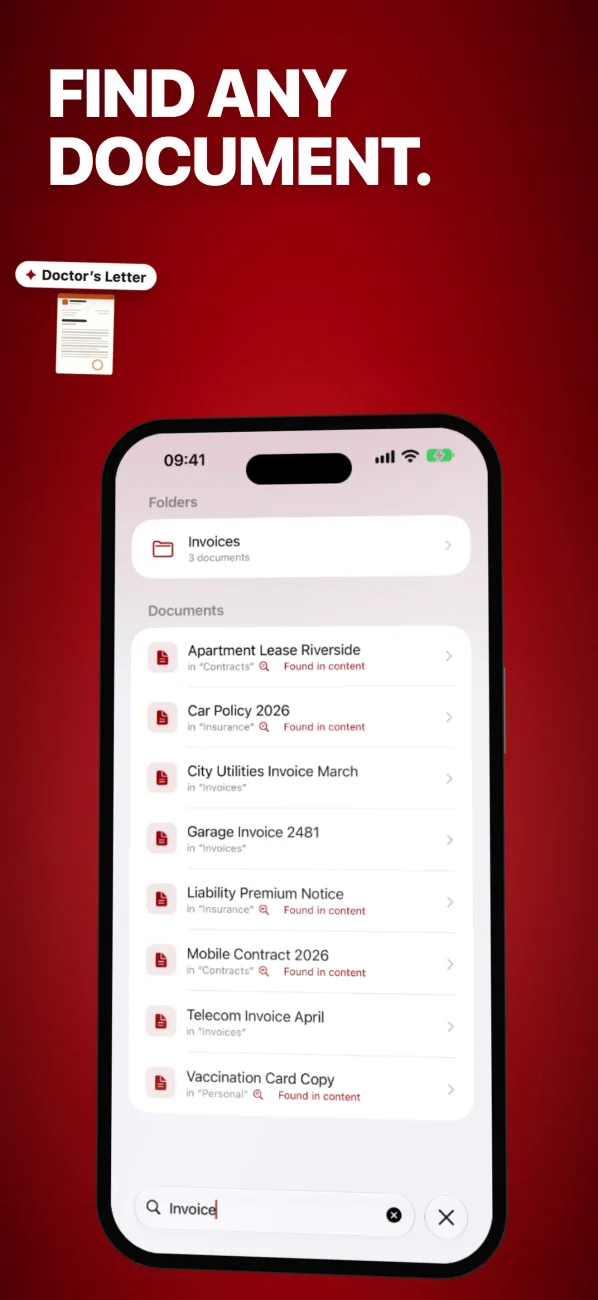
- Search the text of every document, also from iPhone search
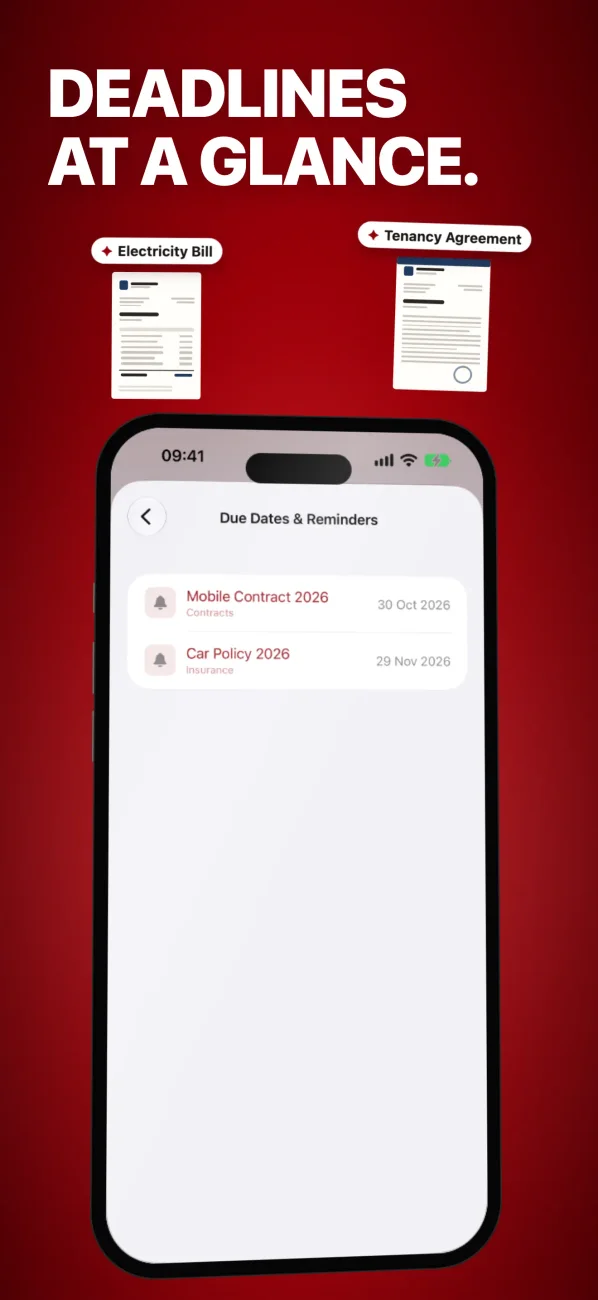
- Deadlines such as notice periods and payment dates are detected in the document, with a reminder and optionally in your calendar
- Short summary of a document or a whole folder
EDIT AND SIGN
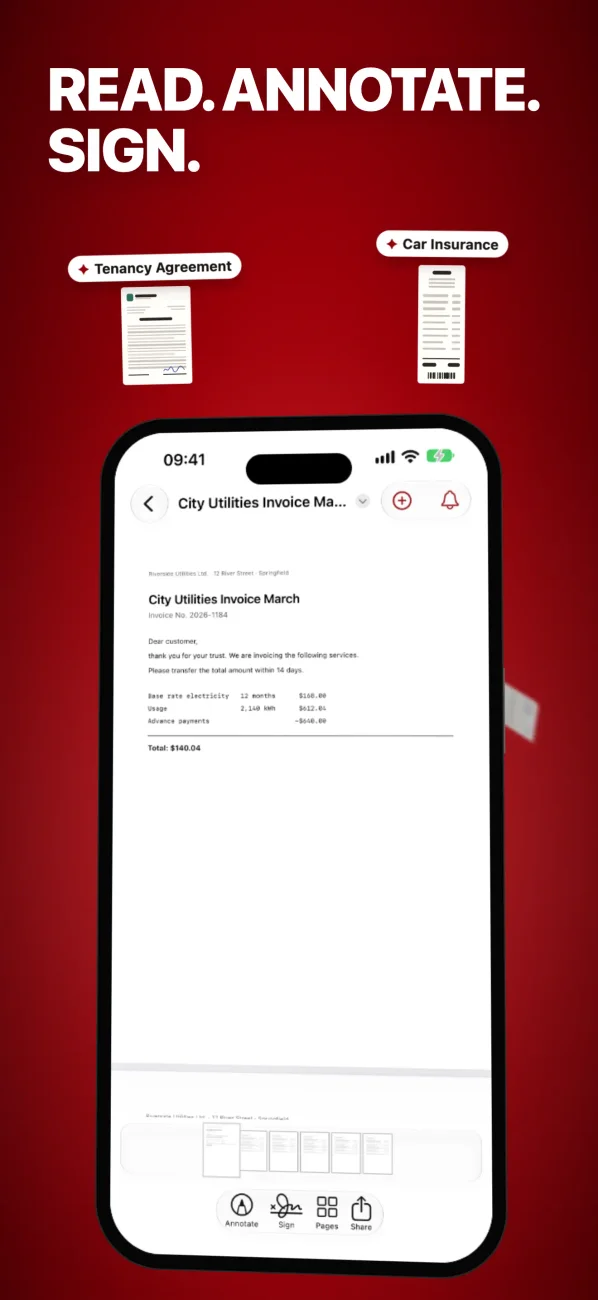
- Sign PDFs, add text and stamps
- Annotate with pen, highlighter and eraser
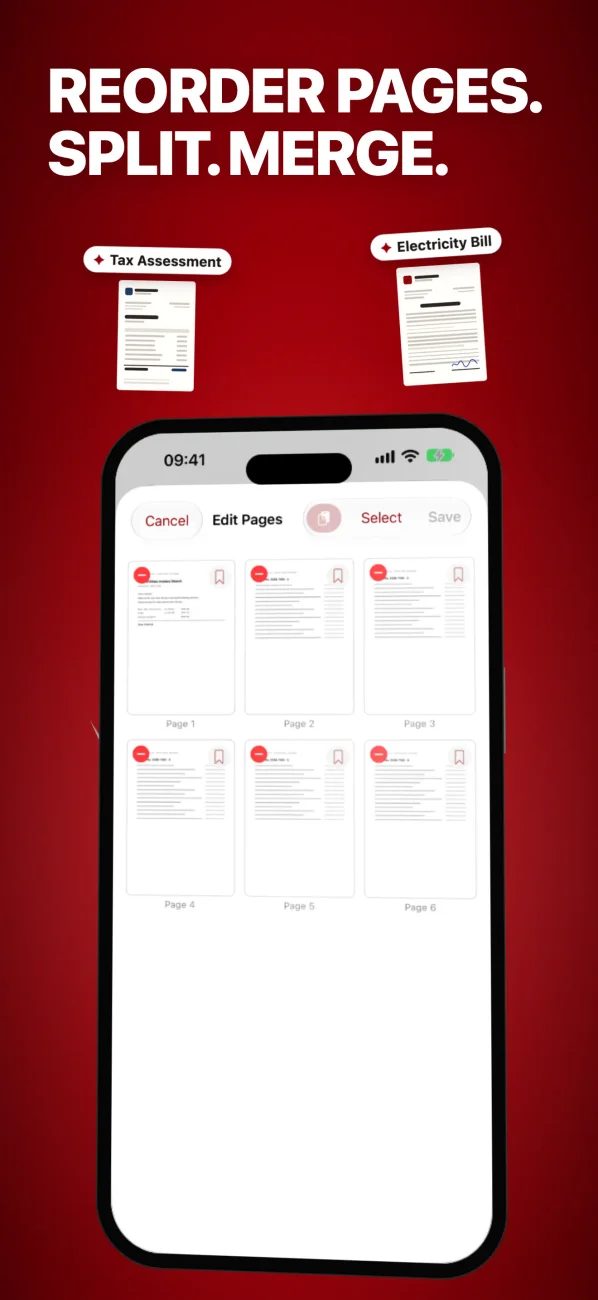
- Reorder, rotate and delete pages, or copy them into other documents
- Copy text from scans with Live Text
- Shrink large files
IPHONE, IPAD AND MAC
- Dedicated apps for iPhone, iPad and Mac
- “My Devices”: pair once, then your documents sync directly over the air, encrypted and without internet
SAFE AND PRIVATE
- Password folders with Face ID or Touch ID
- App lock at launch
- Share with a PDF password if you like
- Back up your whole library as a ZIP
PREMIUM AND COINS
Premium is ad-free and unlocks every feature without coins. The subscription works on iPhone, iPad and Mac with the same Apple Account and can be tried free for 7 days. Durations: 1, 3, 6 or 12 months.
Without a subscription you pay for single features with coins. Coins can be bought or earned by watching ads.
- Sign a PDF: 1 coin
- Share or export a PDF: 1 coin per file
- 3 more documents in a full folder: 1 coin
- Scan with more than 10 pages: 1 coin
- Shrink a document: 1 coin
- Summary of a document: 1 coin, the first one is free
- Folder overview: 2 coins
- Combine documents into a collection: 2 coins
Free: creating folders, setting deadlines, splitting and naming.
SUBSCRIPTION DETAILS
- Payment is charged to your Apple Account at confirmation of purchase.
- The subscription renews automatically unless auto-renew is turned off at least 24 hours before the end of the current period. Renewal is charged within 24 hours before the end of the period.
- You can manage and cancel subscriptions at any time in your Apple Account settings.
- Collected coins are kept when you switch to Premium.
Terms of use: https://deine-dokumente.de/agb-nutzungsbedingungen
Privacy: https://deine-dokumente.de/datenschutz
What’s new
Version 4.7.0 · Oct 27, 2026
SMART-PDF 4.7
- New: the Year-End Check. All deadlines until the end of January at a glance
- Find it in the menu under “Year-End Check”
- Find tax papers: SMART-PDF searches the text of your documents for wage statements, donation receipts, tradespeople invoices and more, right on your device
- Add your own items, for example “pension” or “travel costs”
- File found papers in the folder “Taxes 2026” with one tap, and undo if needed
- Scan missing papers straight into the tax folder
- Tidy-up tips: name documents without a real name with AI, find large files
- In December and January the Year-End Check also appears on the home screen
App privacy
What Bartnitzky, Böttcher und Springer GbR declares on the App Store about how this app handles data.
-
Data used to track you
May be used to track you across apps and websites owned by other companies.
- Location
- Identifiers
- Usage data
- Diagnostics
-
Data linked to you
May be collected and linked to your identity.
- Location
- Identifiers
- Usage data
- Diagnostics
Privacy practices may vary, for example with the features you use or your age.
Information
- Seller
- Bartnitzky, Boettcher und Springer GbR
- Category
- Utilities
- Version
- 4.7.0
- Updated
- Oct 27, 2026
- Released
- Jun 25, 2020
- Size
- 14.7 MB
- Requires
- iOS 17.0 or later
- Age rating
- 4+
- Price
- Free
- In-app purchases
- Yes
- Languages
- English, Arabic, French, German, Greek, Hindi, Italian, Portuguese, Russian, Spanish
- Copyright
- © 2026 Bartnitzky, Böttcher und Springer GbR (BBSoftware)
You might also like
-
 PDF Pages EditorExtract and Reorder PDF pages
-
 PDF Combi/SplitterCombine, split, share PDFs
-
 Tiny PDF Toolbox・Merge & SplitExtract pages from PDF files
-
 Lotek EcotopiaUtilities
-
 Li.PAD ENERGY EXUtilities
-
 Gaj By GajUtilities
-
 Xtract FragrancesUtilities
-
 IPVoice Mobile AppUtilities
-
 Used Phone InspectorCheck IMEI + 15 Hardware Tests
-
 IdNFTDigital Identity