PDF & Photo Compressor
Reduce File Size, HEIC to JPG
Designed for iPhone
In-app purchases
- Age rating4+
- CategoryUtilities
- DeveloperHeinz Meier
- LanguagesGerman+ 2 more
- Size8.3 MB
Links to the official App Store page
Download.org hosts no file of PDF & Photo Compressor. The button opens its official App Store page, published by Heinz Meier. Listing last checked on Nov 23, 2026.
Screenshots

About
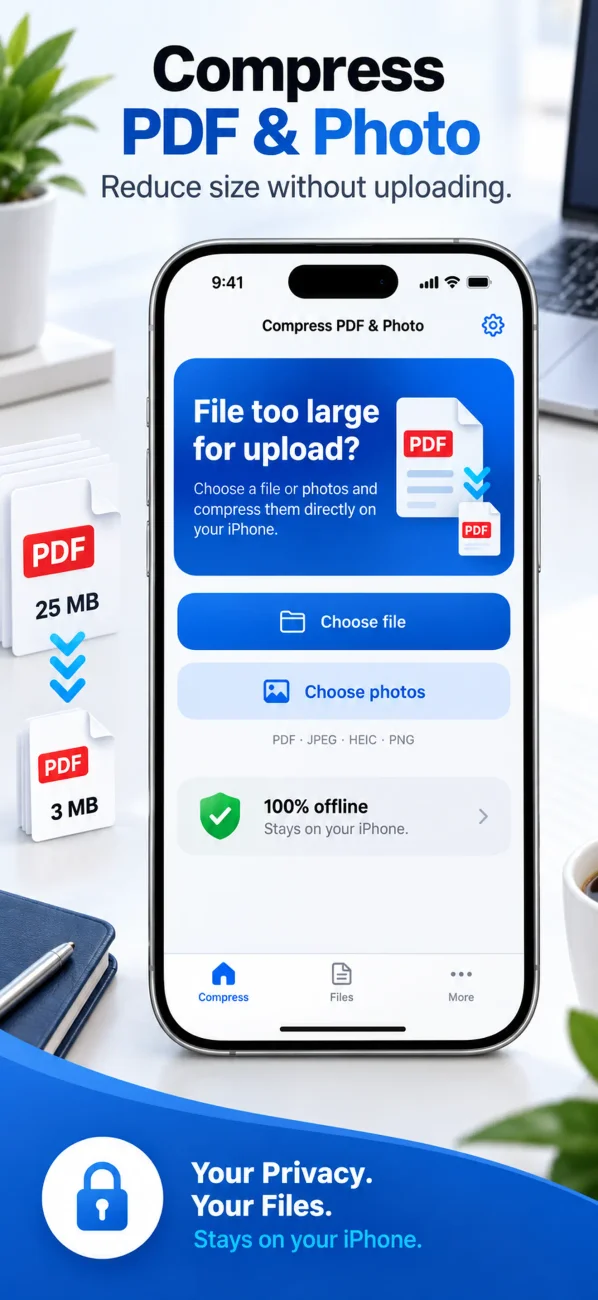
File too large for the upload form? Just say how big it may be – your iPhone does the rest.
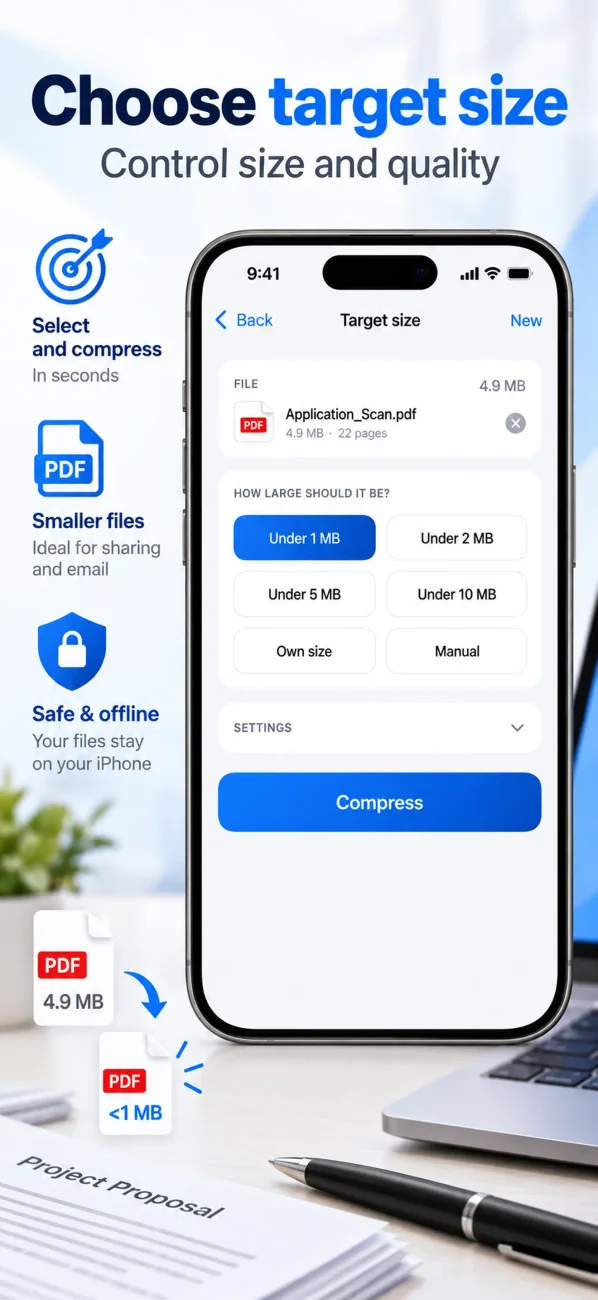
Government portals, job application forms and insurers want files "under 5 MB". That is exactly what this app is for: you pick the target size, not some abstract quality value.
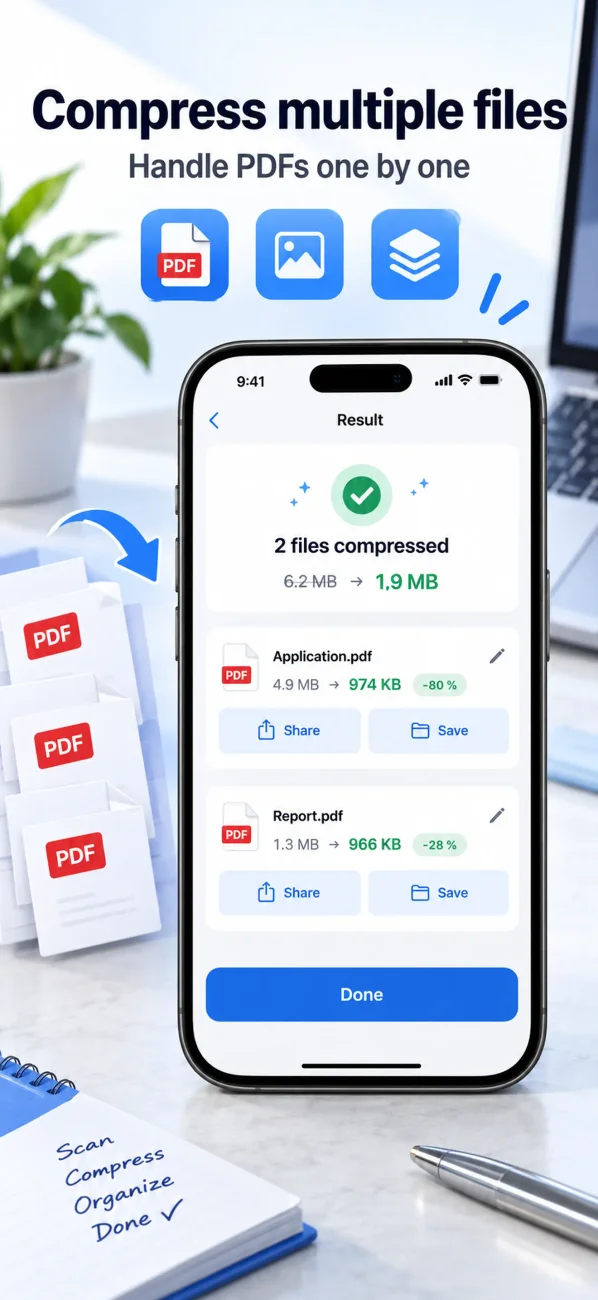
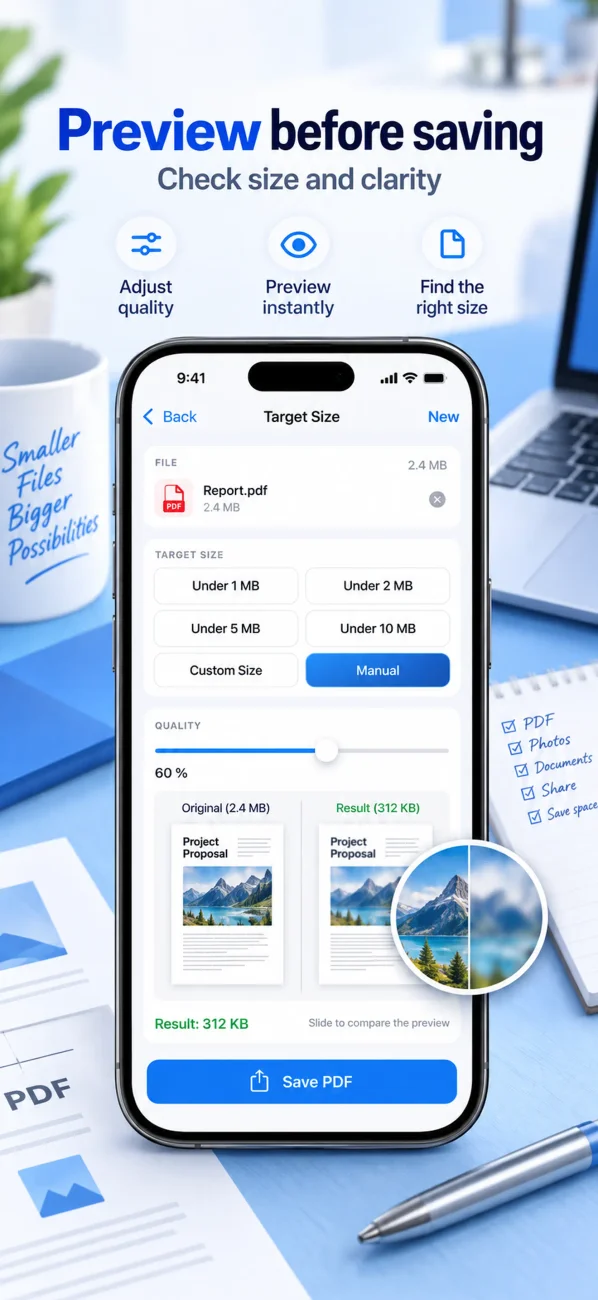
• Tap a target: under 1 MB, 2 MB, 5 MB, 10 MB or your own size
• The app keeps trying until the result lands just under it
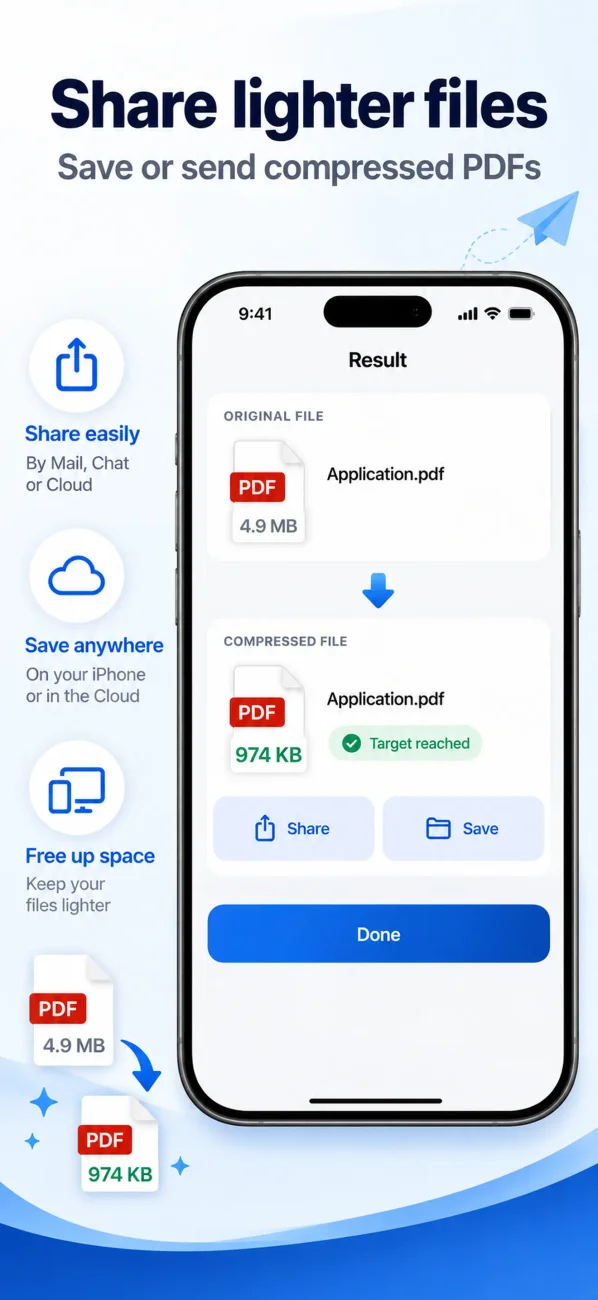
• Before/after at a glance: 4.9 MB → 974 KB (−80%)
COMPLETELY OFFLINE
Your documents never leave your iPhone. This app has no networking capability at all – there simply is no upload code in it. Applications, contracts, medical records and ID scans stay where they belong.
TEXT LAYER PRESERVED
Pages with real text are never turned into an image. Your compressed PDF stays searchable and selectable – exactly what cheap compressors get wrong. Pure scans are re-encoded instead, because that is where the megabytes are.
SHRINK PDFs
• Choose resolution: 150, 200 or 300 dpi
• Grayscale – often halves the size of a scan
• Compress only selected pages
• Embedded thumbnails and unused data are dropped
COMPRESS & CONVERT IMAGES
• HEIC → JPEG when a portal rejects your file
• PNG → JPEG, resize by longest edge or percentage
• Manual mode with live preview: see the result before you export
IMAGES TO PDF
Turn several photos into one A4 PDF – set the order, choose the margin, compressed in a single pass.
PRIVACY BY DEFAULT
GPS location, camera model and author are stripped from every image by default.
HONEST, NOT FLATTERING
If a target size cannot be reached without destroying legibility, the app says so instead of shipping mush. And if a file is already small enough, it is left untouched.
BUY ONCE, NO SUBSCRIPTION
Free: 3 files per day, all target sizes, full quality, no watermark.
Pro (one-time): unlimited files, batch processing and images → PDF.
No sign-up. No account. No ads. No data collection.
What’s new
Version 1.1.4 · Nov 15, 2026
Improvements and bug fixes.
App privacy
What Heinz Meier declares on the App Store about how this app handles data.
-
Data not linked to you
May be collected but is not linked to your identity.
- Purchases
Privacy practices may vary, for example with the features you use or your age.
Information
- Seller
- Heinz Meier
- Category
- Utilities
- Version
- 1.1.4
- Updated
- Nov 15, 2026
- Released
- Sep 15, 2026
- Size
- 8.3 MB
- Requires
- iOS 17.0 or later
- Age rating
- 4+
- In-app purchases
- Yes
- Languages
- German, English, French
- Copyright
- © 2026 Smarvia Studio
You might also like
-
 PDF CompactPDF Komprimieren
-
 PDF Compressor: Reduce PDFShrink File Size Offline
-
 Photo Compressor - Slimage100% Offline, Total Privacy
-
 PDF Size Reducer: PDFBuddySigner & ID Card Scanner
-
 Image Resizer: Reduce KB SizeCompress Photos in KB Easily
-
 PDF Compressor: Compress PhotoReduce File & Image Size
-
 PDF Size Reducer & CompressorShrink Docs for Email & Upload
-
 FileSizeFix: File CompressorCompress Photos, Videos & PDF
-
 Photo & PDF Compressor to KBResize Image, Reduce File Size
-
 Compress PDF : PDF Size ReducePDF Compressor - Shrink PDF